CMwww.chaptermuse.com › Feature › Offline private
Offline and Private Novel Writing Software
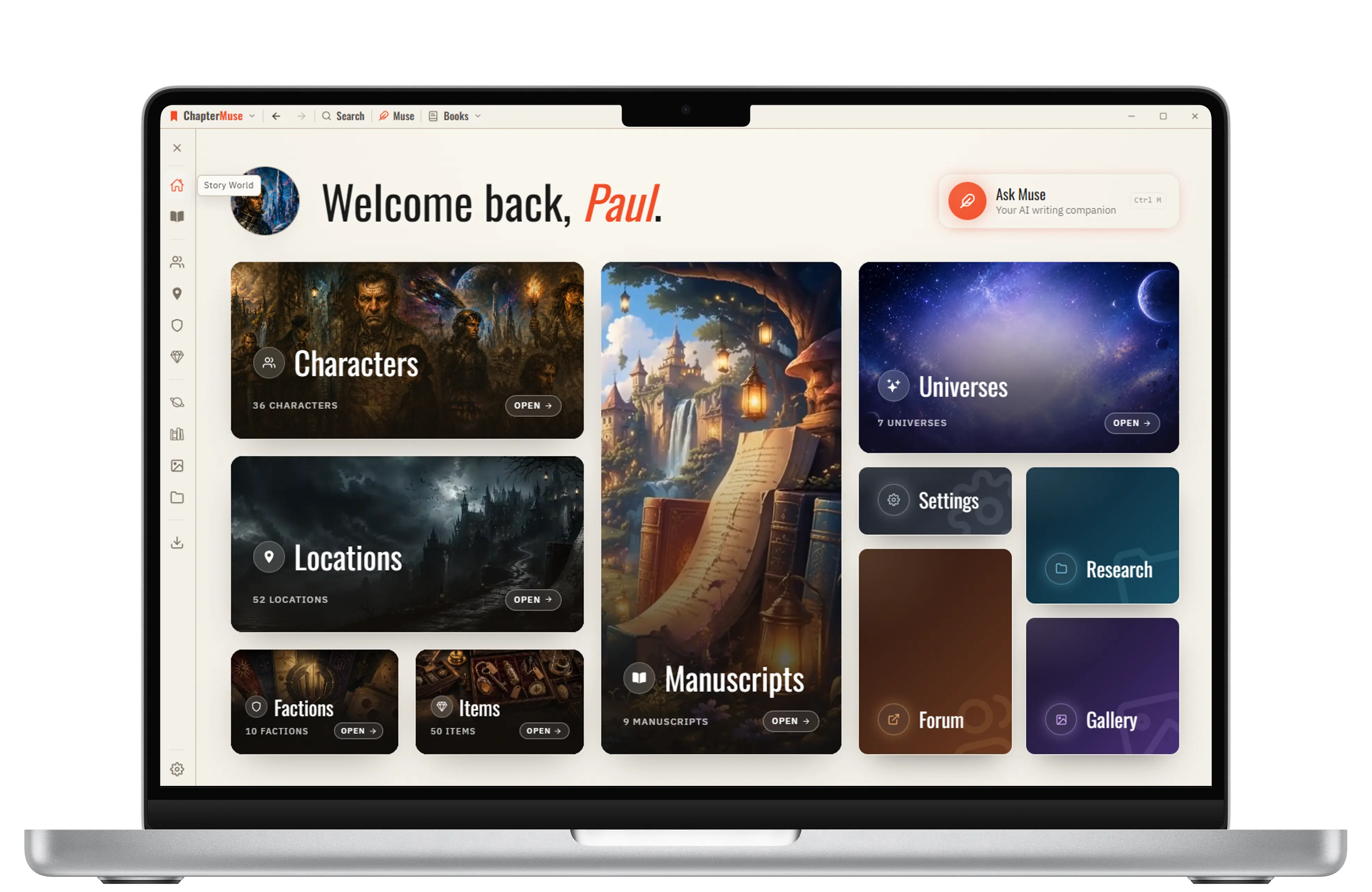
ChapterMuse is a desktop application for Windows and macOS, with the manuscript and story-world data stored on your computer.
About 70 results (0.029 seconds)
CMwww.chaptermuse.com › Feature › Offline private
ChapterMuse is a desktop application for Windows and macOS, with the manuscript and story-world data stored on your computer.
CMwww.chaptermuse.com › Help › Storage and resets
muse and choose a backup — you'll see a summary before confirming, and a safety copy of your current data is saved automatically first.
CMwww.chaptermuse.com › Help › Cloud backup
2Under Cloud backup you’ll see when your work was last backed up, and from which computer. 3Backups happen on their own about two minutes after you stop typing — there’s nothing to remember.
CMwww.chaptermuse.com › Help › Local first
So ChapterMuse opens instantly, keeps every word private to your machine, and works exactly the same at your desk or on a plane with no signal.
CMwww.chaptermuse.com › Page
Data-subject requests (access, correction, deletion, portability) and other privacy matters. privacy@chaptermuse.
CMwww.chaptermuse.com › Help › Export
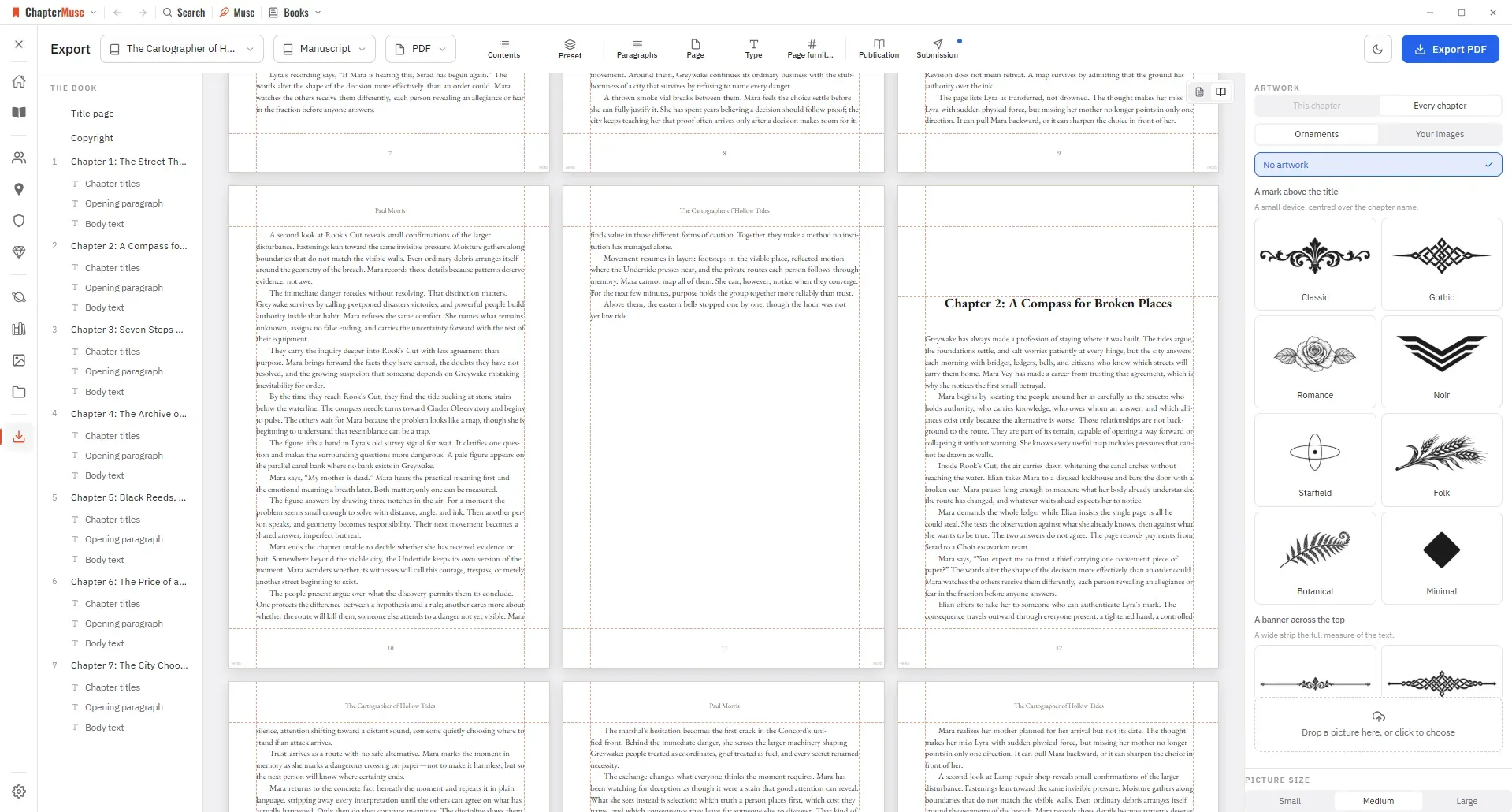
Front and back matter checklists, chapter selection, fonts, and page layout for the manuscript Prologue, Epilogue and other fixed-name sections keep their proper names in previews, exported headings and contents, in the…
CMwww.chaptermuse.com › Feature › Worldbuilding
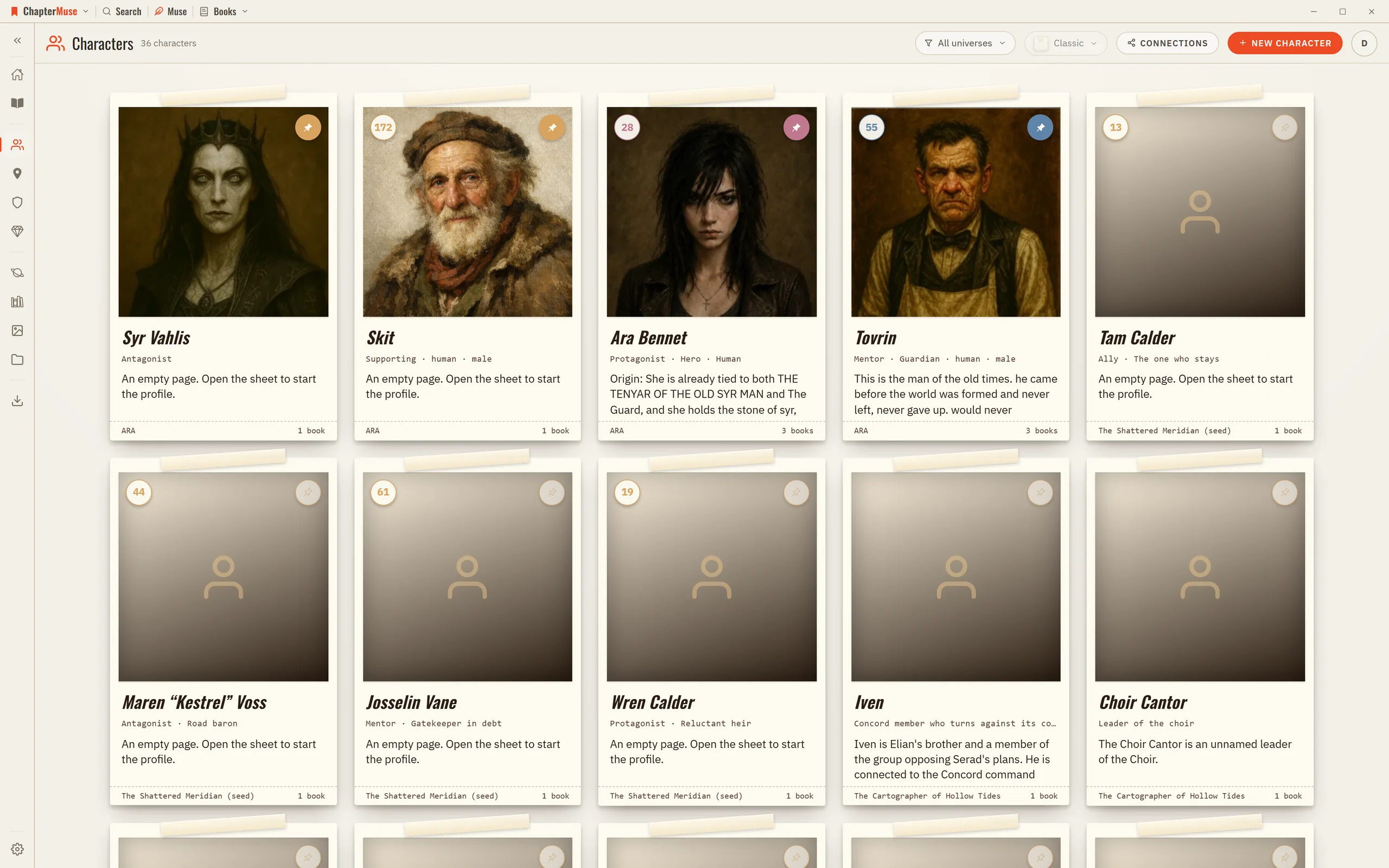
Research files sit beside the manuscript; glossary names light up in the prose.
CMwww.chaptermuse.com › Feature
Muse answers from your manuscript, research and story world, links every grounded claim back to its source, and leaves every word of the novel to you.
CMwww.chaptermuse.com › Help › Read aloud
In the whole writing studio See what remains on-device, what works offline, and how backup and optional AI boundaries differ.
CMwww.chaptermuse.com › Feature › Muse
ChapterMuse is a desktop application for Windows and macOS, with the manuscript and story-world data stored on your computer.