CMwww.chaptermuse.com › Feature › Muse
AI Writing Assistant That Never Ghostwrites
Ask about a chapter, a person, a research file or the whole story world. Muse reads within the scope you choose and answers from material you have already assembled.
About 99 results (0.048 seconds)
CMwww.chaptermuse.com › Feature › Muse
Ask about a chapter, a person, a research file or the whole story world. Muse reads within the scope you choose and answers from material you have already assembled.
CMwww.chaptermuse.com › Help
Chapters & Variants Structure your book — and try alternate takes safely. Chapter History Automatic snapshots of every chapter — rewind any time.
CMwww.chaptermuse.com › Help › Research
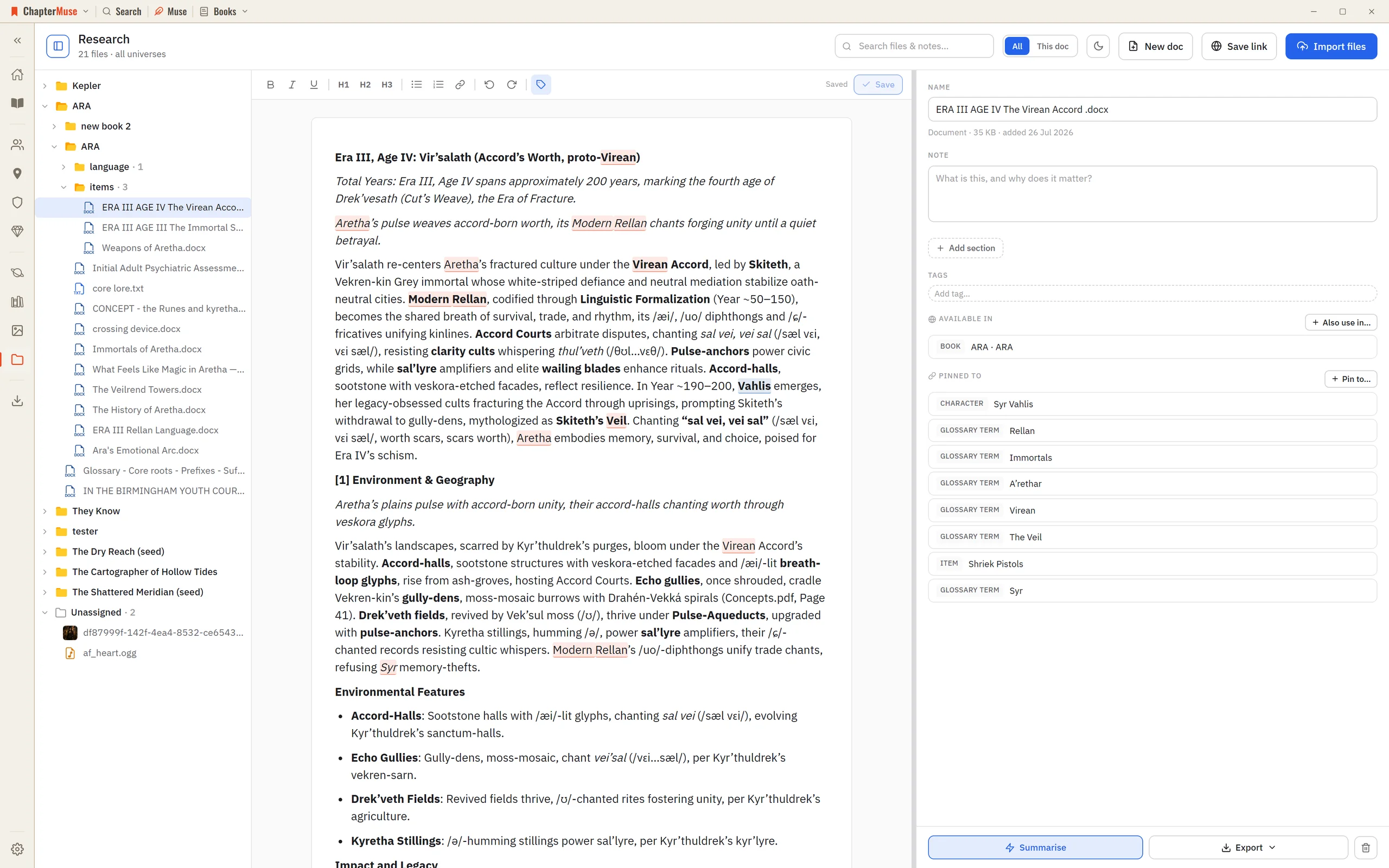
Gather your reference material in one place and pin it to the characters, locations, chapters, and worlds it belongs to.
CMwww.chaptermuse.com › Help › Pulse
It is disabled in Continuous manuscript; switch to Single chapter to draw the active chapter's curve.
CMwww.chaptermuse.com › Help › Todos
4Use + on the card to tag the chapter, character, place, faction, item, or research document it is about. 5Pick a colour from the circle in the corner, and set the status from the top-left.
CMwww.chaptermuse.com › Help › Find replace
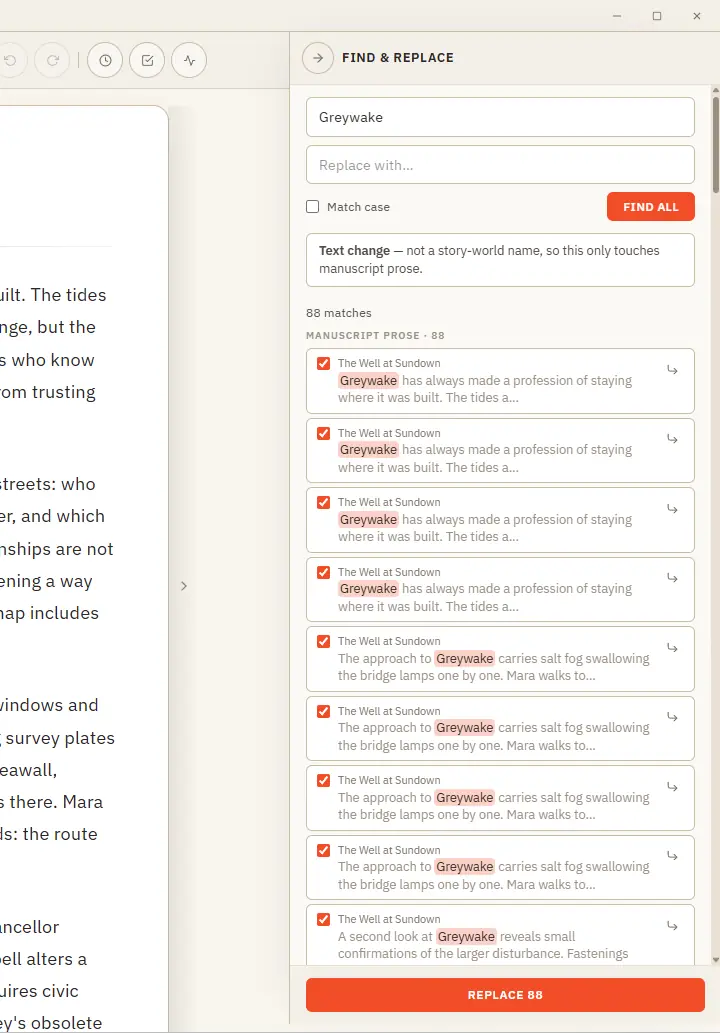
Plain text — searches your current book's prose and lets you cherry-pick occurrence by occurrence (all are ticked by default; untick any to skip it) Rename — recognises a story-world name and updates it everywhere across the…
CMwww.chaptermuse.com › Help › Analysis
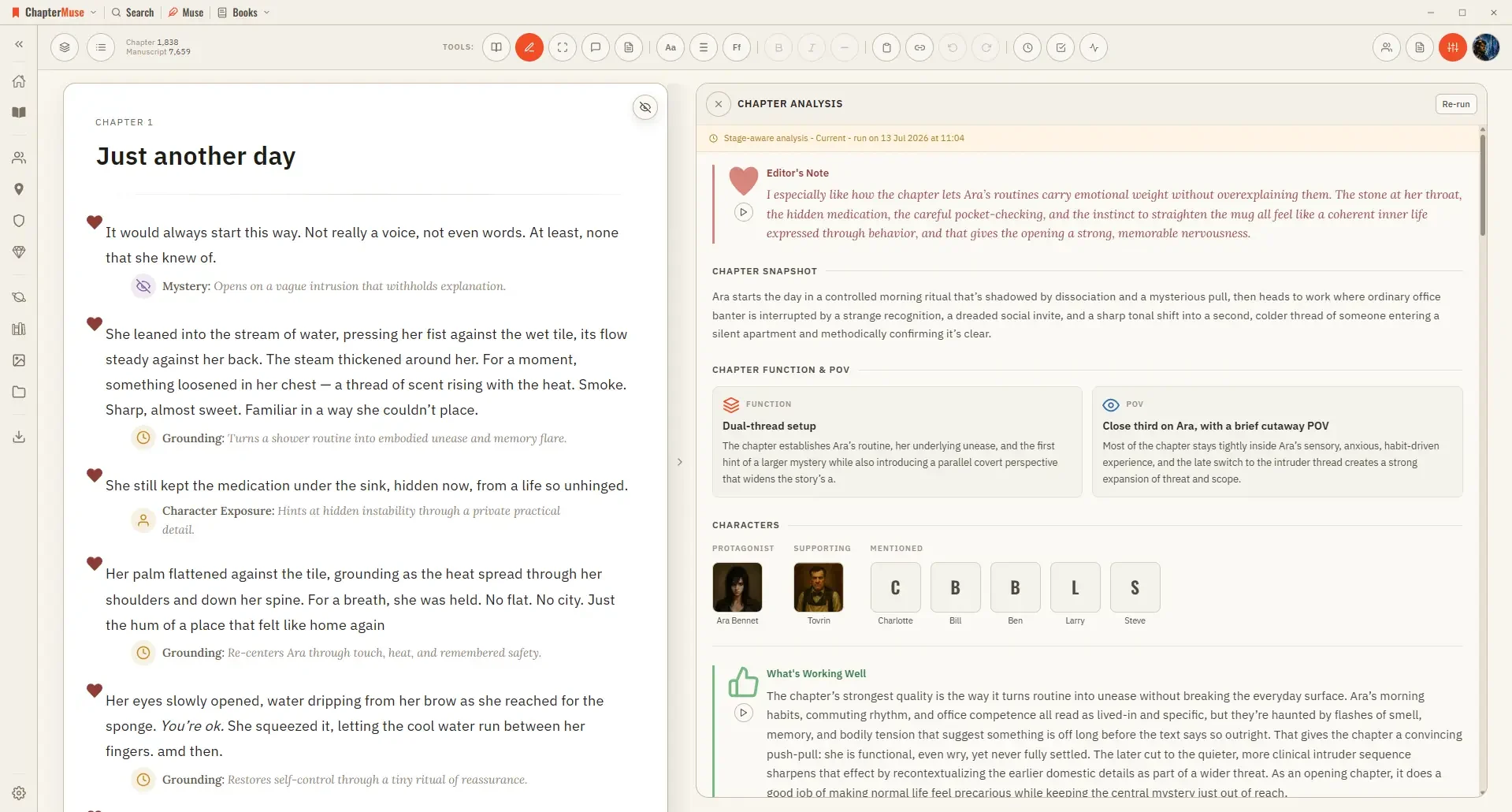
It runs in two passes: a quick chapter-level overview first, then, if you want it, a deeper paragraph-by-paragraph read.
CMwww.chaptermuse.com › Help › Chronos
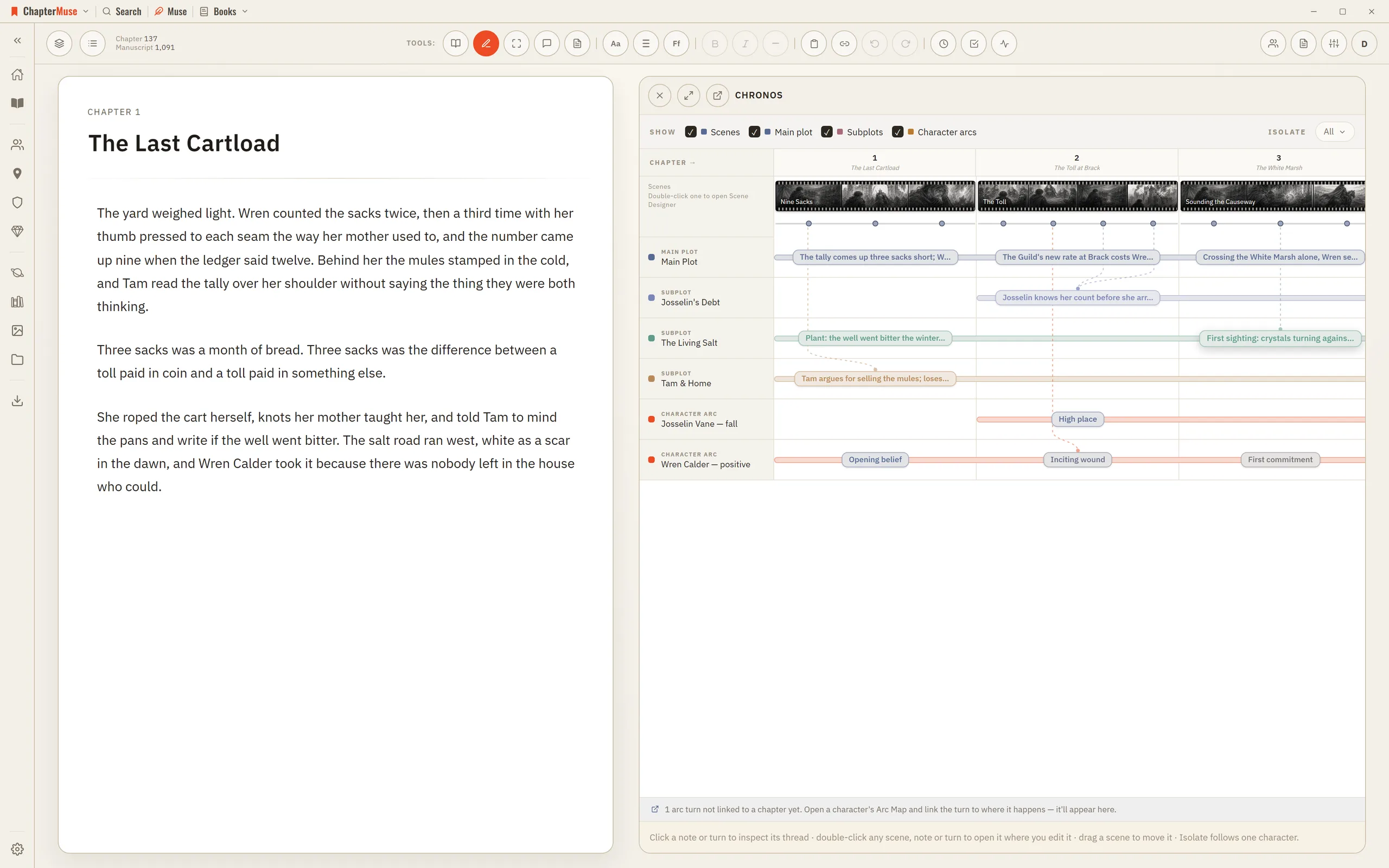
2Read across the top: each chapter column is as wide as its scene count, and each scene is a filmstrip as wide as its shots.
CMwww.chaptermuse.com › Help › Canvas
Once the saving indicator disappears you can safely switch chapters, close the window, or step away. In the whole writing studio No tool here works alone.
CMwww.chaptermuse.com › Help › Chapter notes
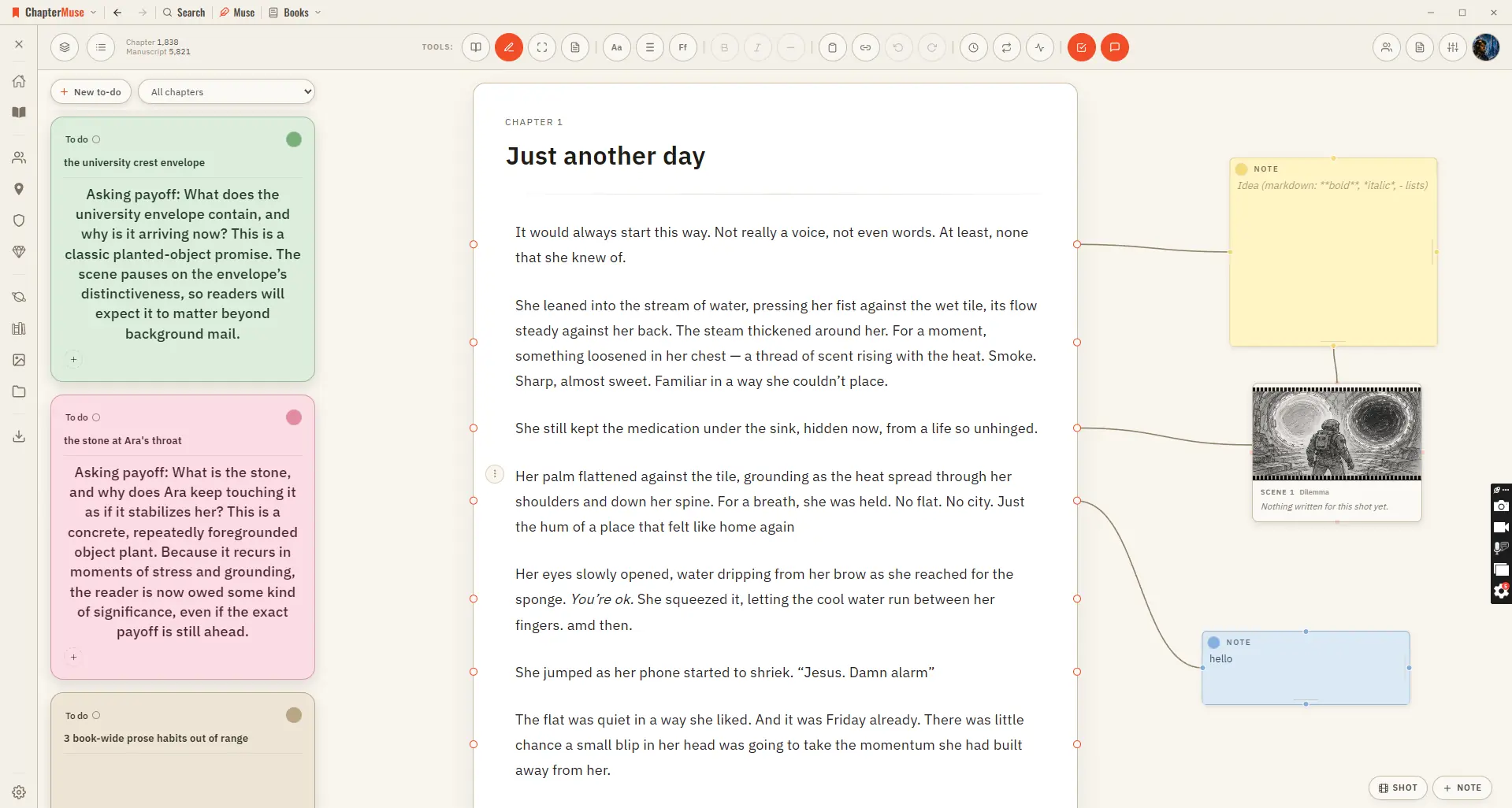
Updated 4 September 2026 Chapter Notes brings the Mind Map's cards right onto your chapter. Drop a sticky note in the margin and connect it to a specific paragraph — a reminder to fix a name, a query for your future self, a note…