CMwww.chaptermuse.com › Help › Snippets
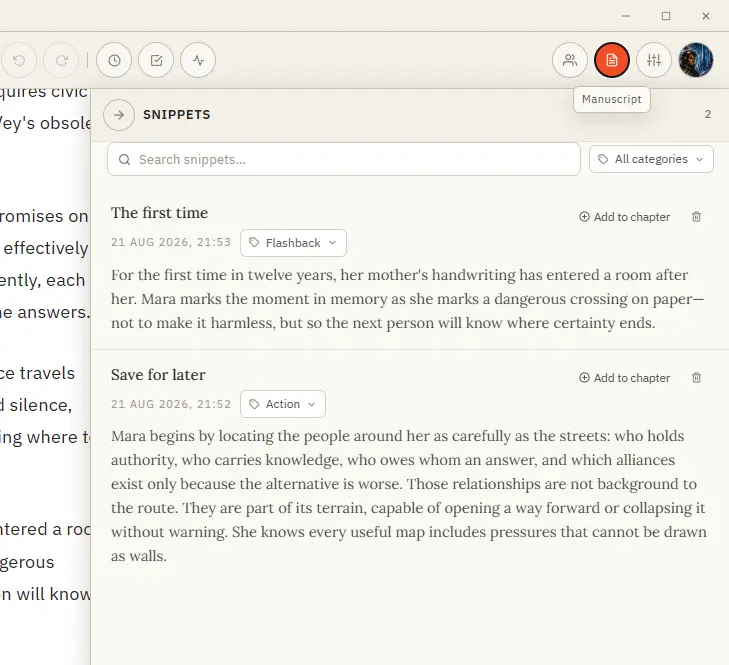
Save and Reuse Writing Snippets
See how planning reaches the page, how the page reaches revision, and how a draft becomes a finished book. Explore every ChapterMuse feature
About 58 results (0.017 seconds)
CMwww.chaptermuse.com › Help › Snippets
See how planning reaches the page, how the page reaches revision, and how a draft becomes a finished book. Explore every ChapterMuse feature
CMwww.chaptermuse.com › Help › Cloud backup
Story World and the Mind Map are where a book starts as a feeling. The Outliner, Plot Grid and Chronos give that feeling a shape.
CMwww.chaptermuse.com › Help › Canvas
Updated 4 September 2026 Open a book and you arrive at the canvas: your chapter on a clean, page-like surface, floating above the workspace so your eye always knows where the story is.
CMwww.chaptermuse.com › Help › Focus mode
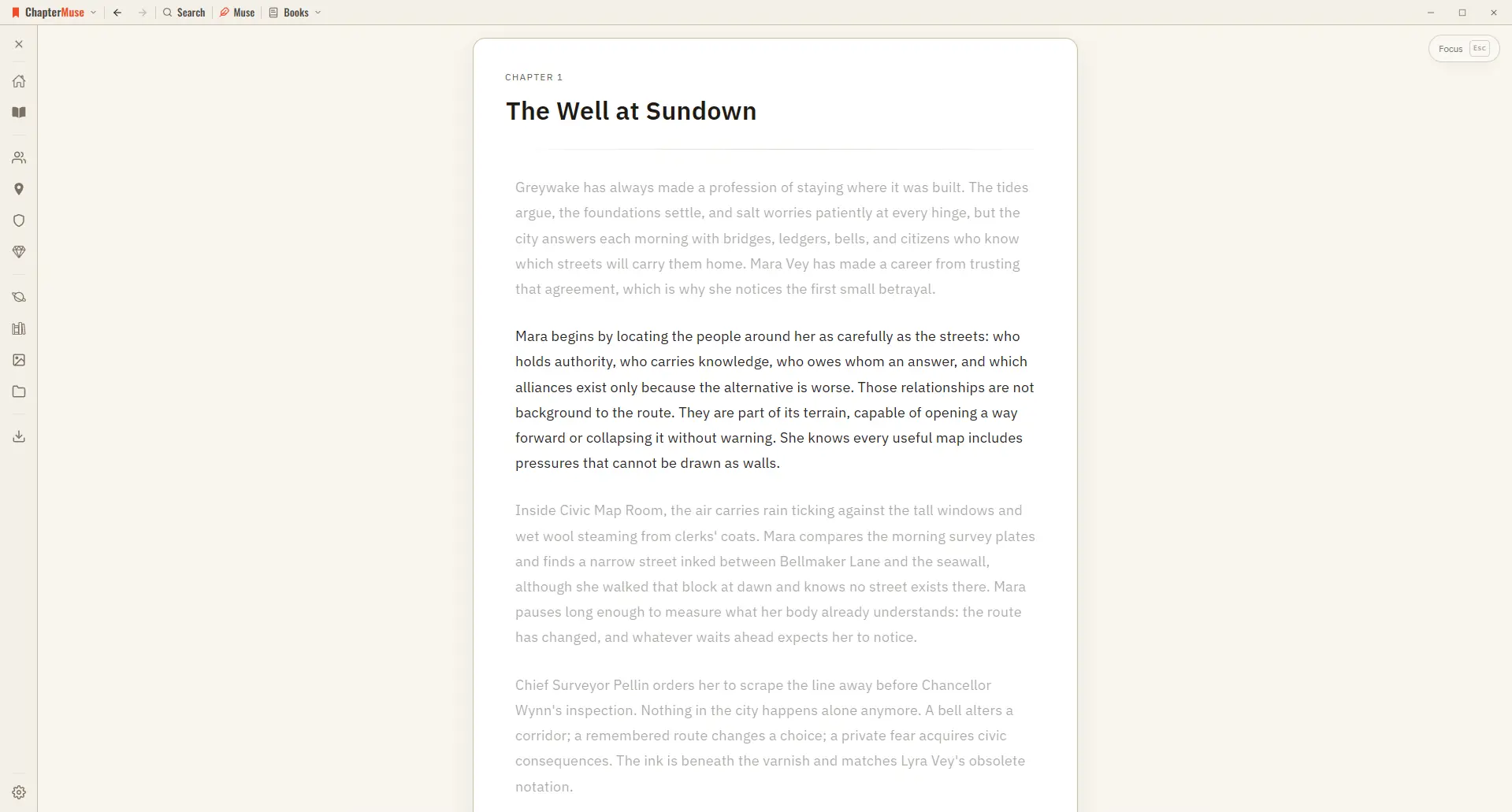
The toolbar, chapter drawer, saving indicator, and side panels all disappear A typewriter scroll keeps the paragraph you're editing centred on screen Every other paragraph gently dims, so the active line is where your eye lands A…
CMwww.chaptermuse.com › Help › Mind map
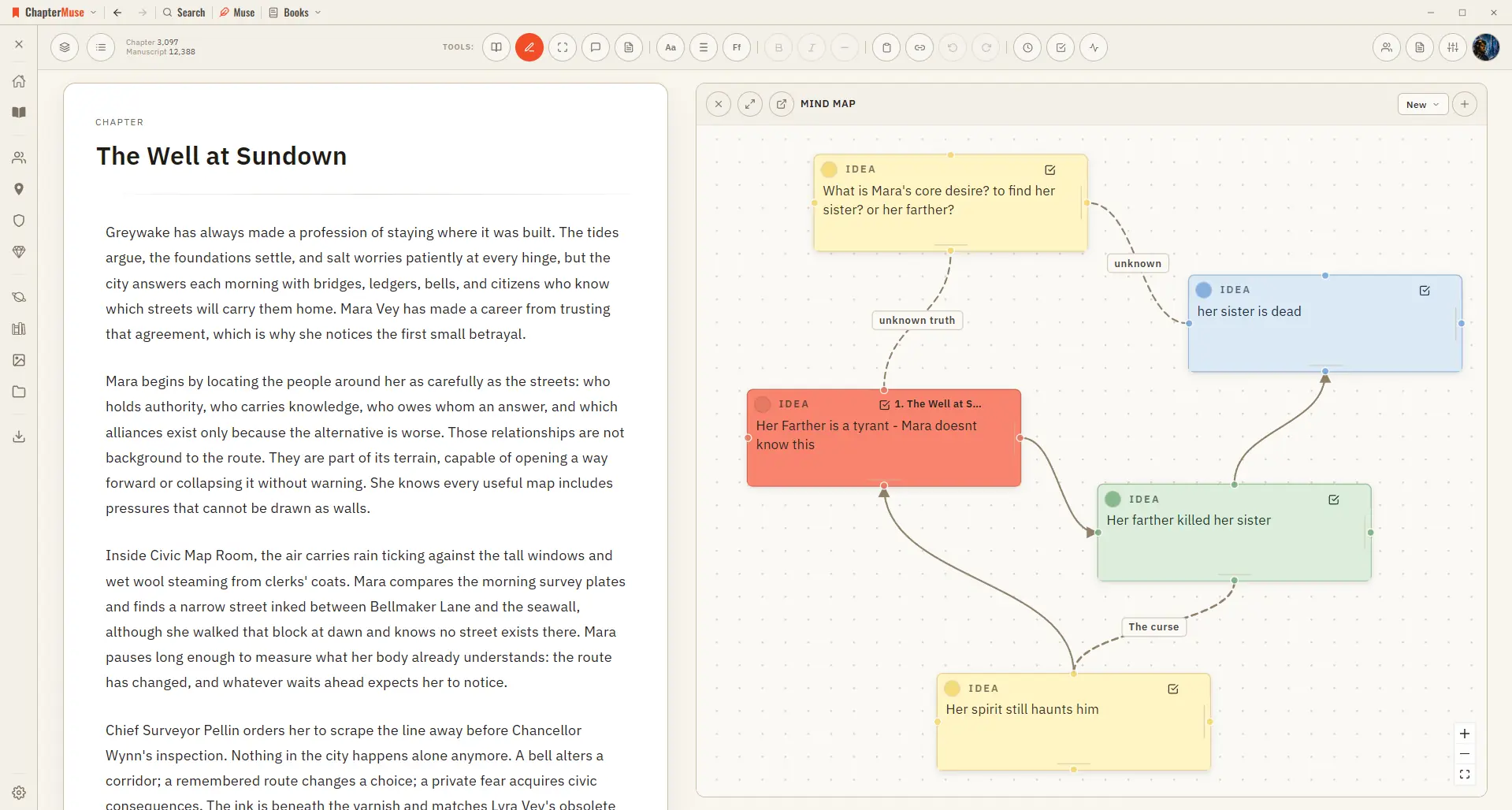
✦Quick start 1Open Mind Map from the Story menu (create a map on first use). 2Add a card, give it a title and notes, and drag it where you like.
CMwww.chaptermuse.com › Help › Metrics
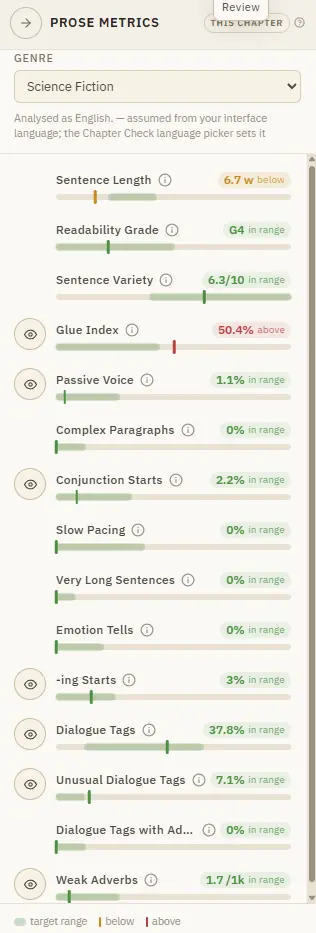
In the whole writing studio Move from protected checkpoints through proofing, craft analysis and whole-book signals. See the revision workflow
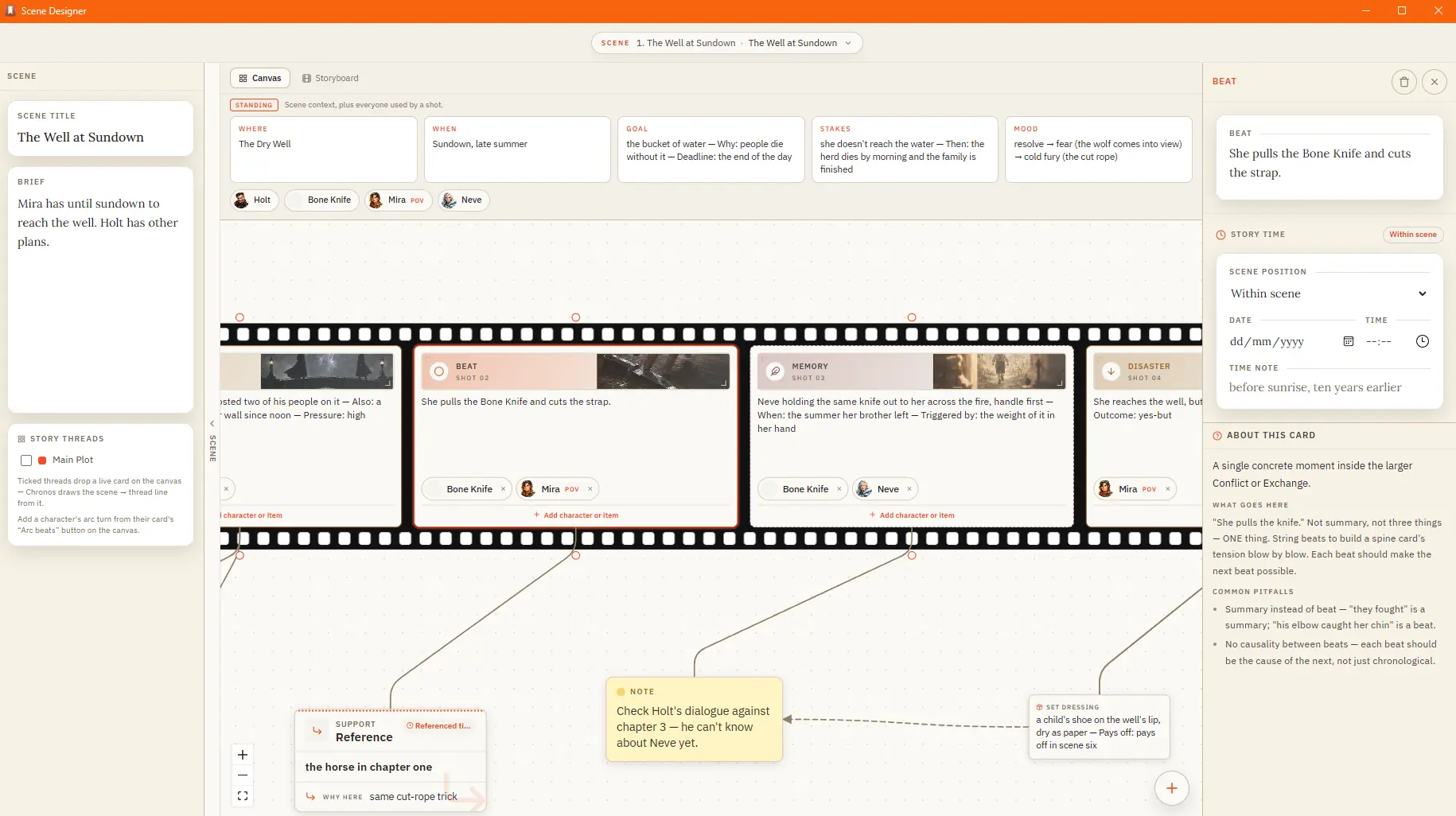
CMwww.chaptermuse.com › Help › Scene designer
✦Quick start 1Open Scene Designer from the Story menu, then pick a chapter and create a scene. 2Give the scene a name and, if you like, a short idea.
CMwww.chaptermuse.com › Help › Storage and resets
Export . muse — save your whole library, including chapter snapshots, revision passes, writing targets, sessions, and the progress ledger, to one portable backup file If a referenced image, file, or audio asset cannot be read,…