CMwww.chaptermuse.com › Help › Accounts
ChapterMuse Sign-In, Trial and Licence Guide
The modal also links to Forgot your password if you need an email reset Changing or resetting your password ends existing online sessions on every device.
About 60 results (0.017 seconds)
CMwww.chaptermuse.com › Help › Accounts
The modal also links to Forgot your password if you need an email reset Changing or resetting your password ends existing online sessions on every device.
CMwww.chaptermuse.com › Help › Modes
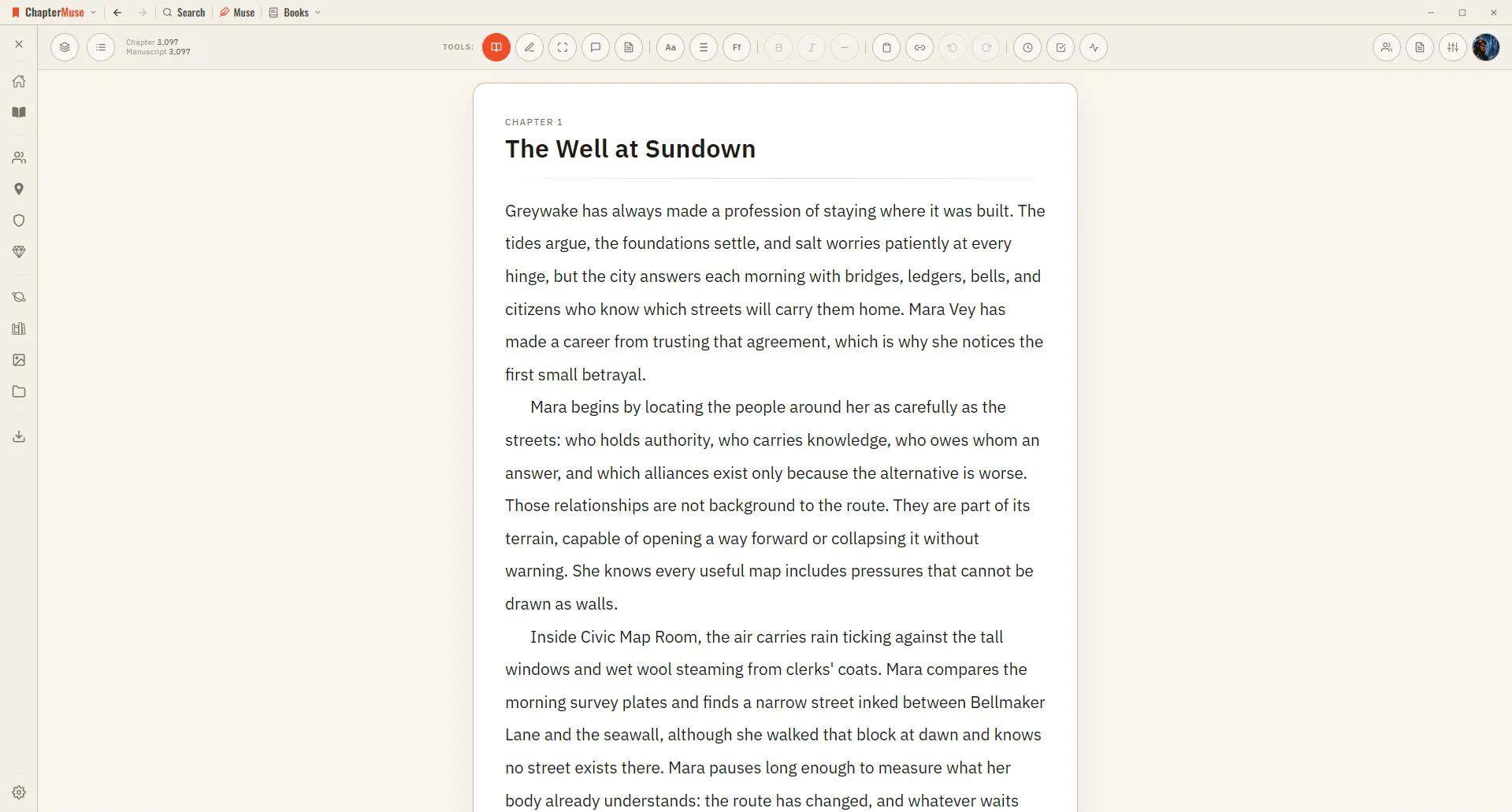
Great for reviewing what you've written or sharing a chapter with a beta reader. ✦Quick start 1Write as usual in Edit mode — the default.
CMwww.chaptermuse.com › Help › Shortcuts
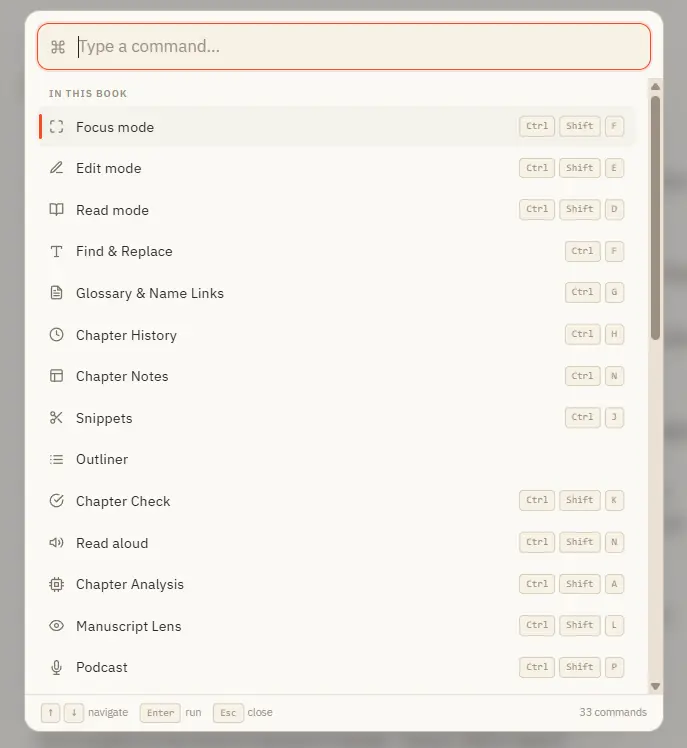
Ctrl M for Muse works everywhere in the app — including from Story World and your libraries, not just inside a book. In the whole writing studio No tool here works alone.
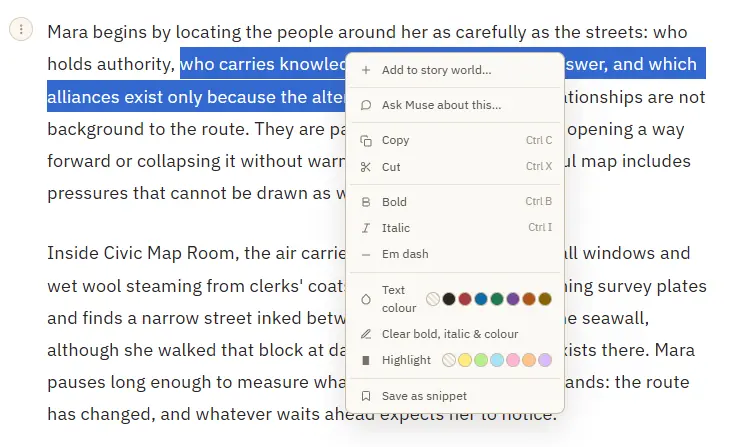
CMwww.chaptermuse.com › Help › Formatting
See how planning reaches the page, how the page reaches revision, and how a draft becomes a finished book. Explore every ChapterMuse feature
CMwww.chaptermuse.com › Help › Focus mode
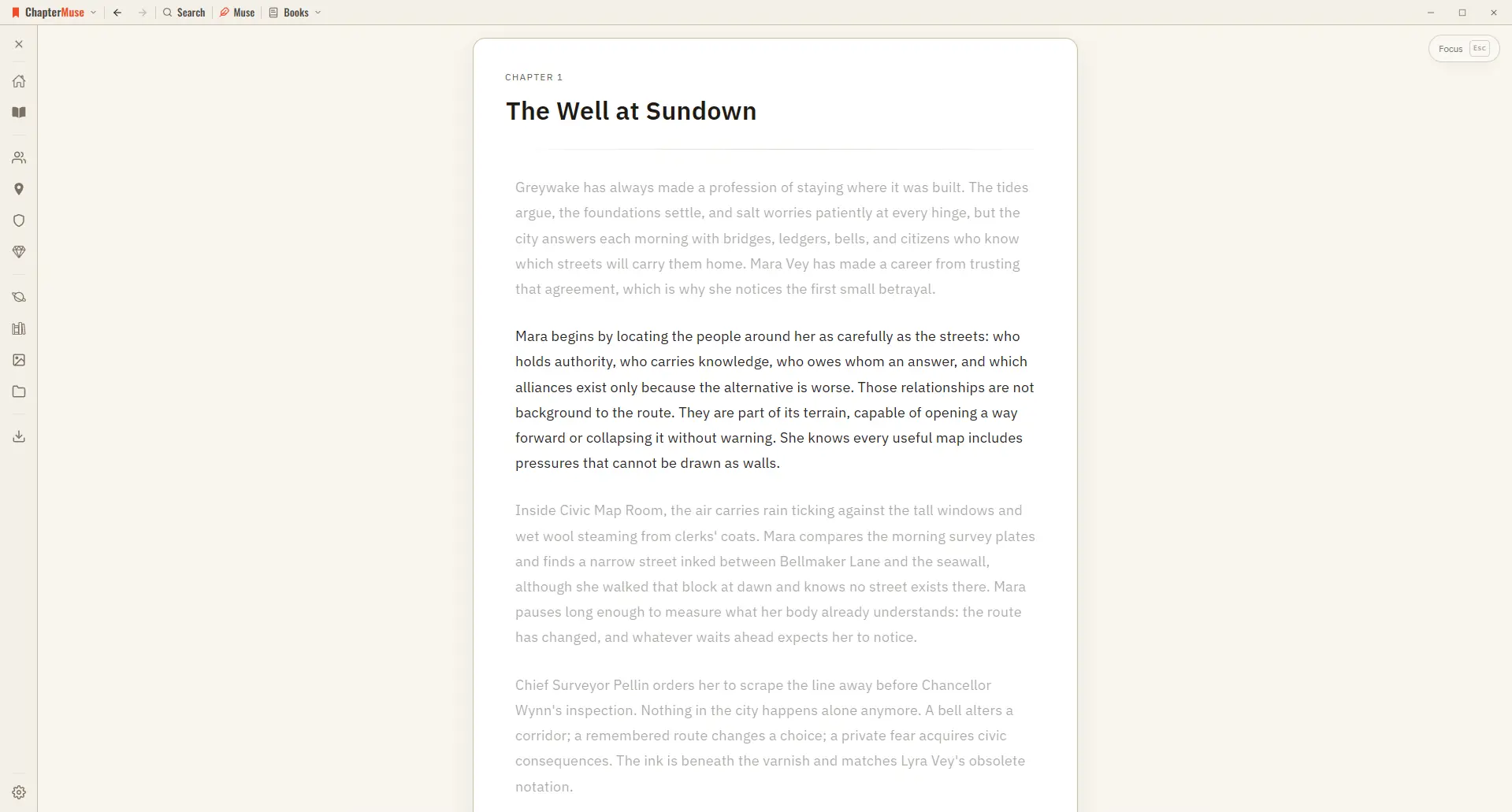
The toolbar, the chapter drawer, and every panel step out of view, leaving your page alone in a quiet window. The line you're writing stays centred as a typewriter scroll keeps it in place, and the rest of the page softly dims —…
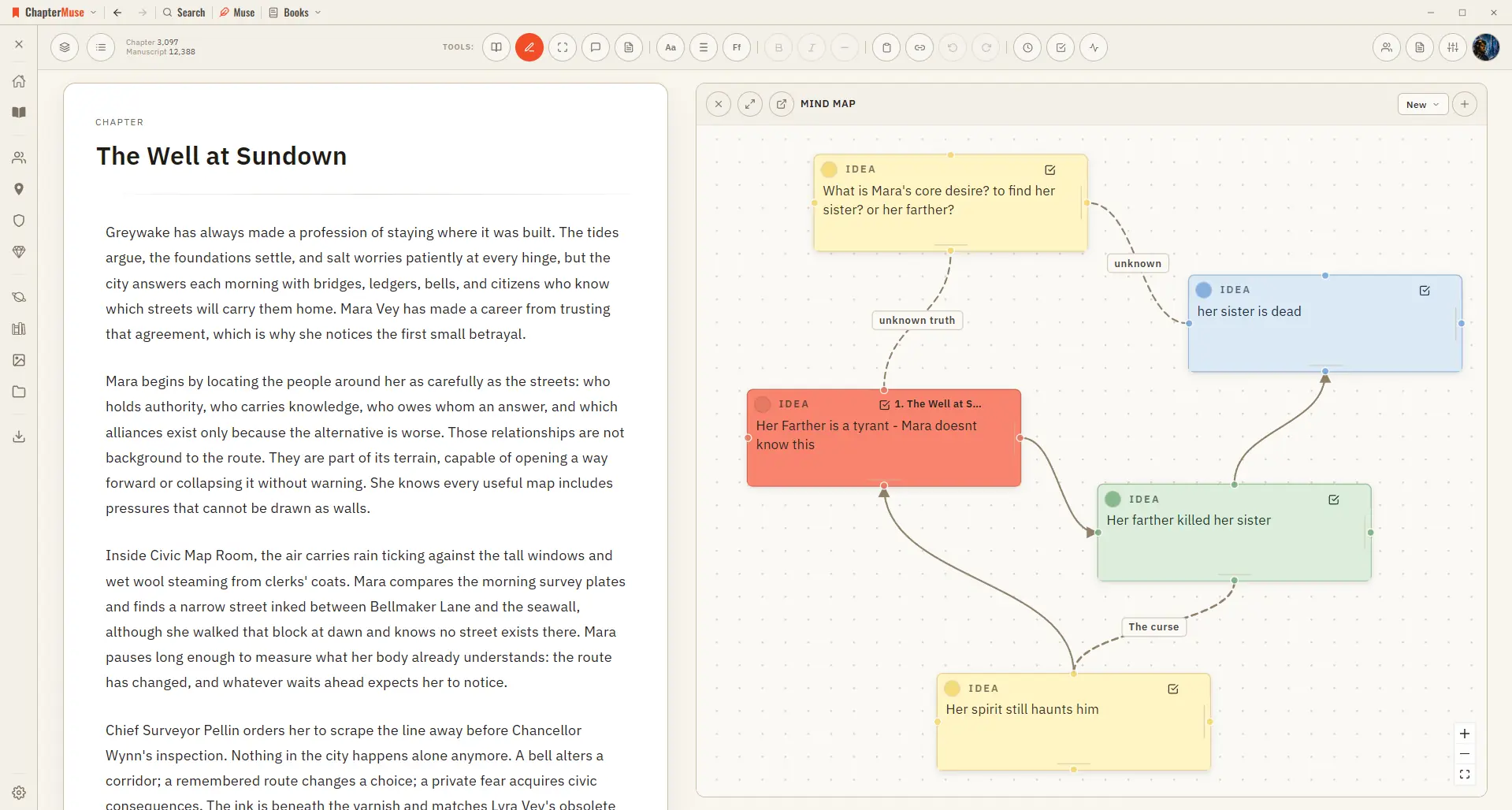
CMwww.chaptermuse.com › Help › Mind map
Zoom and pan across the whole canvas Go fullscreen for a big thinking session Dock the map to the left or right of your writing Pop it out into its own window to work beside your manuscript ✦The same card-and-connection system…
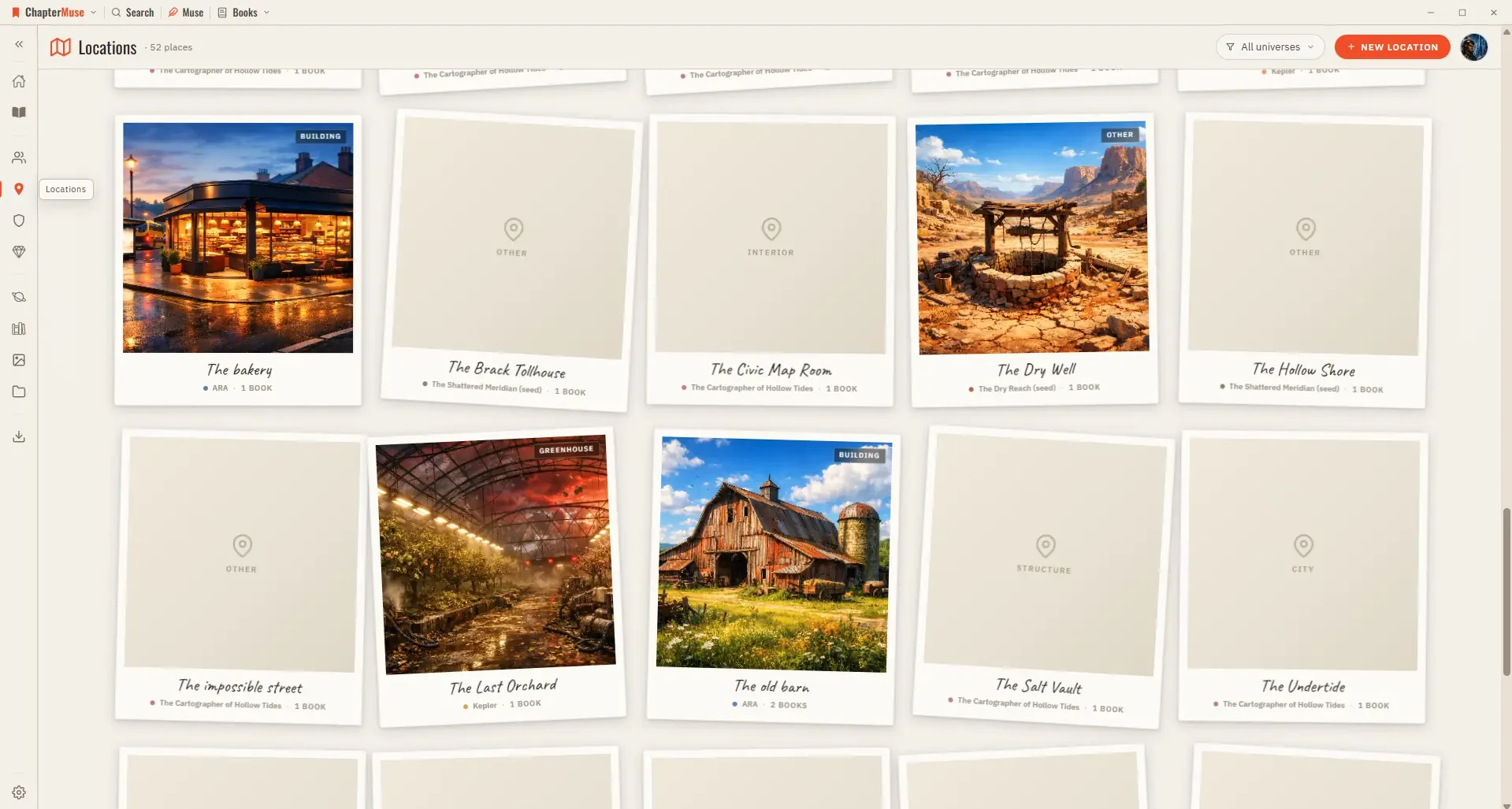
CMwww.chaptermuse.com › Help › Locations
The Scenes tab pulls together every scene that takes place at this location, grouped by book and chapter — a read-only cross-reference that grows as you write.
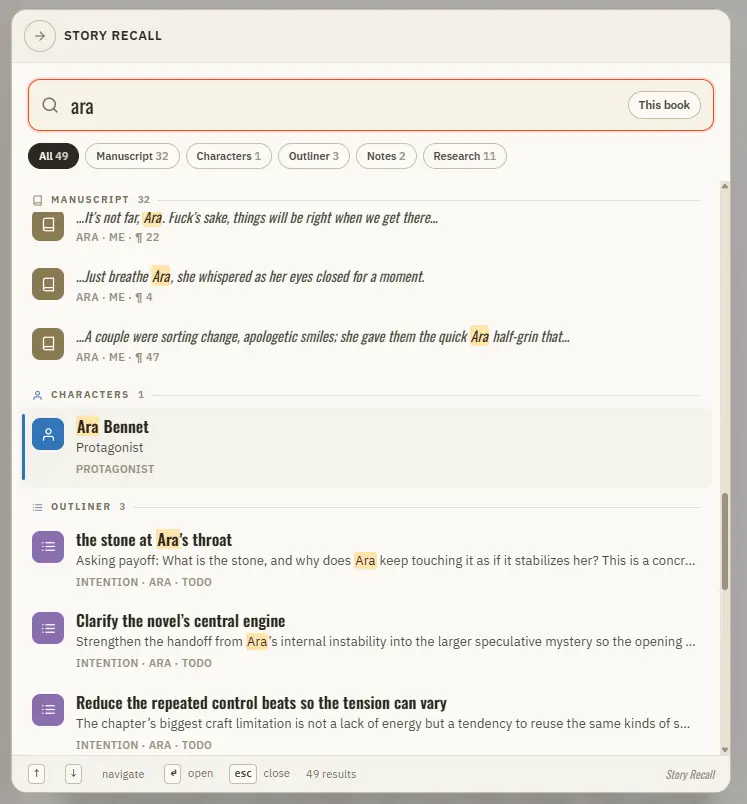
CMwww.chaptermuse.com › Help › Search
Manuscript prose — every paragraph, tagged with its book, chapter, and position Your Story World — characters, locations, factions, and items Scenes from Scene Designer, universe notes and idea cards, and your saved snippets The…
CMwww.chaptermuse.com › Help › Glossary
Recognises the names of your characters, locations, factions, and items in the prose Colour-codes each highlight by type so you can read your world at a glance A hover card previews the entity — portrait, crest, or cover — with a…
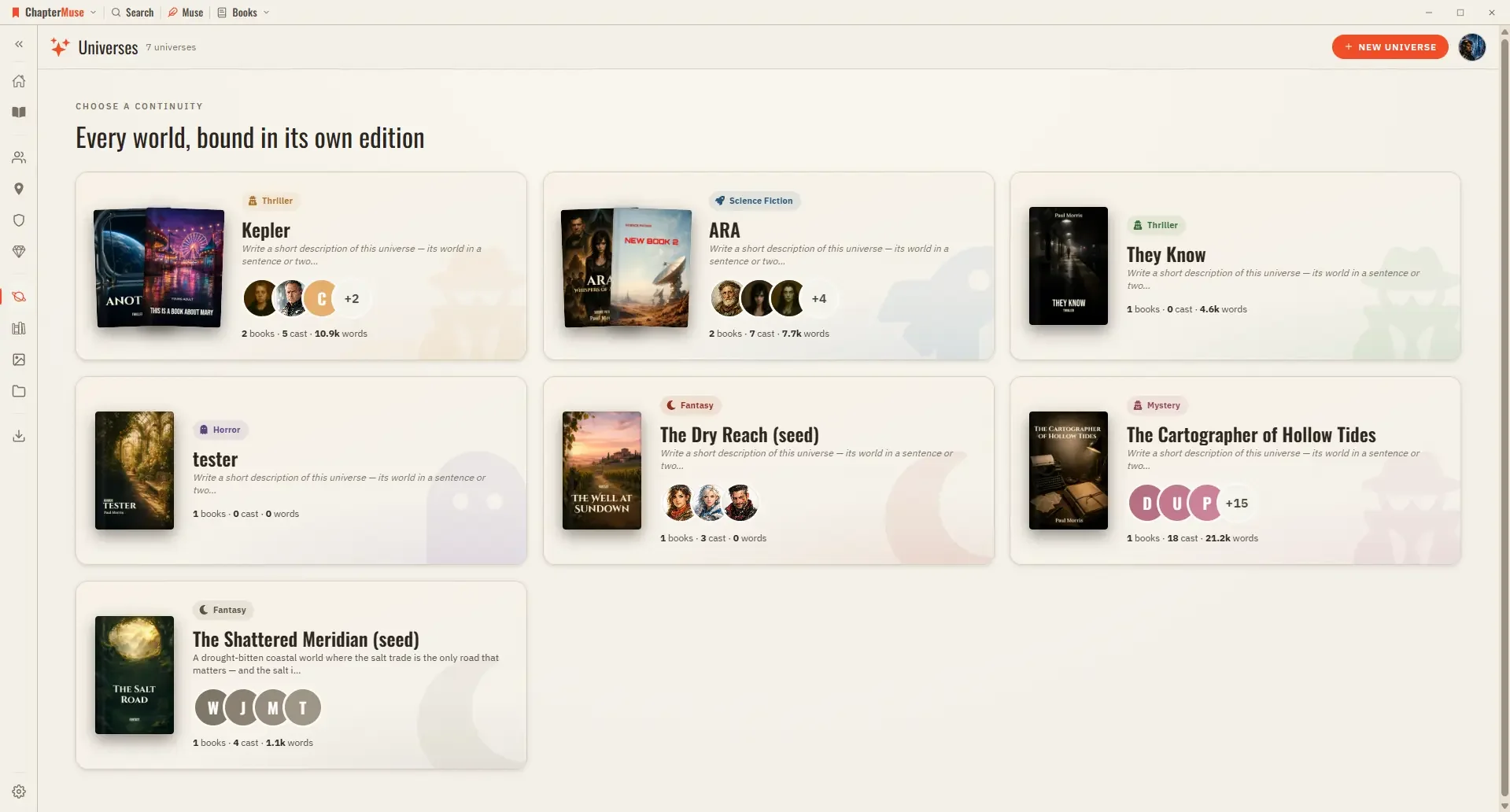
CMwww.chaptermuse.com › Help › Universes
Cast — your characters in reading order; pin the ones you reach for most, or open the relationship tapestry from the shelf header Places, Factions, Items — the rest of your world, each card opening its sheet Scenes — every scene…