CMwww.chaptermuse.com › Help › Museiki
Turn Your Story World into an Encyclopedia
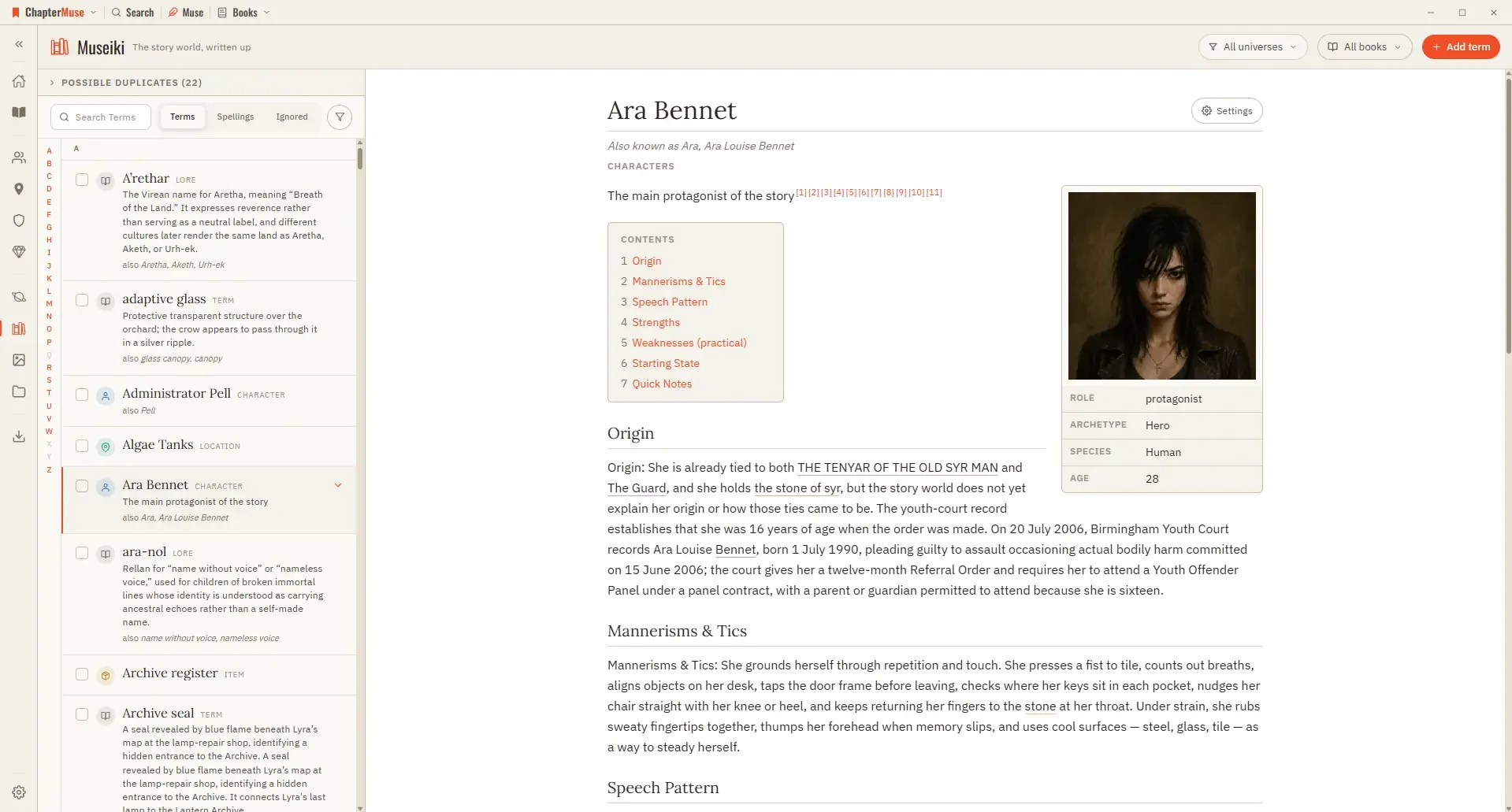
Read a few articles as a stranger would: the ones that stop after a single line are exactly the parts of your world that are still only in your head.
About 72 results (0.024 seconds)
CMwww.chaptermuse.com › Help › Museiki
Read a few articles as a stranger would: the ones that stop after a single line are exactly the parts of your world that are still only in your head.
CMwww.chaptermuse.com › Help › Sections
In the whole writing studio Follow one draft into Word, print-ready PDF, EPUB and the files around the novel. See how the manuscript becomes a book
CMwww.chaptermuse.com › Help › Modes
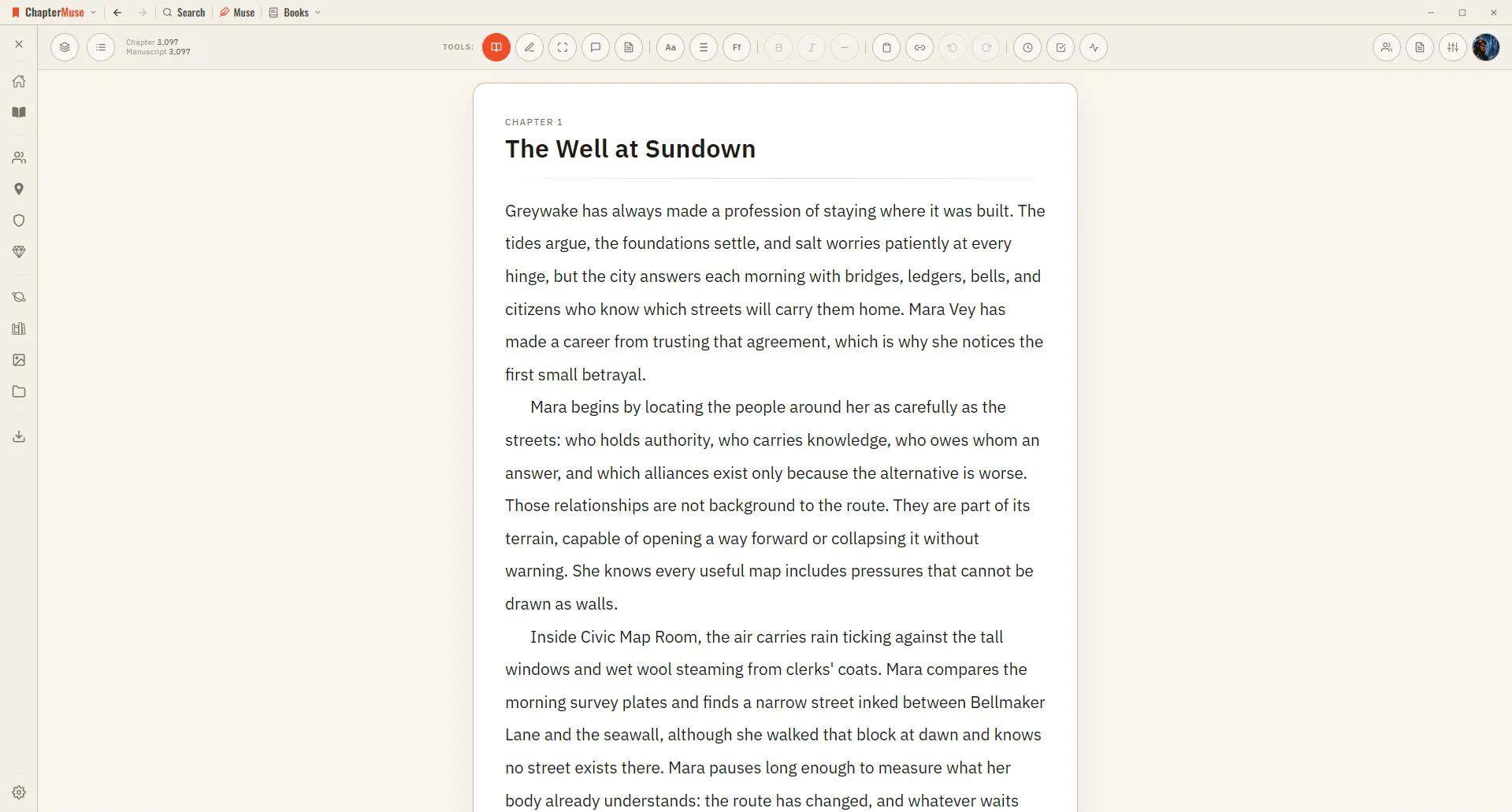
Edit Mode Your default writing state. Click any paragraph to edit it.
CMwww.chaptermuse.com › Feature › Novel planning
03Do I have to outline before writing? No.
CMwww.chaptermuse.com › Help › Shortcuts
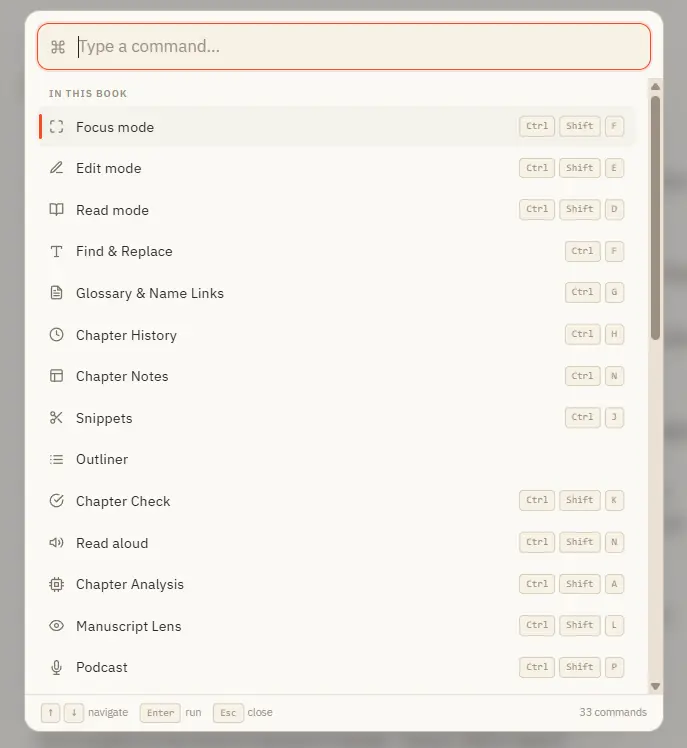
Ctrl M for Muse works everywhere in the app — including from Story World and your libraries, not just inside a book. In the whole writing studio No tool here works alone.
CMwww.chaptermuse.com › Page
See what ChapterMuse does — the desktop writing studio, its story-world tools and its export formats Compare the three lifetime licences — Each licence paid once Read the field guide — sixteen long pieces on the hard parts of…
CMwww.chaptermuse.com › Help › Mind map
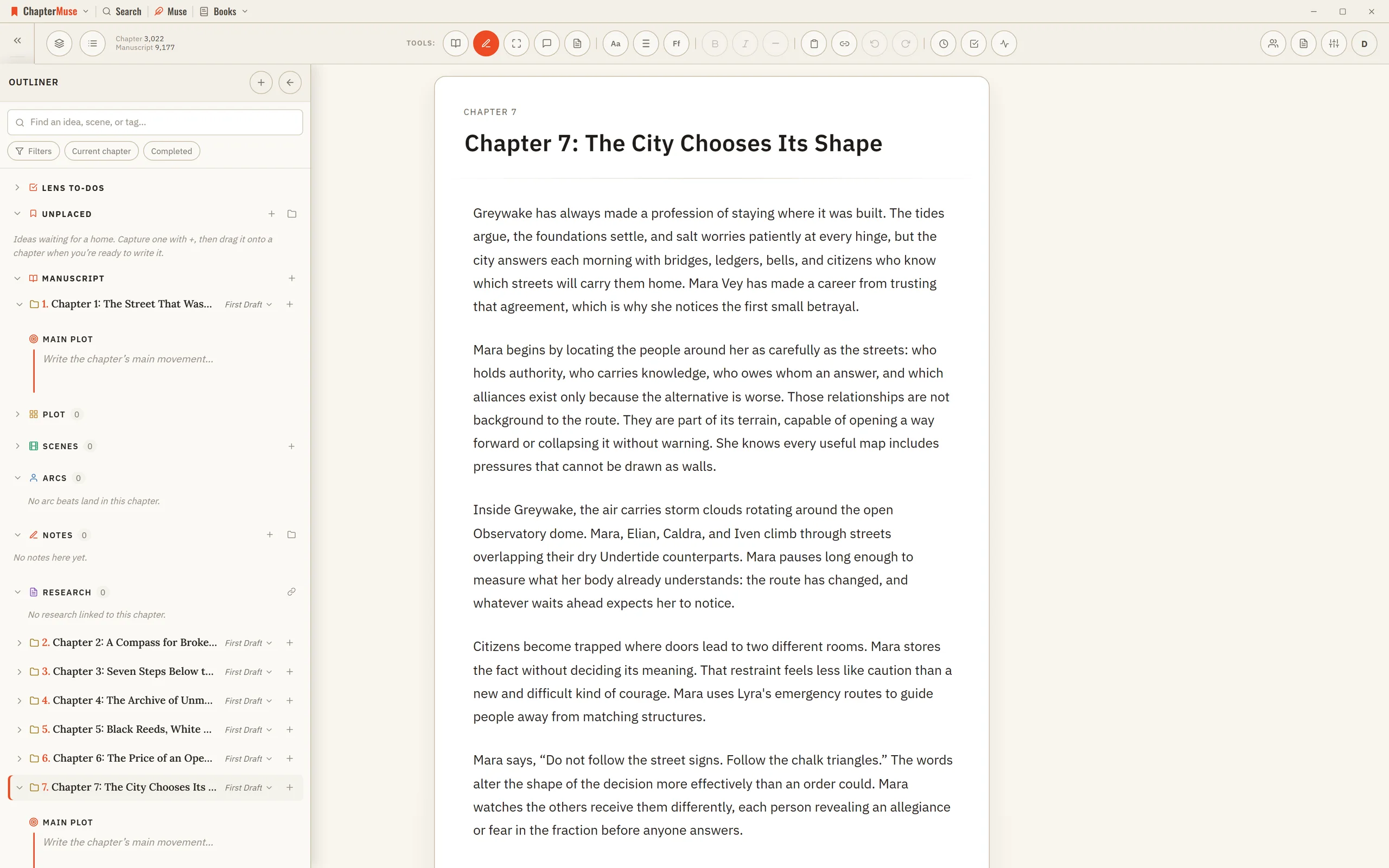
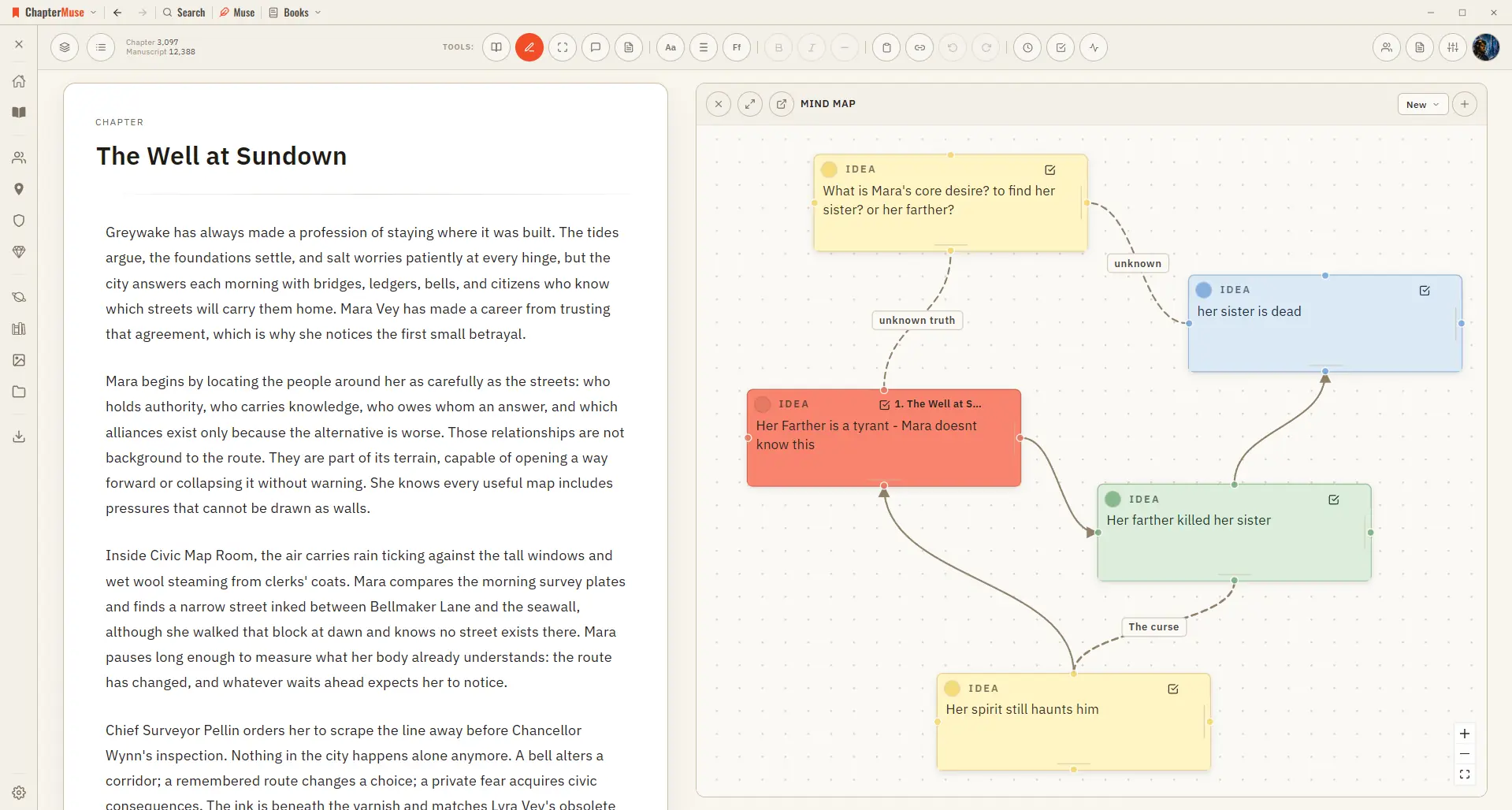
In the whole writing studio See how outlines, grids, timelines, maps and scenes stay connected to the manuscript. See the complete planning workflow
CMwww.chaptermuse.com › Help › Formatting
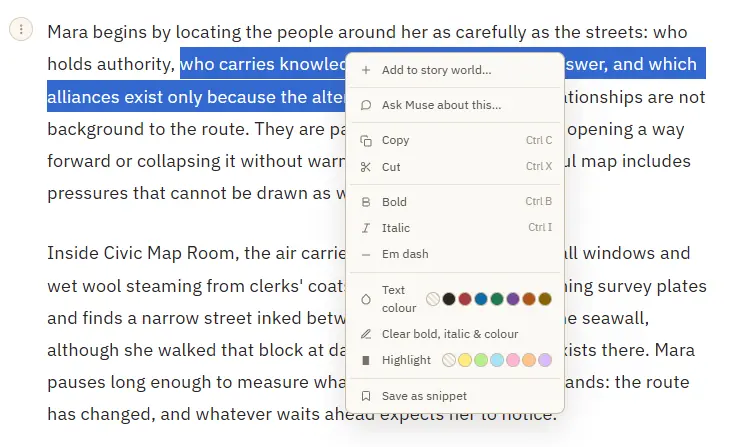
Bold and italic — from the toolbar or Ctrl/⌘ B and Ctrl/⌘ I A proper em dash (—) inserted at the cursor Theme-aware text colour and highlight swatches that stay readable in every writing palette Clear bold, italic, colour, and…
CMwww.chaptermuse.com › Help › Workspace views
See how planning reaches the page, how the page reaches revision, and how a draft becomes a finished book. Explore every ChapterMuse feature