ChapterMuse

Search results for microsoft word

About 60 results (0.022 seconds)

CMwww.chaptermuse.com › Help › Ai tokens

ChapterMuse AI Credits: Costs and Usage

Chapter Check — the on-device proofreading engine Prose Metrics and Word Cloud Read Aloud — the local text-to-speech voice Search & Recall across your whole project Manuscript Lens's built-in analysis (World, Loops, Prose, and…
CMwww.chaptermuse.com › Help › Locations

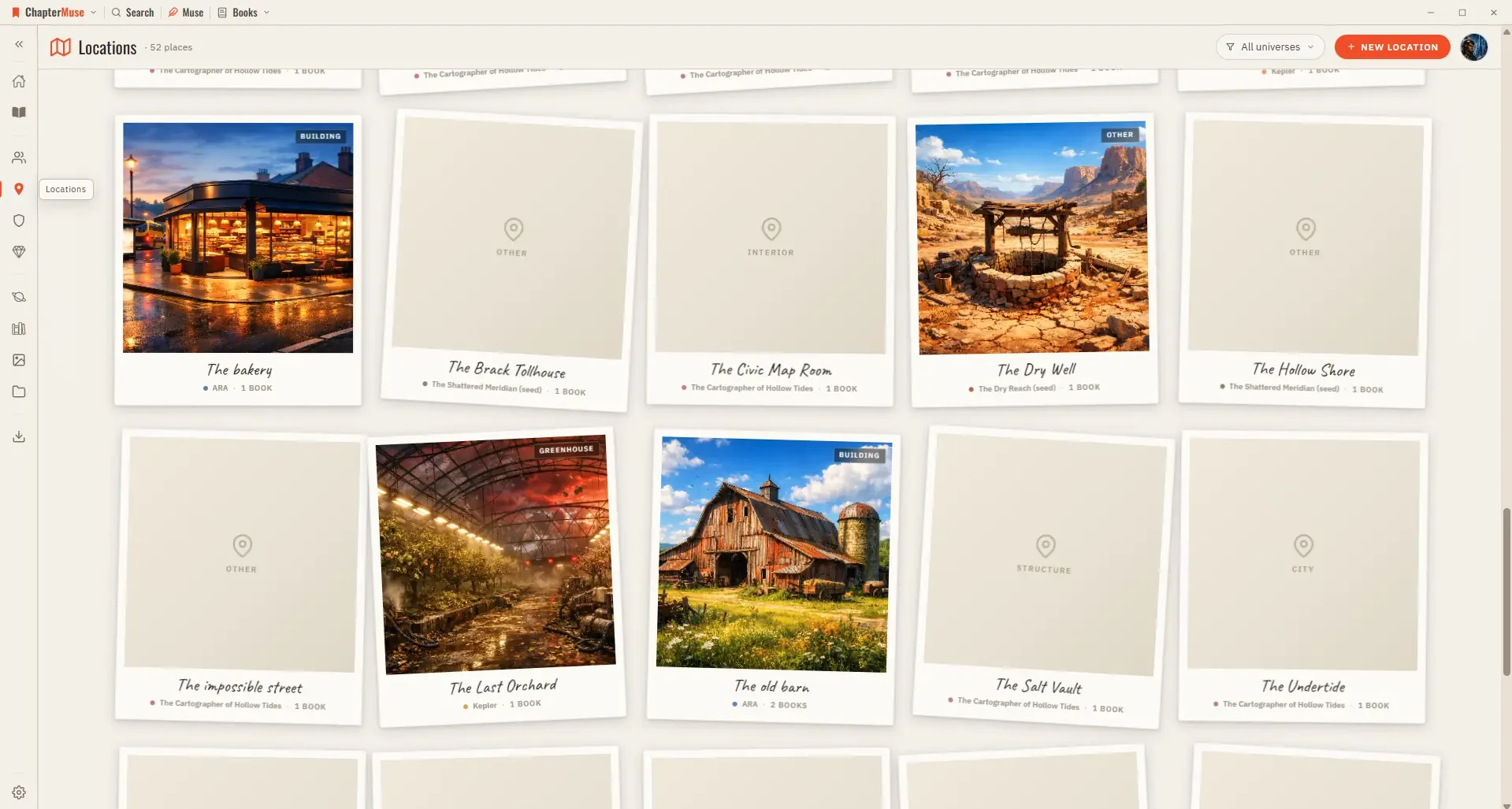
Build and Track Story Locations

Updated 4 September 2026 Your Locations library is the atlas of your world. Each place gets a card with cover imagery and a sheet where you capture how it looks, sounds, and feels.

CMwww.chaptermuse.com › Help › Storyboard

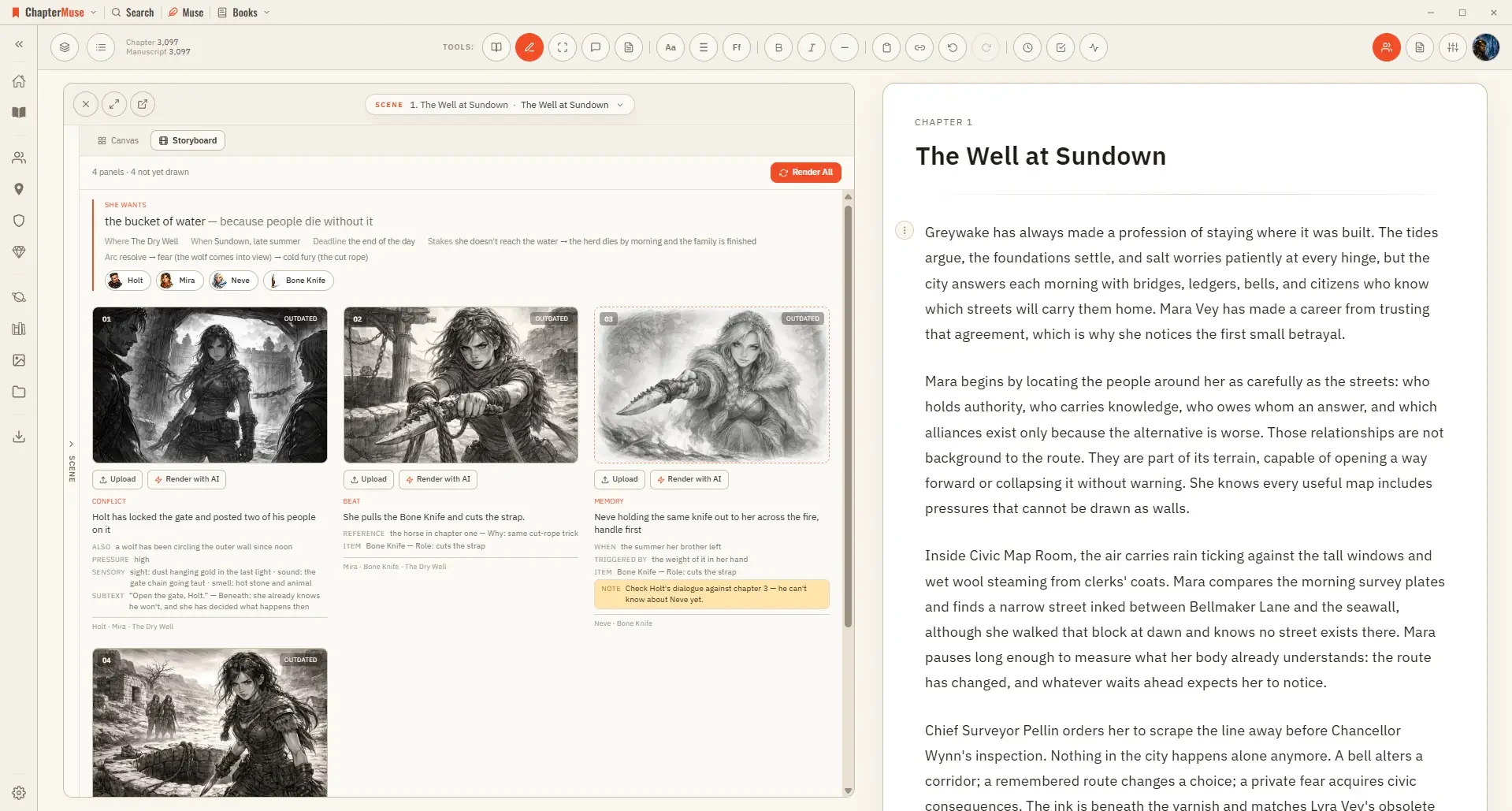
Turn a Planned Scene into a Storyboard

Three qualities — Rough for blocking a sequence out, Standard, and Fine for a panel you want to keep A pre-check shows the whole plan and its price before you commit; closing it costs nothing Rendering uses AI Tokens, since it…

CMwww.chaptermuse.com › Page

About

Built for writing Growing with you An independent app A community just beginning ChapterMuse is a desktop app for writing novels.

CMwww.chaptermuse.com › Help › Sections

Add Front Matter and Back Matter to a Book

In the whole writing studio Follow one draft into Word, print-ready PDF, EPUB and the files around the novel. See how the manuscript becomes a book

CMwww.chaptermuse.com › Feature › Novel planning

Novel Planning and Outlining Software

ChapterMuse is a desktop application for Windows and macOS, with the manuscript and story-world data stored on your computer.

CMwww.chaptermuse.com › Help › Workspace views

Use Split View and Whole-Book Workspace Views

See how planning reaches the page, how the page reaches revision, and how a draft becomes a finished book. Explore every ChapterMuse feature

CMwww.chaptermuse.com › Help › Cloud backup

Cloud Backup: ChapterMuse Guide

Your cover art and images are uploaded once and then recognised, so a normal backup is a small amount of text rather than your whole library You can keep writing during an upload.

CMwww.chaptermuse.com › Help › Items

Track Story Items, Relics and Documents

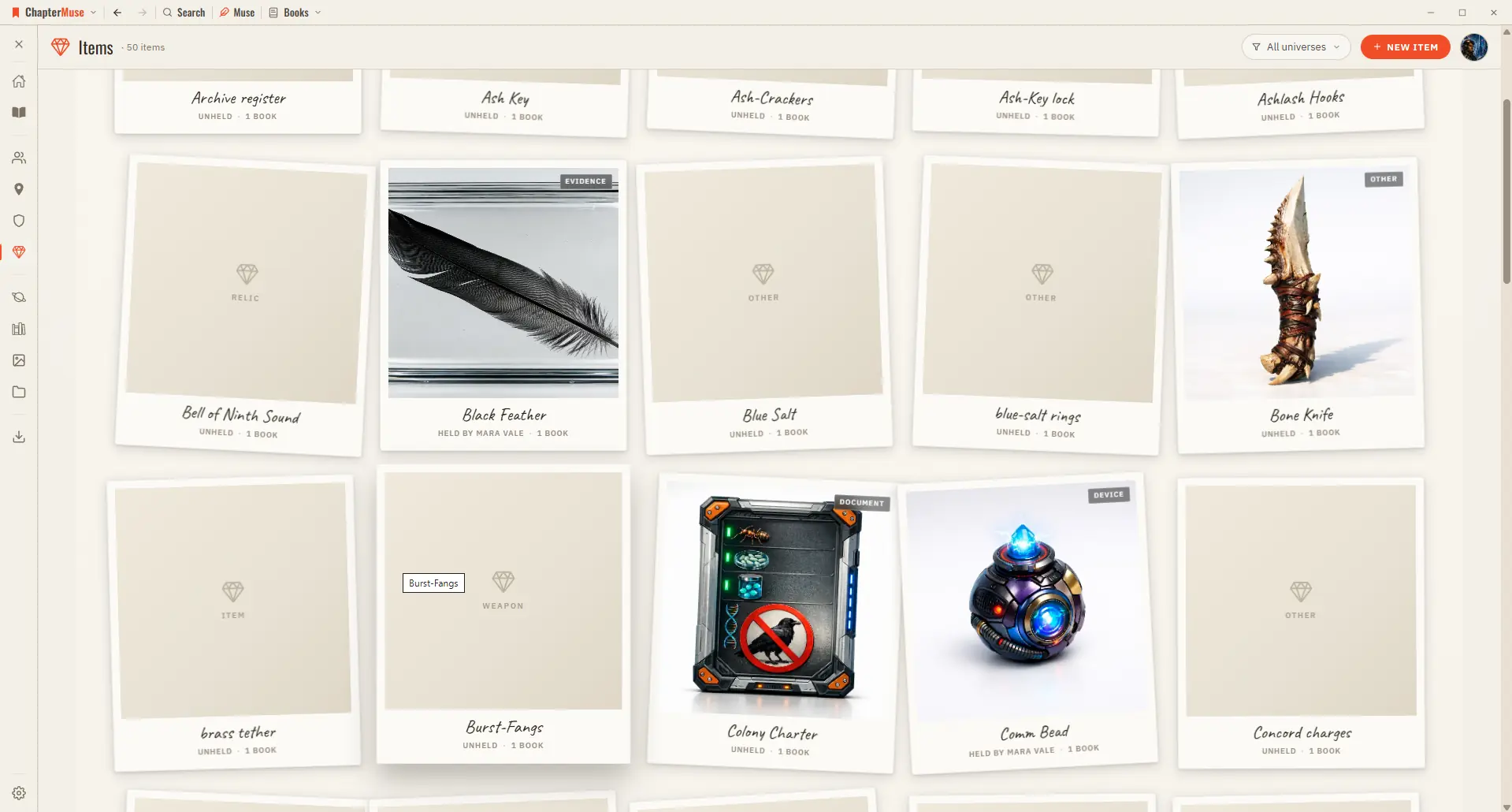
✦Quick start 1Open Items from Story World and click New item. 2Choose a kind (weapon, heirloom, document, relic…) and give it a name and one-liner.

CMwww.chaptermuse.com › Help › Snippets

Save and Reuse Writing Snippets

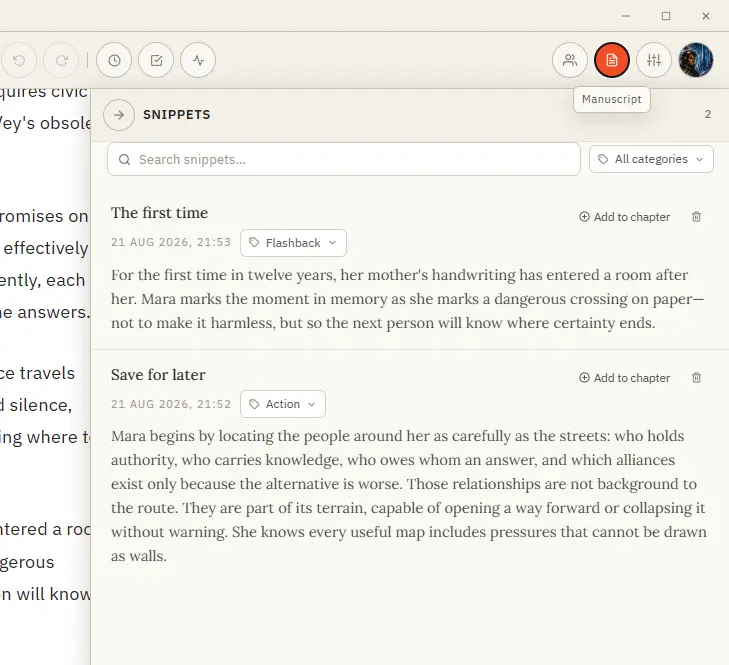
In the whole writing studio No tool here works alone. See how planning reaches the page, how the page reaches revision, and how a draft becomes a finished book.