ChapterMuse

Search results for ebook

About 122 results (0.059 seconds)

CMwww.chaptermuse.com › Help › Glossary

Link Character Names and Glossary Terms

These don't get a full card, so the glossary manager gives them room of their own: a short main note, plus titled note sectionsin the detail column (above any research documents) for the depth a one-line definition can't hold.
CMwww.chaptermuse.com › Feature › Worldbuilding

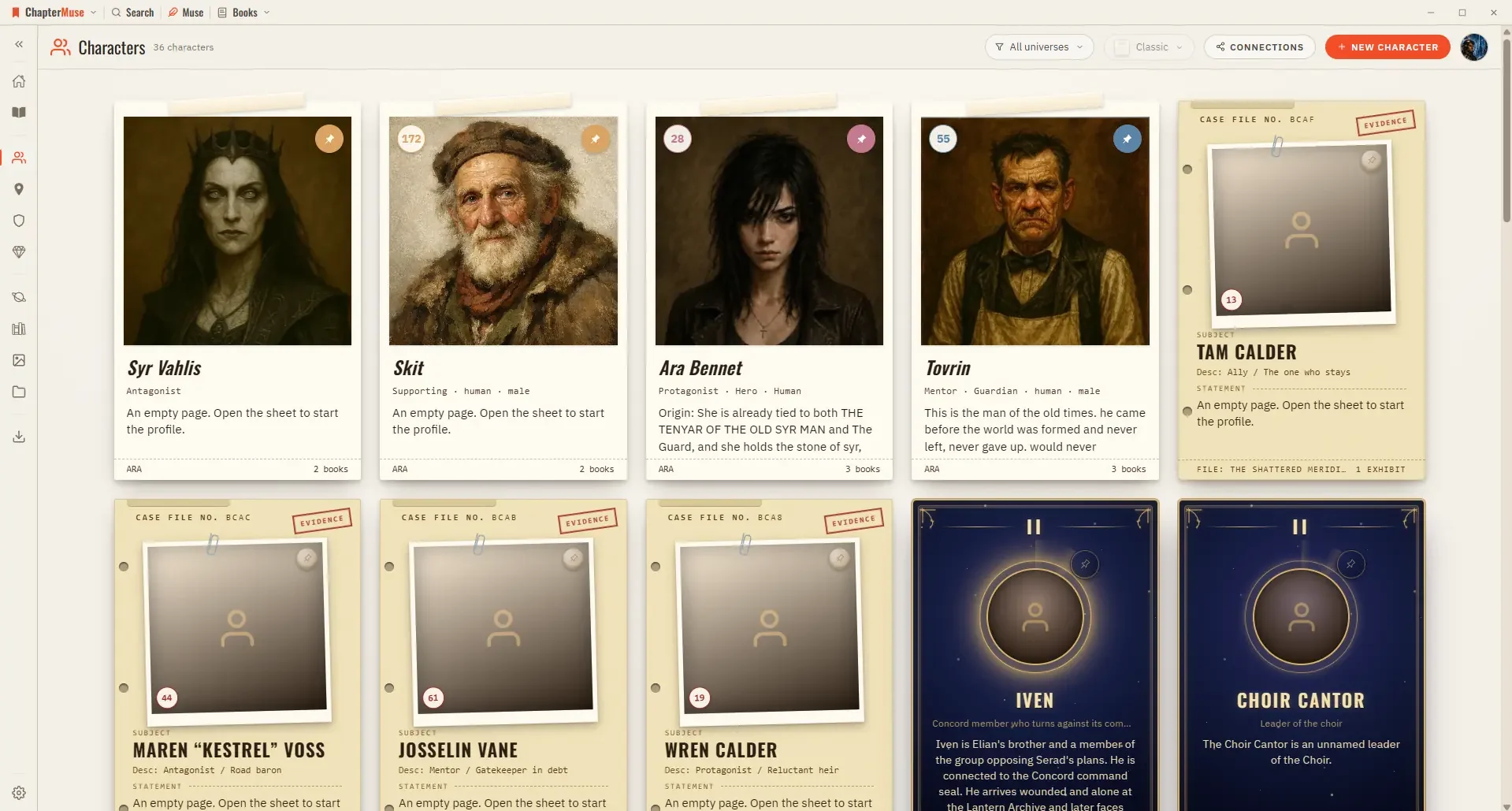
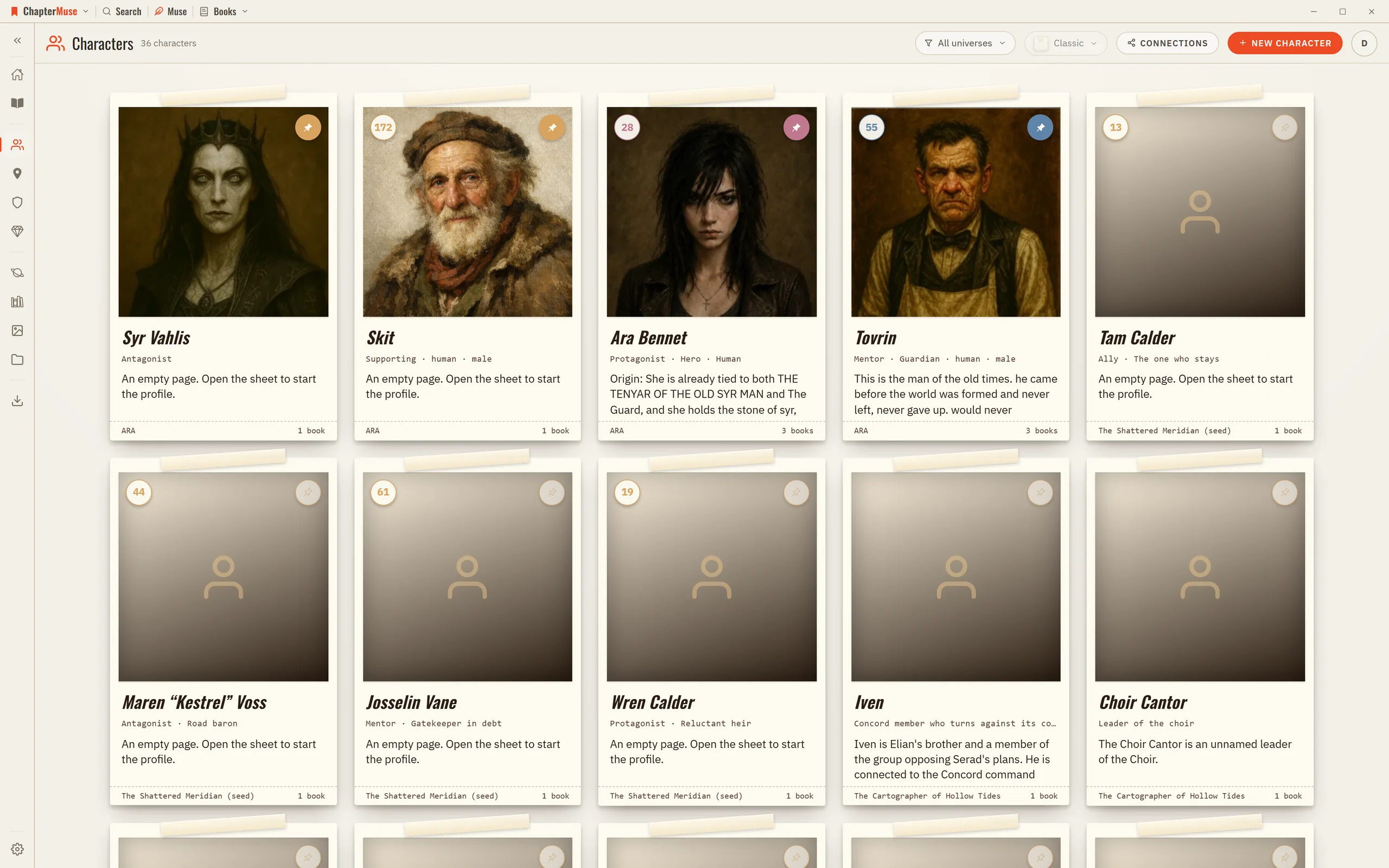
Worldbuilding and Story Bible Software

Universes group books and worldbuilding into a shared continuity — a series bible for everything the sequels must not contradict.

CMwww.chaptermuse.com › Help › Find replace

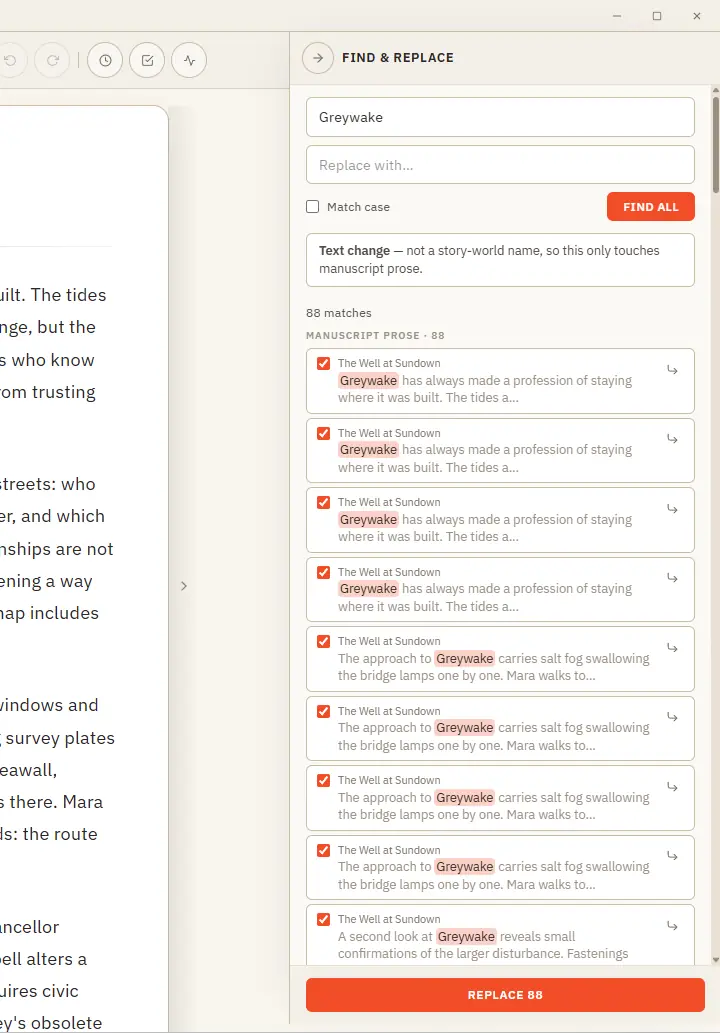
Find, Replace and Rename Story-World Entries

One clever panel that knows the difference between fixing a word and renaming someone in your story world. Updated 4 September 2026 Find & Replace does two jobs from one place, and it works out which you mean.

CMwww.chaptermuse.com › Help › Story world

ChapterMuse Story World: Workspace Overview

Reply recipients are notified automatically when you publish on desktop or mobile. You do not need to search for the writer or add their @mention to your reply.

CMwww.chaptermuse.com › Help › Formatting

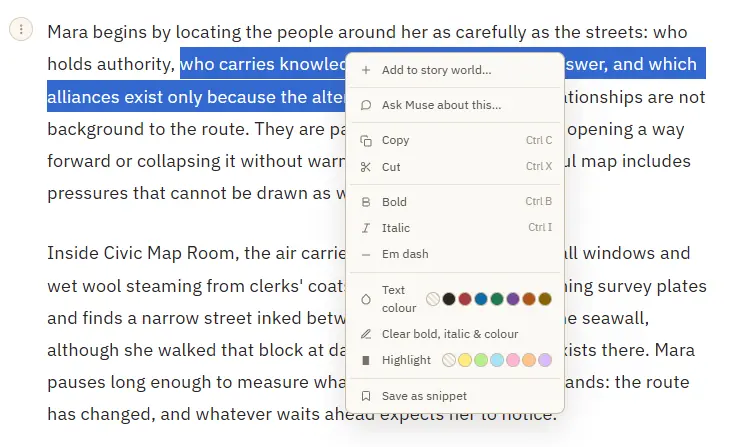
Format Novel Text in ChapterMuse

Bold and italic — from the toolbar or Ctrl/⌘ B and Ctrl/⌘ I A proper em dash (—) inserted at the cursor Theme-aware text colour and highlight swatches that stay readable in every writing palette Clear bold, italic, colour, and…

CMwww.chaptermuse.com › Legal › Terms

Terms of Service — ChapterMuse

We may suspend or close an account that breaches these terms, after reasonable notice except where immediate action is necessary (e.

CMwww.chaptermuse.com › Guide › Plan a scene

How to write a scene that turns

Every craft book will now say the same three words at you. Goal, conflict, disaster.

CMwww.chaptermuse.com › Help › Chapters

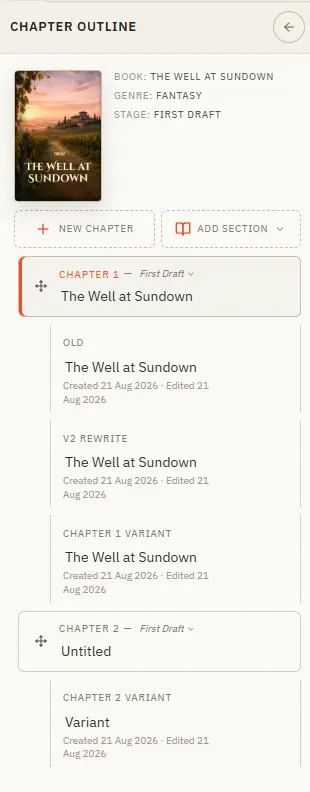
Organise Chapters and Alternate Variants

Your book's structure lives in the chapter drawer — add, reorder, restage, and branch alternate takes. Updated 4 September 2026 The chapter drawer slides in from the left and holds your whole manuscript — front matter at the top,…

CMwww.chaptermuse.com › Help › Beta readers

Beta Readers: ChapterMuse Guide

✦Quick start 1In your book, open the Review menu and choose Beta readers. 2Press Send, then tick the chapters you want read — nothing is ticked for you.

CMwww.chaptermuse.com › Guide › How to write a fantasy novel

How to Write a Fantasy Novel

But what he published was a story (Frodo leaves, the Ring goes to the fire, the cost is paid) and the world reaches the reader only as the story has need of it: a road that goes ever on, a name Aragorn will not explain, a door…