ChapterMuse

Search results for alternative ending

About 60 results (0.020 seconds)

CMwww.chaptermuse.com › Help › Formatting

Format Novel Text in ChapterMuse

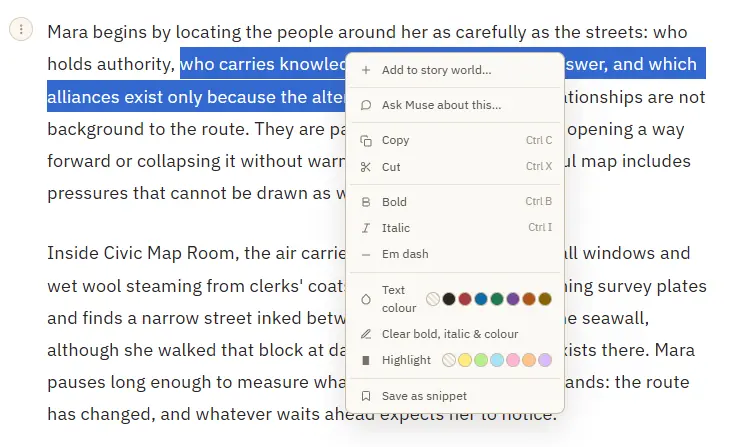
Add to story world — turn a selected name into a character, location, item, faction, or glossary term, and open its sheet Save as snippet — stash the selected passage, or the whole paragraph when nothing is selected Copy or cut a…

CMwww.chaptermuse.com › Help › Sections

Add Front Matter and Back Matter to a Book

Each is added from the chapter drawer and lands in its correct, conventional position automatically. ✦Quick start 1Open the chapter drawer and click Add section.

CMwww.chaptermuse.com › Help › Glossary

Link Character Names and Glossary Terms

Recognises the names of your characters, locations, factions, and items in the prose Colour-codes each highlight by type so you can read your world at a glance A hover card previews the entity — portrait, crest, or cover — with a…

CMwww.chaptermuse.com › Help › Snippets

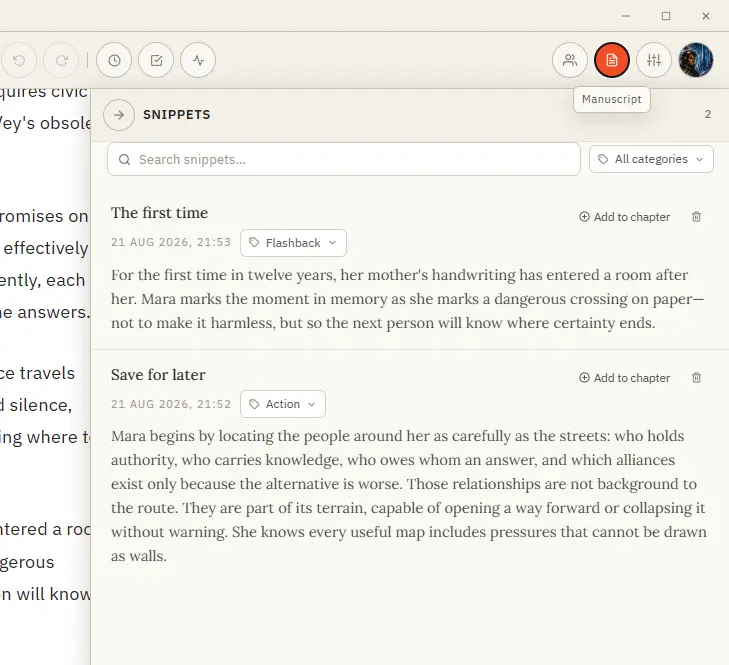
Save and Reuse Writing Snippets

Save it, organise it by category, and drop it back into any chapter when the moment comes. Formatting is preserved.

CMwww.chaptermuse.com › Help › Shortcuts

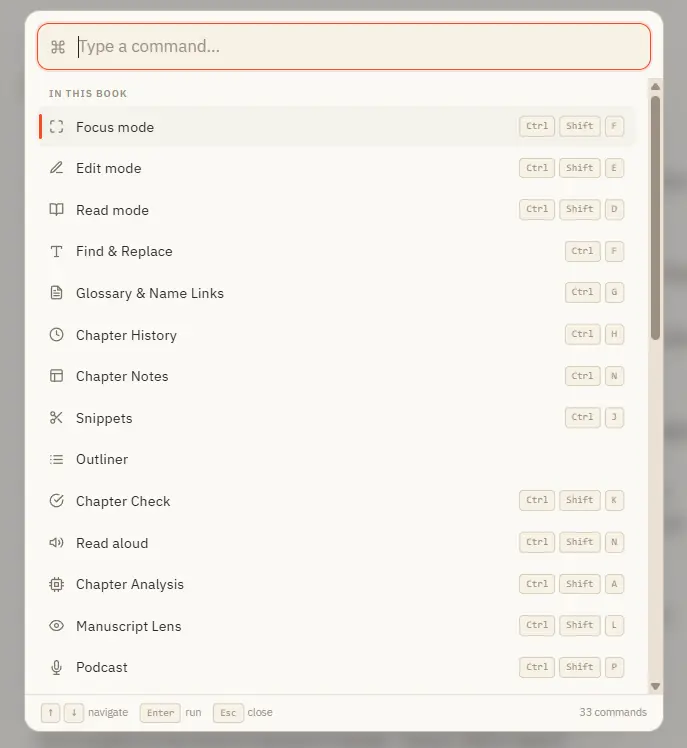
ChapterMuse Keyboard Shortcuts and Command…

Ctrl M for Muse works everywhere in the app — including from Story World and your libraries, not just inside a book. In the whole writing studio No tool here works alone.

CMwww.chaptermuse.com › Help › Modes

Switch Between Read and Edit Modes

Great for reviewing what you've written or sharing a chapter with a beta reader. ✦Quick start 1Write as usual in Edit mode — the default.

CMwww.chaptermuse.com › Help › Focus mode

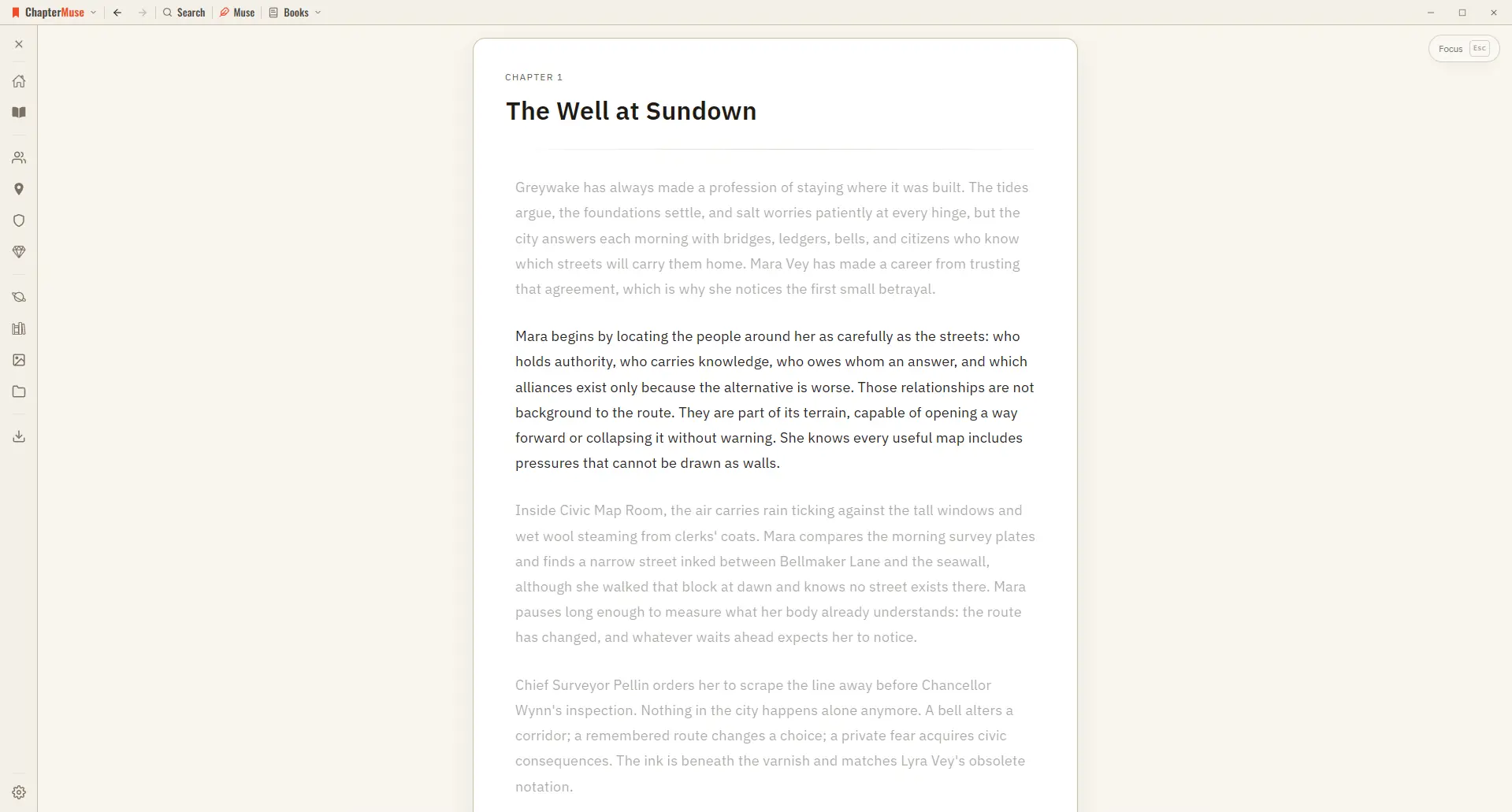
Use Distraction-Free Focus Mode

The toolbar, the chapter drawer, and every panel step out of view, leaving your page alone in a quiet window. The line you're writing stays centred as a typewriter scroll keeps it in place, and the rest of the page softly dims —…

CMwww.chaptermuse.com › Help › Locations

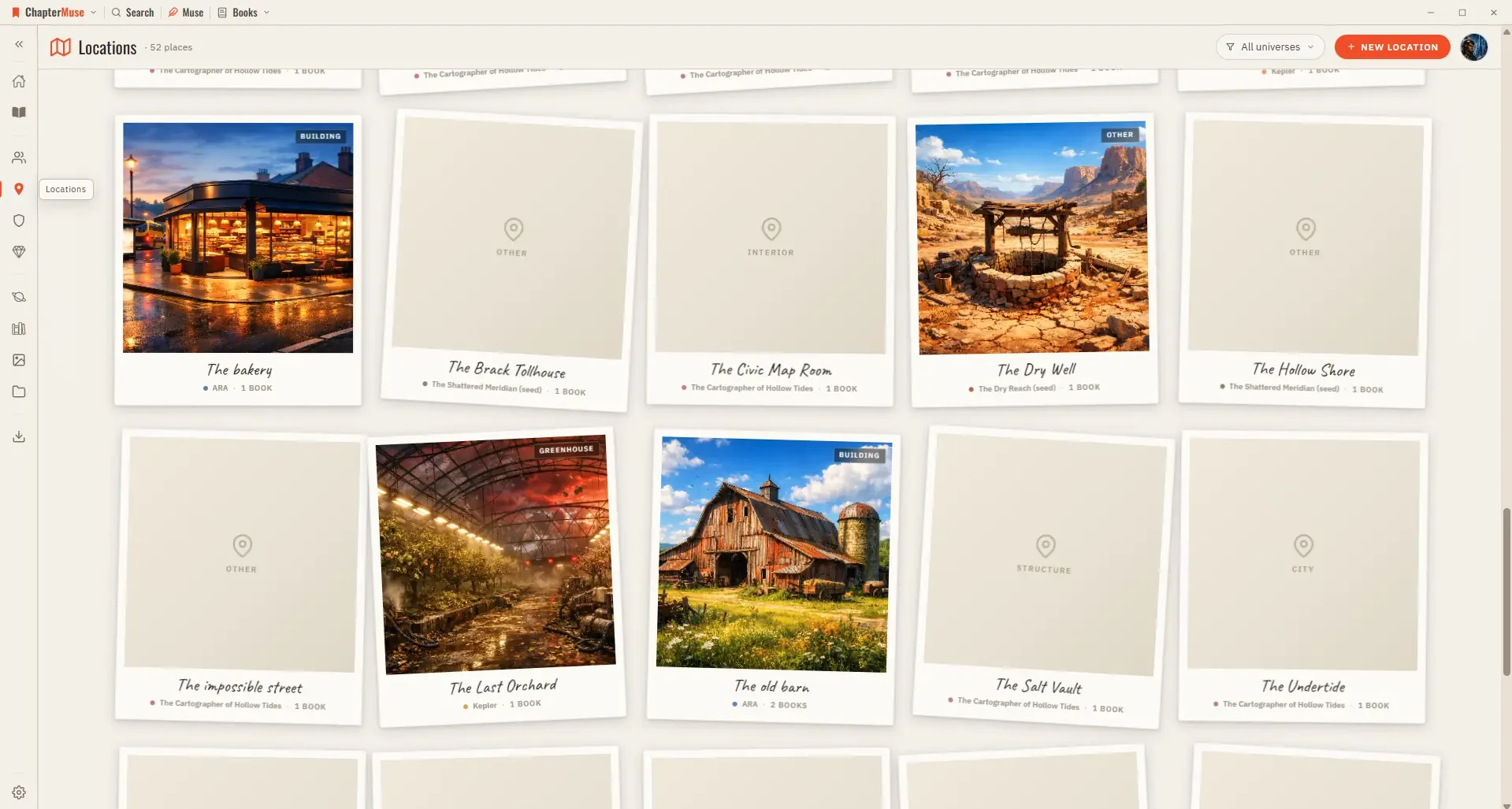
Build and Track Story Locations

Updated 4 September 2026 Your Locations library is the atlas of your world. Each place gets a card with cover imagery and a sheet where you capture how it looks, sounds, and feels.

CMwww.chaptermuse.com › Help › Mind map

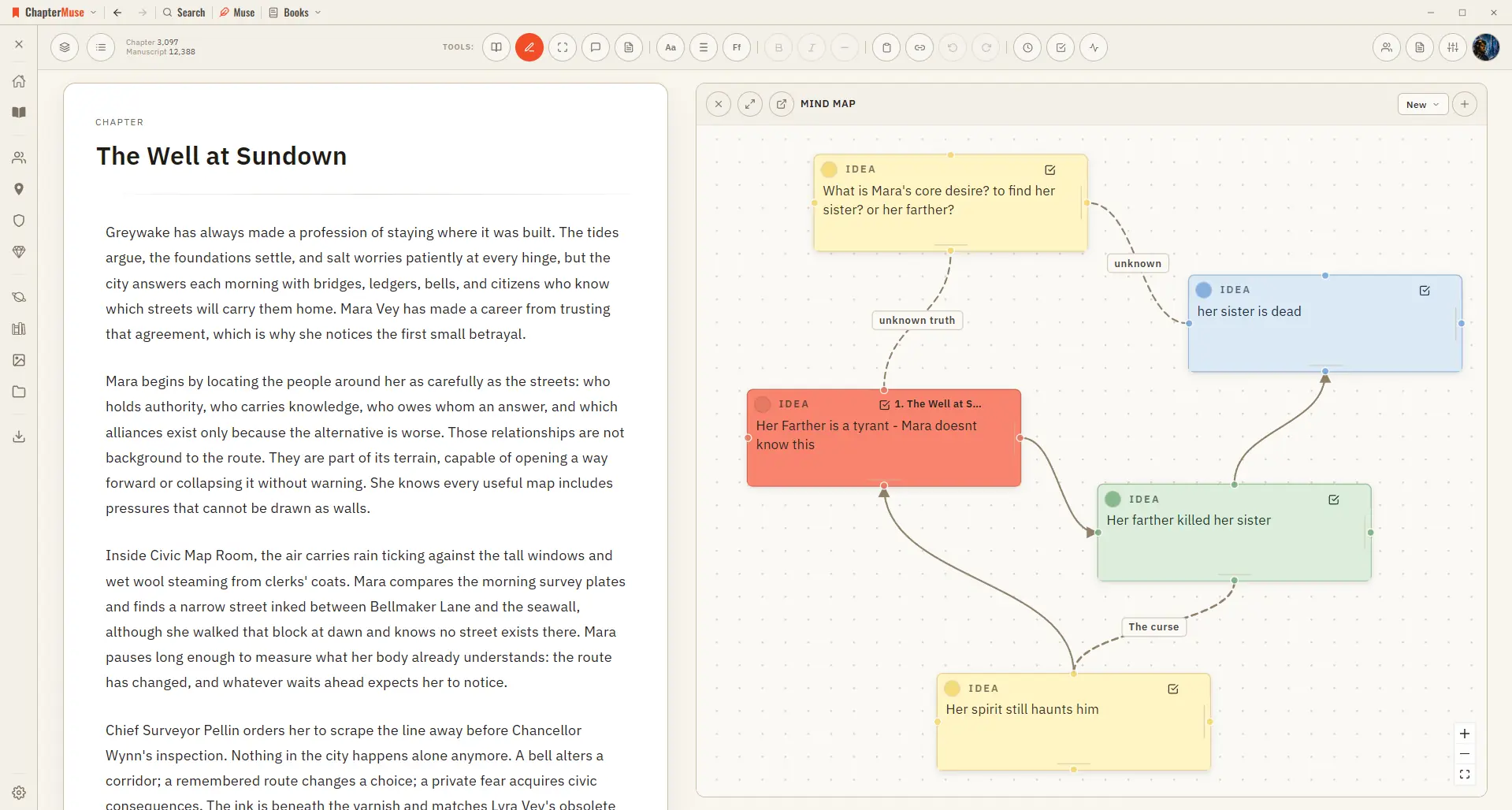
Brainstorm a Novel with the Mind Map

Zoom and pan across the whole canvas Go fullscreen for a big thinking session Dock the map to the left or right of your writing Pop it out into its own window to work beside your manuscript ✦The same card-and-connection system…