ChapterMuse

Search results for words

About 72 results (0.022 seconds)

CMwww.chaptermuse.com › Help › Gallery

Manage Your Story-World Image Gallery

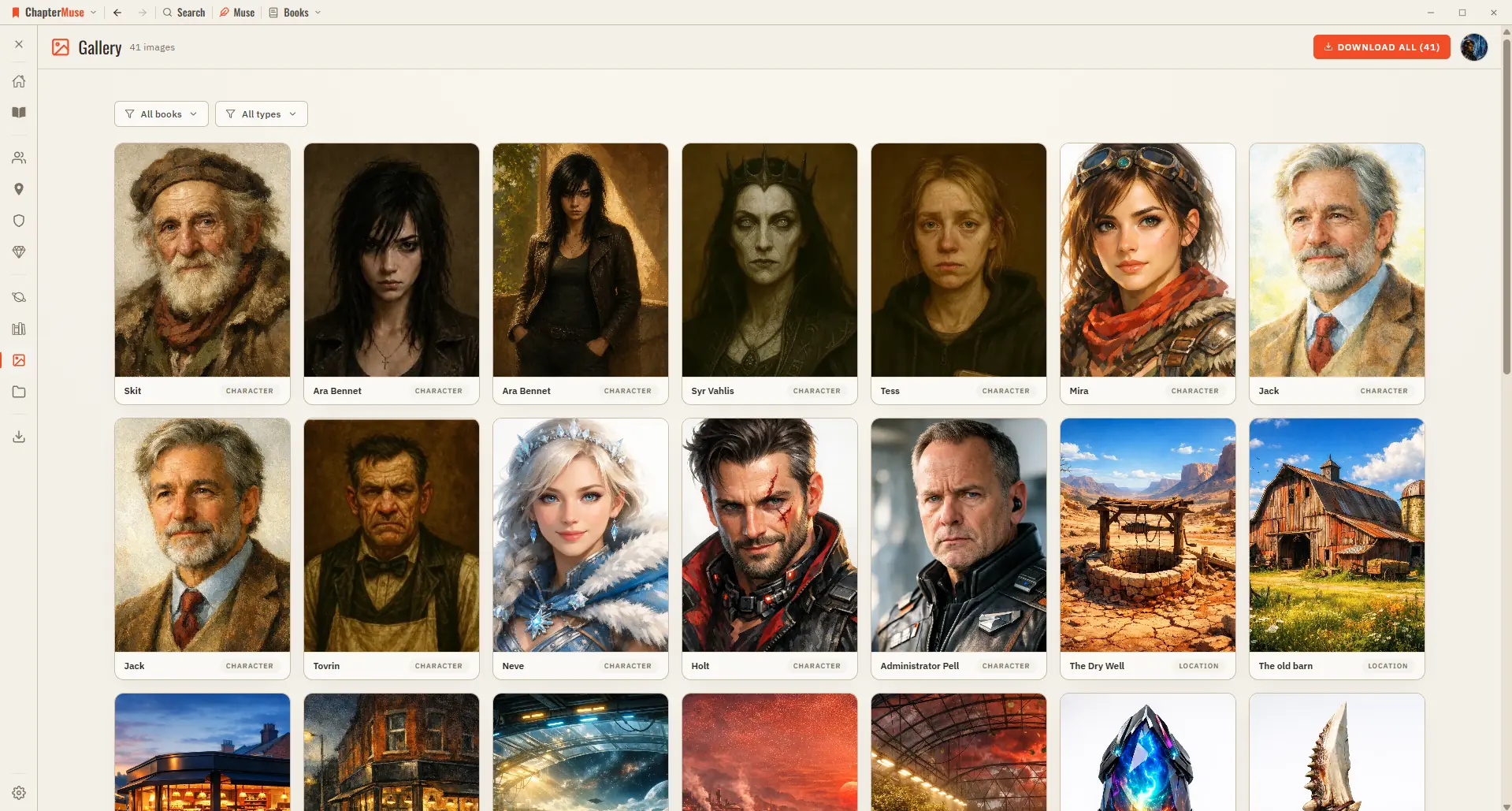
Character, location, and item images — both AI-generated and your own uploads Faction crests and your finished, text-baked book covers A shared image appears just once, so the grid stays tidy A live count in the header tells you…
CMwww.chaptermuse.com › Help › Storyboard

Turn a Planned Scene into a Storyboard

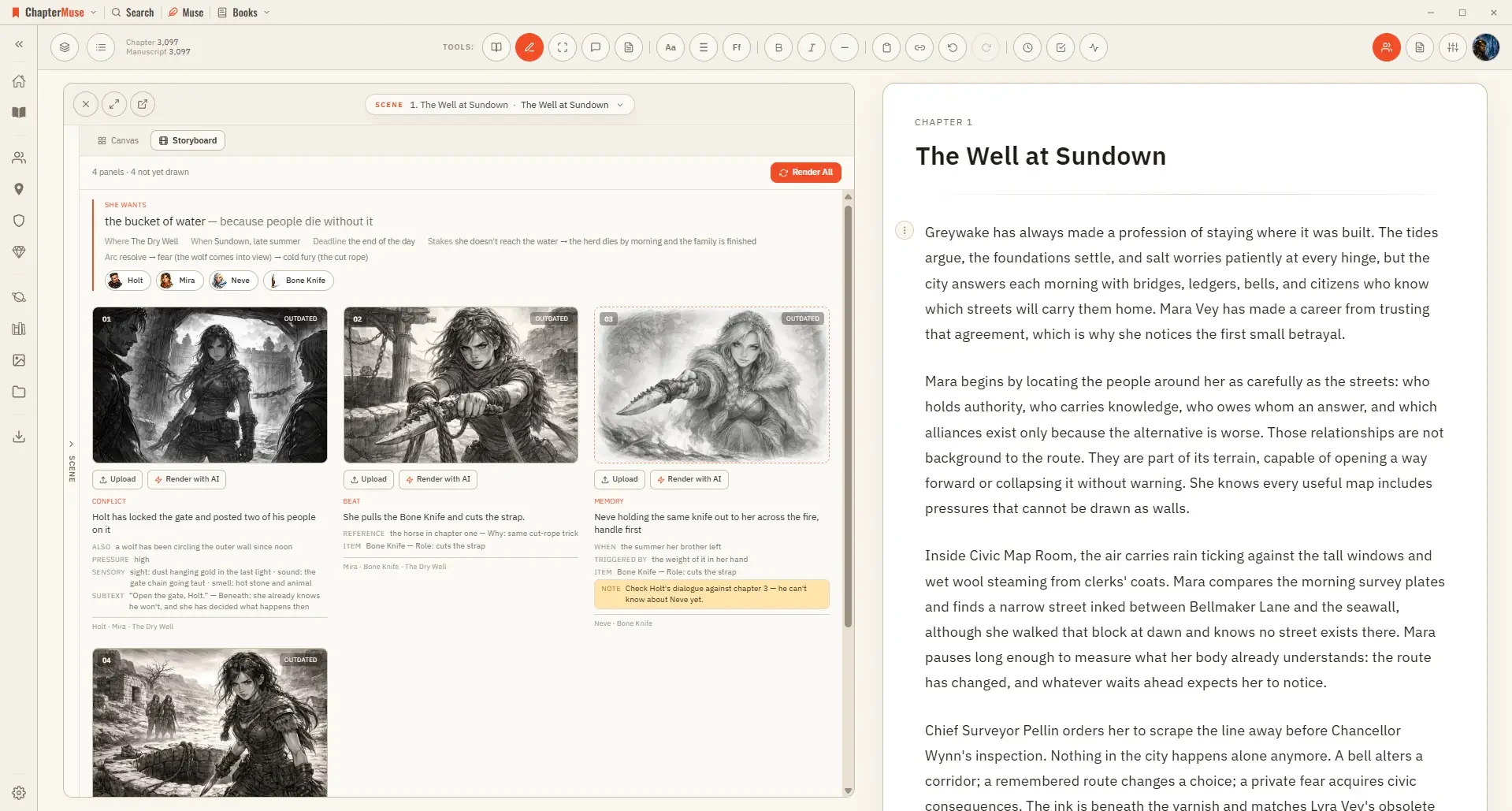
Three qualities — Rough for blocking a sequence out, Standard, and Fine for a panel you want to keep A pre-check shows the whole plan and its price before you commit; closing it costs nothing Rendering uses AI Tokens, since it…

CMwww.chaptermuse.com › Help › Museiki

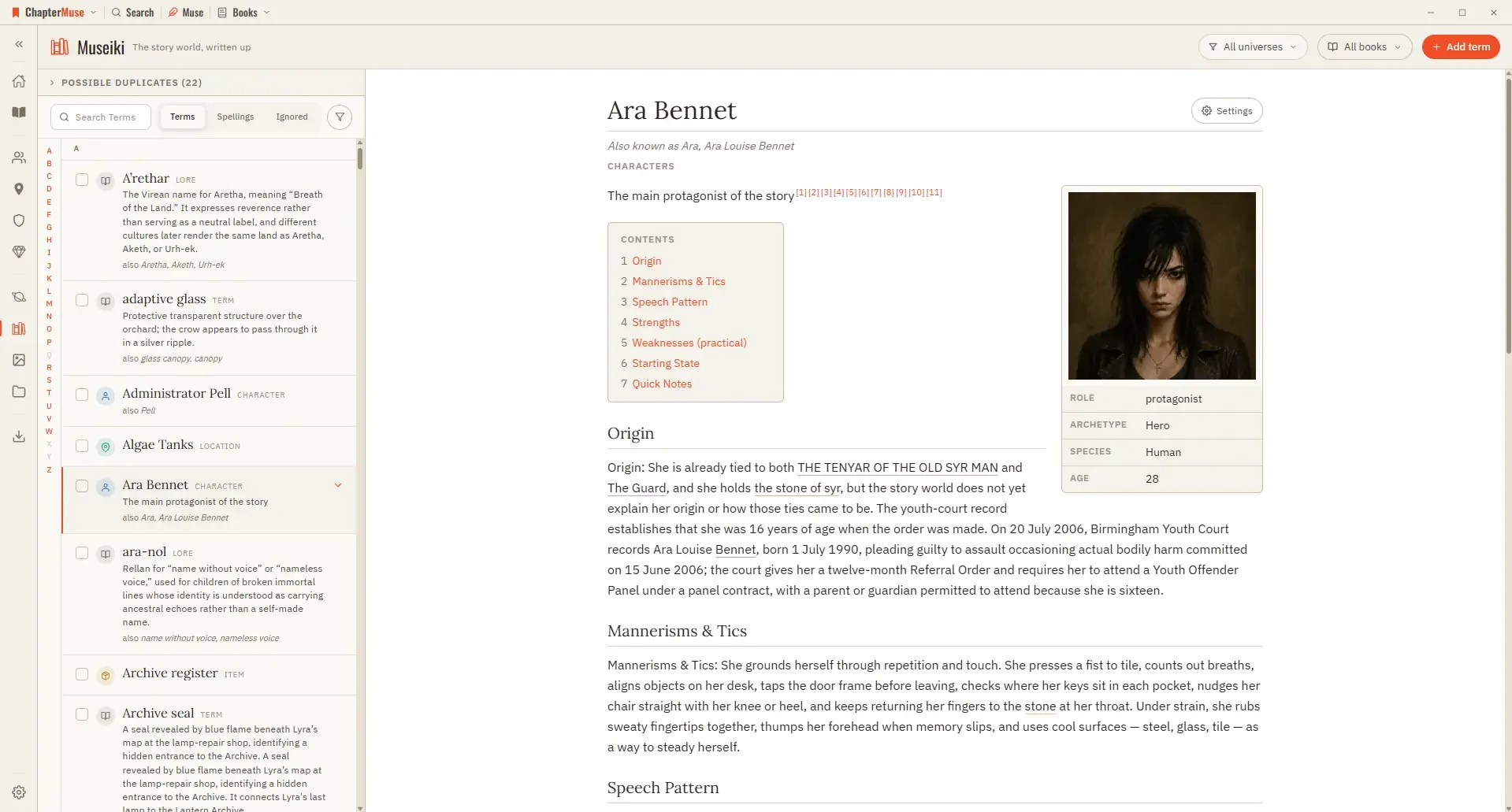
Turn Your Story World into an Encyclopedia

Read a few articles as a stranger would: the ones that stop after a single line are exactly the parts of your world that are still only in your head.

CMwww.chaptermuse.com › Help › Sections

Add Front Matter and Back Matter to a Book

In the whole writing studio Follow one draft into Word, print-ready PDF, EPUB and the files around the novel. See how the manuscript becomes a book

CMwww.chaptermuse.com › Help › Cloud backup

Cloud Backup: ChapterMuse Guide

Your cover art and images are uploaded once and then recognised, so a normal backup is a small amount of text rather than your whole library You can keep writing during an upload.

CMwww.chaptermuse.com › Help › Storage and resets

Back Up, Restore and Manage ChapterMuse Data

muse — save your whole library, including chapter snapshots, revision passes, writing targets, sessions, and the progress ledger, to one portable backup file If a referenced image, file, or audio asset cannot be read, the backup…

CMwww.chaptermuse.com › Help › Shortcuts

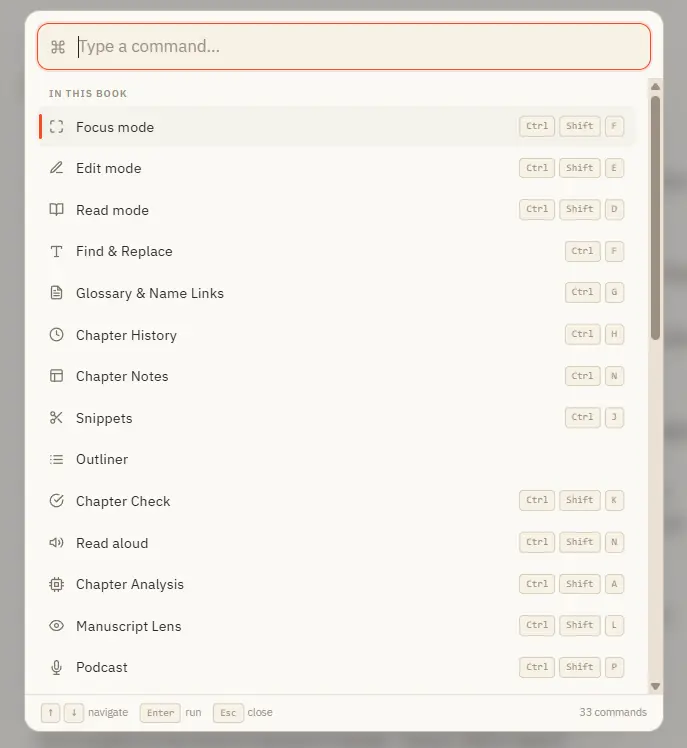
ChapterMuse Keyboard Shortcuts and Command…

Ctrl M for Muse works everywhere in the app — including from Story World and your libraries, not just inside a book. In the whole writing studio No tool here works alone.

CMwww.chaptermuse.com › Feature › Offline private

Offline and Private Novel Writing Software

The rest of the writing workspace does not become cloud software merely because optional AI exists. Muse waits until the writer asks 03 · Backup

CMwww.chaptermuse.com › Help › Workspace views

Use Split View and Whole-Book Workspace Views

See how planning reaches the page, how the page reaches revision, and how a draft becomes a finished book. Explore every ChapterMuse feature