CMwww.chaptermuse.com › Help › Workspace views
Use Split View and Whole-Book Workspace Views
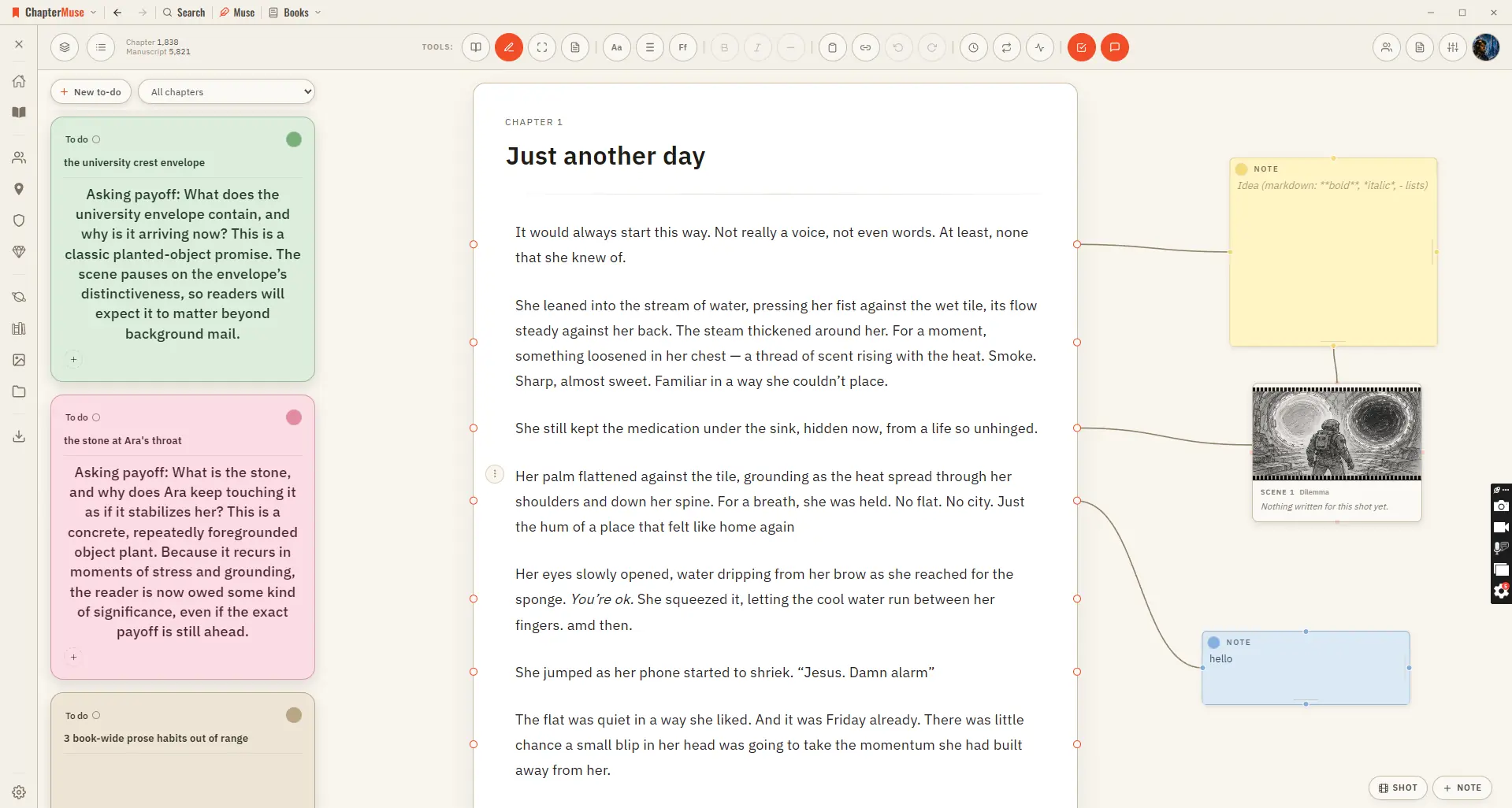
See how planning reaches the page, how the page reaches revision, and how a draft becomes a finished book. Explore every ChapterMuse feature
About 63 results (0.023 seconds)
CMwww.chaptermuse.com › Help › Workspace views
See how planning reaches the page, how the page reaches revision, and how a draft becomes a finished book. Explore every ChapterMuse feature
CMwww.chaptermuse.com › Help › Story world
✦Quick start 1Open ChapterMuse — you arrive at Story World automatically. 2Click Manuscripts to open your Bookshelf and start writing.
CMwww.chaptermuse.com › Feature › Muse
Ask about a chapter, a person, a research file or the whole story world. Muse reads within the scope you choose and answers from material you have already assembled.
CMwww.chaptermuse.com › Help › Podcast
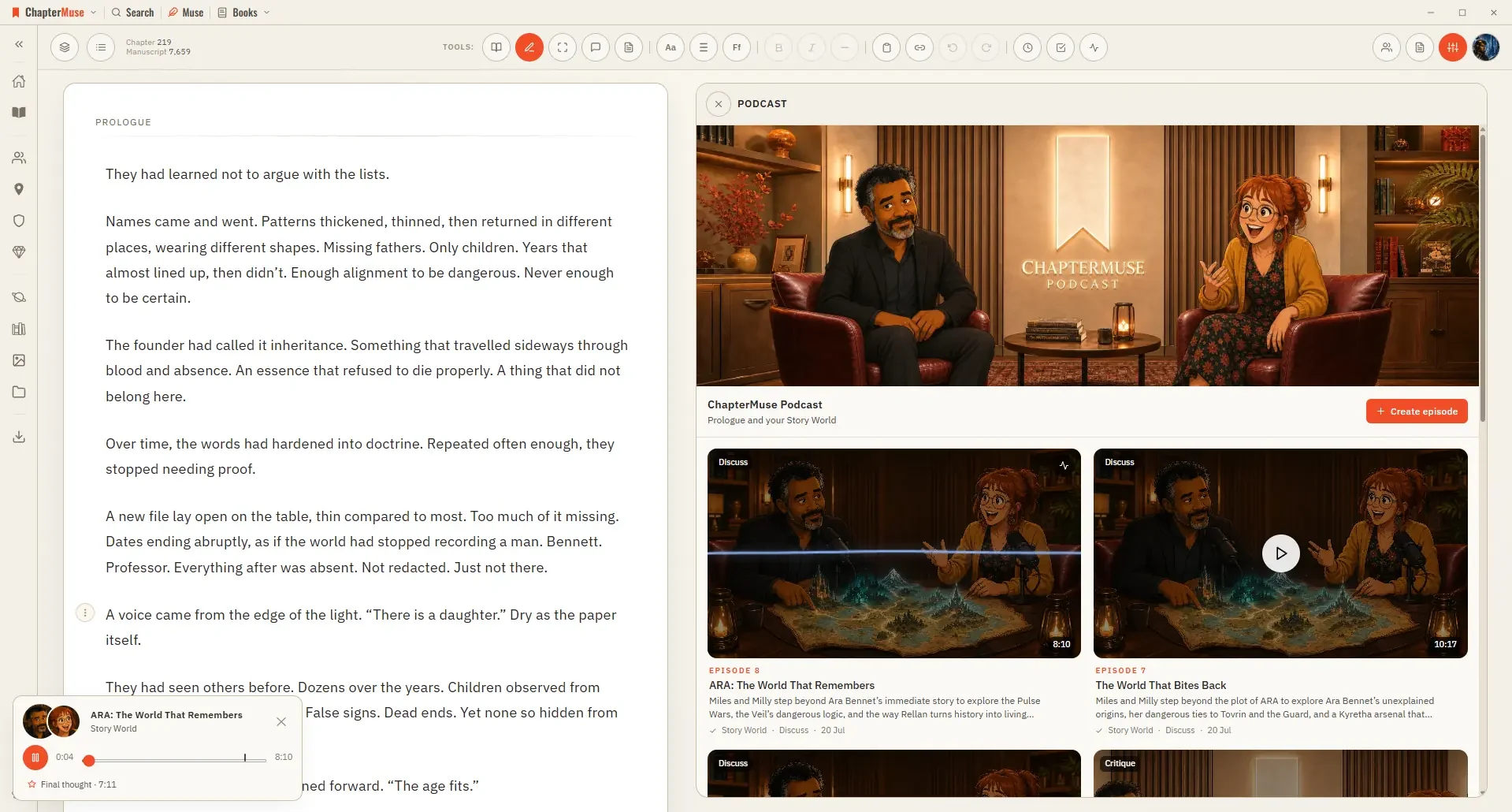
Earlier episode coverage helps an overview find fresh ground; an explicit topic or question takes priority The source material comes from this book’s in-scope world cards, lore, timeline and Plot Grid plans.
CMwww.chaptermuse.com › Help › Find replace
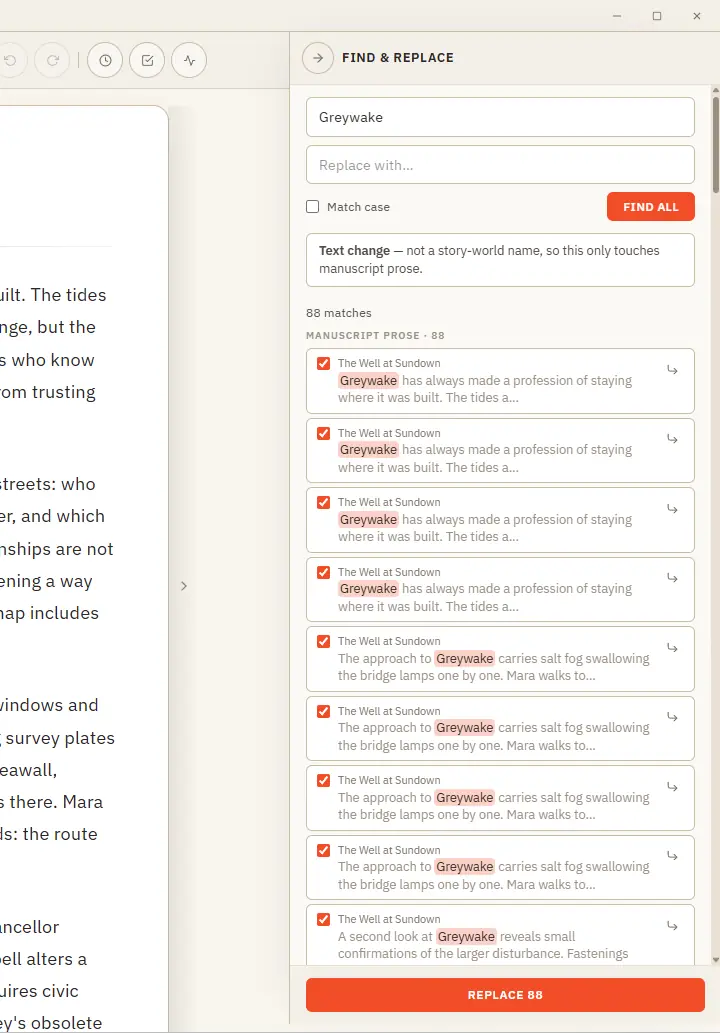
One clever panel that knows the difference between fixing a word and renaming someone in your story world. Updated 4 September 2026 Find & Replace does two jobs from one place, and it works out which you mean.
CMwww.chaptermuse.com › Help › Muse
Unlike the Review tools, which each read one thing, Muse can see your whole story world — the manuscript, your characters and how they relate, your factions, items, locations, glossary, plot grid, marginalia, research, and even…
CMwww.chaptermuse.com › Help › Book design
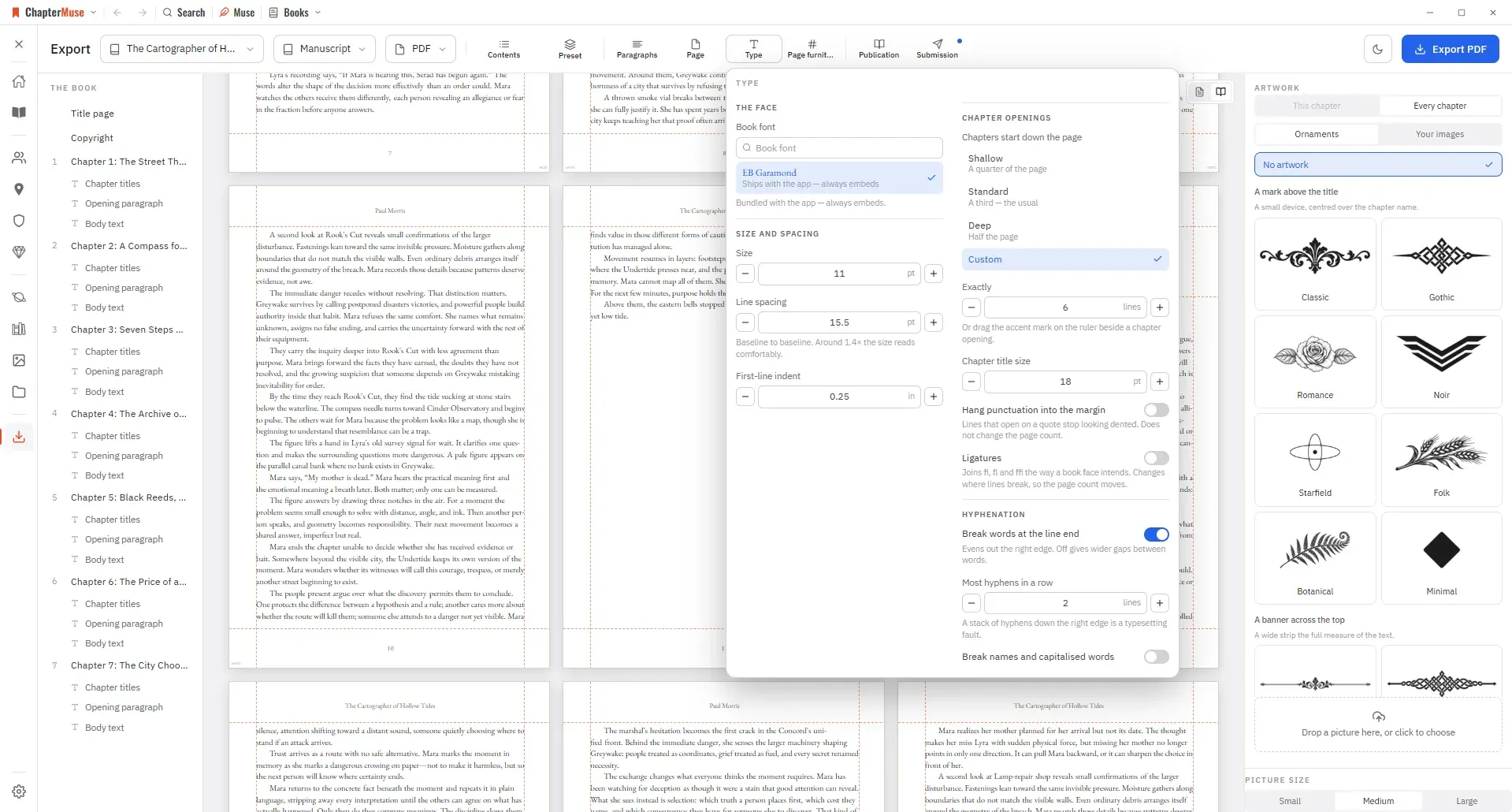
An unreadable image or failed placement shows an error so you can try again Drop a gallery picture onto a chapter in the outline to use it as that chapter’s opening artwork Text can wrap around a picture, sit above and below it,…
CMwww.chaptermuse.com › Help › Chapter notes
In the whole writing studio See how outlines, grids, timelines, maps and scenes stay connected to the manuscript. See the complete planning workflow
CMwww.chaptermuse.com › Help
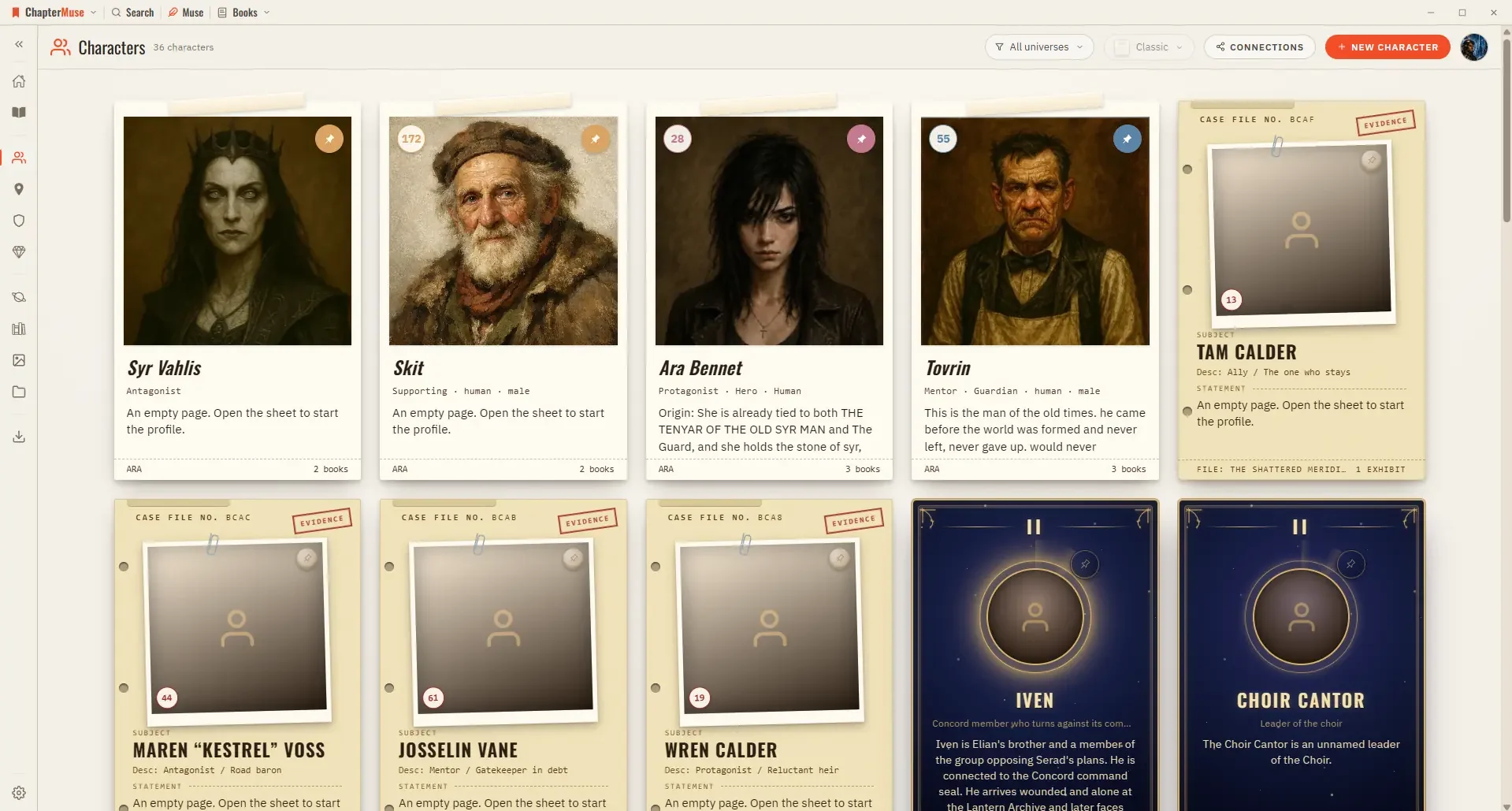
Character Arcs Map a character's transformation beat by beat. Connections A relationship canvas that spans your whole universe.
CMwww.chaptermuse.com › Help › Analysis
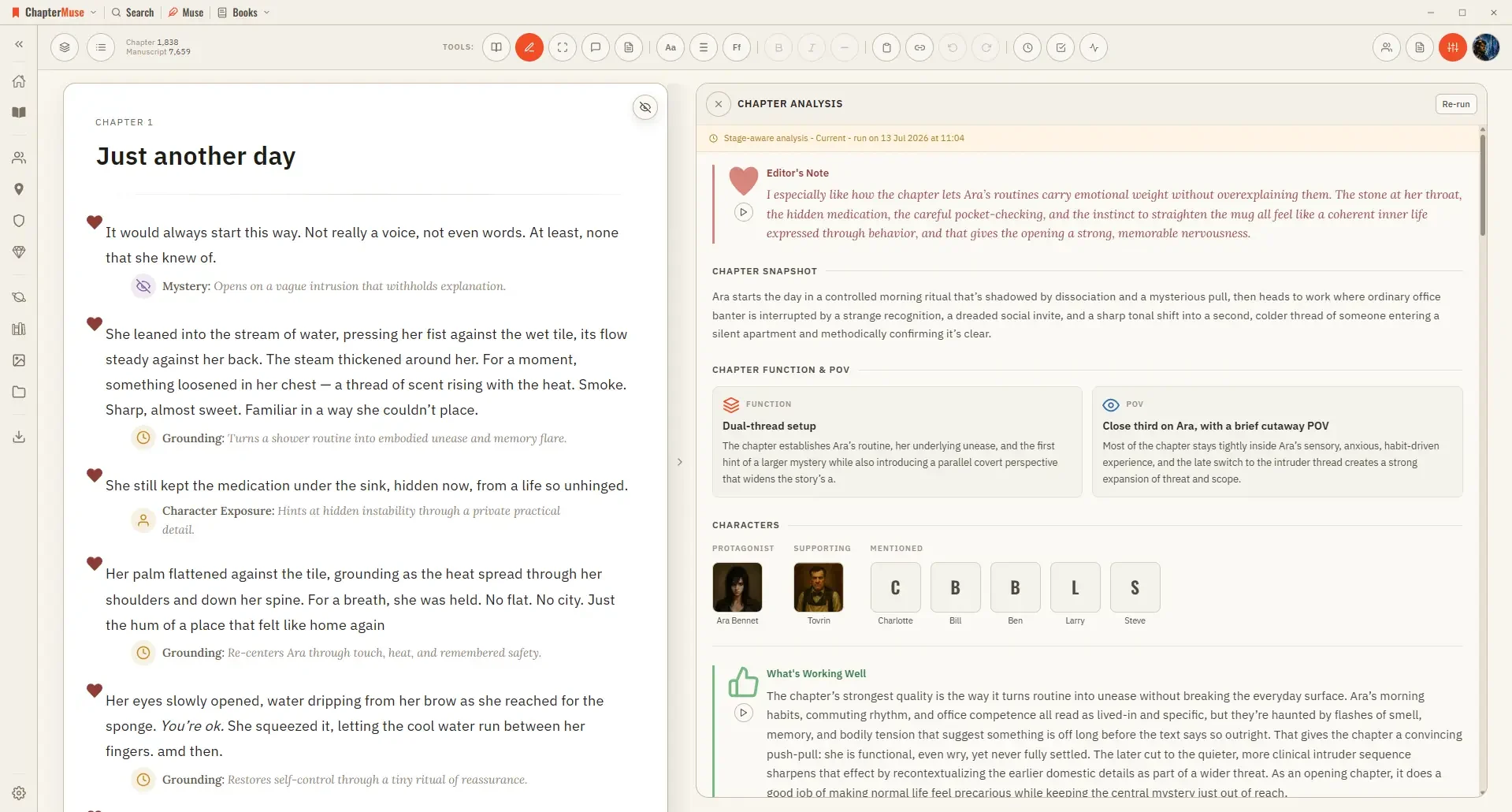
✦Ask Muse for direction, a focused continuity check, or help acting on feedback. If you ask for a full chapter critique, Muse points you here instead of duplicating Chapter Analysis — and can open it for you from a book-scoped…