CMwww.chaptermuse.com › Help › Shortcuts
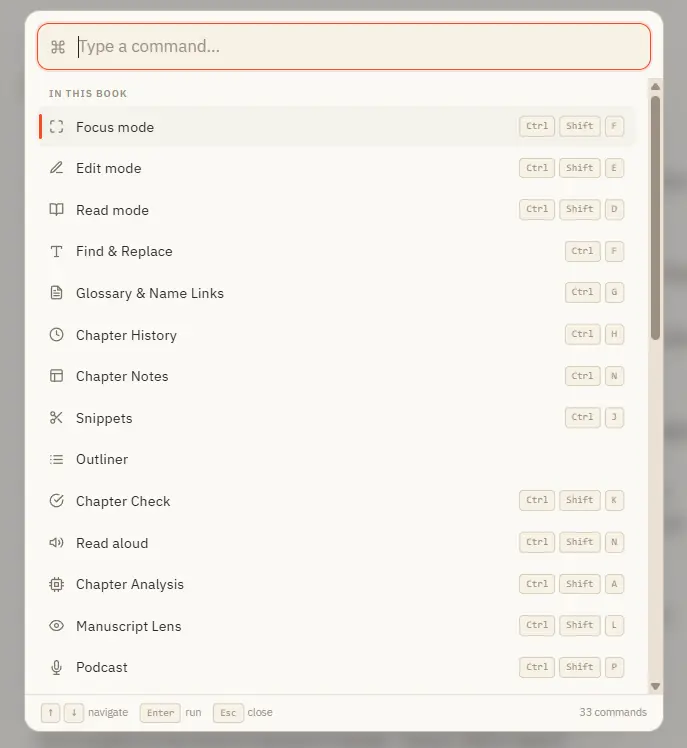
ChapterMuse Keyboard Shortcuts and Command…
In the whole writing studio No tool here works alone. See how planning reaches the page, how the page reaches revision, and how a draft becomes a finished book.
About 70 results (0.027 seconds)
CMwww.chaptermuse.com › Help › Shortcuts
In the whole writing studio No tool here works alone. See how planning reaches the page, how the page reaches revision, and how a draft becomes a finished book.
CMwww.chaptermuse.com › Help › Writing progress
Daily and weekly targets count new prose committed during that period Manuscript and chapter targets measure the current size of the actual text, and can carry a finish date Sprints have an inclusive start and finish date,…
CMwww.chaptermuse.com › Feature › Book formatting
Each kind decides how it meets the page: start its own leaf or run straight on from the one before. Each begins the way your chapters do until you say otherwise, and the choice reaches the print edition, the Word file, the ODT…
CMwww.chaptermuse.com › Help › Ai images
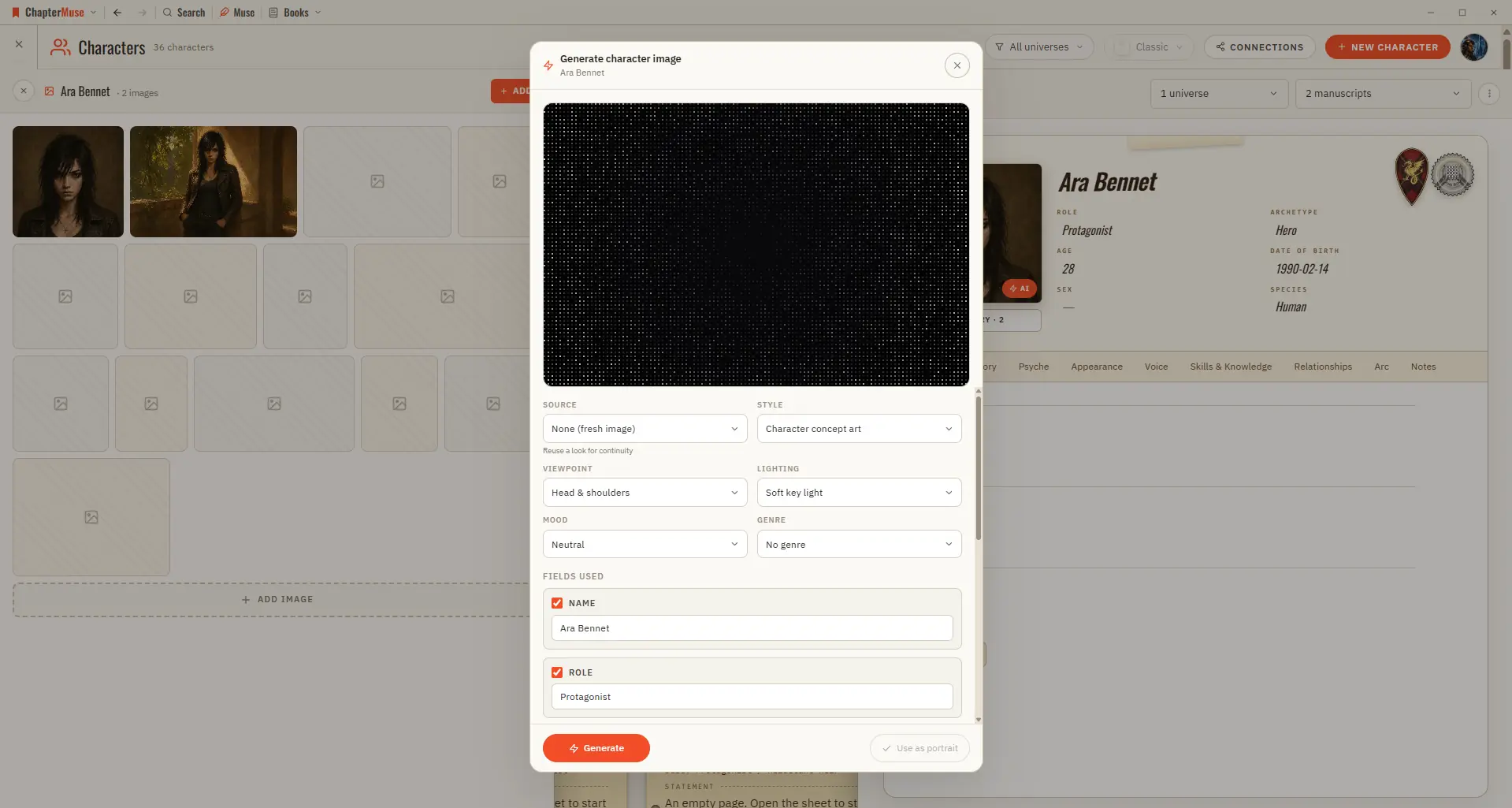
A prompt pre-written from the entity's name and key details — fully editable Character portraits, location scenes, and item studies, each tuned to the subject Regenerate as many times as you need before committing The chosen…
CMwww.chaptermuse.com › Help › Characters
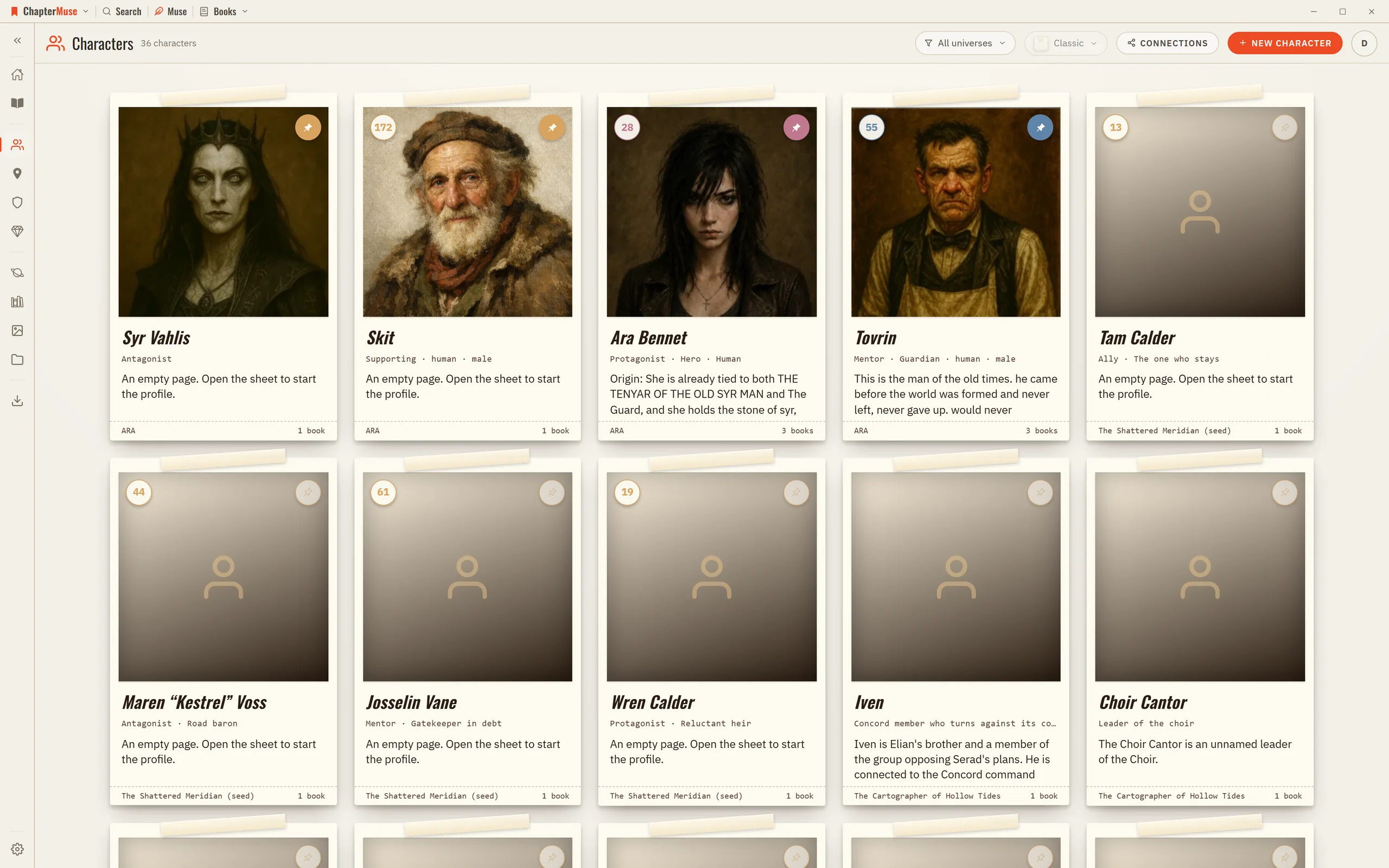
Essentials — name, tagline, role, archetype, age, date of birth, sex, and species Portrait — upload a photo, generate one with AI, or fall back to an identity gradient Profile tabs — Overview, History, Psyche, Appearance, Voice,…
CMwww.chaptermuse.com › Help
Research Center A private binder for the files beside your manuscript. Glossary & Name Links Story-world names highlighted right in your prose.
CMwww.chaptermuse.com › Help › Find replace
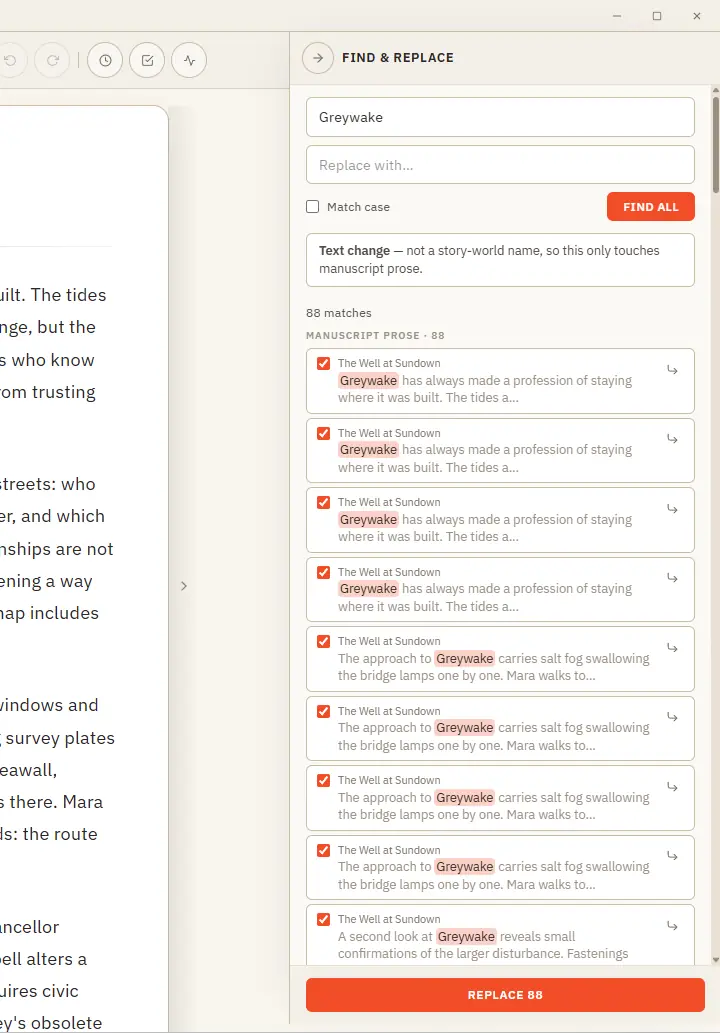
Results are grouped by where they live — prose, characters, locations, and more — with the match highlighted in context Jump straight to any prose occurrence to see it on the page before you commit A single Undo stays available…
CMwww.chaptermuse.com › Help › Mind map
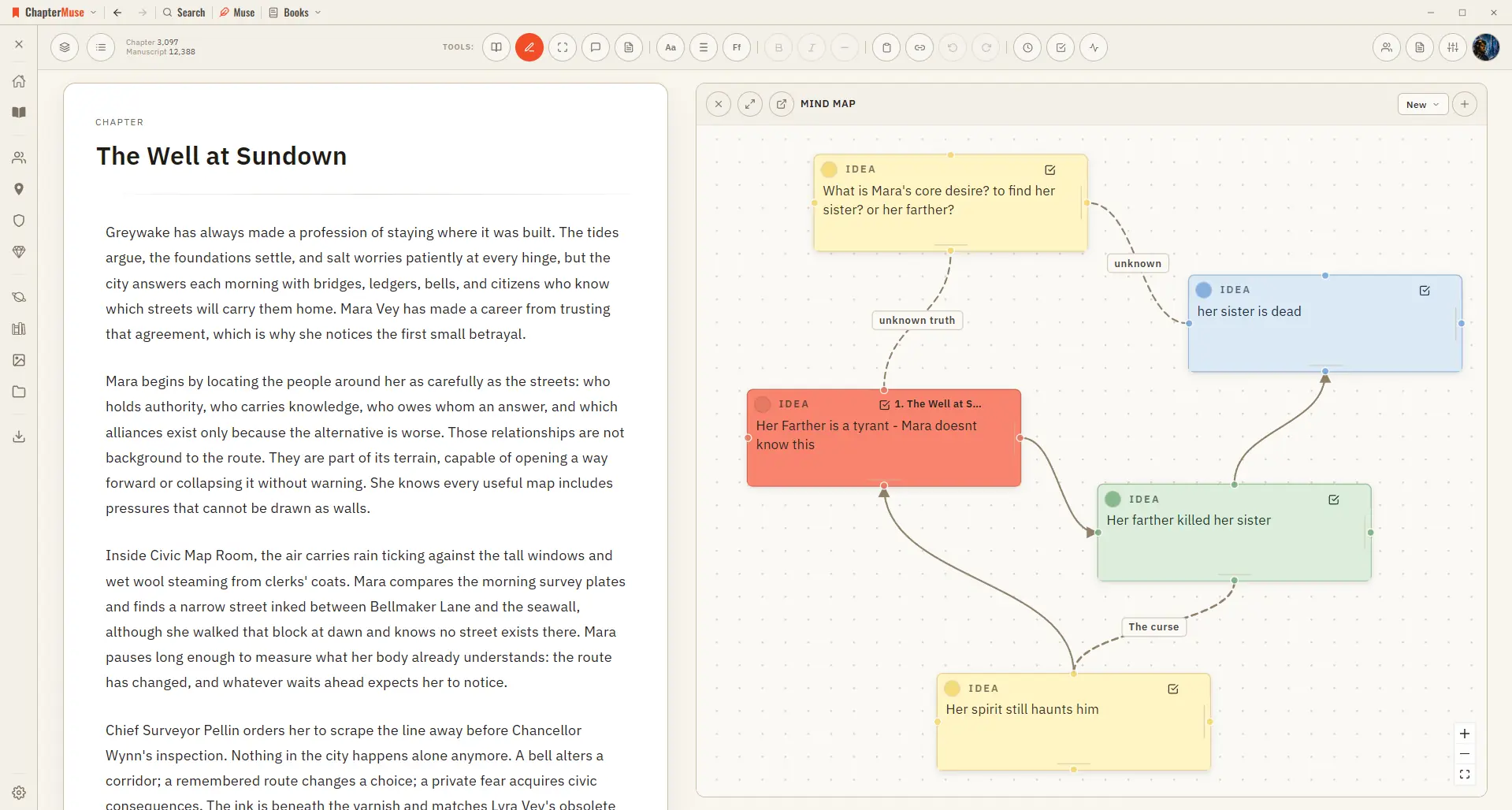
✦Quick start 1Open Mind Map from the Story menu (create a map on first use). 2Add a card, give it a title and notes, and drag it where you like.
CMwww.chaptermuse.com › Help › Canvas
A focused page where your words take centre stage — everything else steps back until you call for it. Updated 4 September 2026 Open a book and you arrive at the canvas: your chapter on a clean, page-like surface, floating above…
CMwww.chaptermuse.com › Help › Universes
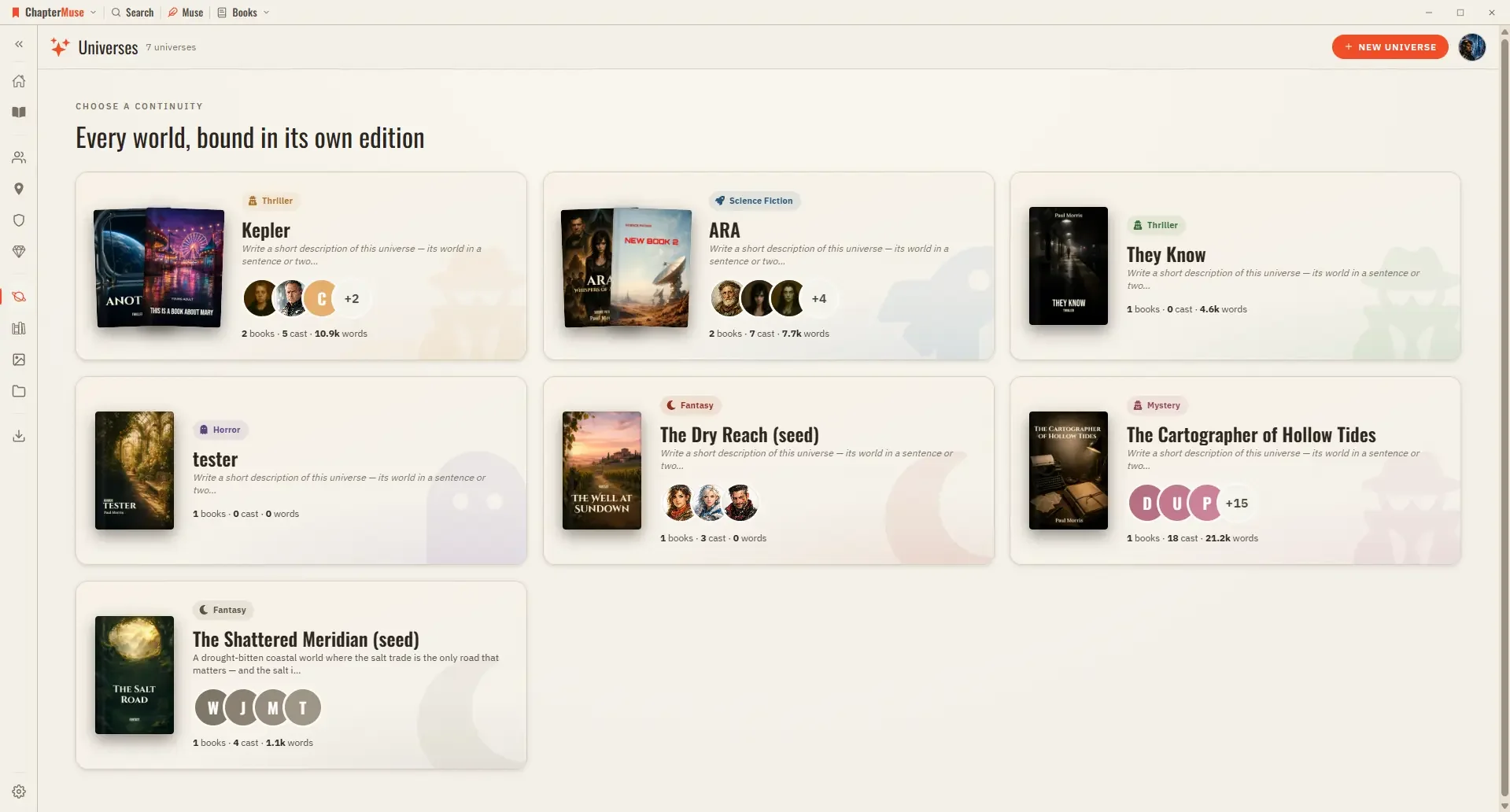
In the whole writing studio See how characters, places, factions, items and continuity work across the whole book. Explore connected worldbuilding