ChapterMuse

Search results for versions

About 60 results (0.021 seconds)

CMwww.chaptermuse.com › Help › Todos

To-dos: ChapterMuse Guide

4Use + on the card to tag the chapter, character, place, faction, item, or research document it is about. 5Pick a colour from the circle in the corner, and set the status from the top-left.
CMwww.chaptermuse.com › Help › Find replace

Find, Replace and Rename Story-World Entries

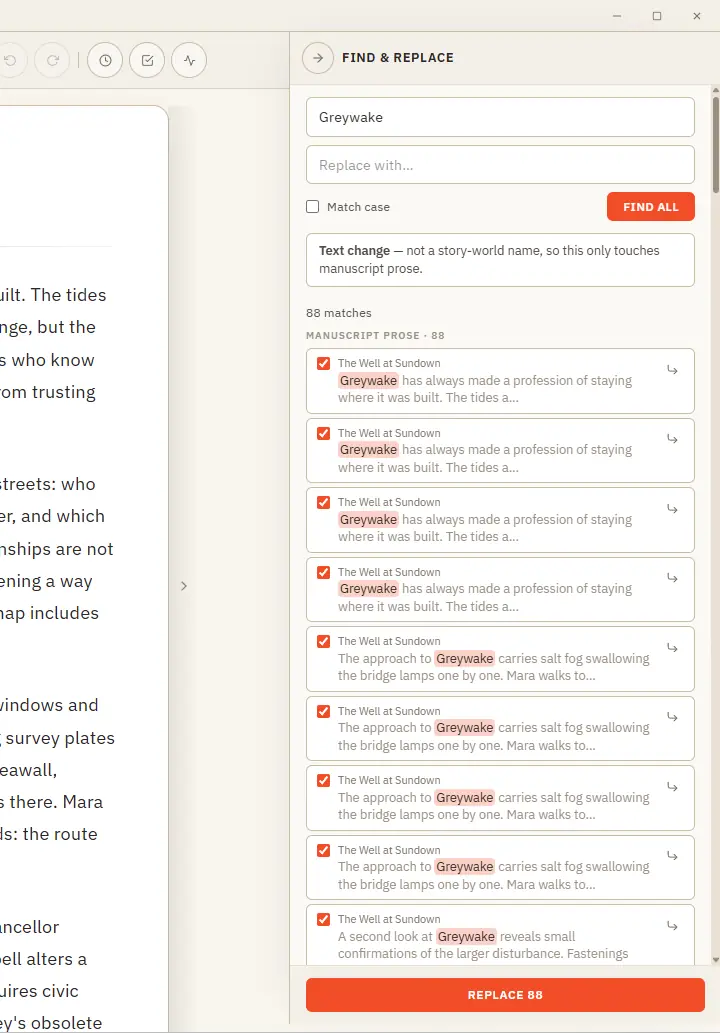
Plain text — searches your current book's prose and lets you cherry-pick occurrence by occurrence (all are ticked by default; untick any to skip it) Rename — recognises a story-world name and updates it everywhere across the…

CMwww.chaptermuse.com › Help › Analysis

Get AI Craft Feedback on a Novel Chapter

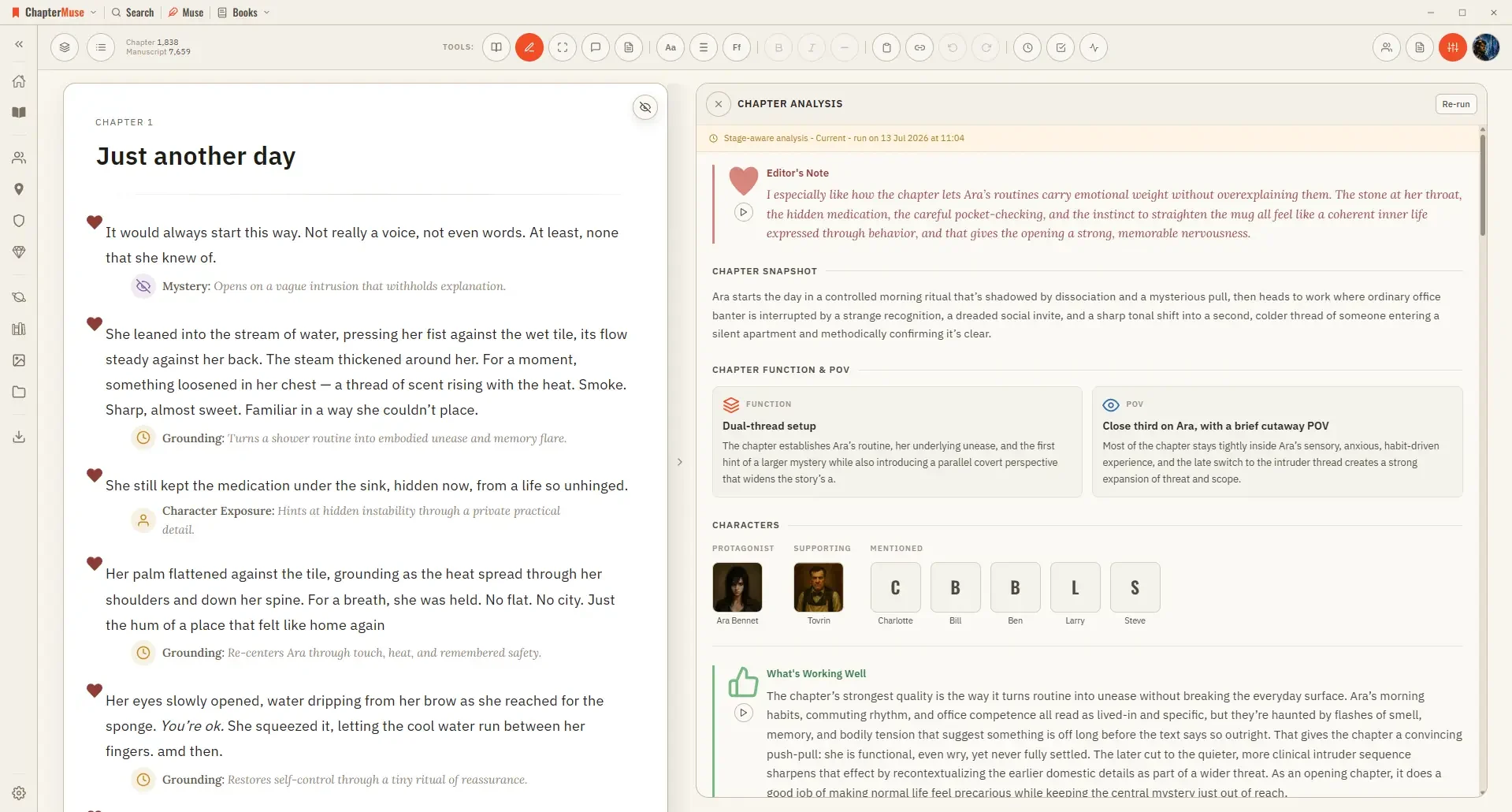
It runs in two passes: a quick chapter-level overview first, then, if you want it, a deeper paragraph-by-paragraph read.

CMwww.chaptermuse.com › Help › Chronos

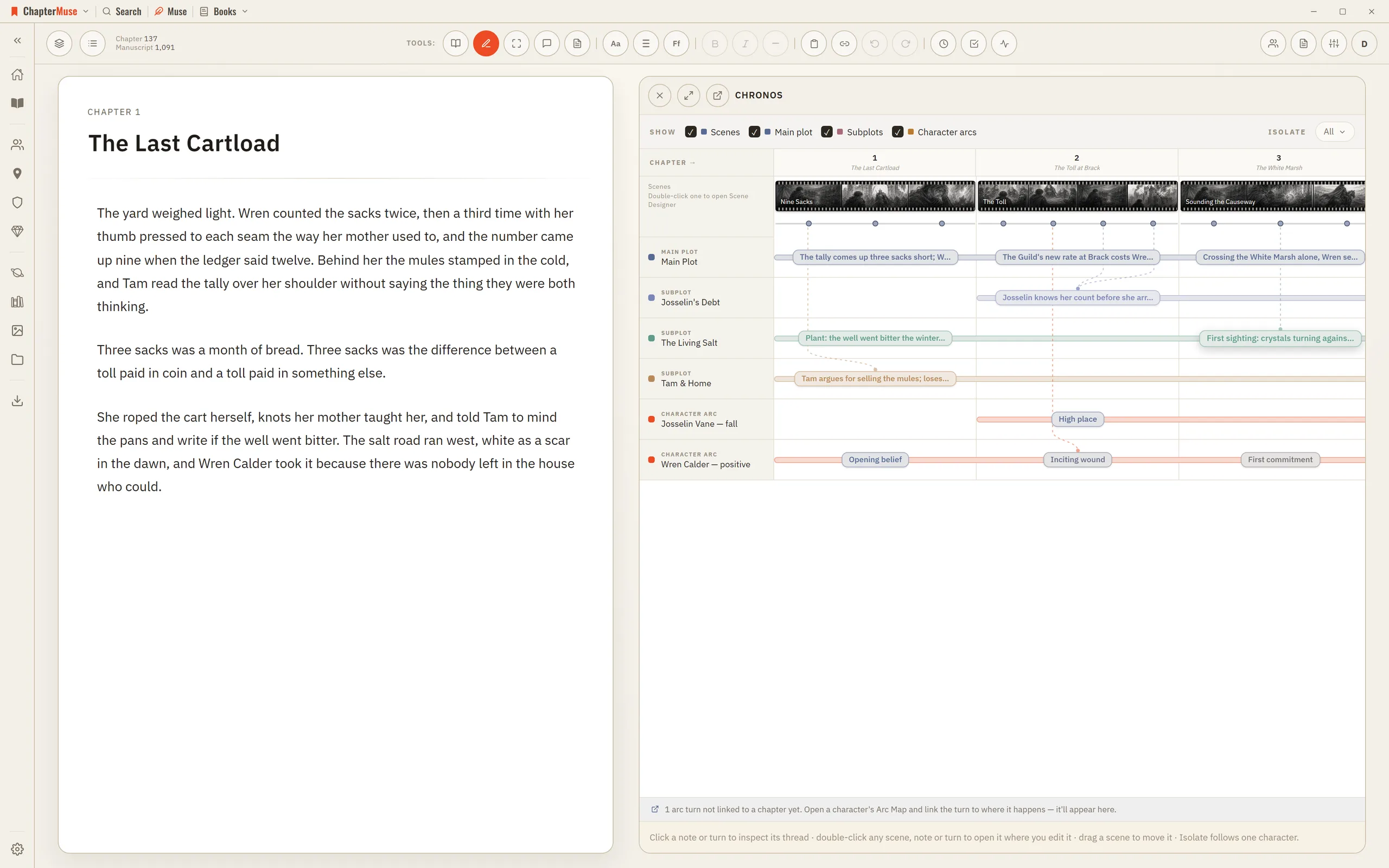
Build a Novel Timeline with Chronos

2Read across the top: each chapter column is as wide as its scene count, and each scene is a filmstrip as wide as its shots.

CMwww.chaptermuse.com › Help › Canvas

Write and Edit a Novel in the ChapterMuse…

Once the saving indicator disappears you can safely switch chapters, close the window, or step away. In the whole writing studio No tool here works alone.

CMwww.chaptermuse.com › Help › Chapter notes

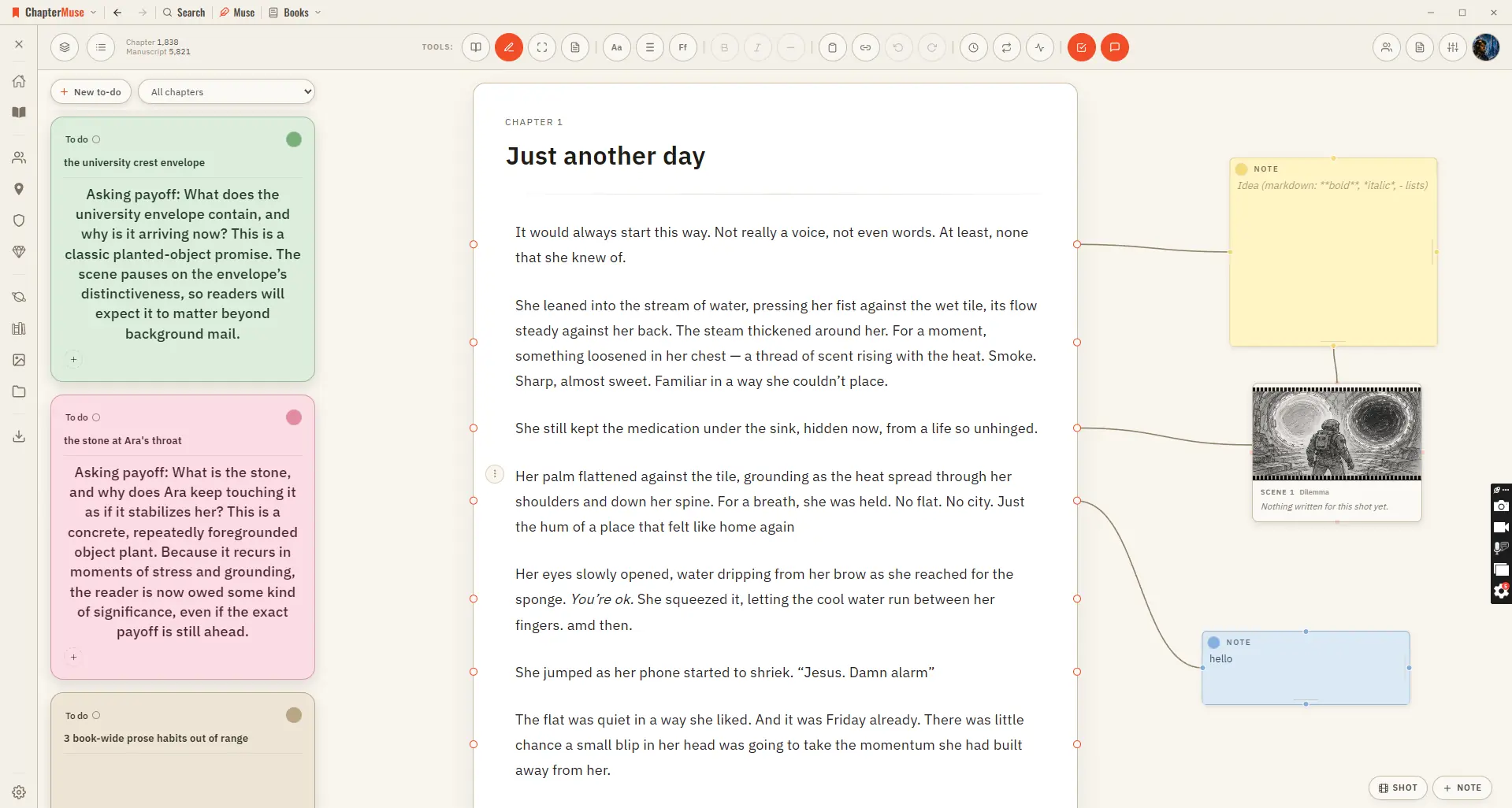
Attach Notes to Chapters and Paragraphs

Updated 4 September 2026 Chapter Notes brings the Mind Map's cards right onto your chapter. Drop a sticky note in the margin and connect it to a specific paragraph — a reminder to fix a name, a query for your future self, a note…

CMwww.chaptermuse.com › Feature › Worldbuilding

Worldbuilding and Story Bible Software

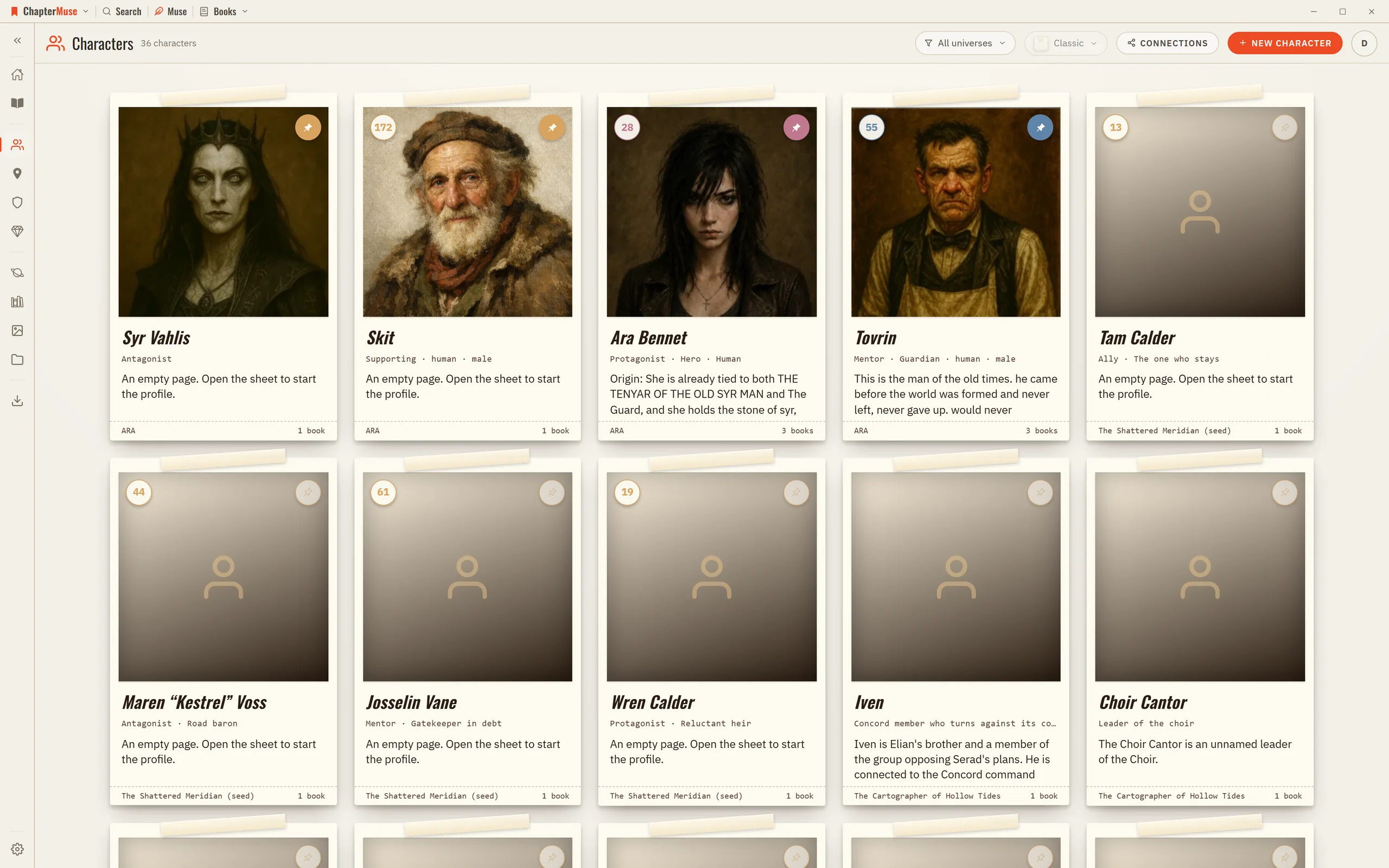
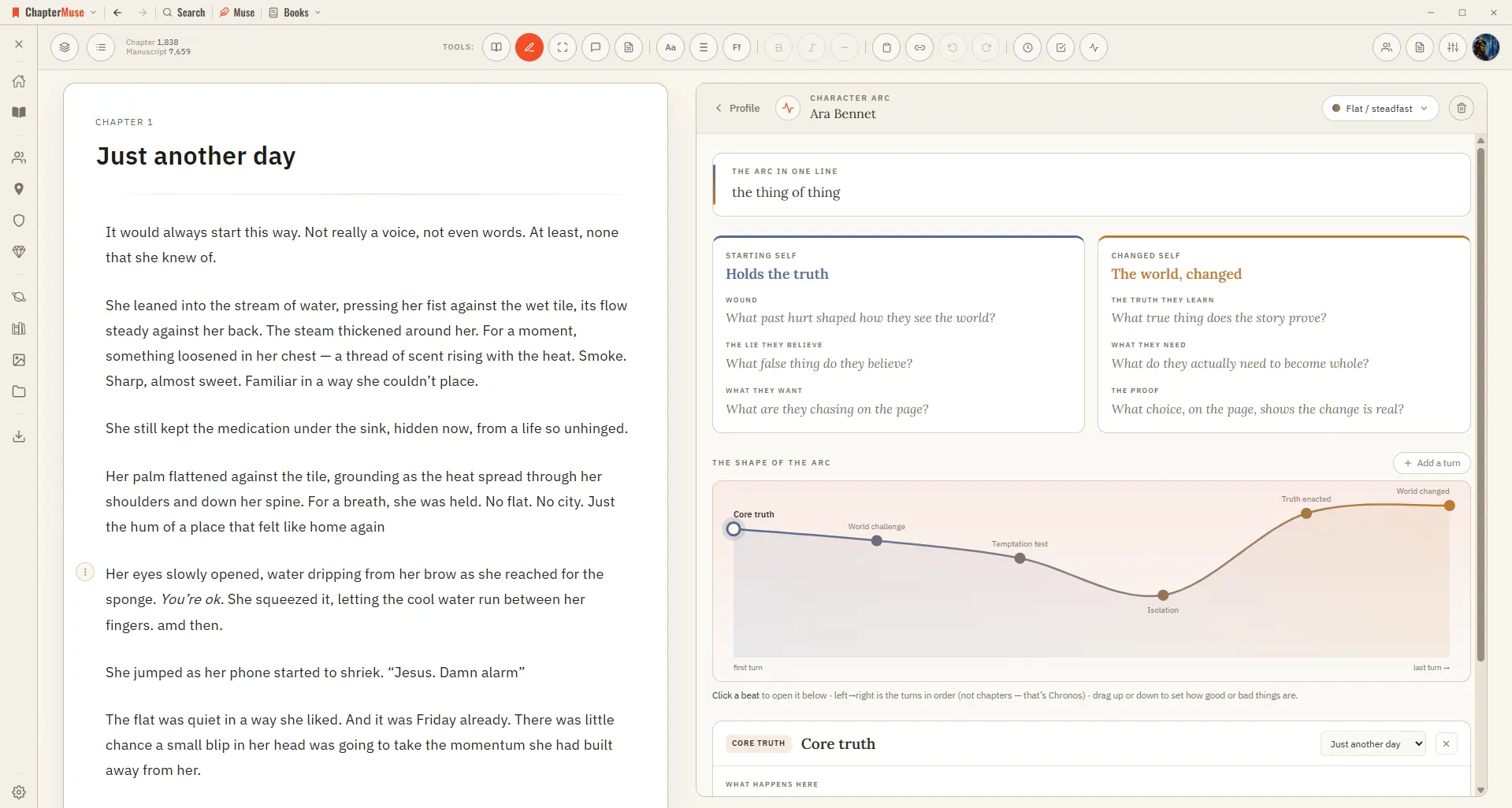
Character arcs anchor the transformation to concrete chapters and scenes. Connections make the social structure visible: who loves, mentors, rivals, owes or betrays whom.

CMwww.chaptermuse.com › Help › Word cloud

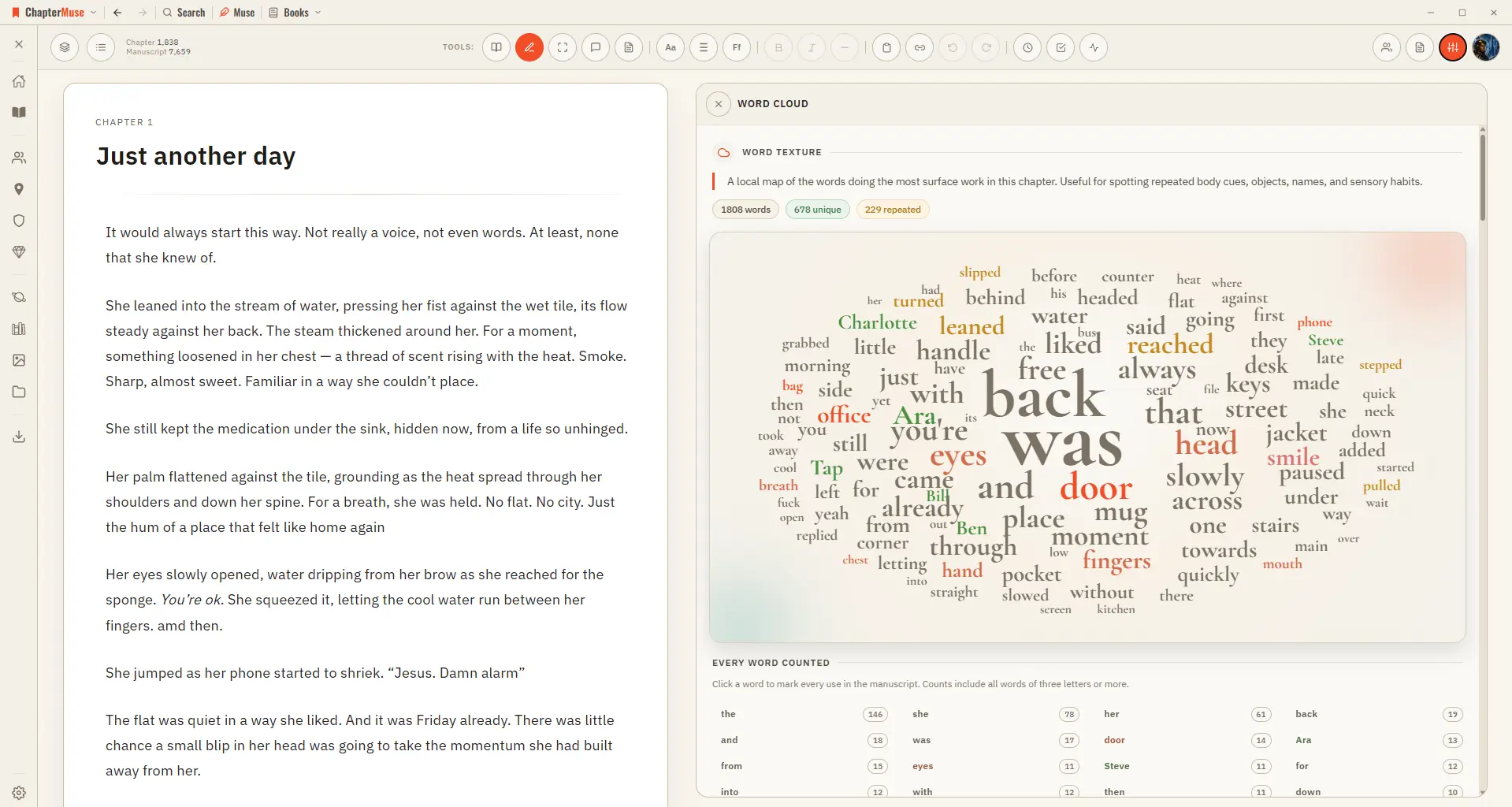
Find Repeated Words with the Word Cloud

✦Quick start 1Open a chapter in Single chapter view, then choose Word Cloud from the Review menu. 2Scan for any word that's larger — or more frequent — than you expected.

CMwww.chaptermuse.com › Help › Chapter check

Check Fiction Spelling, Grammar and…

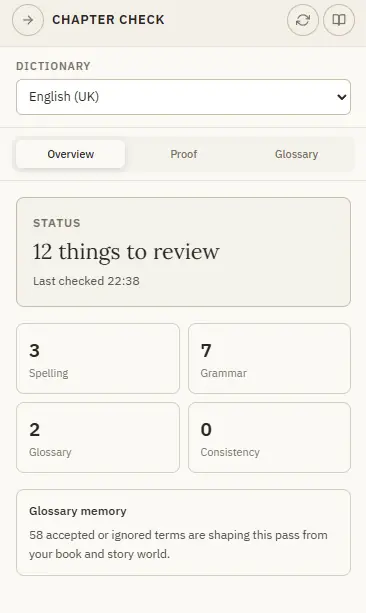
✦Quick start 1Open Chapter Check from the Review menu — it checks the current chapter for you. 2Start on Overview for the counts, then open Proof to work through the issues.