CMwww.chaptermuse.com › Help › Connections
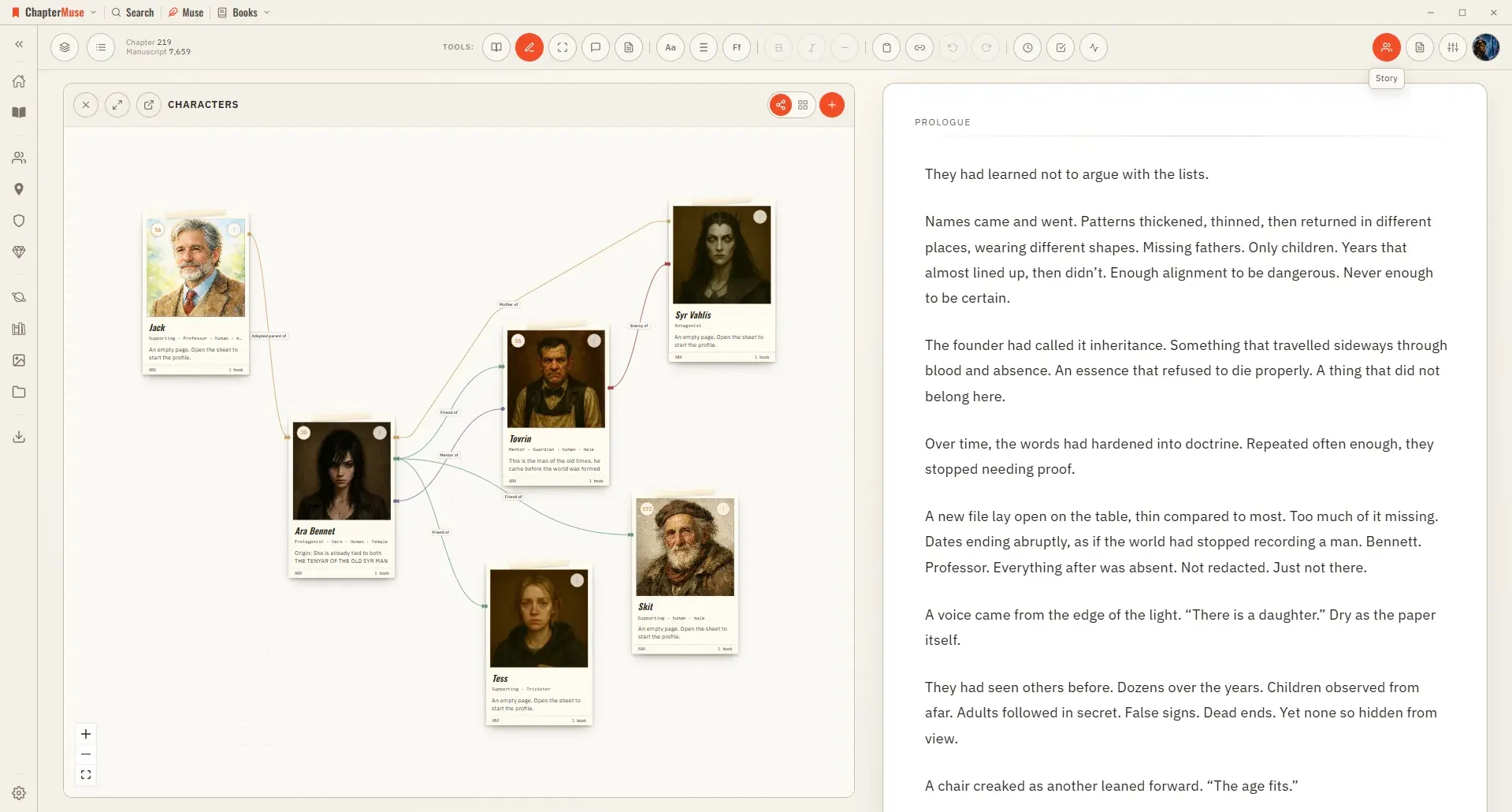
Map Character Relationships and Connections
4Click a character node to open their sheet alongside the canvas.
About 63 results (0.020 seconds)
CMwww.chaptermuse.com › Help › Connections
4Click a character node to open their sheet alongside the canvas.
CMwww.chaptermuse.com › Help › Canvas
Updated 4 September 2026 Open a book and you arrive at the canvas: your chapter on a clean, page-like surface, floating above the workspace so your eye always knows where the story is.
CMwww.chaptermuse.com › Help › Factions
✦Quick start 1Open Factions from Story World and click New faction. 2Set a name, motto, and kind (house, guild, order, and so on).
CMwww.chaptermuse.com › Help › Formatting
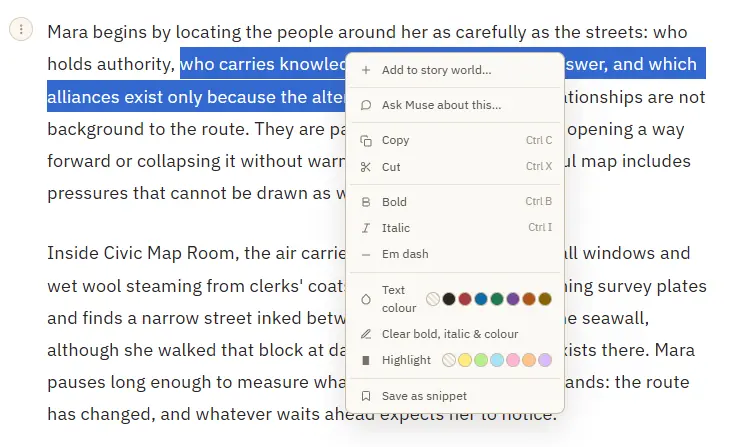
Add to story world — turn a selected name into a character, location, item, faction, or glossary term, and open its sheet Save as snippet — stash the selected passage, or the whole paragraph when nothing is selected Copy or cut a…
CMwww.chaptermuse.com › Help › Read aloud
A slim floating bar with play and pause, and skip to the previous or next paragraph The paragraph being read highlights and gently scrolls into view Continuous manuscript becomes a whole-book listening pass: playback crosses…
CMwww.chaptermuse.com › Home
Every feature PlanningPlot Grid Outliner Chronos timeline Mind map WritingFocus mode Background Zen Chapter variants Writing progress WorldbuildingCharacters Locations Universes Museiki wiki ResearchResearch Center Story Recall…
CMwww.chaptermuse.com › Help › Bookshelf
Hover a cover and it opens like a real book to show the first few lines of your story. Click it to drop straight into the writing canvas.
CMwww.chaptermuse.com › Help › Chapters
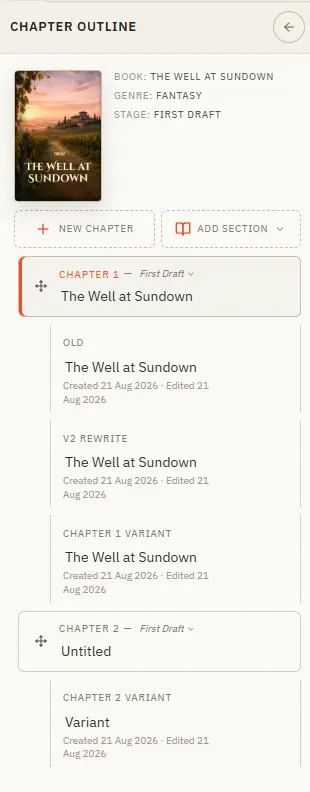
Your book's structure lives in the chapter drawer — add, reorder, restage, and branch alternate takes. Updated 4 September 2026 The chapter drawer slides in from the left and holds your whole manuscript — front matter at the top,…
CMwww.chaptermuse.com › Help › Workspace views
See how planning reaches the page, how the page reaches revision, and how a draft becomes a finished book. Explore every ChapterMuse feature
CMwww.chaptermuse.com › Help › Story world
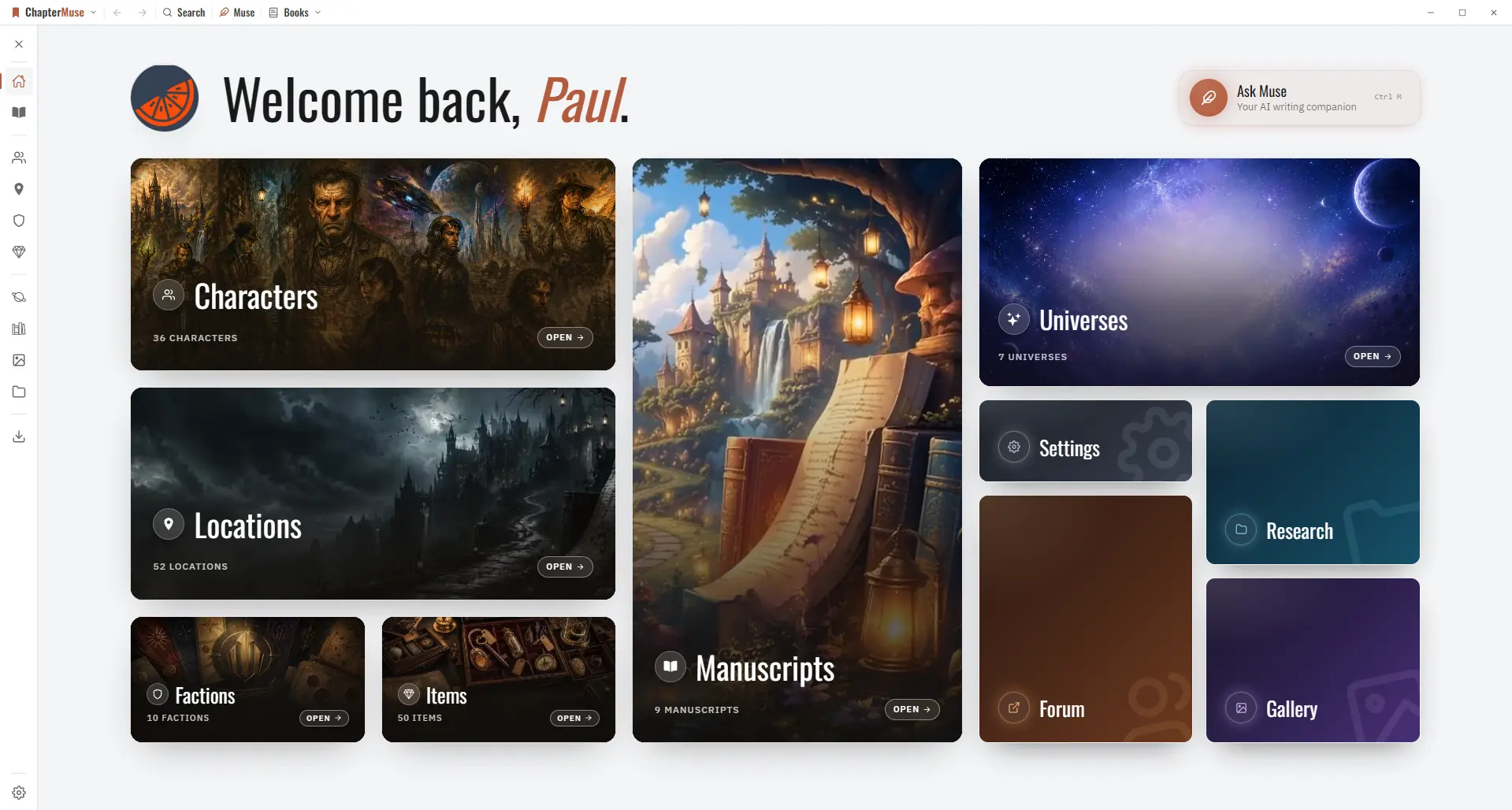
✦Quick start 1Open ChapterMuse — you arrive at Story World automatically. 2Click Manuscripts to open your Bookshelf and start writing.