CMwww.chaptermuse.com › Feature › Novel revision
Novel Revision and Manuscript Analysis…
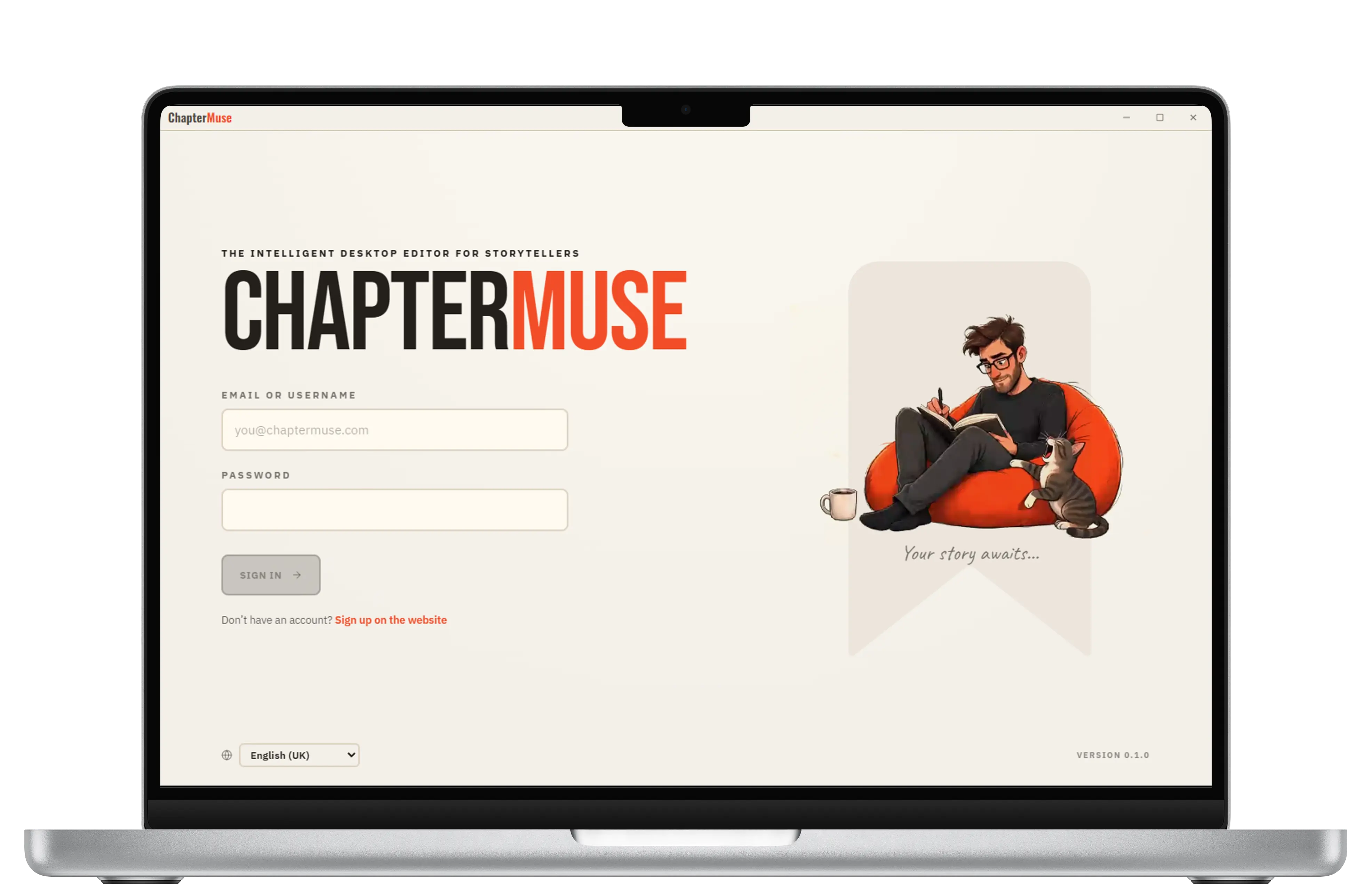
ChapterMuse is a desktop application for Windows and macOS, with the manuscript and story-world data stored on your computer.
About 112 results (0.061 seconds)
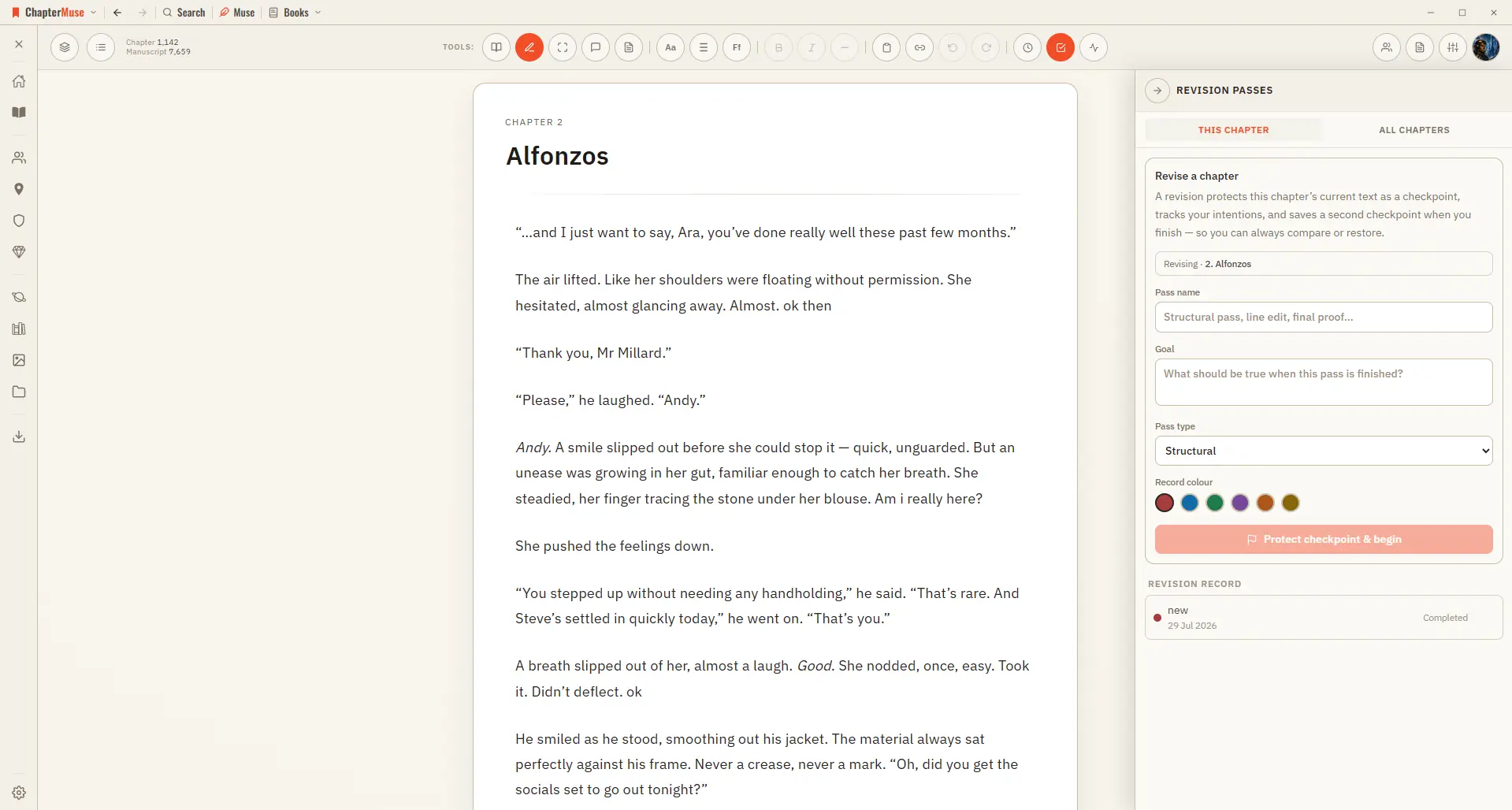
CMwww.chaptermuse.com › Feature › Novel revision
ChapterMuse is a desktop application for Windows and macOS, with the manuscript and story-world data stored on your computer.
CMwww.chaptermuse.com › Help › Export
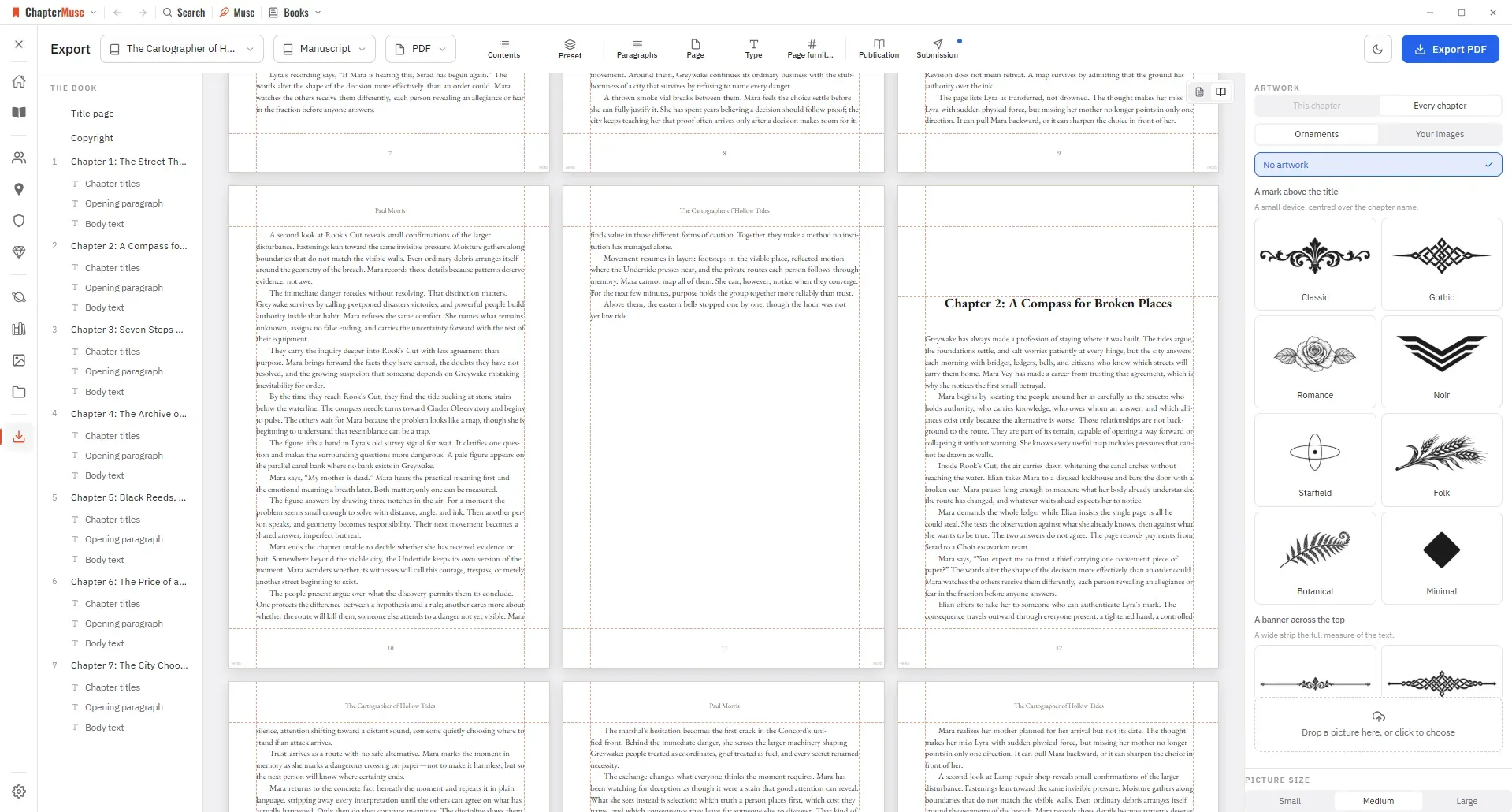
Manuscript — Word (DOCX), reading PDF, EPUB, press-ready Print Edition PDF, Markdown, RTF, ODT, LaTeX, or plain text Story World dossiers — Characters, Locations, Factions, and Items as Word, PDF, or Excel (Excel spreads across…
CMwww.chaptermuse.com › Help › Word cloud
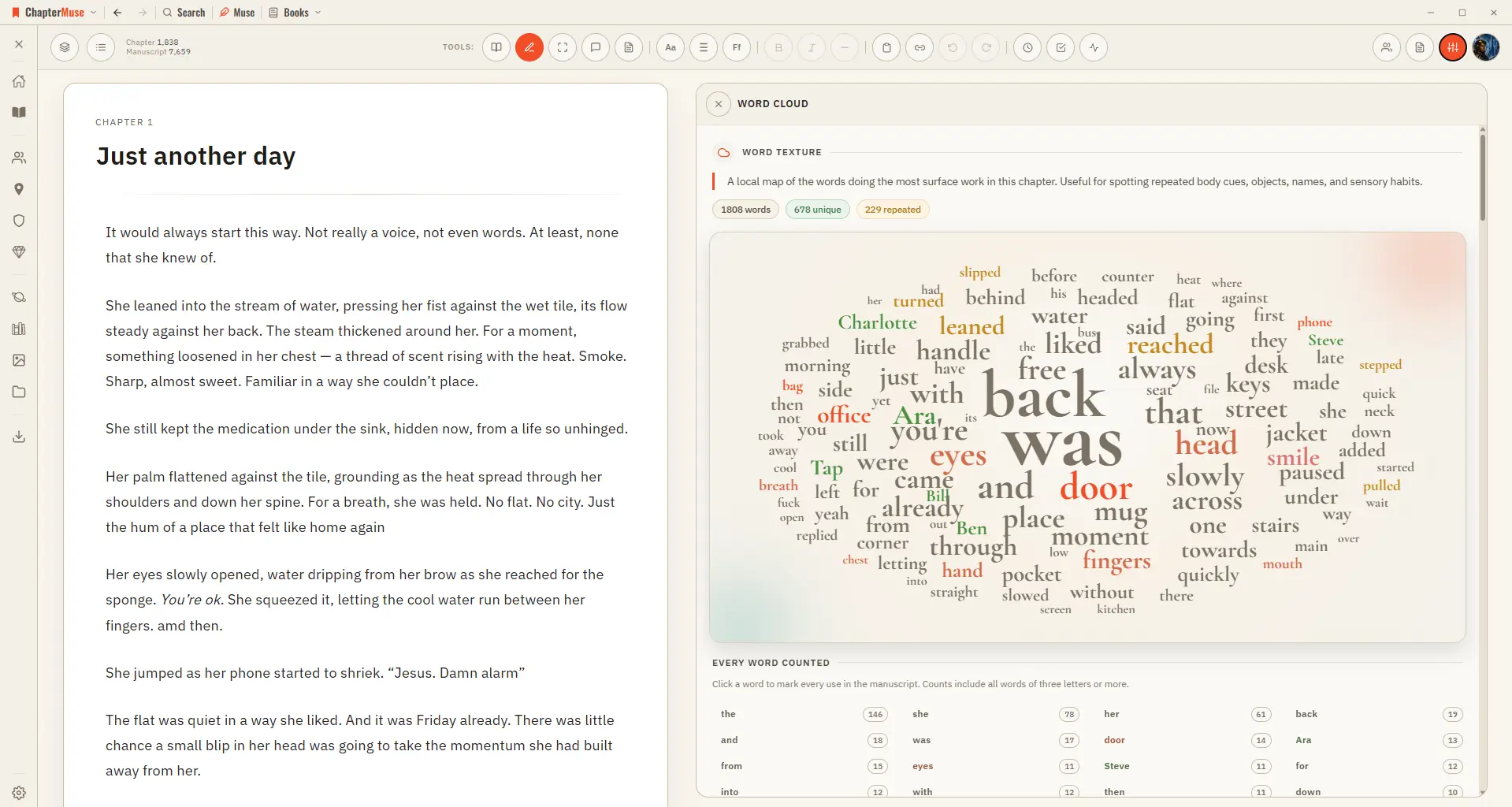
Common filler words are filtered out, and a full count beside the cloud lists every word with its exact tally. Click any word to light up every place it's used.
CMwww.chaptermuse.com › Help › Find replace
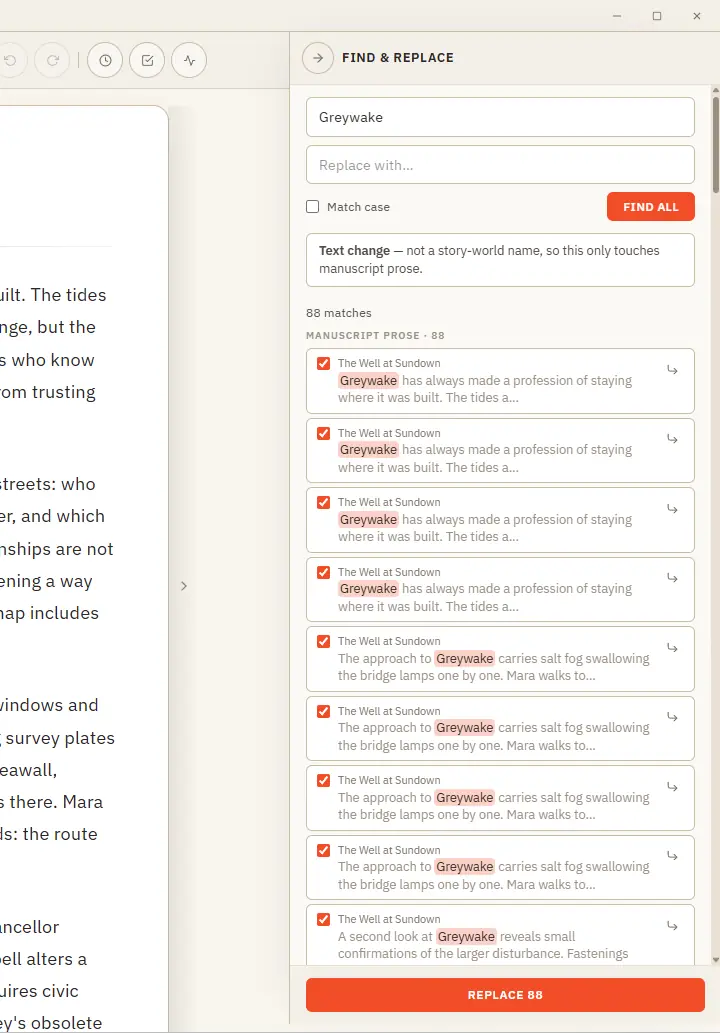
One clever panel that knows the difference between fixing a word and renaming someone in your story world. Updated 4 September 2026 Find & Replace does two jobs from one place, and it works out which you mean.
CMwww.chaptermuse.com › Legal › Privacy
If you sign in with Google or another federated identity provider, that provider receives the standard OAuth challenge and returns a profile token.
CMwww.chaptermuse.com › Help › Chapter check
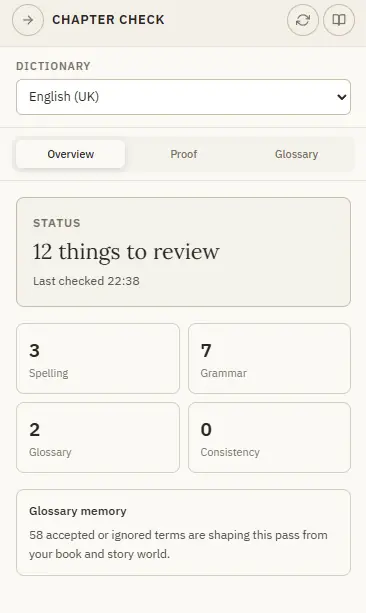
Crucially, it's tuned for novels: it won't nag you about profanity in dialogue, rhythmic repetition, casual words like "ok" and "gonna", or the invented names that fill a story world.
CMwww.chaptermuse.com › Guide › Revise a novel
ChapterMuse holds the plan, the world, the draft and the finished book on your own machine. Free for 30 days, nothing to cancel.
CMwww.chaptermuse.com › Help › Accounts
muse backups — the two together are your whole writing life, portable. Double-clicking the .
CMwww.chaptermuse.com › Help › Canvas
If saving fails or takes too long, the window stays open and explains why — check disk space and try again before closing Undo and redo work at the chapter level — Ctrl Z to undo, Ctrl Shift Z (or Ctrl Y) to redo — across typing…
CMwww.chaptermuse.com › Page
System and installation details Compare lifetime licences