ChapterMuse

Search results for goals

About 72 results (0.021 seconds)

CMwww.chaptermuse.com › Help › Muse

Use Muse, ChapterMuse's AI Fiction Companion

It reads versioned, passage-sized evidence in resumable batches and proposes what it finds, so a book you've been writing for months can have its cast, places, and links caught up in one pass.

CMwww.chaptermuse.com › Help › Search

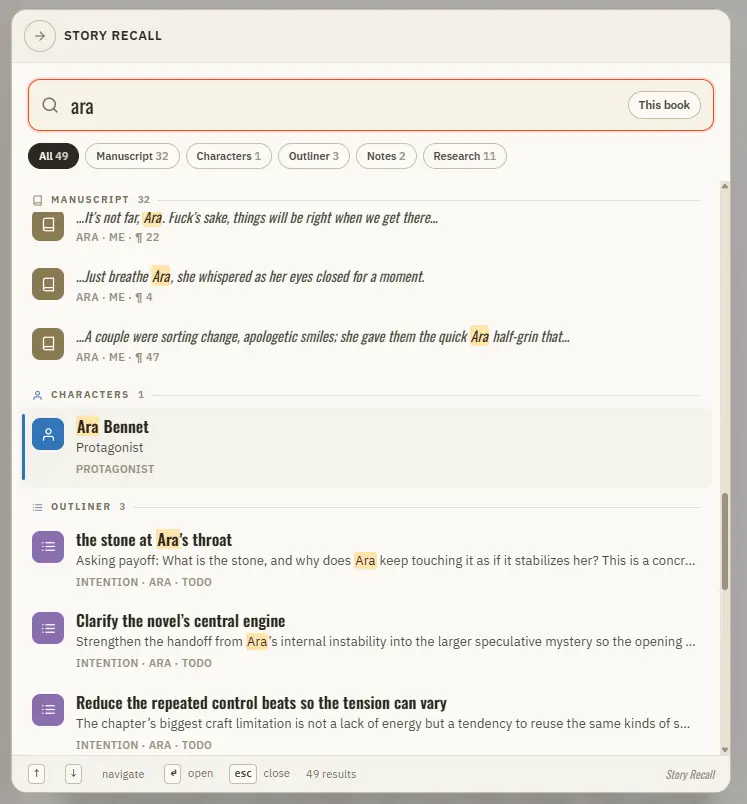
Search Your Manuscript and Story World

Manuscript prose — every paragraph, tagged with its book, chapter, and position Your Story World — characters, locations, factions, and items Scenes from Scene Designer, universe notes and idea cards, and your saved snippets The…

CMwww.chaptermuse.com › Help › Gallery

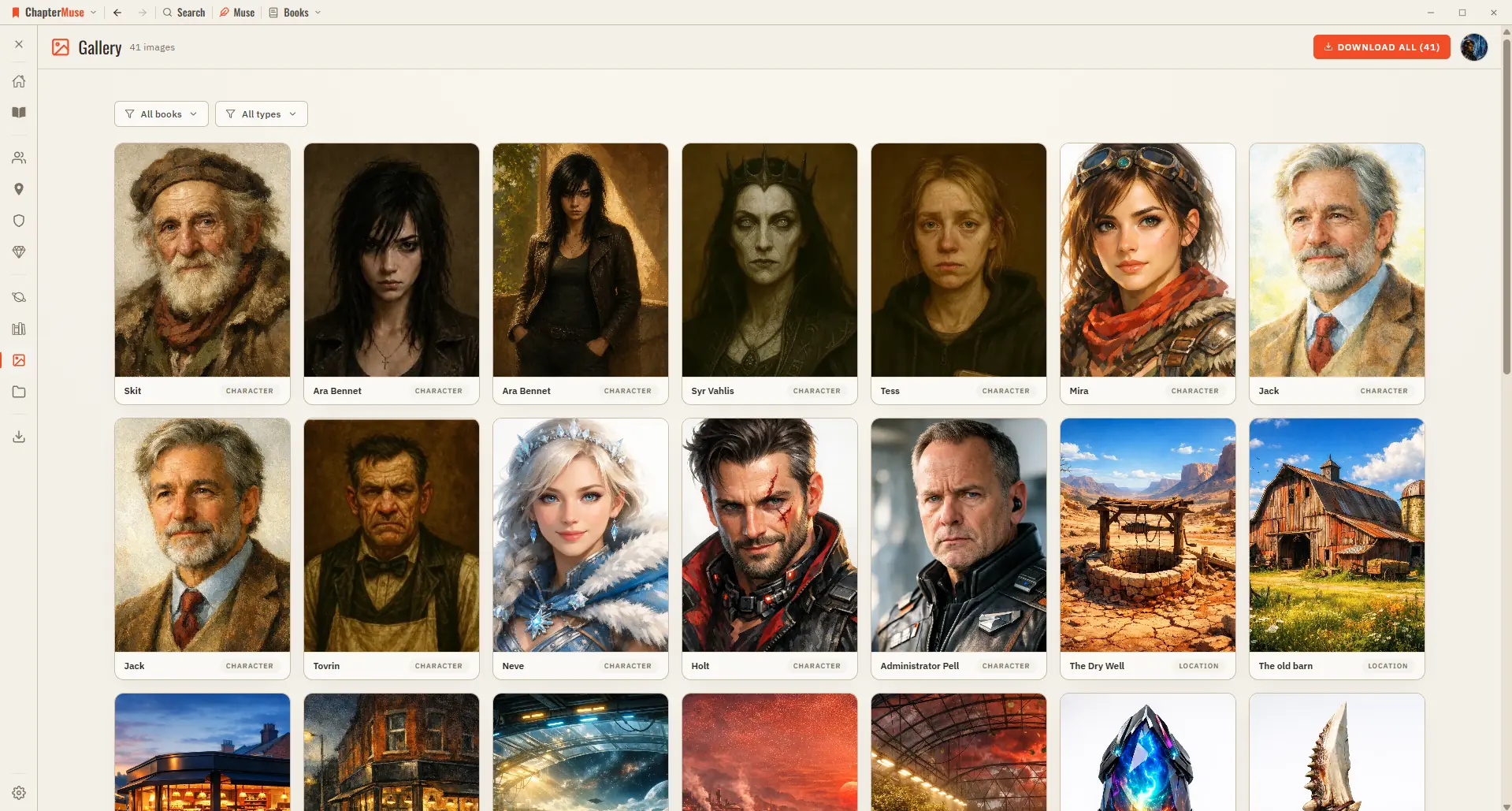
Manage Your Story-World Image Gallery

Character, location, and item images — both AI-generated and your own uploads Faction crests and your finished, text-baked book covers A shared image appears just once, so the grid stays tidy A live count in the header tells you…

CMwww.chaptermuse.com › Help › Beta readers

Beta Readers: ChapterMuse Guide

In the whole writing studio Move from protected checkpoints through proofing, craft analysis and whole-book signals. See the revision workflow

CMwww.chaptermuse.com › Help › Chapter history

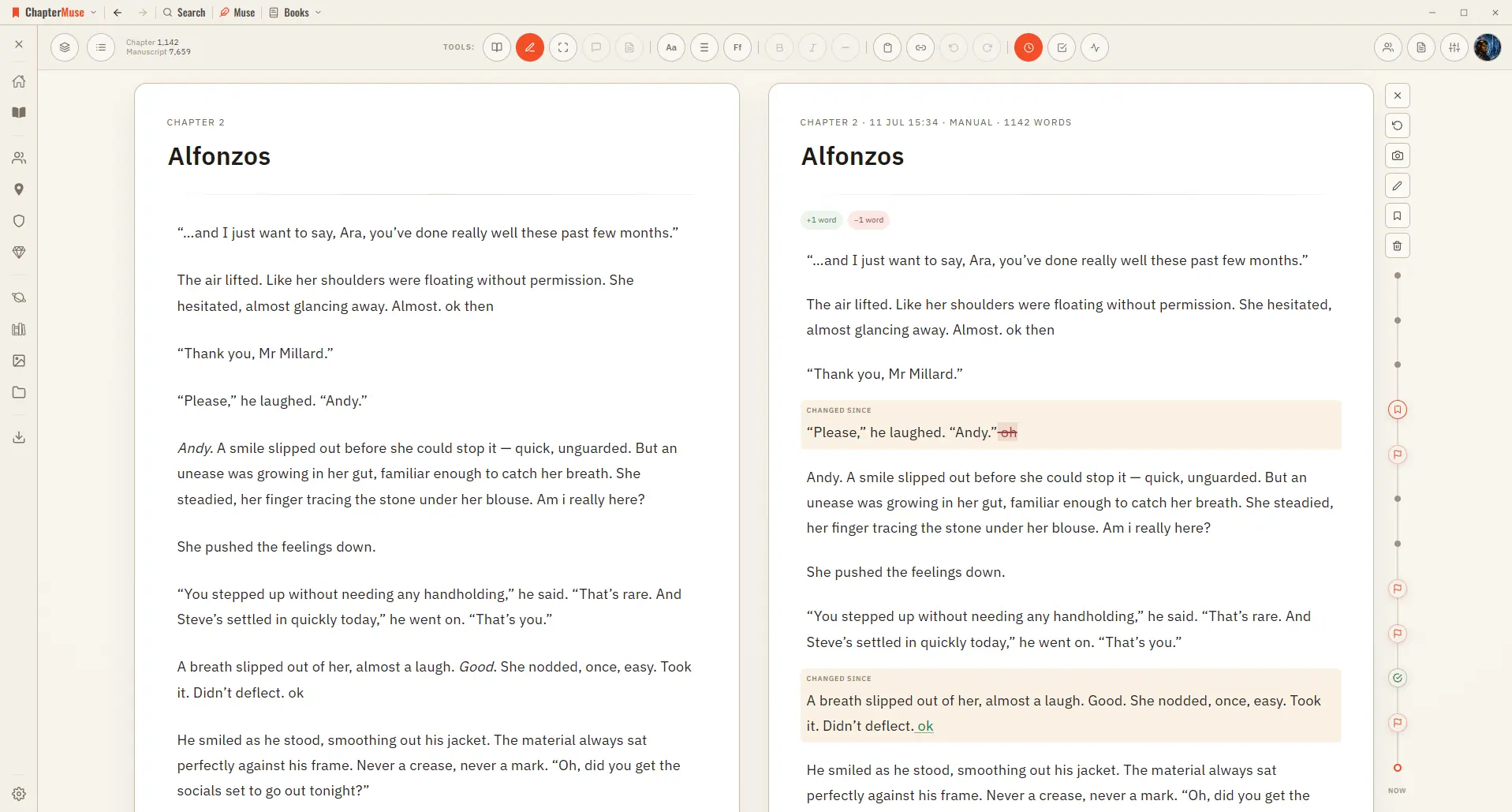
Restore Earlier Drafts with Chapter History

Automatically as you write — when you switch chapters, and after a natural pause in typing Automatically before risky moments — before you split a chapter, and before you restore an older version Manually — press the camera…

CMwww.chaptermuse.com › Feature › Book formatting

Book Formatting and EPUB Export Software

Beside each one sits a row of live values: the title, the author, the word count exact or rounded the way a submission is, the number of chapters, today's date, this year.

CMwww.chaptermuse.com › Help › Find replace

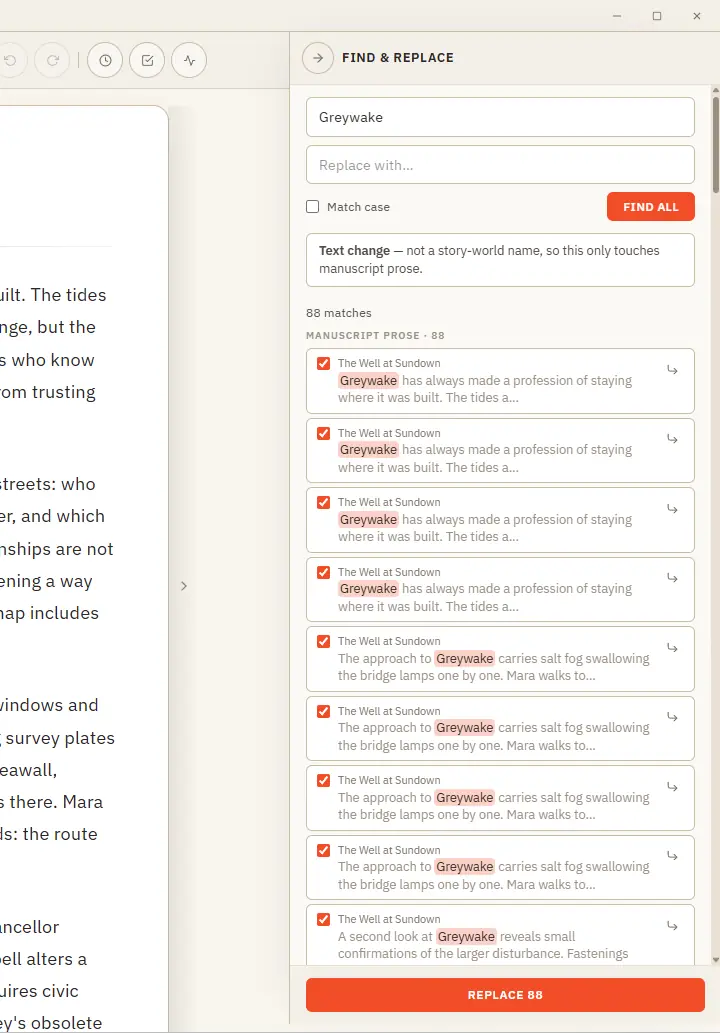
Find, Replace and Rename Story-World Entries

One clever panel that knows the difference between fixing a word and renaming someone in your story world. Updated 4 September 2026 Find & Replace does two jobs from one place, and it works out which you mean.

CMwww.chaptermuse.com › Help › Cloud backup

Cloud Backup: ChapterMuse Guide

Your cover art and images are uploaded once and then recognised, so a normal backup is a small amount of text rather than your whole library You can keep writing during an upload.

CMwww.chaptermuse.com › Help › Storage and resets

Back Up, Restore and Manage ChapterMuse Data

muse — save your whole library, including chapter snapshots, revision passes, writing targets, sessions, and the progress ledger, to one portable backup file If a referenced image, file, or audio asset cannot be read, the backup…

CMwww.chaptermuse.com › Feature

Novel Writing Software Features

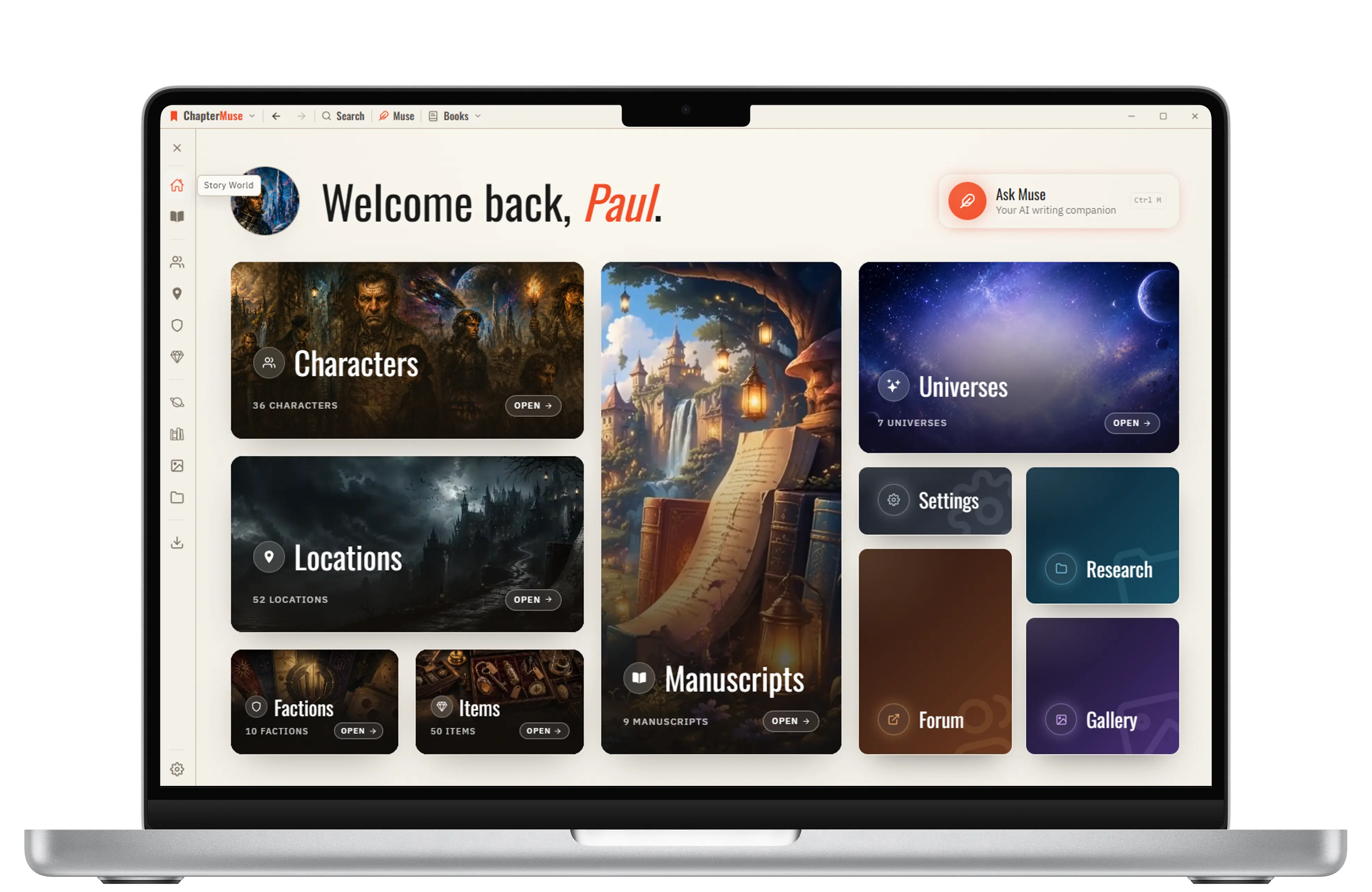
Muse answers from your manuscript, research and story world, links every grounded claim back to its source, and leaves every word of the novel to you.