CMwww.chaptermuse.com › Help › Snippets
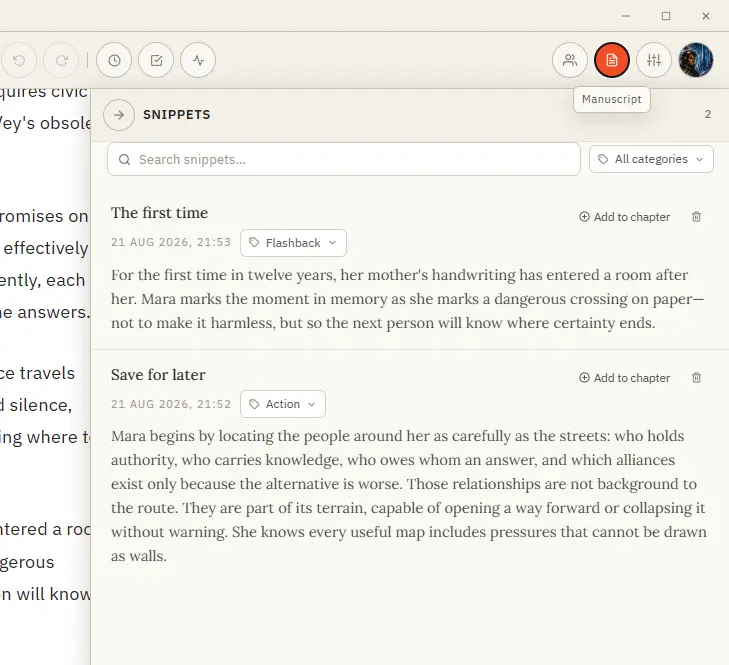
Save and Reuse Writing Snippets
Save it, organise it by category, and drop it back into any chapter when the moment comes. Formatting is preserved.
About 99 results (0.058 seconds)
CMwww.chaptermuse.com › Help › Snippets
Save it, organise it by category, and drop it back into any chapter when the moment comes. Formatting is preserved.
CMwww.chaptermuse.com › Help › Shortcuts
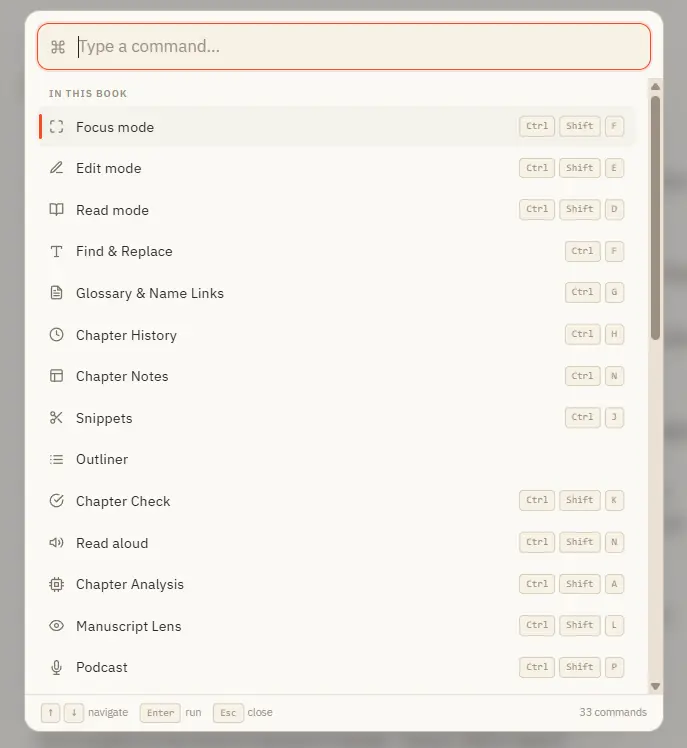
Ctrl M for Muse works everywhere in the app — including from Story World and your libraries, not just inside a book. In the whole writing studio No tool here works alone.
CMwww.chaptermuse.com › Help › Modes
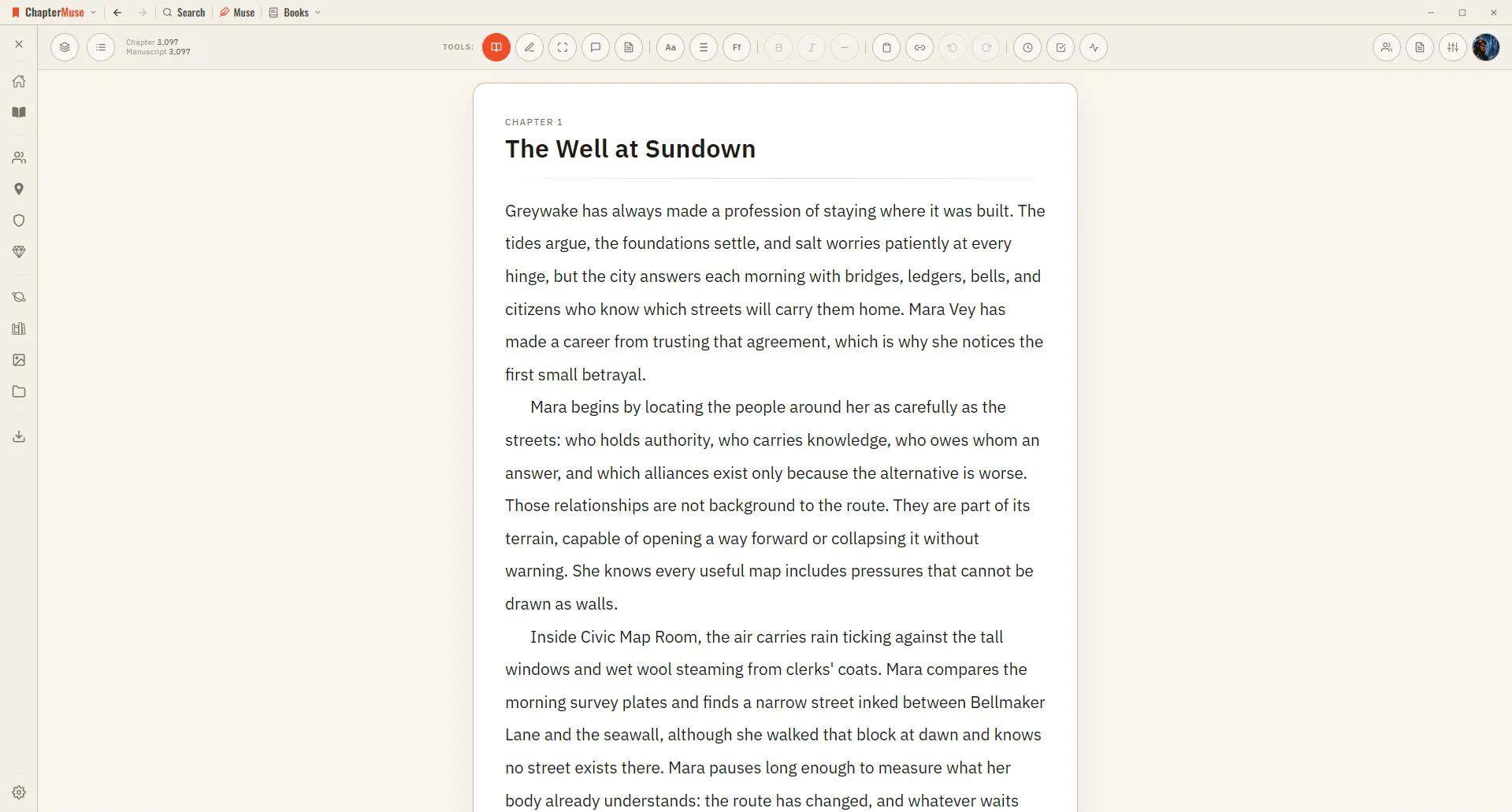
Great for reviewing what you've written or sharing a chapter with a beta reader. ✦Quick start 1Write as usual in Edit mode — the default.
CMwww.chaptermuse.com › Help › Focus mode
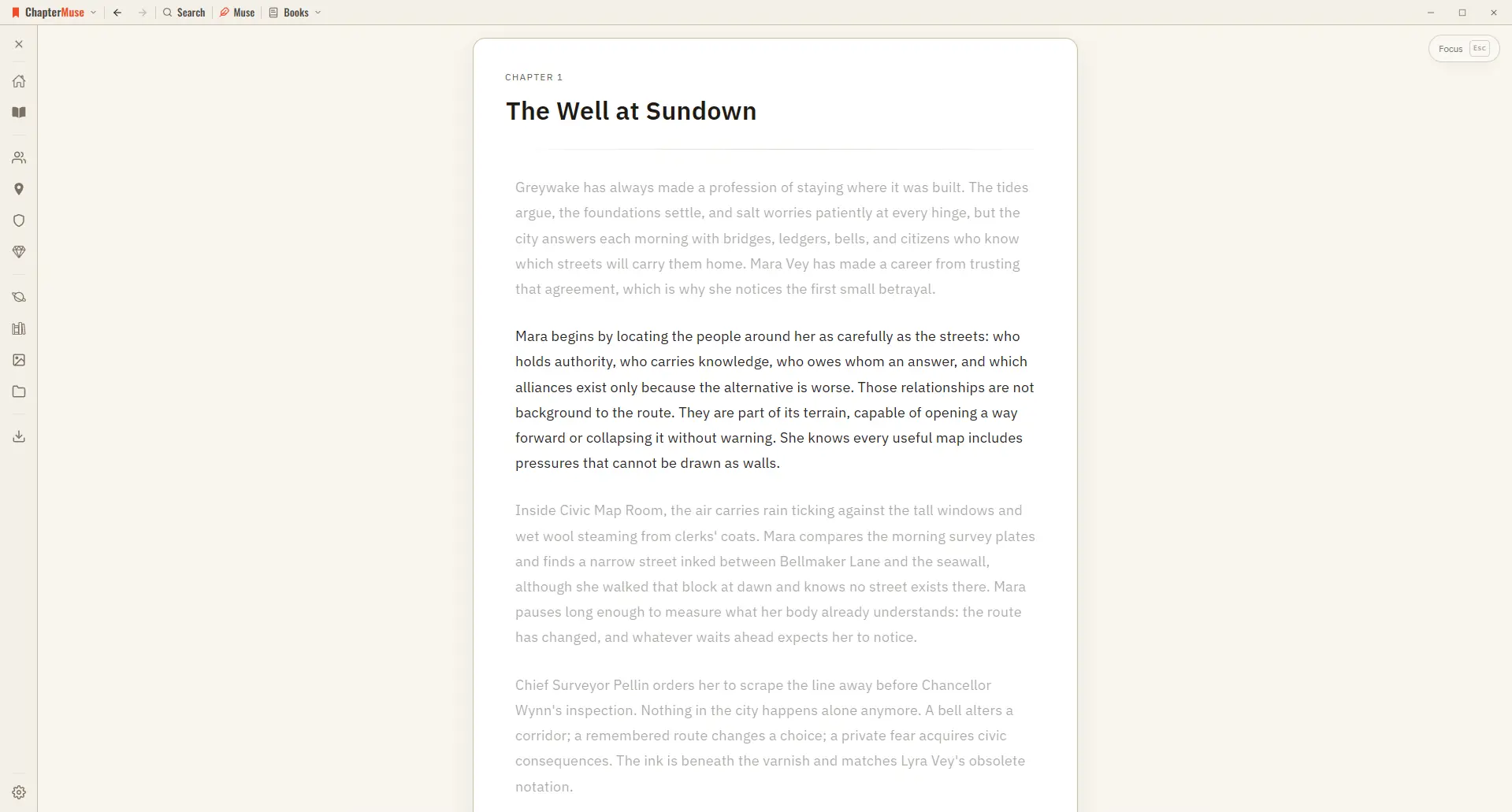
The toolbar, the chapter drawer, and every panel step out of view, leaving your page alone in a quiet window. The line you're writing stays centred as a typewriter scroll keeps it in place, and the rest of the page softly dims —…
CMwww.chaptermuse.com › Community
Join the ChapterMuse community — share craft questions, swap chapter feedback, and meet other novelists.
CMwww.chaptermuse.com › Help › Locations
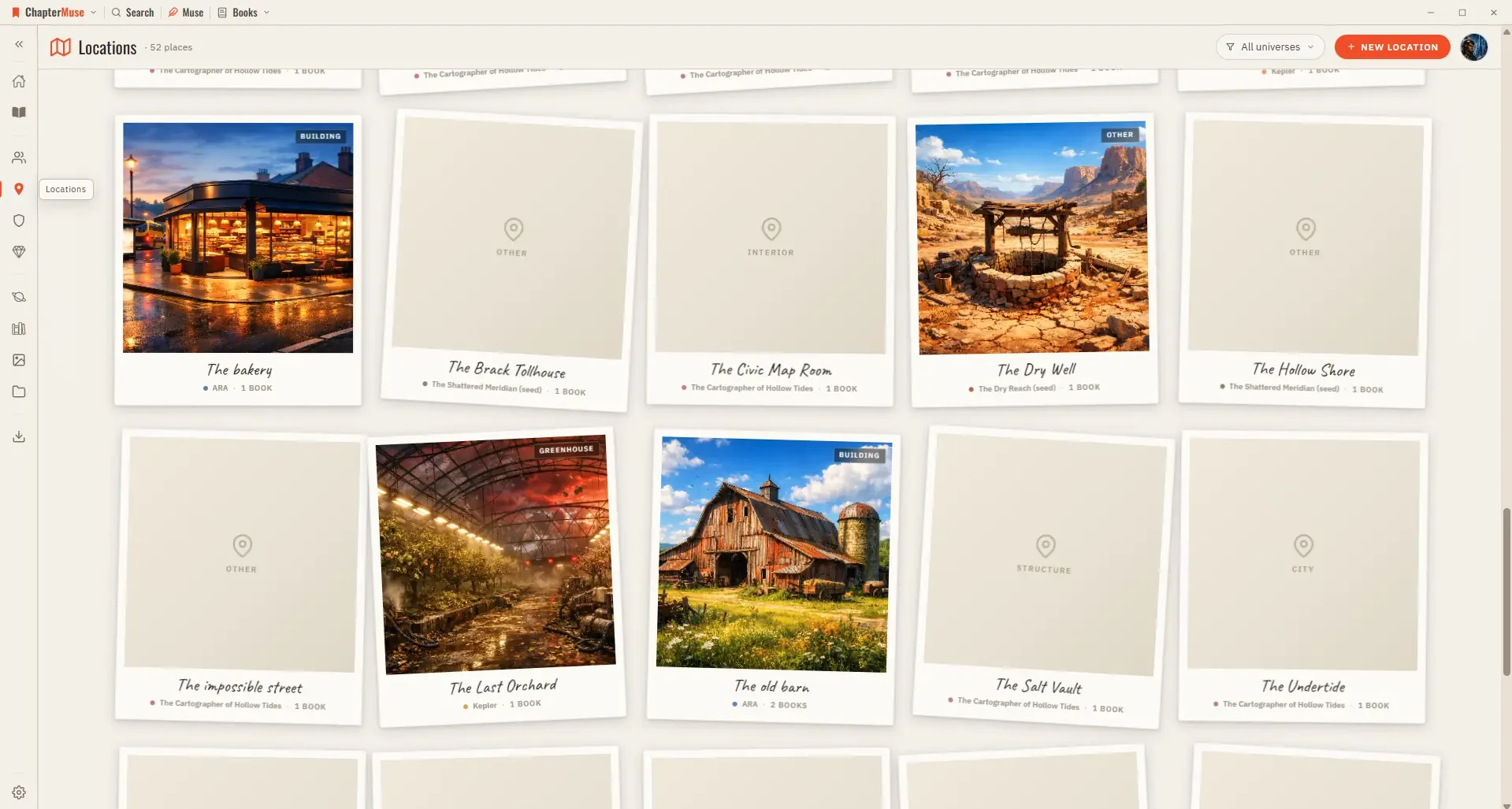
Updated 4 September 2026 Your Locations library is the atlas of your world. Each place gets a card with cover imagery and a sheet where you capture how it looks, sounds, and feels.
CMwww.chaptermuse.com › Guide
World and continuity20 min read8 sources How to write a fantasy novel that survives its own world. The failure mode unique to fantasy is not bad prose or weak plot: it is the world out
CMwww.chaptermuse.com › Help › Mind map
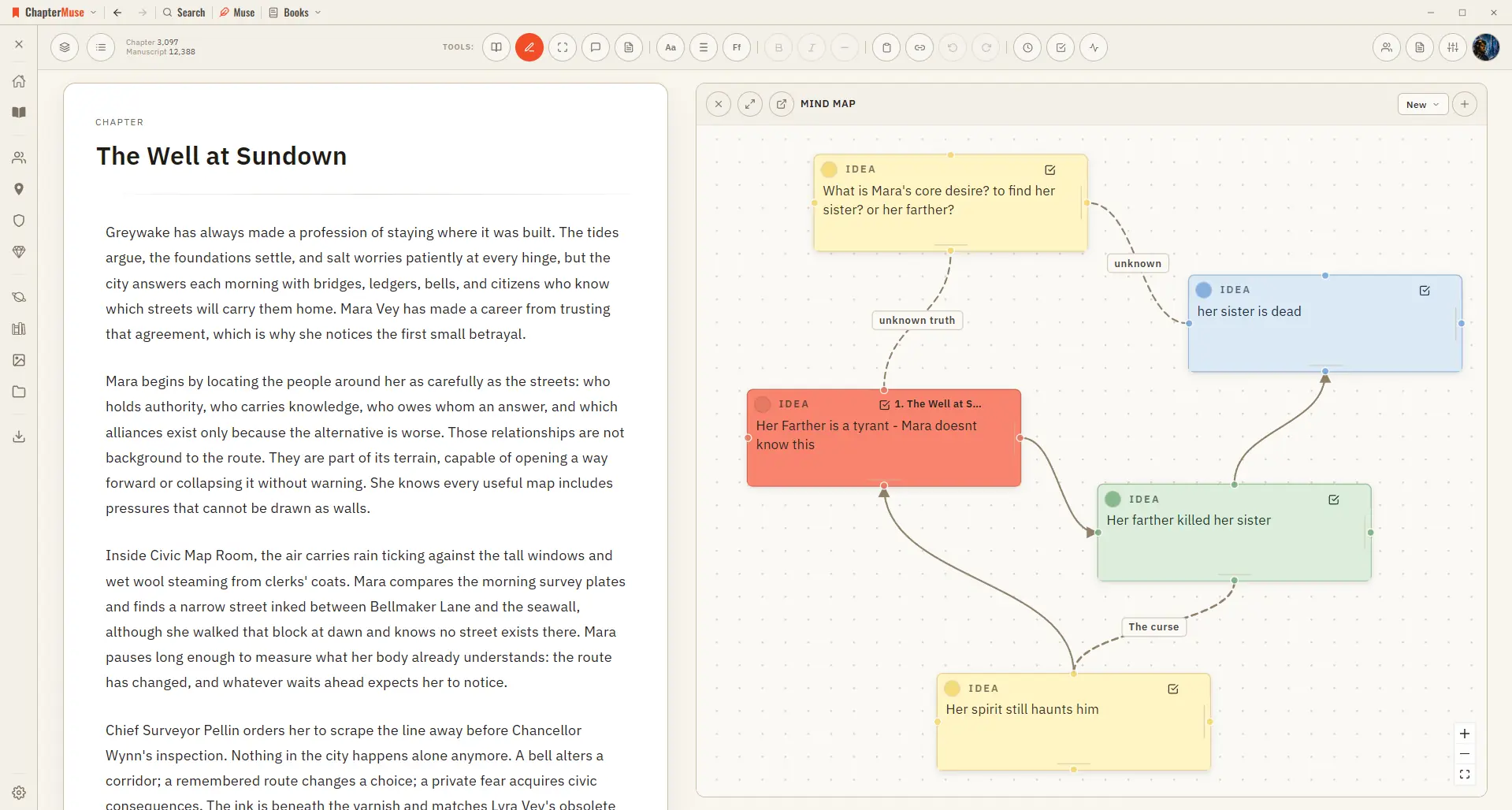
Zoom and pan across the whole canvas Go fullscreen for a big thinking session Dock the map to the left or right of your writing Pop it out into its own window to work beside your manuscript ✦The same card-and-connection system…
CMwww.chaptermuse.com › Community › A hello from paul and a place for your writing
Tell us about a chapter that's giving you trouble. Share something you've learned, or just say hello.