ChapterMuse

Search results for versions

About 99 results (0.051 seconds)

CMwww.chaptermuse.com › Help › Export

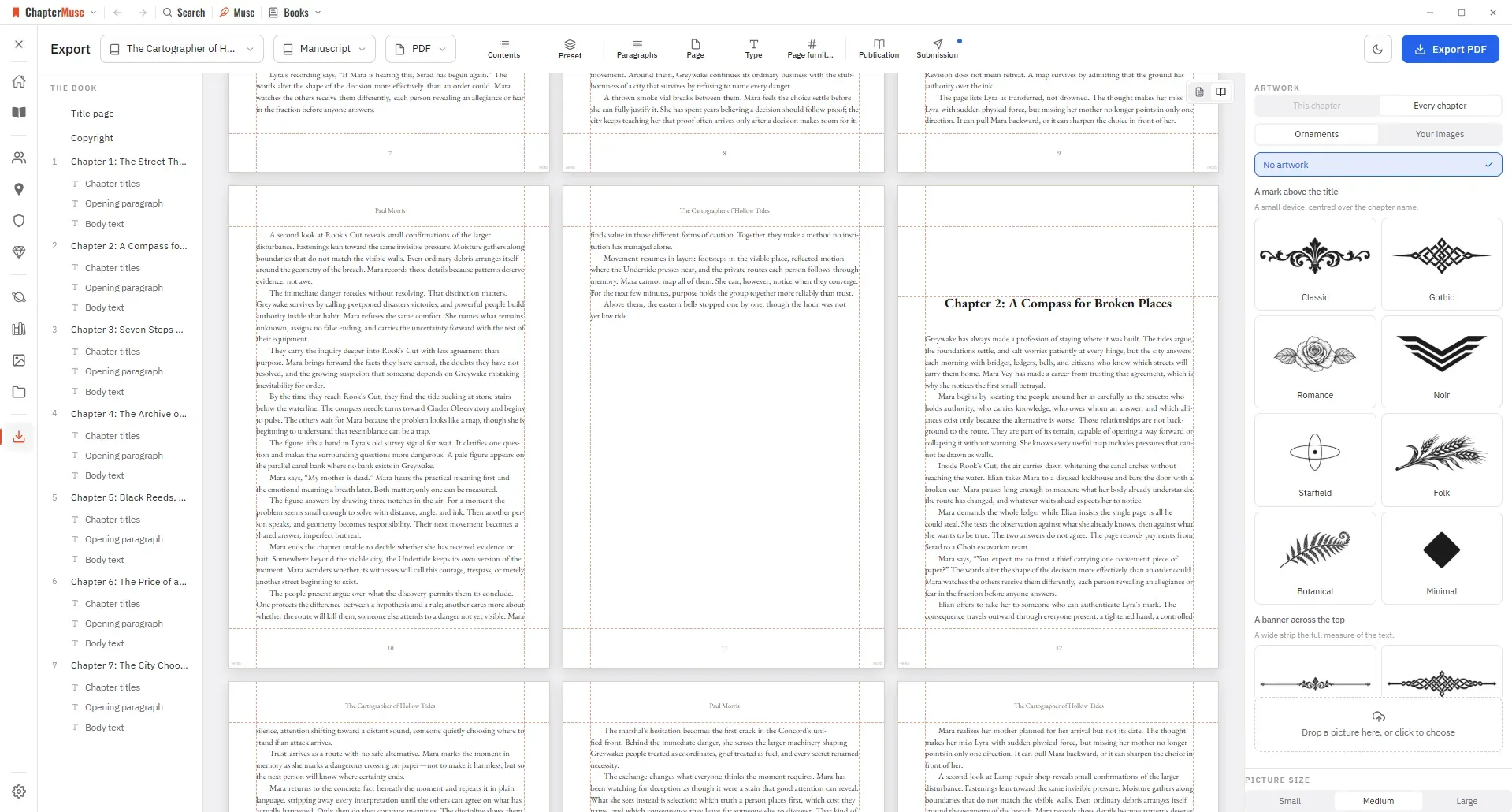
Export a Novel to DOCX, PDF and EPUB

Manuscript — Word (DOCX), reading PDF, EPUB, press-ready Print Edition PDF, Markdown, RTF, ODT, LaTeX, or plain text Story World dossiers — Characters, Locations, Factions, and Items as Word, PDF, or Excel (Excel spreads across…

CMwww.chaptermuse.com › Help › Manuscript lens

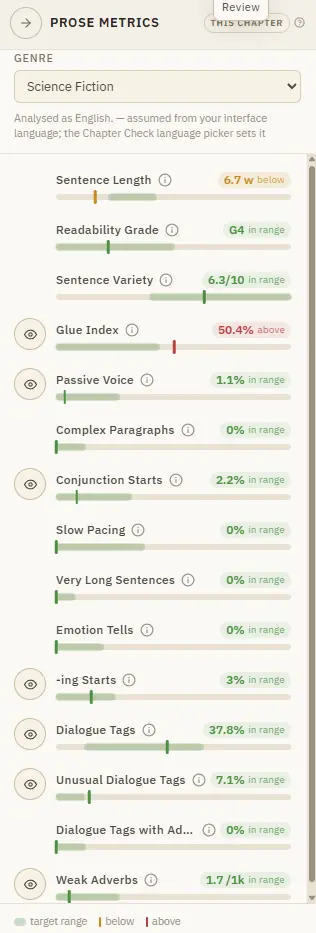
Analyse Themes and Patterns Across a…

4Click any finding to jump to it — echoes, world mentions, and repeated phrases highlight the exact instance; prose findings open the chapter.

CMwww.chaptermuse.com › Help › Sections

Add Front Matter and Back Matter to a Book

Each is added from the chapter drawer and lands in its correct, conventional position automatically. ✦Quick start 1Open the chapter drawer and click Add section.

CMwww.chaptermuse.com › Help › Writing progress

Set Writing Targets and Track Writing History

Set a daily or weekly habit, a destination for the whole manuscript or one chapter, a dated sprint, or a target attached to a revision pass.

CMwww.chaptermuse.com › Help › Snippets

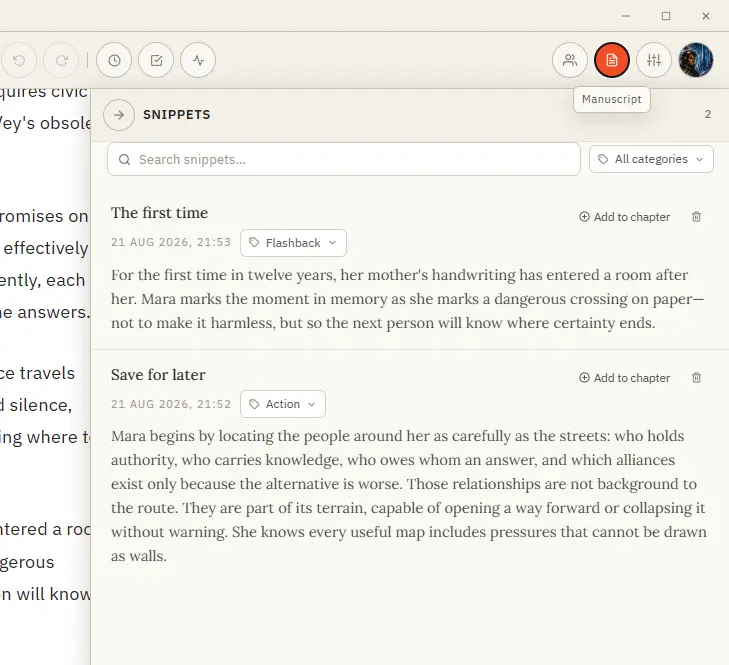
Save and Reuse Writing Snippets

Save it, organise it by category, and drop it back into any chapter when the moment comes. Formatting is preserved.

CMwww.chaptermuse.com › Help › Accounts

ChapterMuse Sign-In, Trial and Licence Guide

The modal also links to Forgot your password if you need an email reset Changing or resetting your password ends existing online sessions on every device.

CMwww.chaptermuse.com › Help › Modes

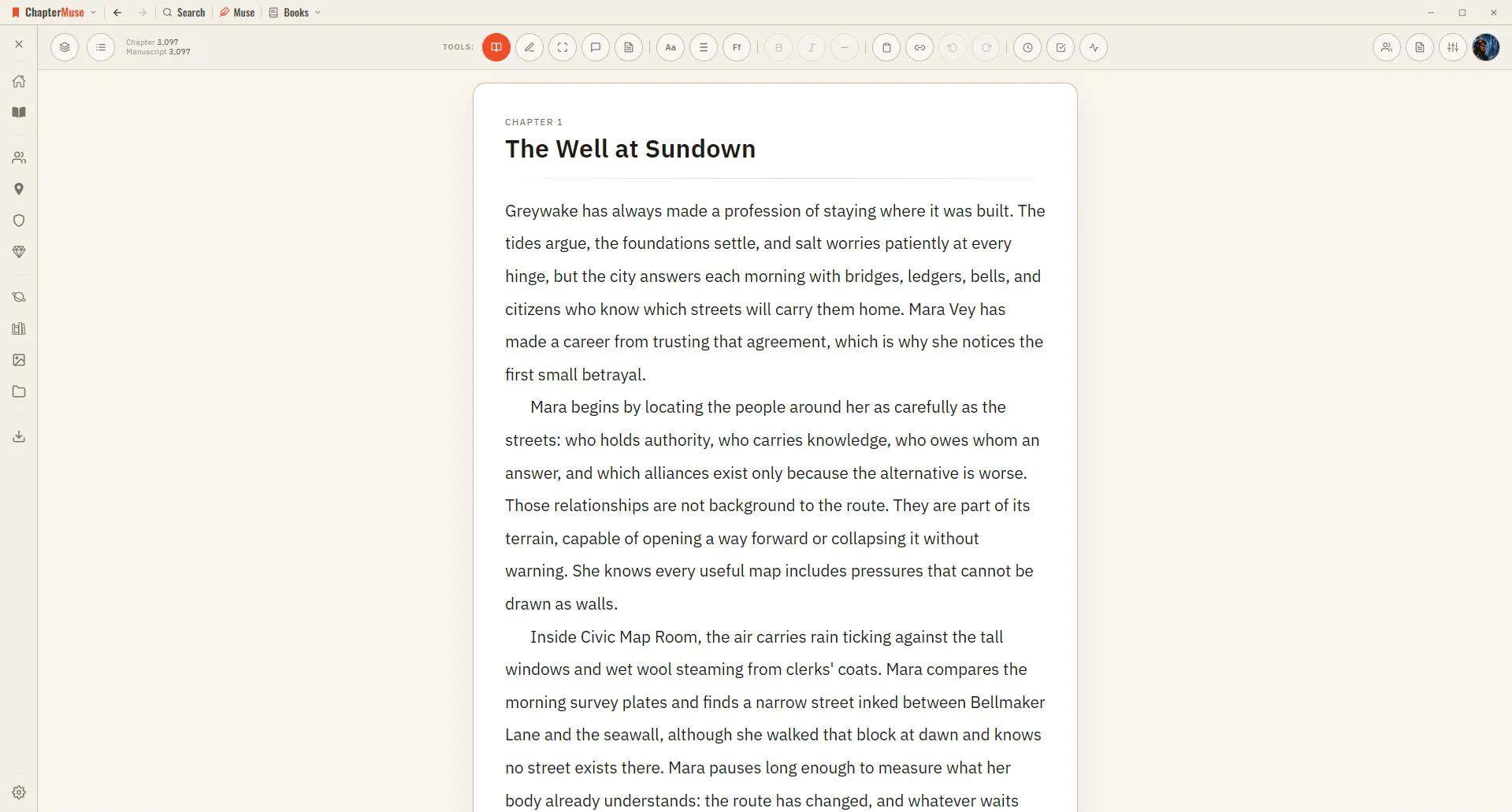
Switch Between Read and Edit Modes

Great for reviewing what you've written or sharing a chapter with a beta reader. ✦Quick start 1Write as usual in Edit mode — the default.

CMwww.chaptermuse.com › Help › Shortcuts

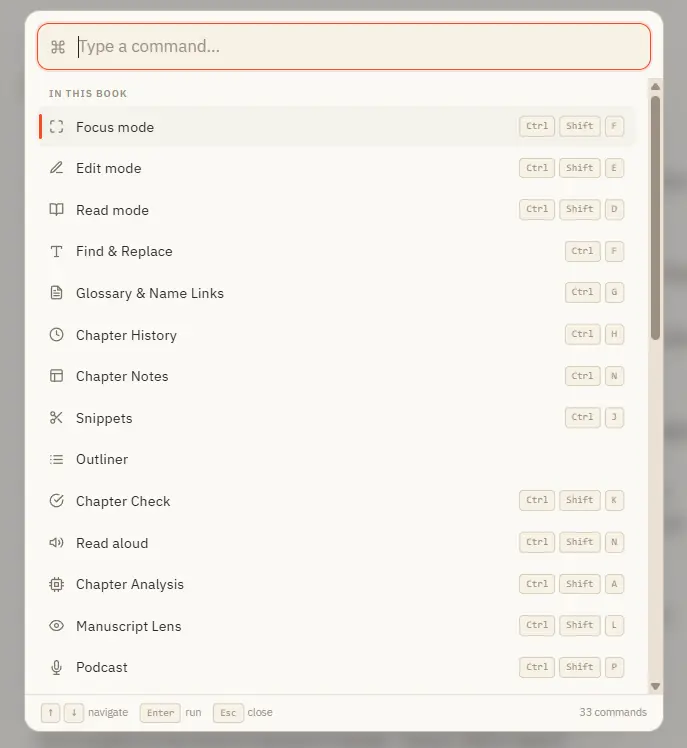
ChapterMuse Keyboard Shortcuts and Command…

Ctrl M for Muse works everywhere in the app — including from Story World and your libraries, not just inside a book. In the whole writing studio No tool here works alone.