CMwww.chaptermuse.com › Help
ChapterMuse Guide: Novel Writing Software
Research Center A private binder for the files beside your manuscript. Glossary & Name Links Story-world names highlighted right in your prose.
About 125 results (0.067 seconds)
CMwww.chaptermuse.com › Help
Research Center A private binder for the files beside your manuscript. Glossary & Name Links Story-world names highlighted right in your prose.
CMwww.chaptermuse.com › Help › Find replace
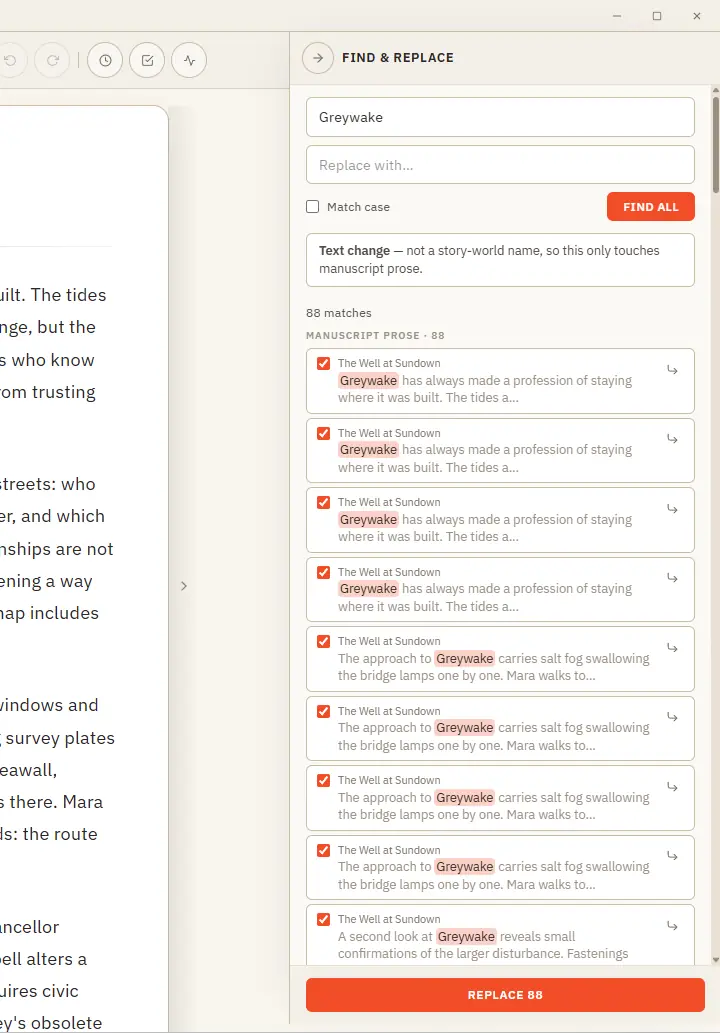
Results are grouped by where they live — prose, characters, locations, and more — with the match highlighted in context Jump straight to any prose occurrence to see it on the page before you commit A single Undo stays available…
CMwww.chaptermuse.com › Help › Mind map
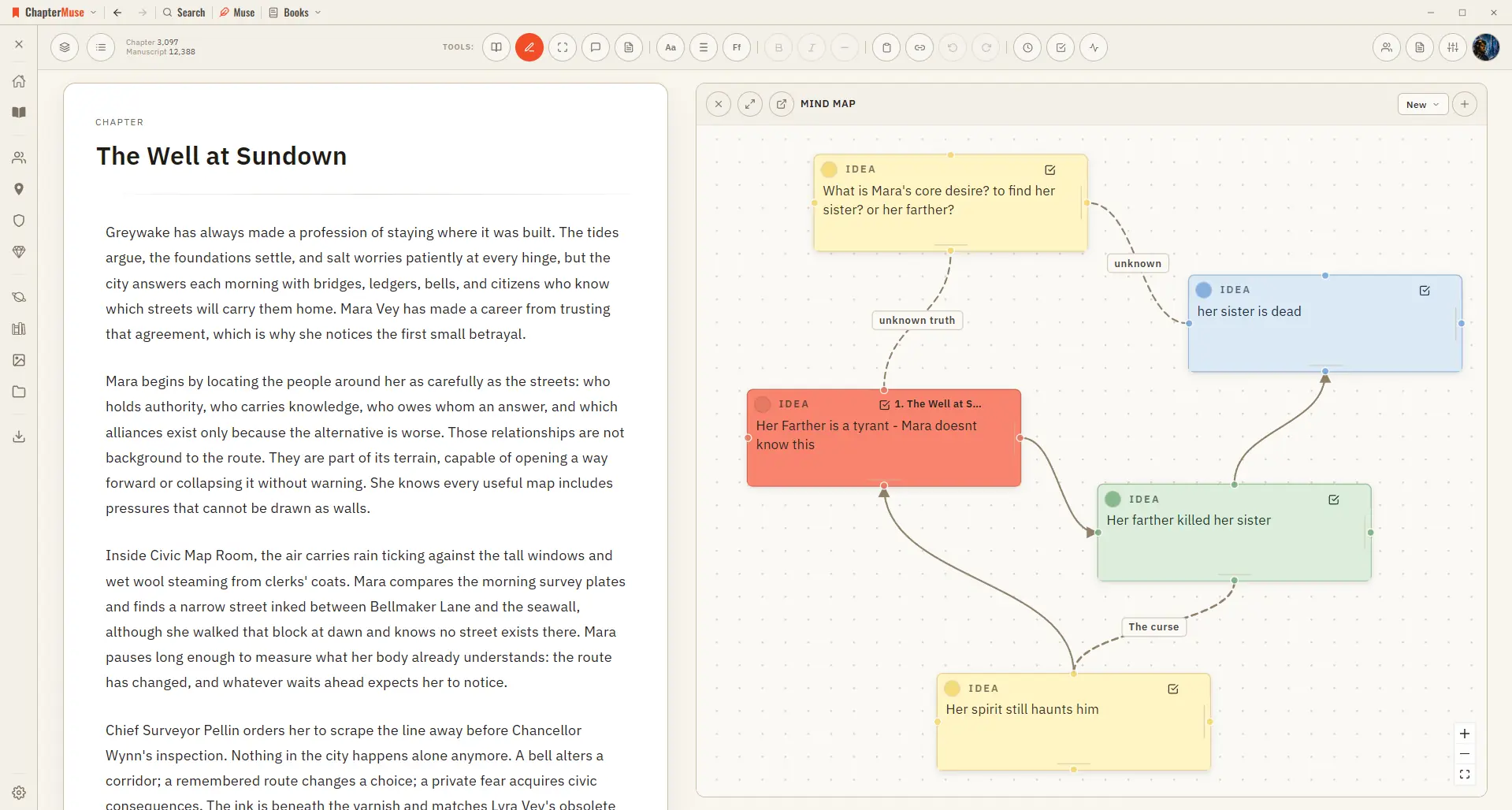
✦Quick start 1Open Mind Map from the Story menu (create a map on first use). 2Add a card, give it a title and notes, and drag it where you like.
CMwww.chaptermuse.com › Help › Canvas
A focused page where your words take centre stage — everything else steps back until you call for it. Updated 4 September 2026 Open a book and you arrive at the canvas: your chapter on a clean, page-like surface, floating above…
CMwww.chaptermuse.com › Help › Universes
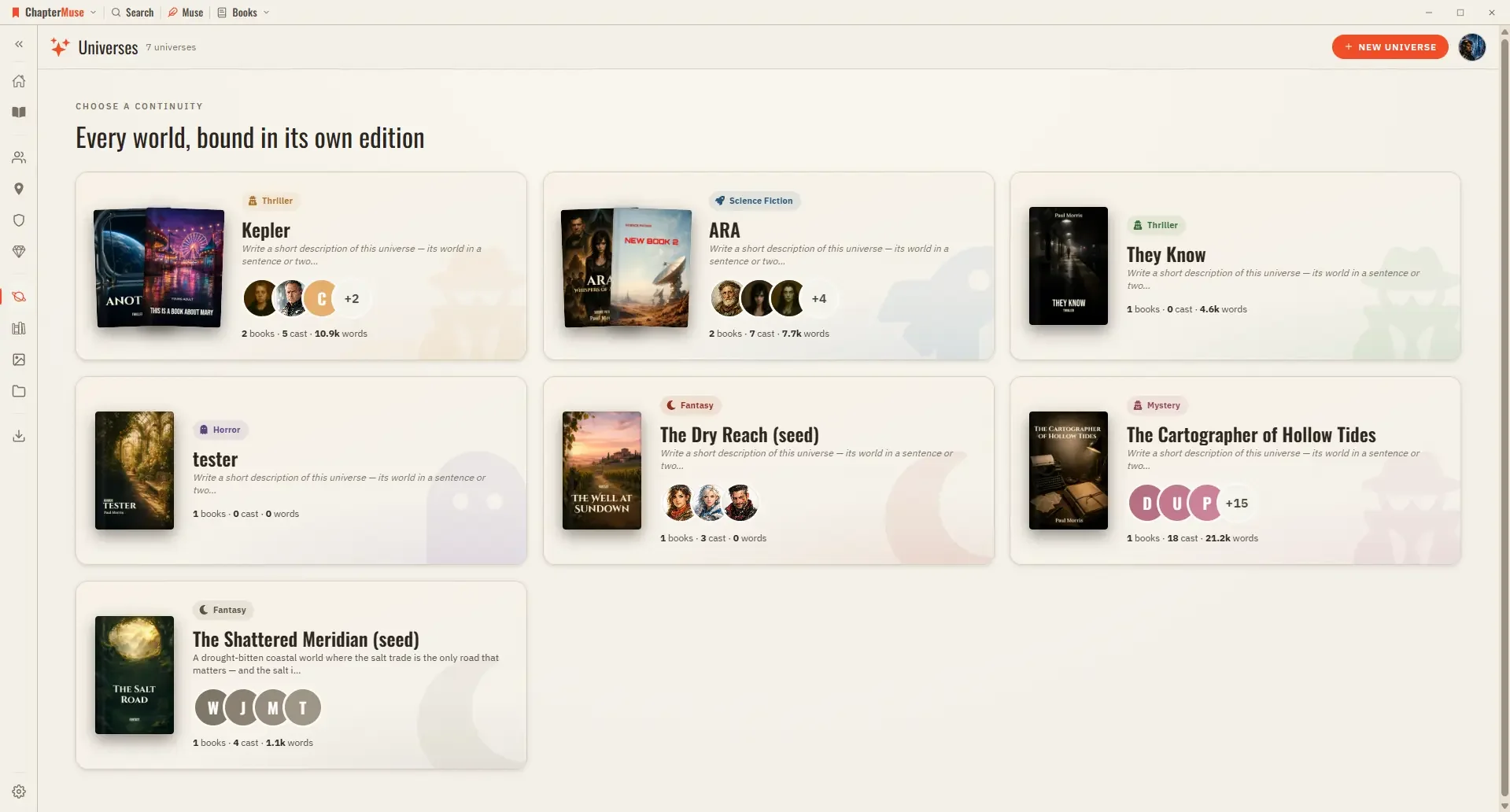
In the whole writing studio See how characters, places, factions, items and continuity work across the whole book. Explore connected worldbuilding
CMwww.chaptermuse.com › Help › Storyboard
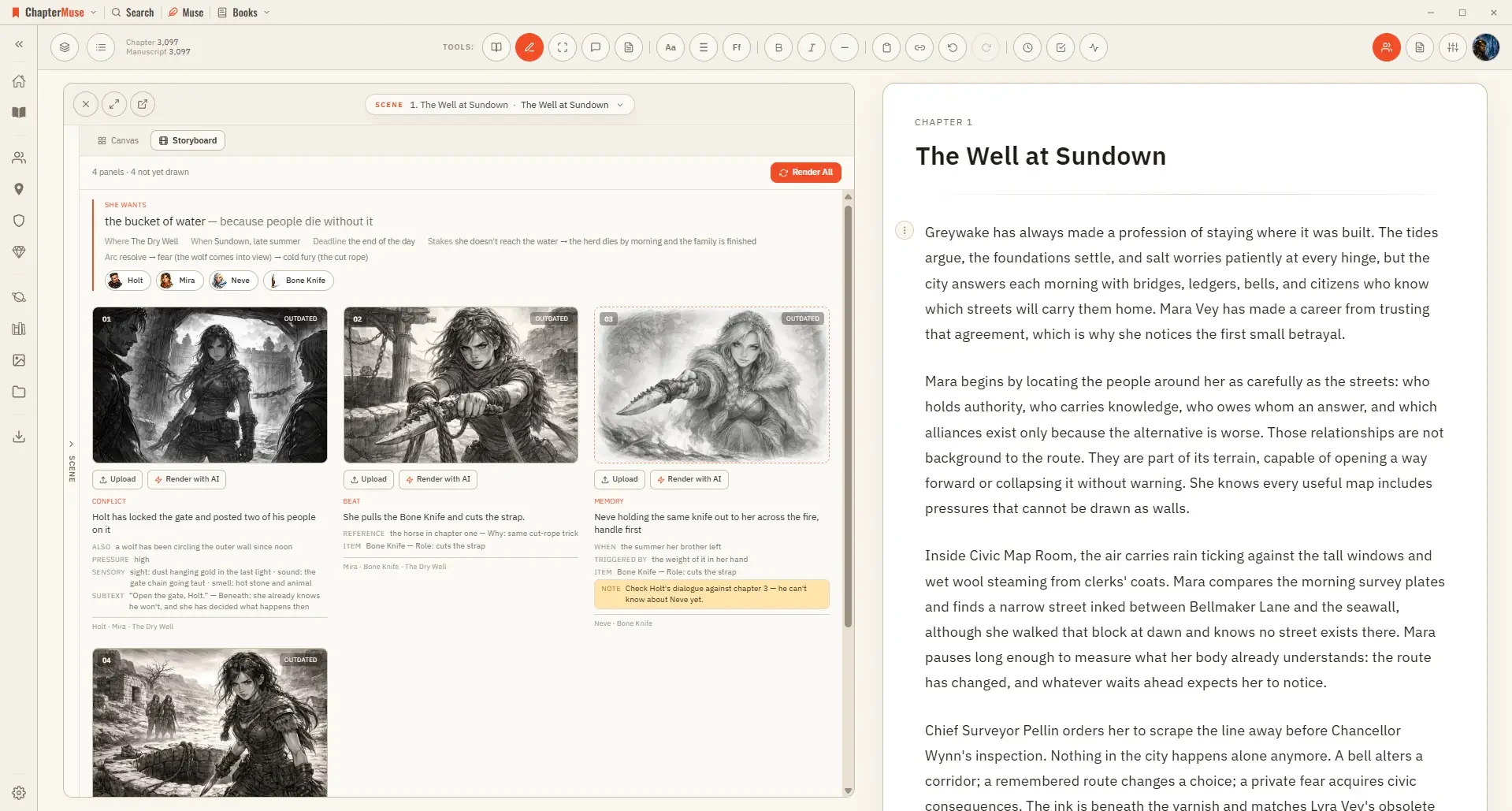
The storyboard draws it: one panel per shot, in the order the strip sets, using your own shot descriptions as the brief.
CMwww.chaptermuse.com › Daily › Tasks › Dialogue 12
First shared 31 Oct 2026 Dialogue About 10 minutes
CMwww.chaptermuse.com › Help › Analysis
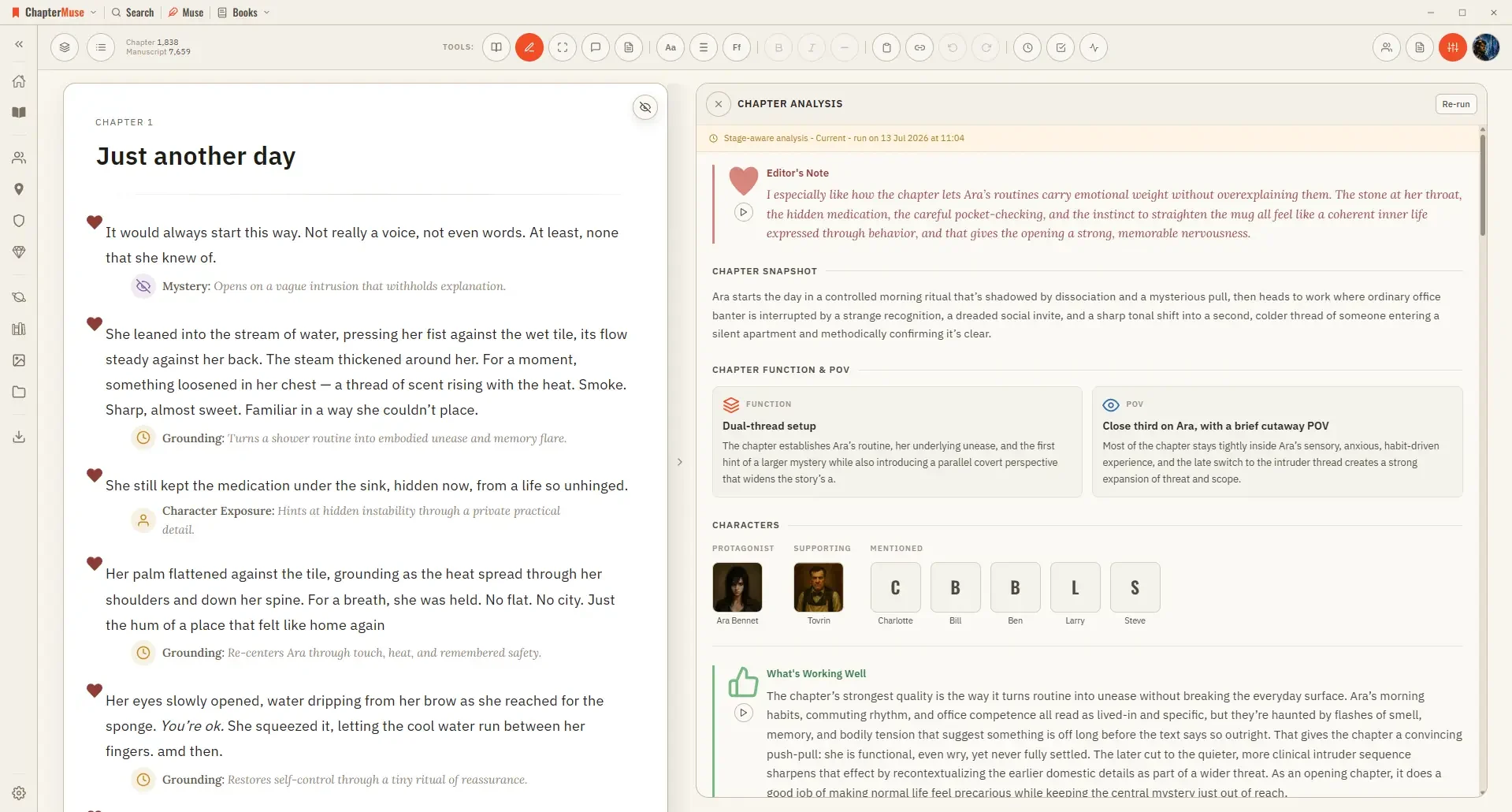
It runs in two passes: a quick chapter-level overview first, then, if you want it, a deeper paragraph-by-paragraph read.
CMwww.chaptermuse.com › Legal › Terms
It is delivered through your account — signing in to the desktop app activates it — and as a signed licence file you can download from your account page and keep; the app verifies that licence on your own device, so an activated…
CMwww.chaptermuse.com › Help › Chapter notes
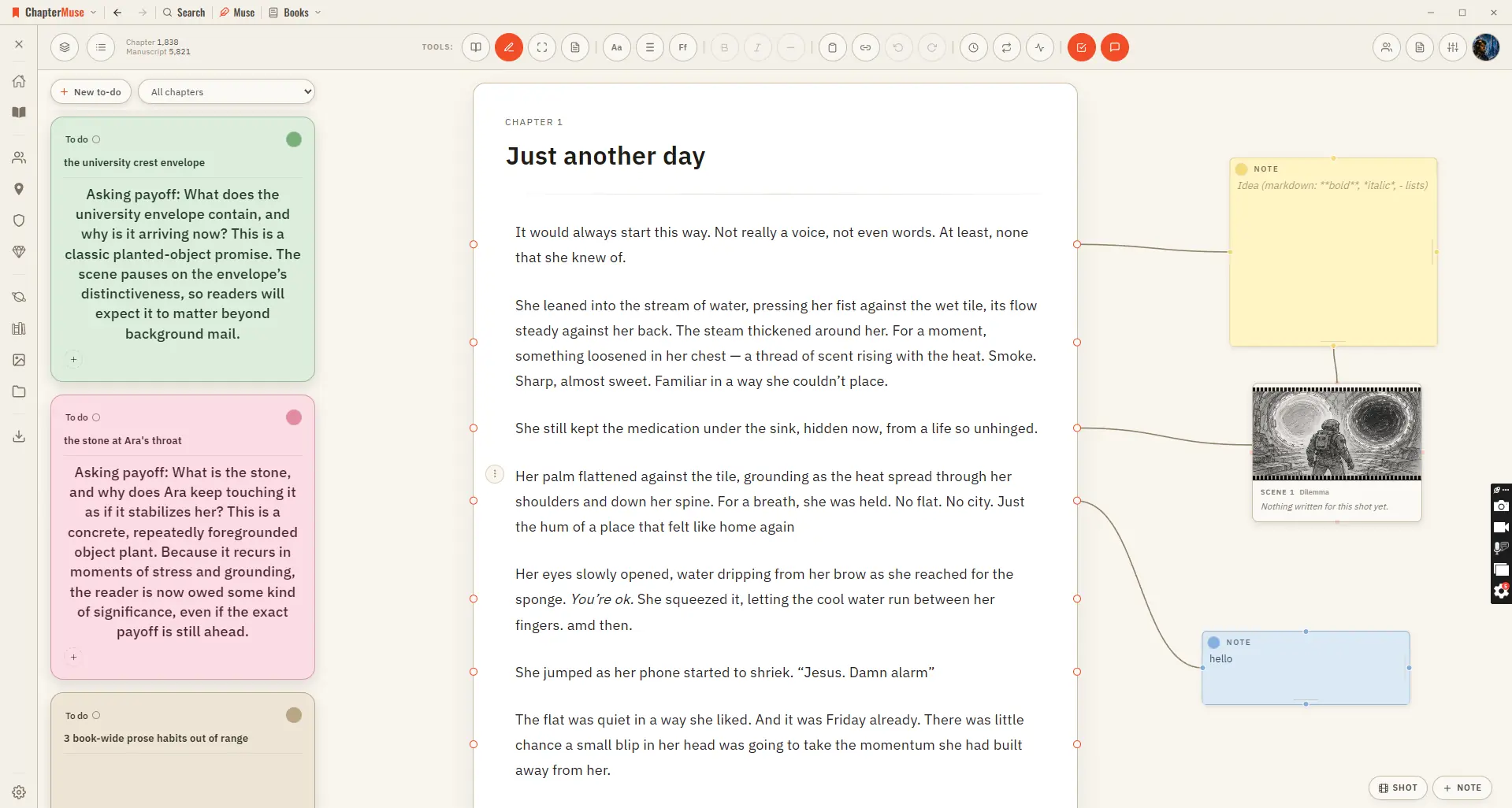
For work you want to track rather than annotate, use To-dos — it opens beside the notes canvas and keeps the actionable list for the whole book.