CMwww.chaptermuse.com › Help › Sections
Add Front Matter and Back Matter to a Book
Each is added from the chapter drawer and lands in its correct, conventional position automatically. ✦Quick start 1Open the chapter drawer and click Add section.
About 99 results (0.060 seconds)
CMwww.chaptermuse.com › Help › Sections
Each is added from the chapter drawer and lands in its correct, conventional position automatically. ✦Quick start 1Open the chapter drawer and click Add section.
CMwww.chaptermuse.com › Help › Writing progress
Set a daily or weekly habit, a destination for the whole manuscript or one chapter, a dated sprint, or a target attached to a revision pass.
CMwww.chaptermuse.com › Help › Metrics
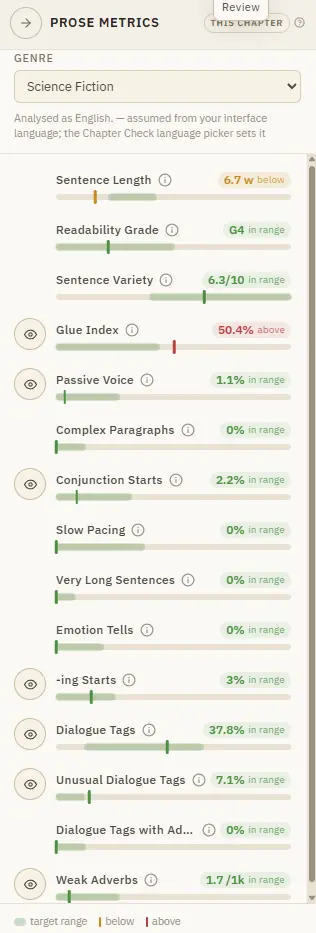
In Single chapter it measures the active chapter; in Continuous manuscript it automatically measures the complete ordered book.
CMwww.chaptermuse.com › Help › Snippets
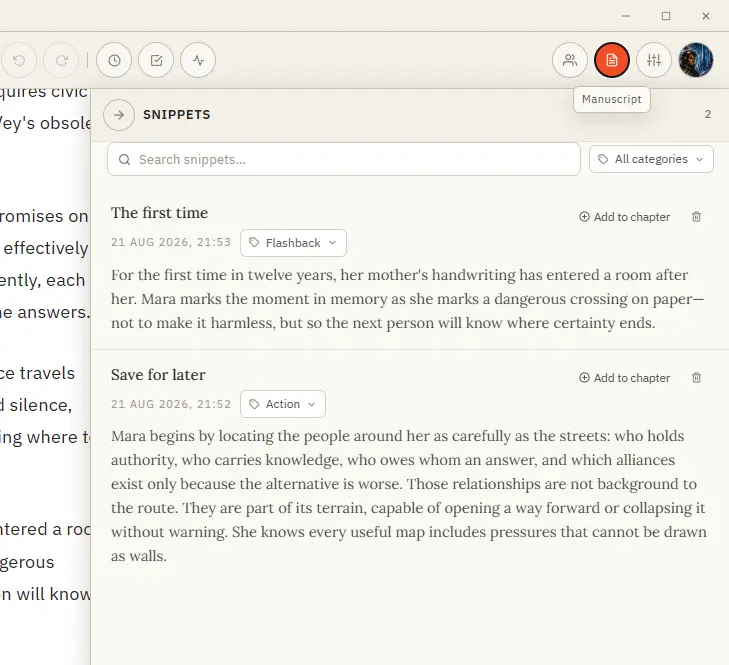
Save it, organise it by category, and drop it back into any chapter when the moment comes. Formatting is preserved.
CMwww.chaptermuse.com › Help › Accounts
The modal also links to Forgot your password if you need an email reset Changing or resetting your password ends existing online sessions on every device.
CMwww.chaptermuse.com › Help › Modes
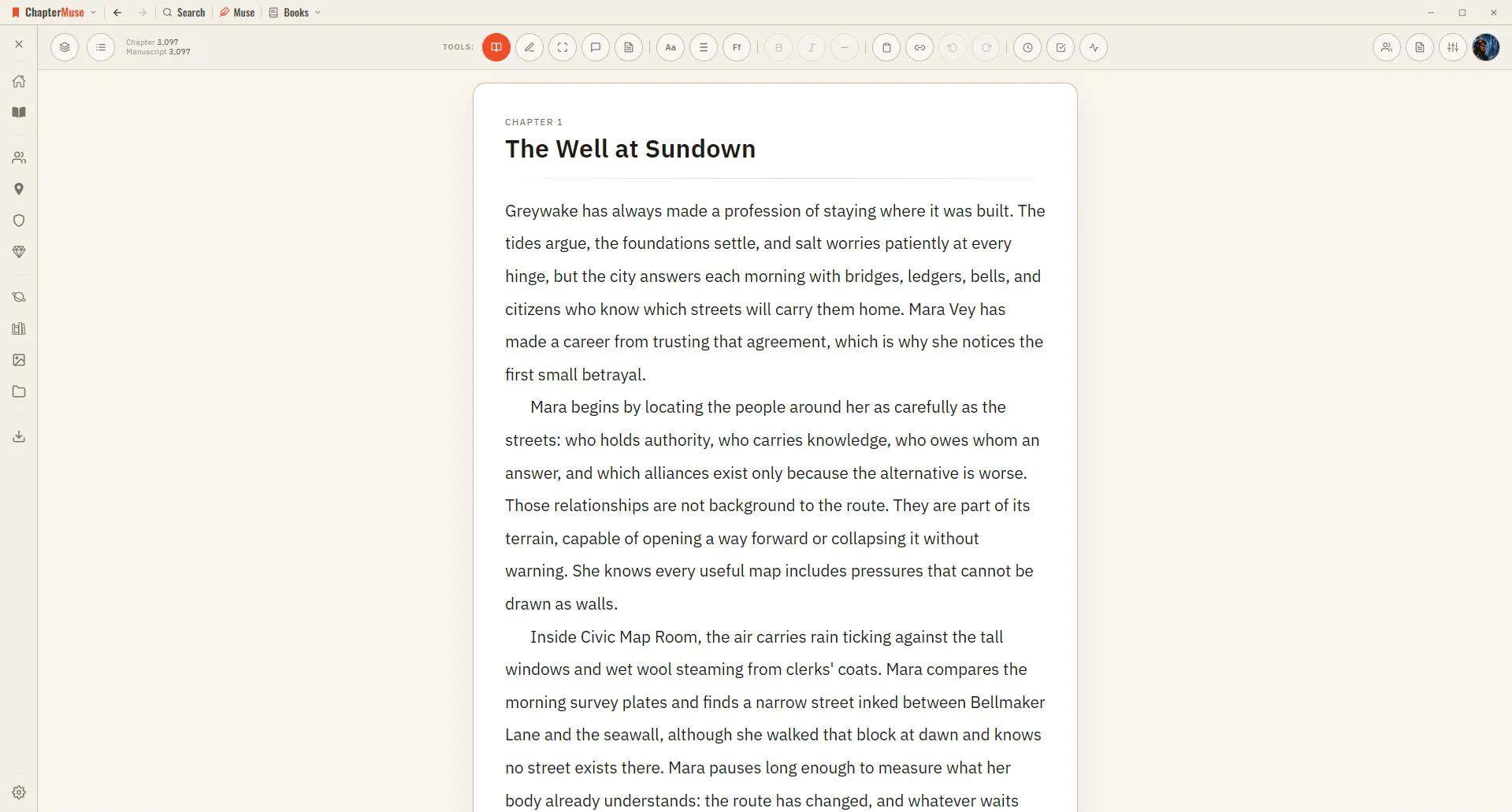
Great for reviewing what you've written or sharing a chapter with a beta reader. ✦Quick start 1Write as usual in Edit mode — the default.
CMwww.chaptermuse.com › Legal › Privacy
Everything you write or upload — manuscripts, chapters, paragraphs, character sheets, plot grids, mind maps, scene cards, notes, comments, and any media you attach.
CMwww.chaptermuse.com › Help › Shortcuts
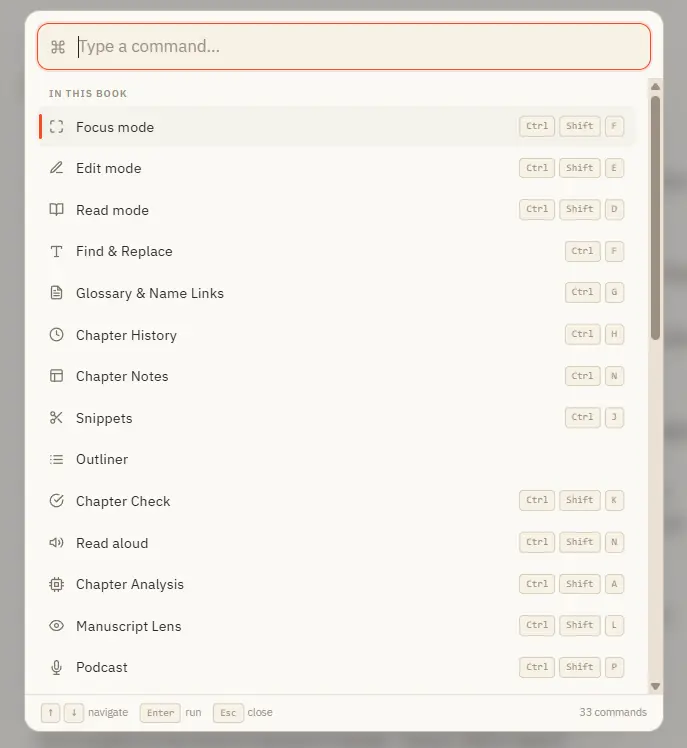
Ctrl M for Muse works everywhere in the app — including from Story World and your libraries, not just inside a book. In the whole writing studio No tool here works alone.
CMwww.chaptermuse.com › Legal › Cookies
The “last updated” date at the top reflects the current version.
CMwww.chaptermuse.com › Community
Join the ChapterMuse community — share craft questions, swap chapter feedback, and meet other novelists.