CMwww.chaptermuse.com › Help › Formatting
Format Novel Text in ChapterMuse
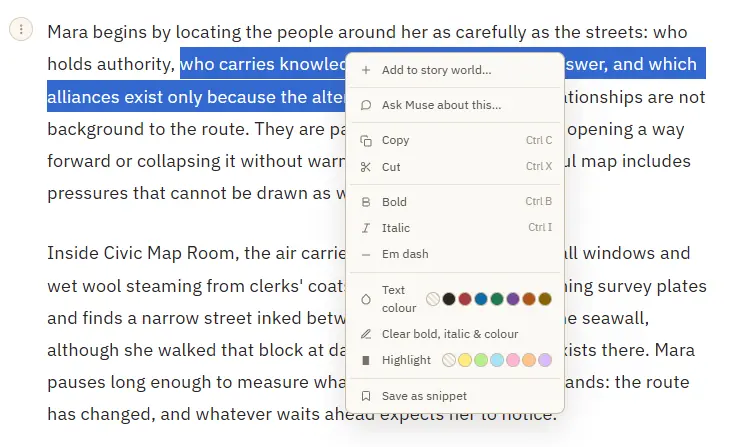
The same menu handles rich-text copy and cut, clears working formatting, and exposes revision decisions while a named pass is active.
About 70 results (0.027 seconds)
CMwww.chaptermuse.com › Help › Formatting
The same menu handles rich-text copy and cut, clears working formatting, and exposes revision decisions while a named pass is active.
CMwww.chaptermuse.com › Help
Research Center A private binder for the files beside your manuscript. Glossary & Name Links Story-world names highlighted right in your prose.
CMwww.chaptermuse.com › Help › Story world
Writer search includes your own profile and accepts names, usernames and @usernames. Community profiles have Posts and Replies tabs on desktop and mobile.
CMwww.chaptermuse.com › Help › Modes
In the whole writing studio No tool here works alone. See how planning reaches the page, how the page reaches revision, and how a draft becomes a finished book.
CMwww.chaptermuse.com › Help › Revisions
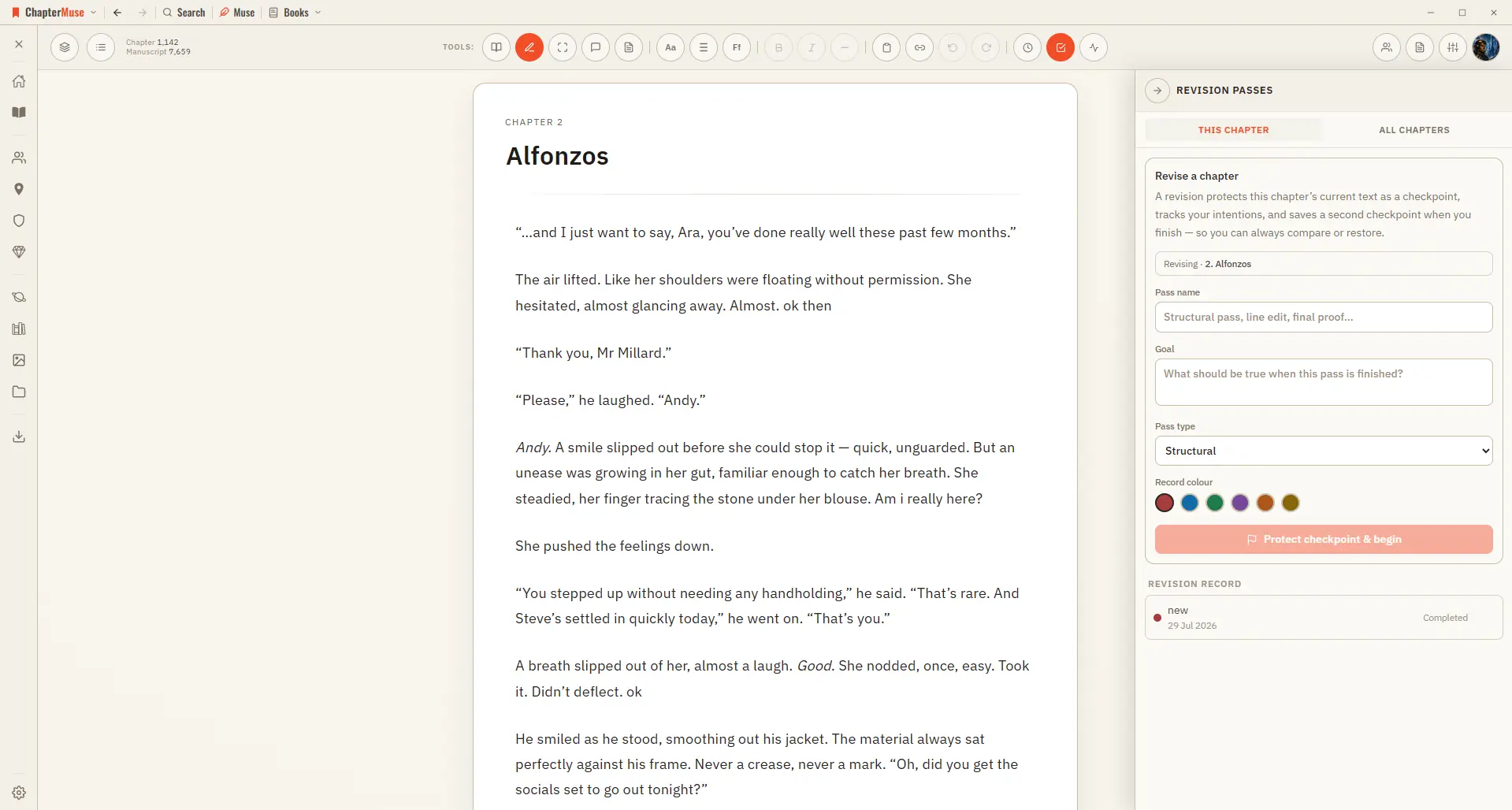
Choose a structural, plot, character, scene, dialogue, line, copyedit, proof, or custom pass Each pass belongs to the chapter open when it begins; different chapters can have their own open passes at the same time Use All…
CMwww.chaptermuse.com › Help › Factions
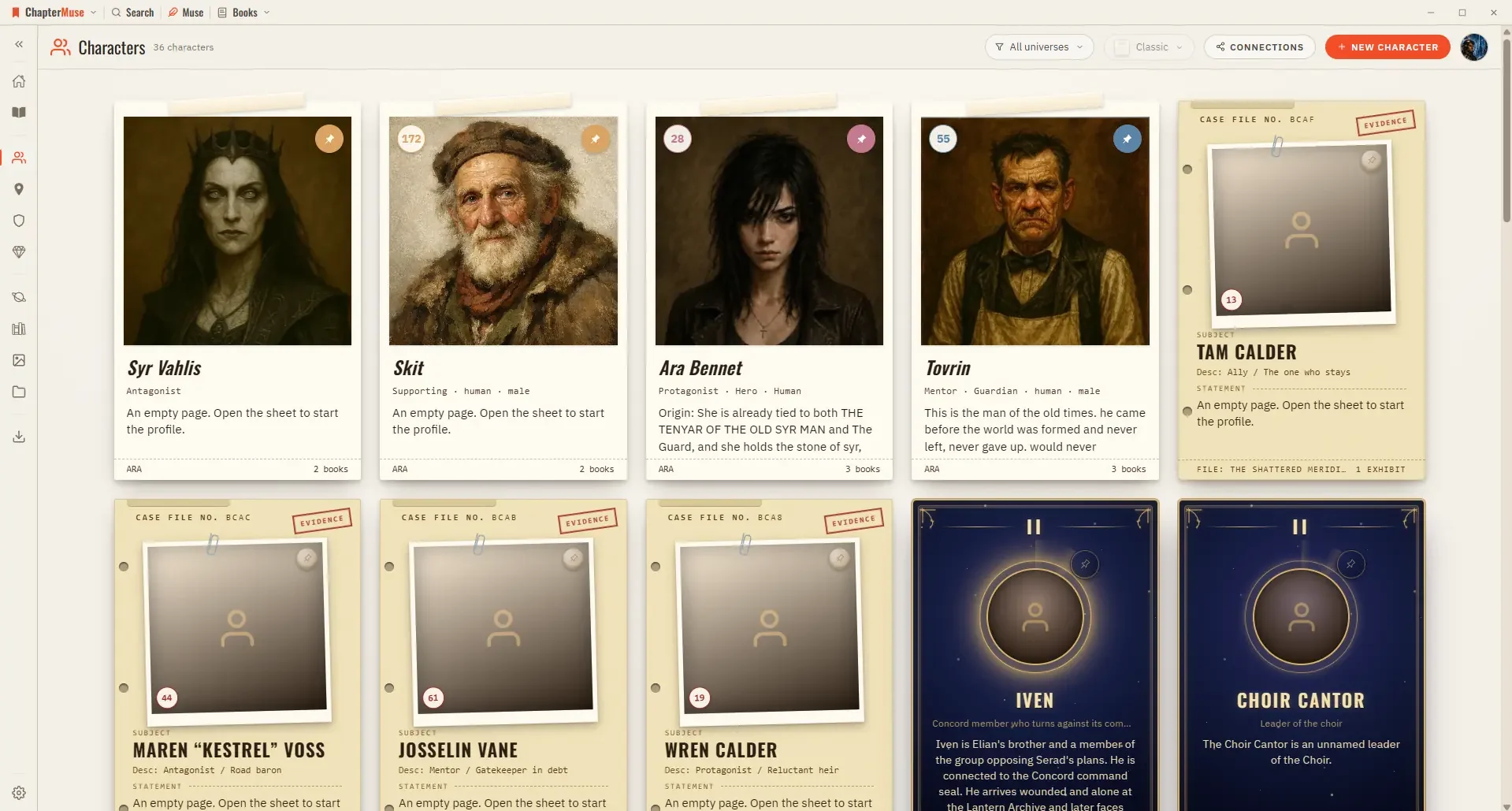
In the whole writing studio See how characters, places, factions, items and continuity work across the whole book. Explore connected worldbuilding
CMwww.chaptermuse.com › Help › Plot grid
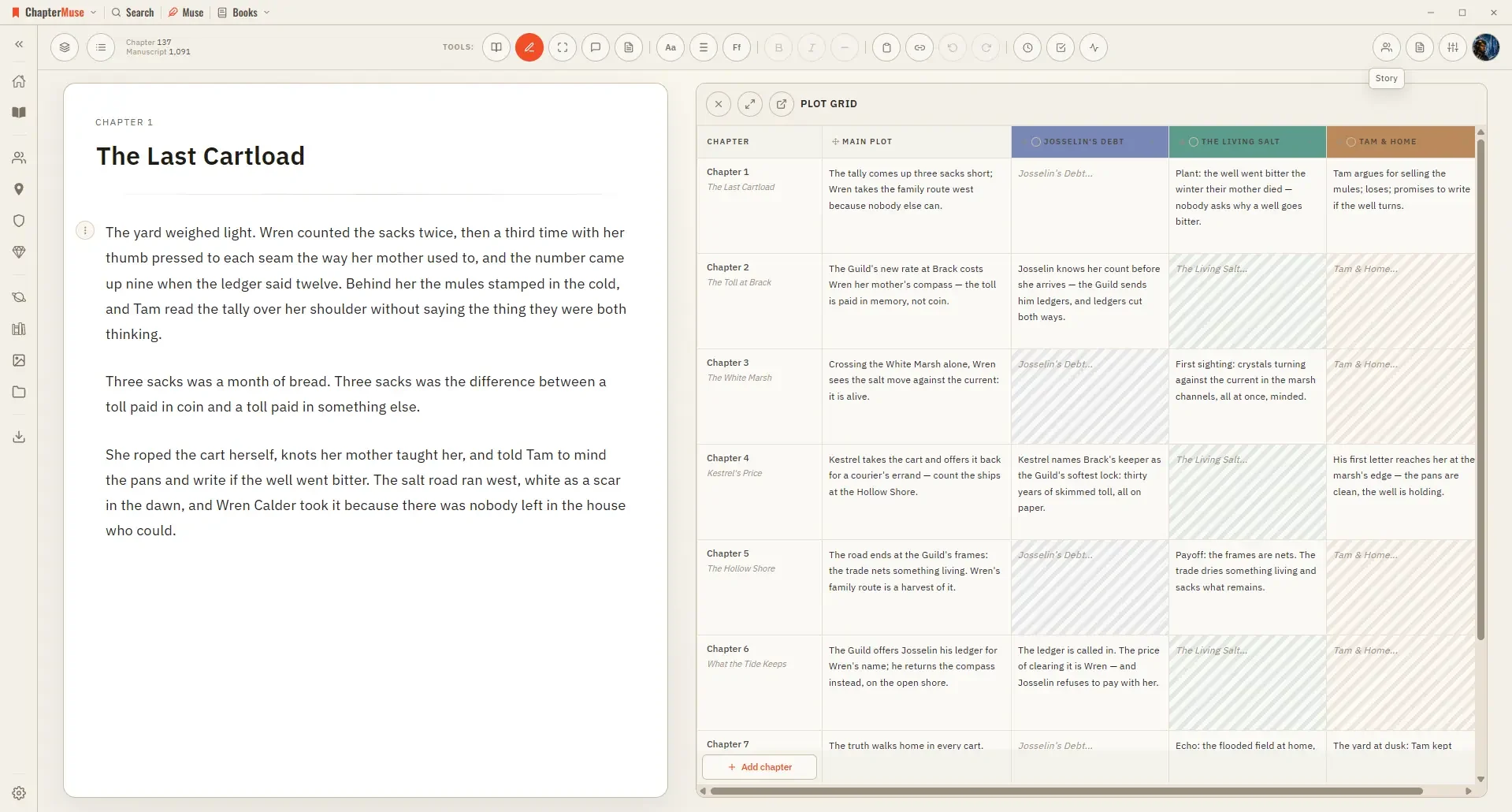
2Click Add column and pick a genre-suggested thread, or name your own. 3Click a cell to summarise what that chapter does for that thread.
CMwww.chaptermuse.com › Help › Items
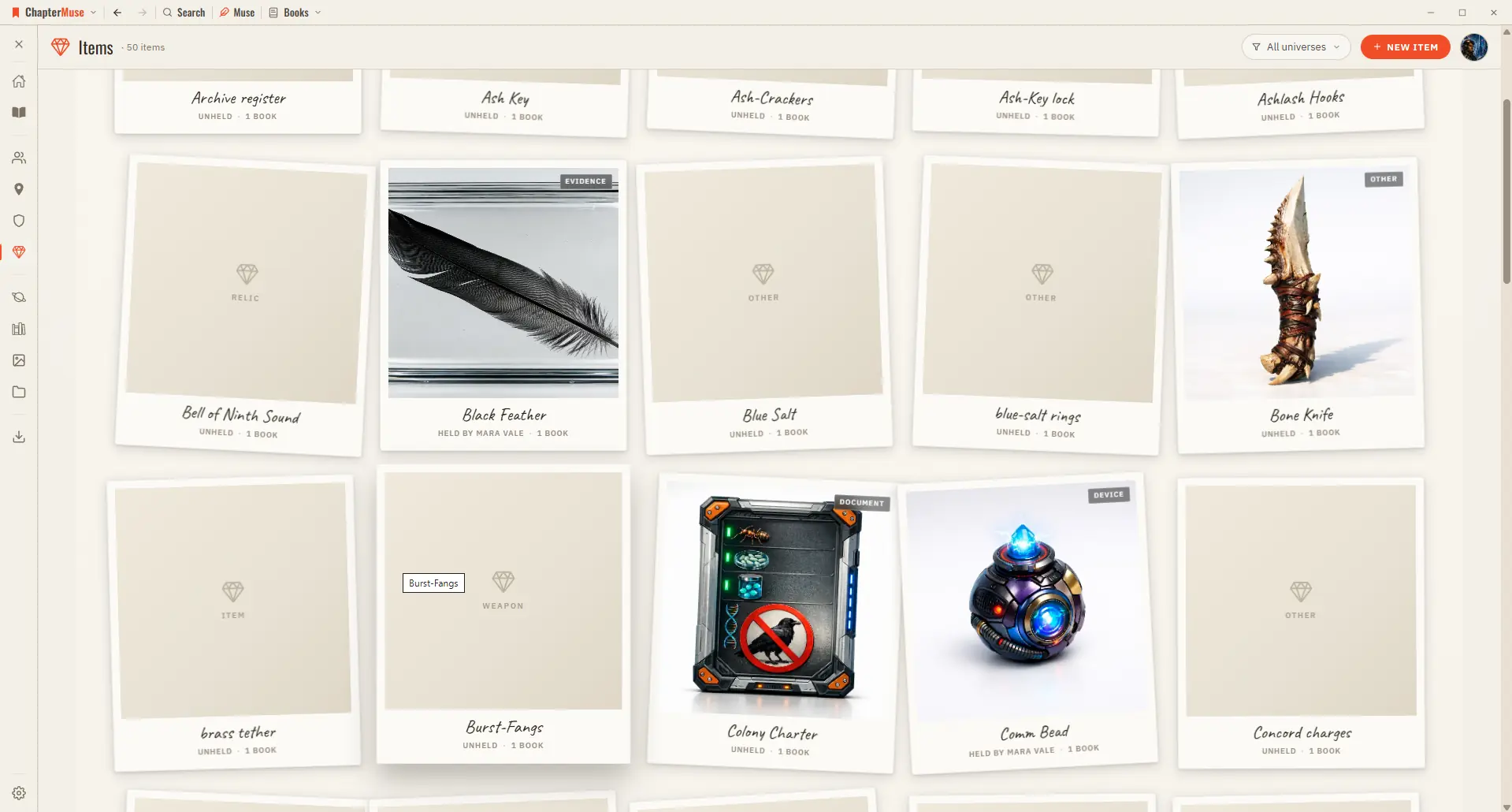
In the whole writing studio See how characters, places, factions, items and continuity work across the whole book. Explore connected worldbuilding
CMwww.chaptermuse.com › Help › Connections
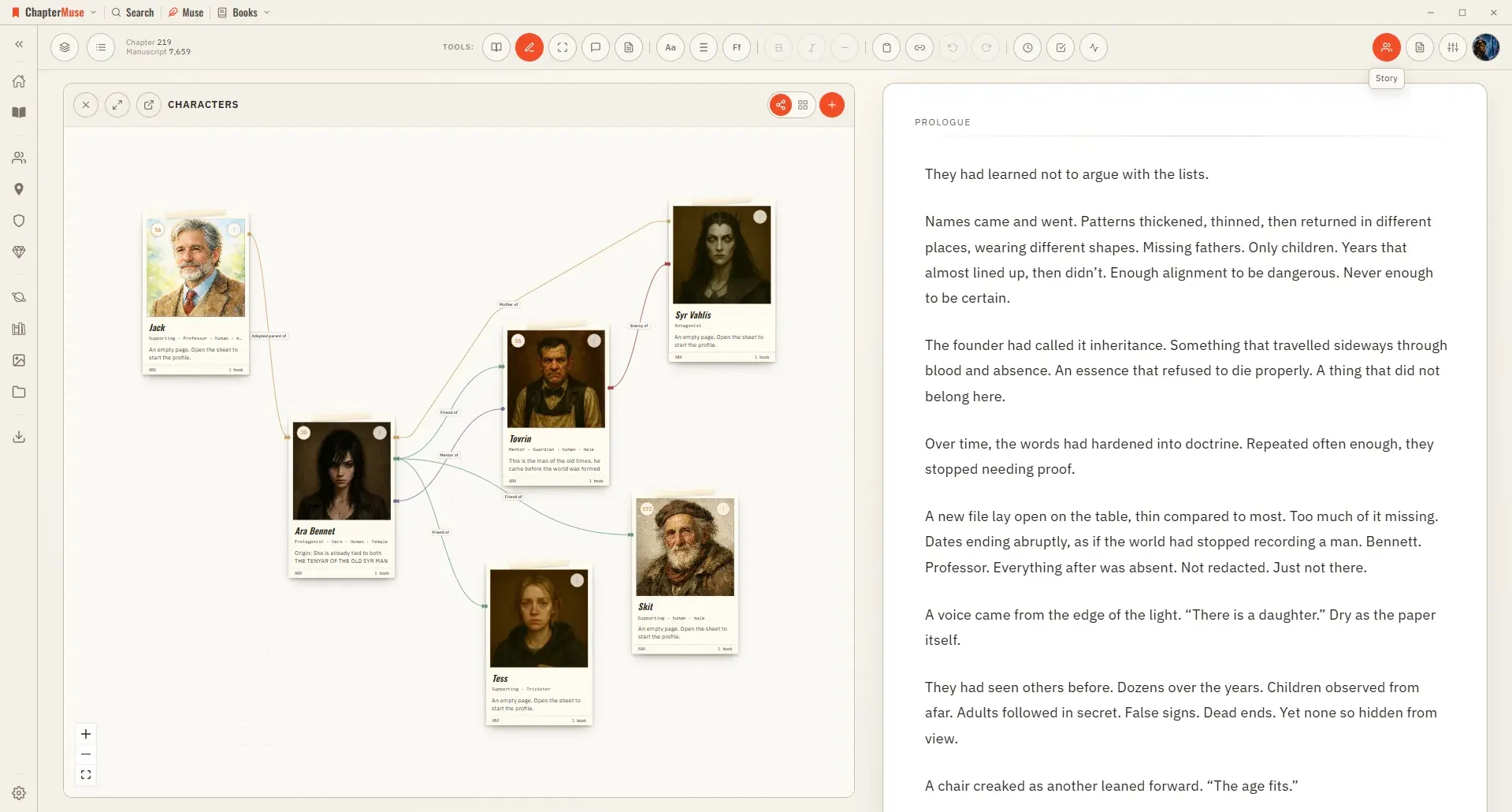
In the whole writing studio See how characters, places, factions, items and continuity work across the whole book. Explore connected worldbuilding
CMwww.chaptermuse.com › Help › Pulse
2The curve draws itself from your chapter — Tension shows first. 3Toggle layers on and off — add Dialogue, Action, Interior, or Exposition.