CMwww.chaptermuse.com › Help › Connections
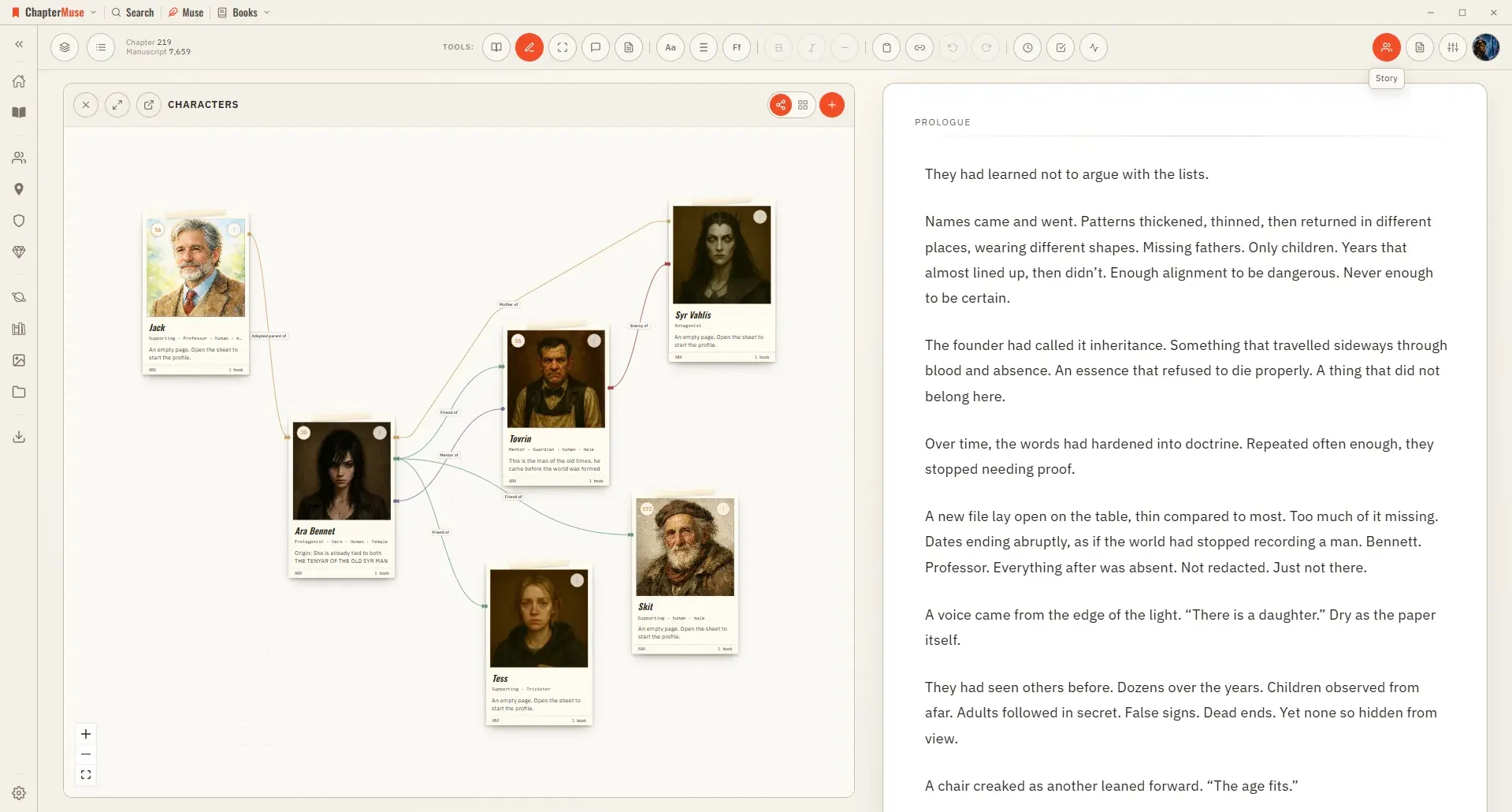
Map Character Relationships and Connections
It's canonical to the universe — the ties you draw are true across every book in the continuity, not just the one you're in.
About 69 results (0.029 seconds)
CMwww.chaptermuse.com › Help › Connections
It's canonical to the universe — the ties you draw are true across every book in the continuity, not just the one you're in.
CMwww.chaptermuse.com › Help › Scene designer
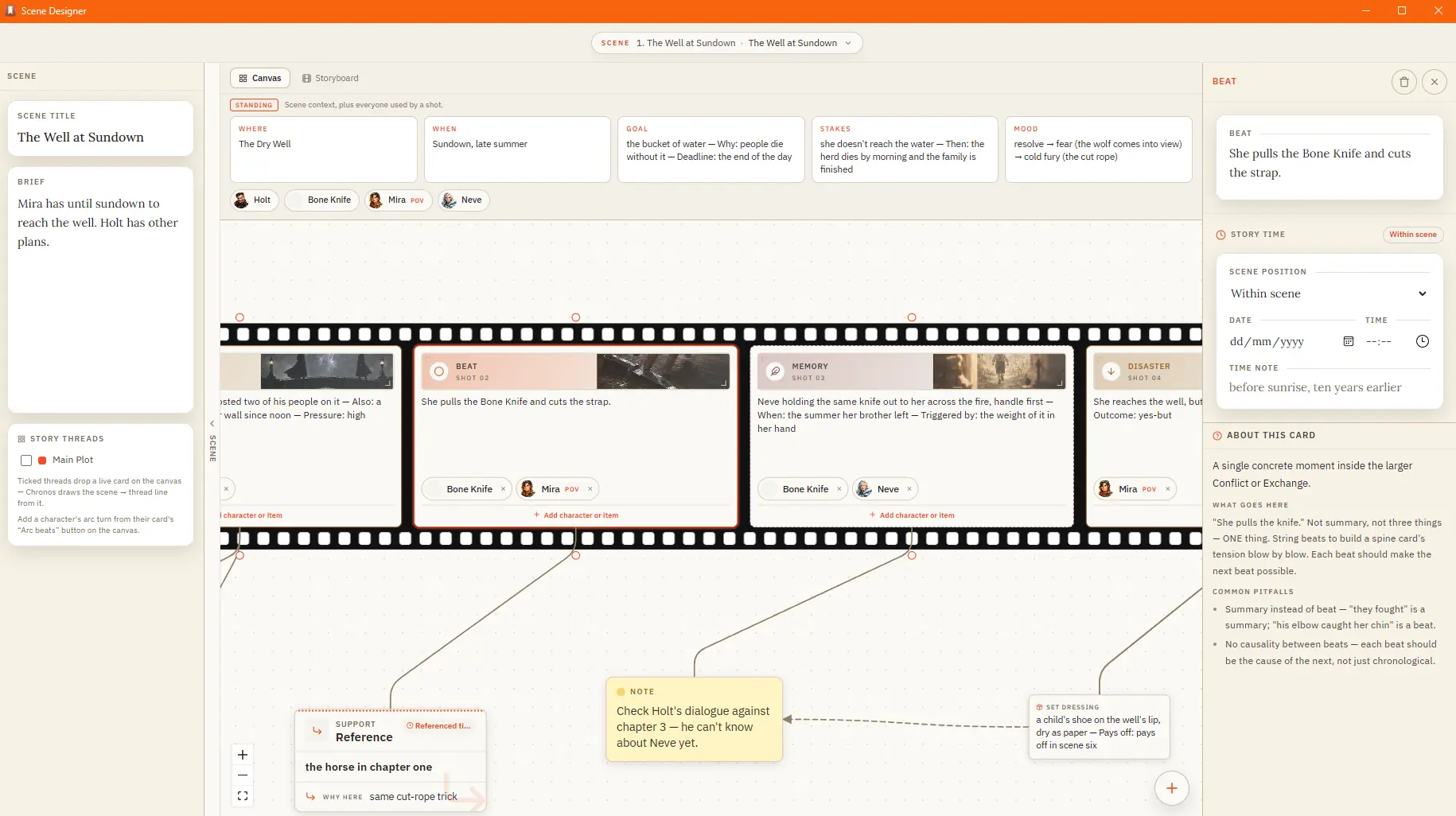
The picker describes each one and what it's best for. Action and Sequel alternate beautifully — a punch, then its consequences.
CMwww.chaptermuse.com › Help › Locations
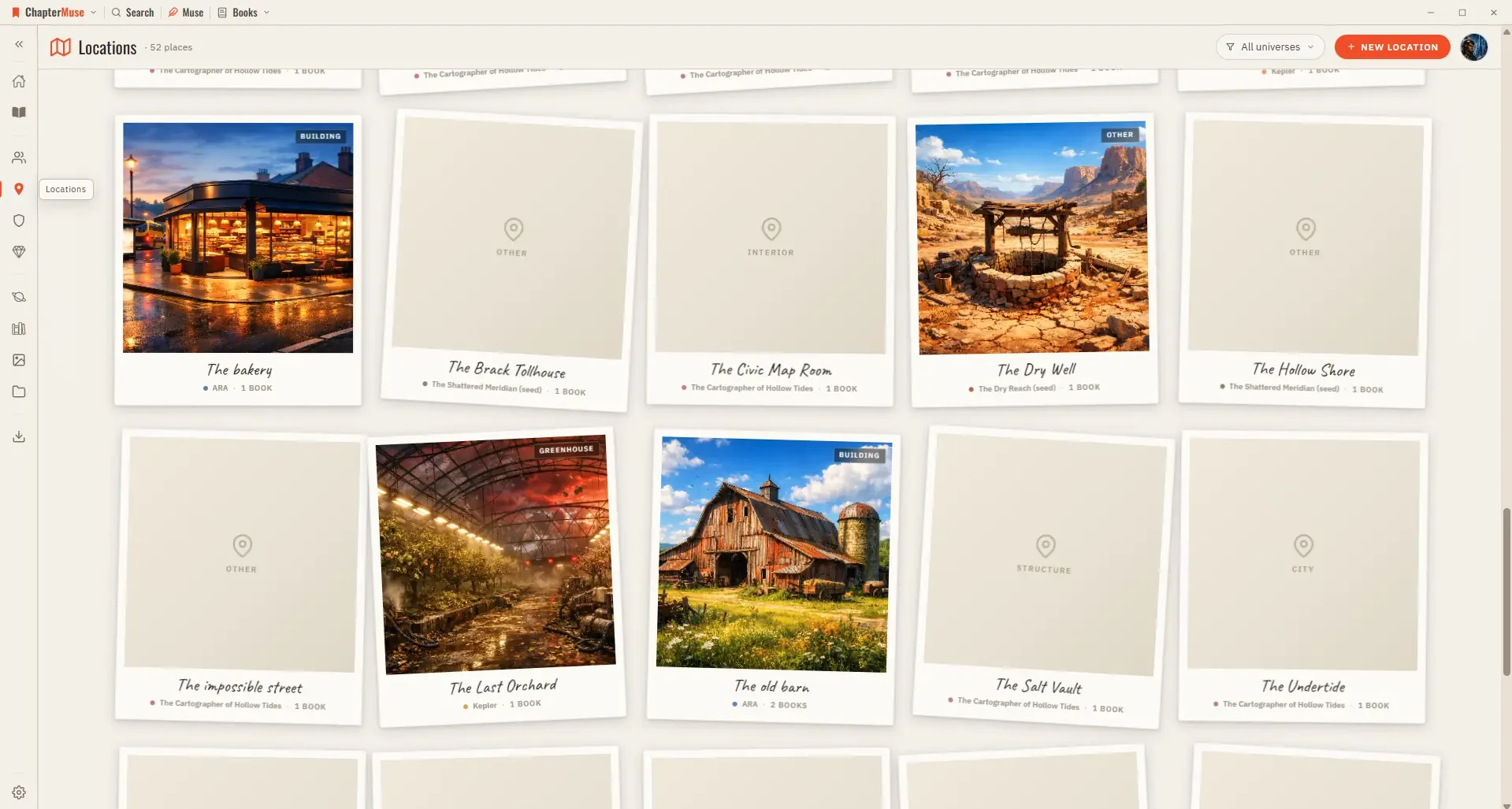
2Set a name, one-liner, and location type. 3Add cover imagery from the gallery — upload photos or generate art with AI.
CMwww.chaptermuse.com › Help › Word cloud
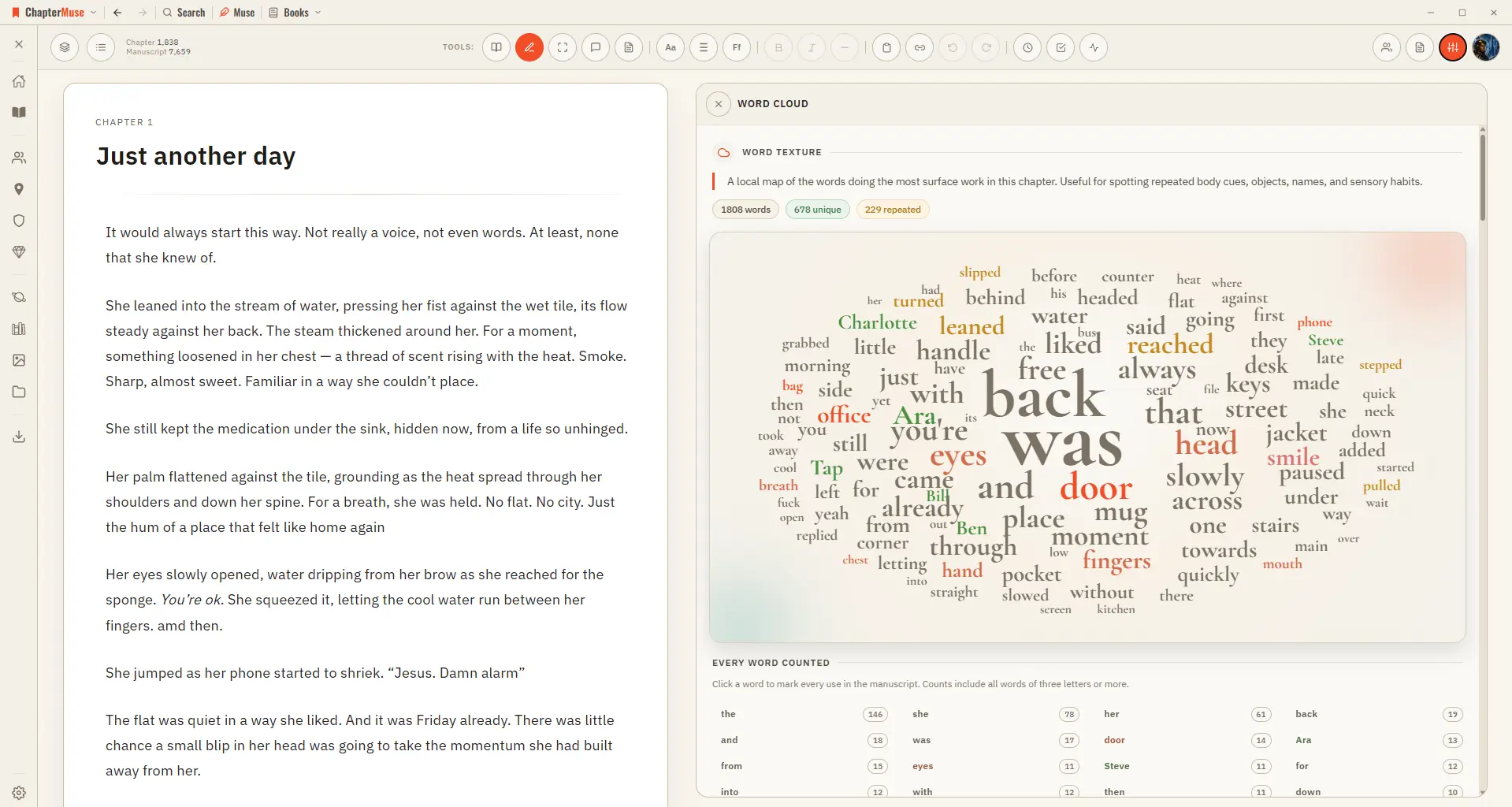
Switch to Single chapter when you want to inspect one chapter's vocabulary.
CMwww.chaptermuse.com › Help › Formatting
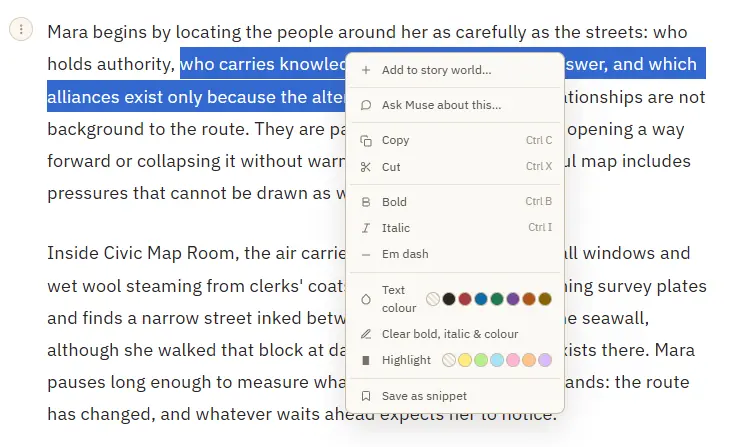
Bold and italic — from the toolbar or Ctrl/⌘ B and Ctrl/⌘ I A proper em dash (—) inserted at the cursor Theme-aware text colour and highlight swatches that stay readable in every writing palette Clear bold, italic, colour, and…
CMwww.chaptermuse.com › Help › Factions
Add members from your character library, with a role for each Set stances toward other factions — allied, neutral, rival, or enemy A character can belong to more than one faction Profile tabs capture history, values, and…
CMwww.chaptermuse.com › Help › Sections
In the whole writing studio Follow one draft into Word, print-ready PDF, EPUB and the files around the novel. See how the manuscript becomes a book
CMwww.chaptermuse.com › Help › Revisions
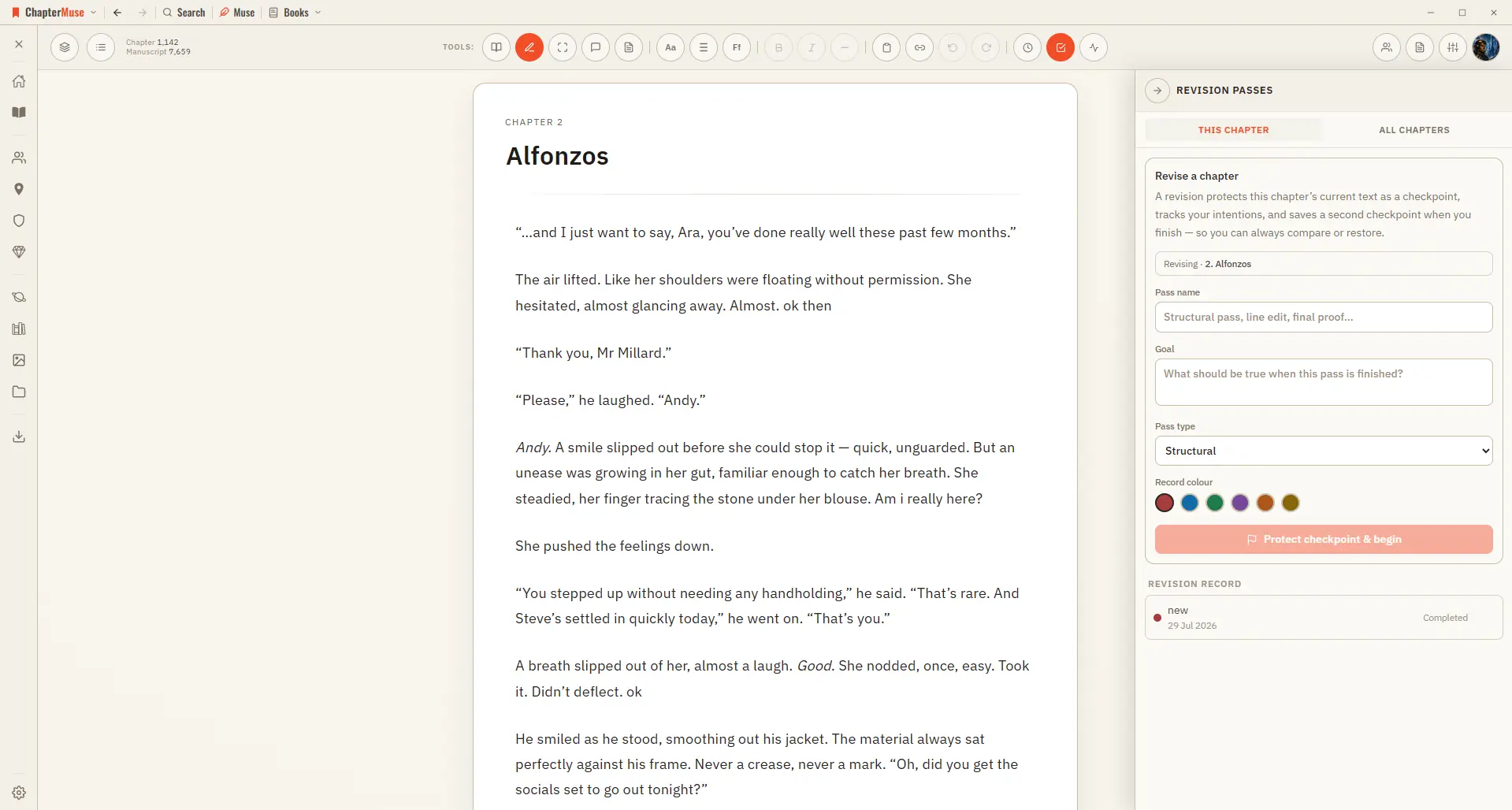
In the whole writing studio Move from protected checkpoints through proofing, craft analysis and whole-book signals. See the revision workflow
CMwww.chaptermuse.com › Help › Snippets
See how planning reaches the page, how the page reaches revision, and how a draft becomes a finished book. Explore every ChapterMuse feature