CMwww.chaptermuse.com › Help › Read aloud
Listen to Your Manuscript with Read Aloud
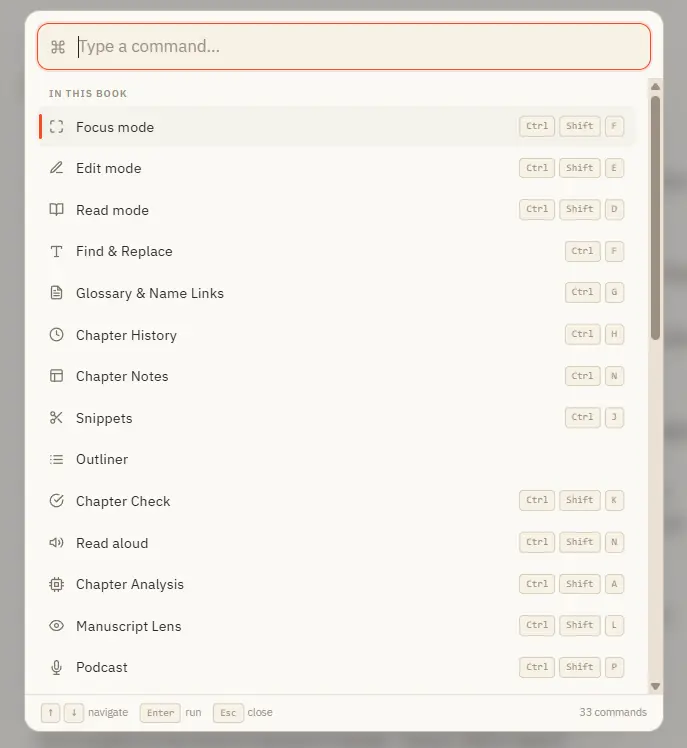
Once the voice is installed there is no internet, no account, and no per-word cost — your manuscript never leaves your computer.
About 72 results (0.025 seconds)
CMwww.chaptermuse.com › Help › Read aloud
Once the voice is installed there is no internet, no account, and no per-word cost — your manuscript never leaves your computer.
CMwww.chaptermuse.com › Help › Find replace
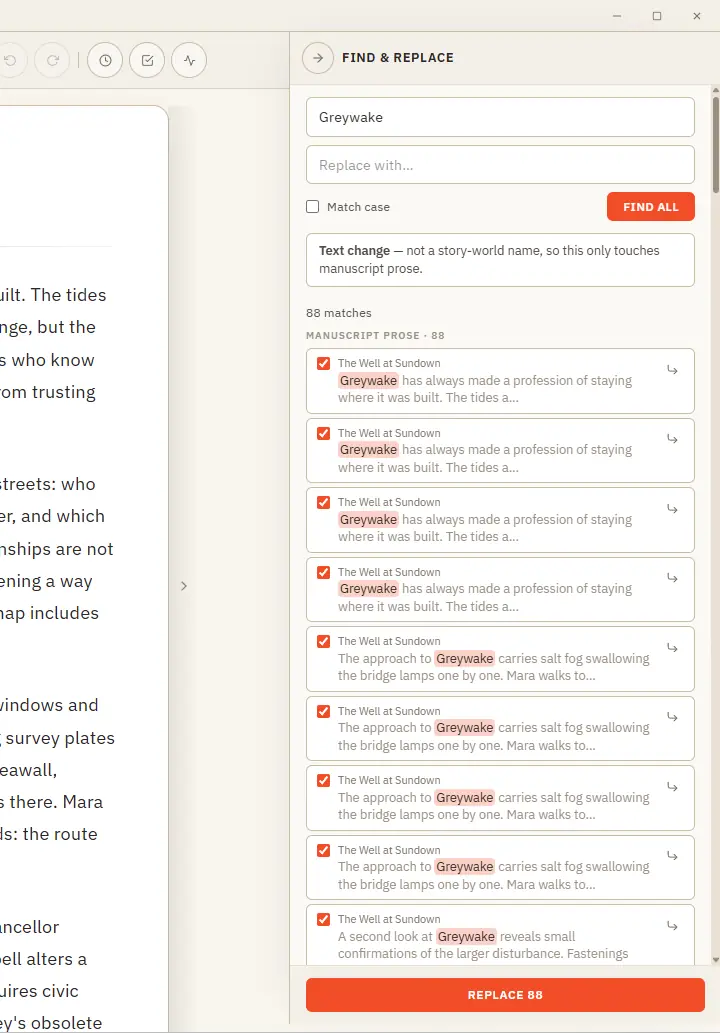
One clever panel that knows the difference between fixing a word and renaming someone in your story world. Updated 4 September 2026 Find & Replace does two jobs from one place, and it works out which you mean.
CMwww.chaptermuse.com › Help › Mind map
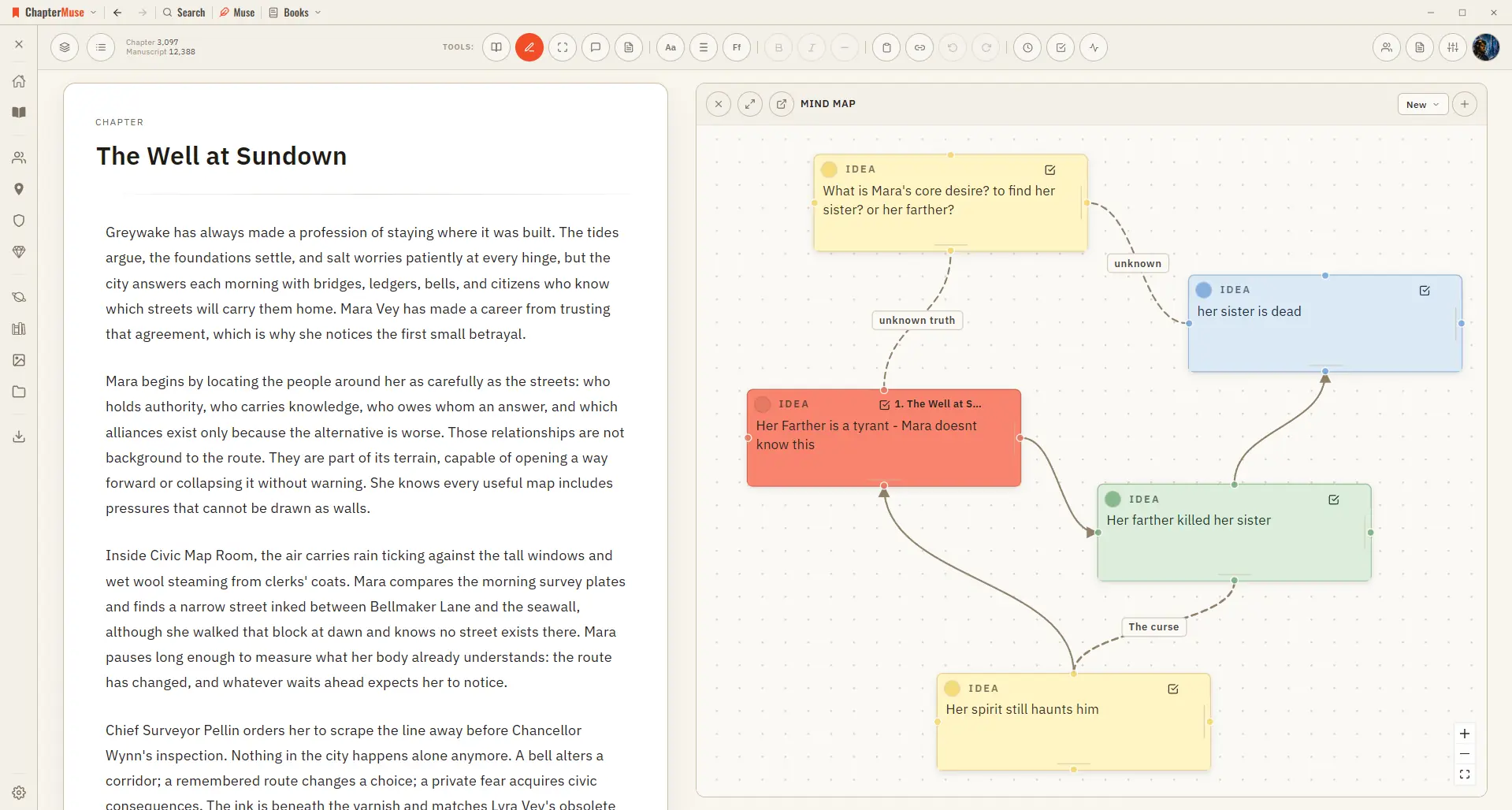
In the whole writing studio See how outlines, grids, timelines, maps and scenes stay connected to the manuscript. See the complete planning workflow
CMwww.chaptermuse.com › Help › Formatting
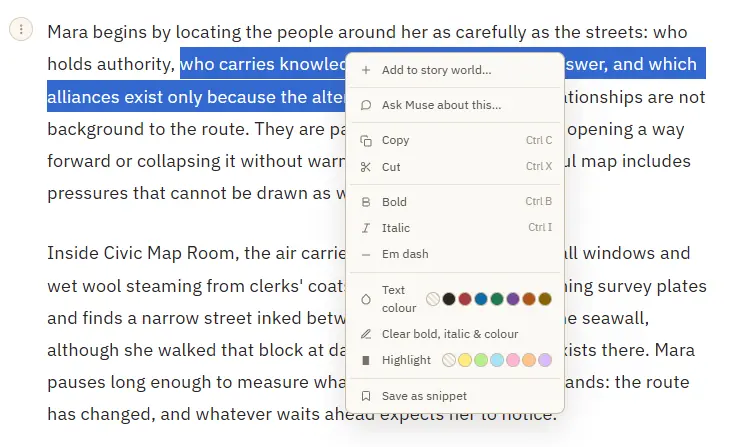
Bold and italic — from the toolbar or Ctrl/⌘ B and Ctrl/⌘ I A proper em dash (—) inserted at the cursor Theme-aware text colour and highlight swatches that stay readable in every writing palette Clear bold, italic, colour, and…
CMwww.chaptermuse.com › Help › Storyboard
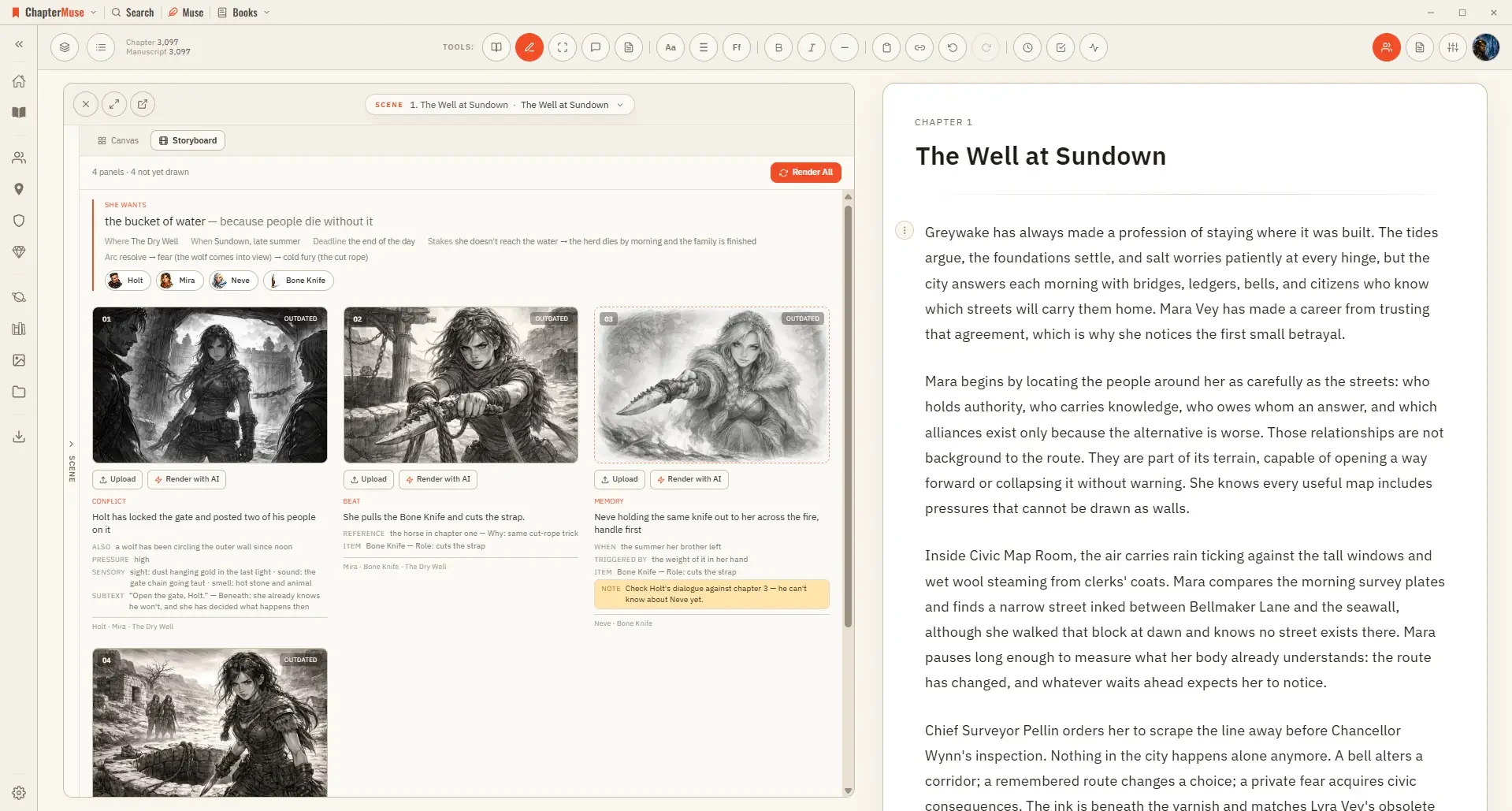
In the whole writing studio See how outlines, grids, timelines, maps and scenes stay connected to the manuscript. See the complete planning workflow
CMwww.chaptermuse.com › Help › Museiki
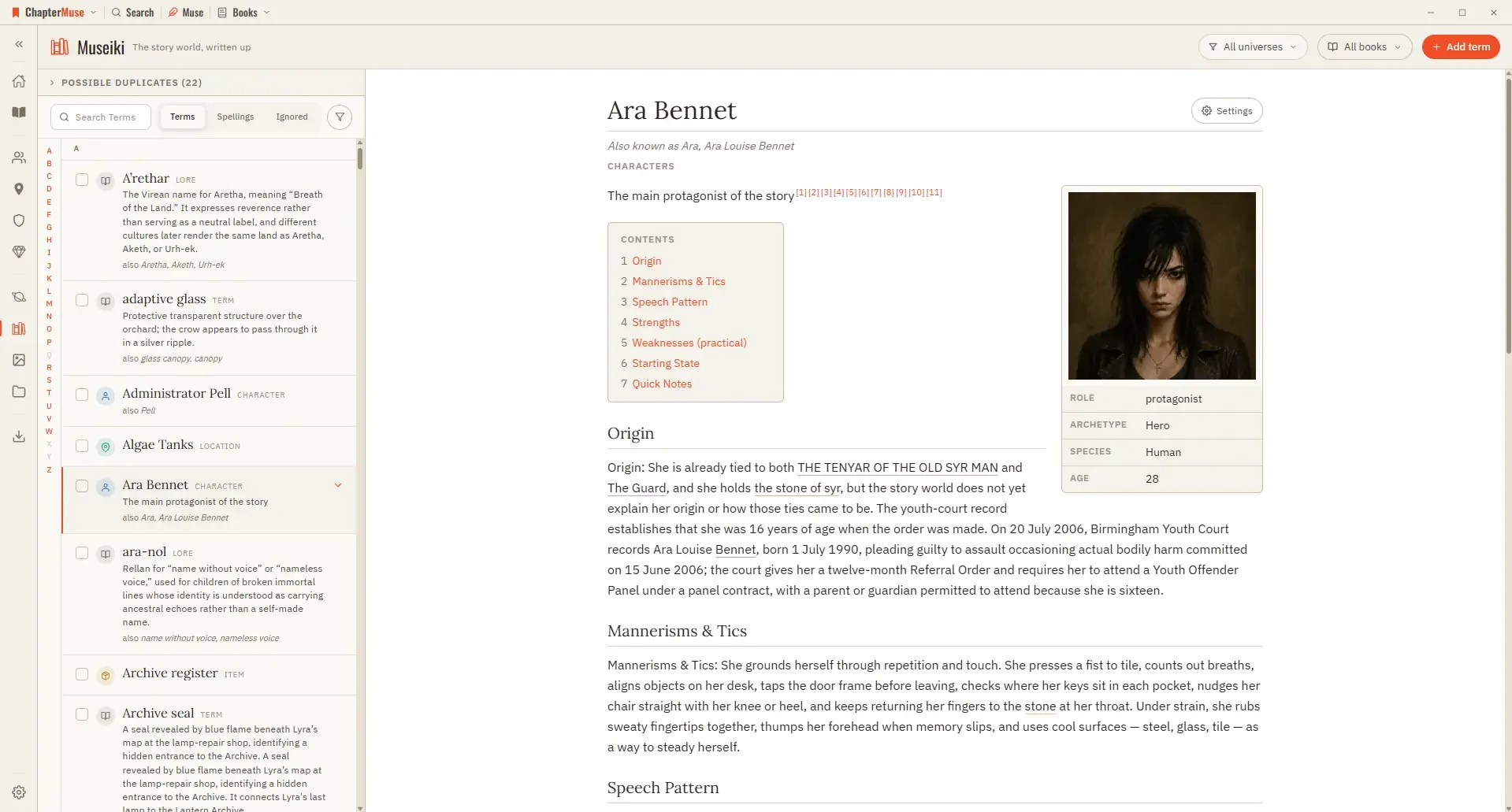
In the whole writing studio See how characters, places, factions, items and continuity work across the whole book. Explore connected worldbuilding
CMwww.chaptermuse.com › Help › Sections
In the whole writing studio Follow one draft into Word, print-ready PDF, EPUB and the files around the novel. See how the manuscript becomes a book
CMwww.chaptermuse.com › Help › Shortcuts
In the whole writing studio No tool here works alone. See how planning reaches the page, how the page reaches revision, and how a draft becomes a finished book.
CMwww.chaptermuse.com › Help › Accounts
muse backups — the two together are your whole writing life, portable. Double-clicking the .
CMwww.chaptermuse.com › Help › Ai images
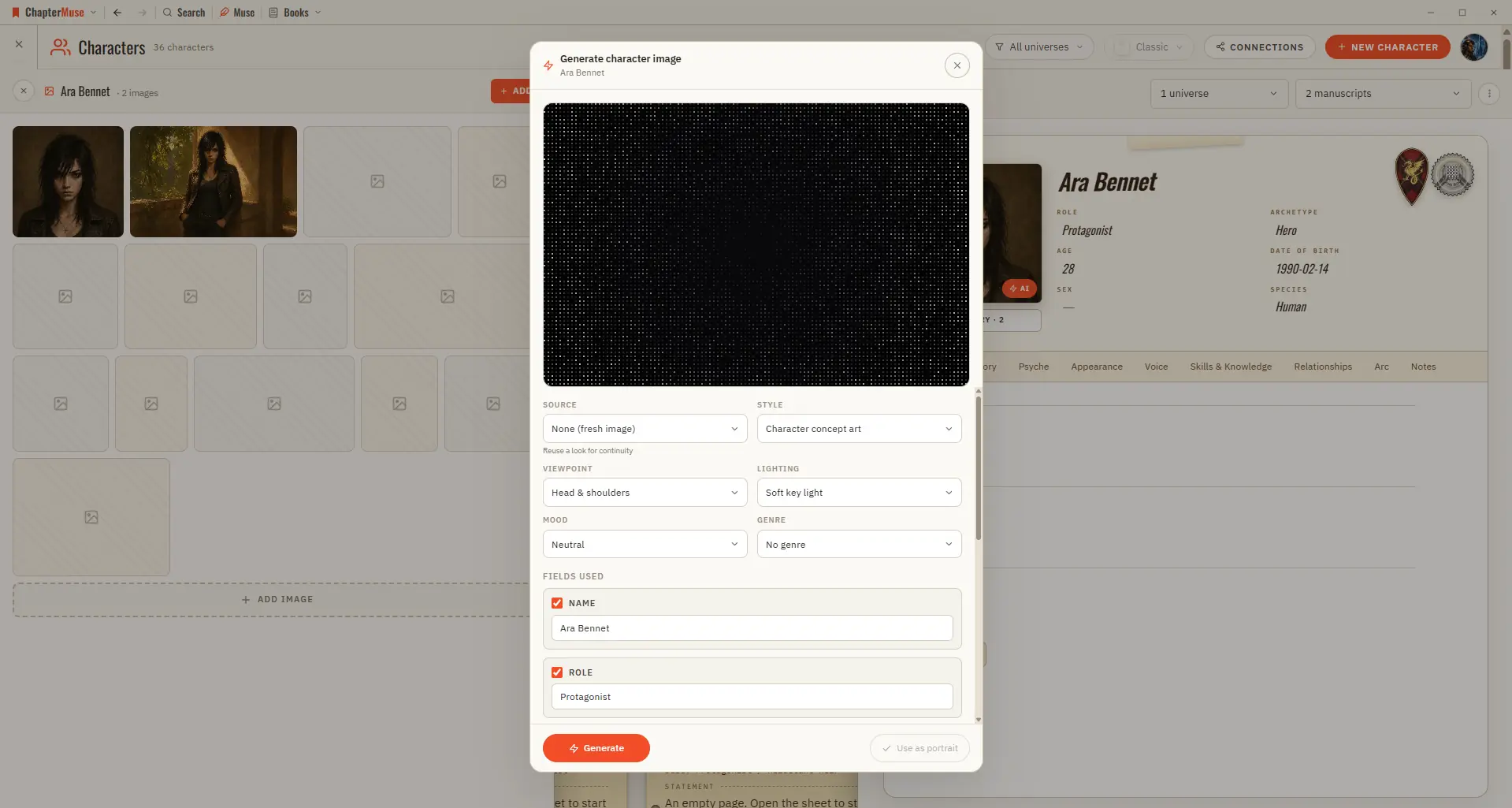
Updated 4 September 2026 When words aren't quite enough, you can generate a picture right where you need it — from a character's portrait area, or the cover of a location or item.