ChapterMuse

Search results for licence

About 69 results (0.023 seconds)

CMwww.chaptermuse.com › Help › Gallery

Manage Your Story-World Image Gallery

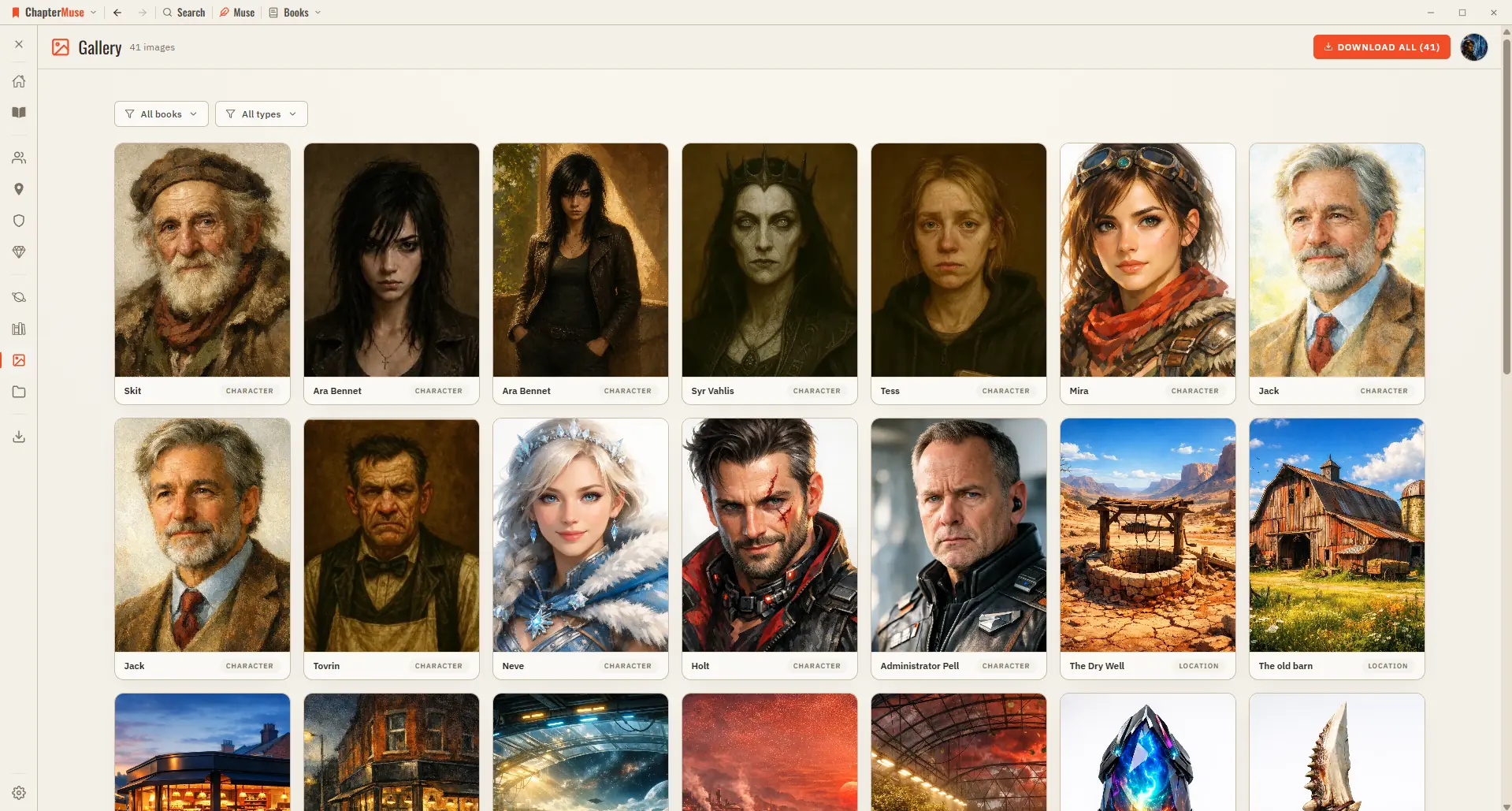
One home for all the artwork across your project, with a full-screen viewer and one-click downloads. Updated 4 September 2026 As your world fills with pictures — character portraits, location scenes, item studies, faction crests,…
CMwww.chaptermuse.com › Help › Chronos

Build a Novel Timeline with Chronos

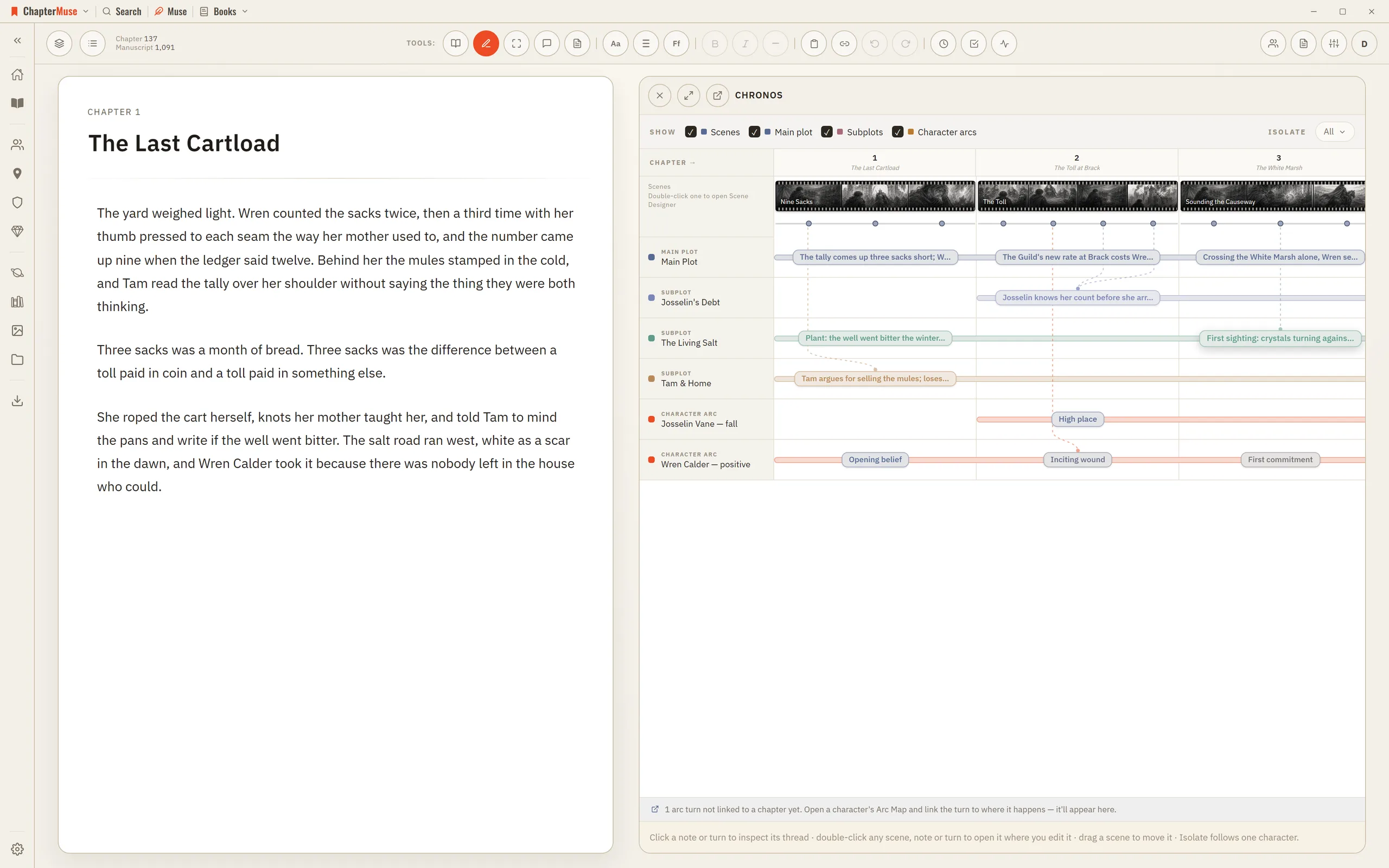
Drag an arc beat to re-anchor it to a chapter or a specific scene; the Arc Map follows immediately Open a beat to see its external event, belief state, choice, cost, relationship effect, evidence on the page, and notes Isolate…

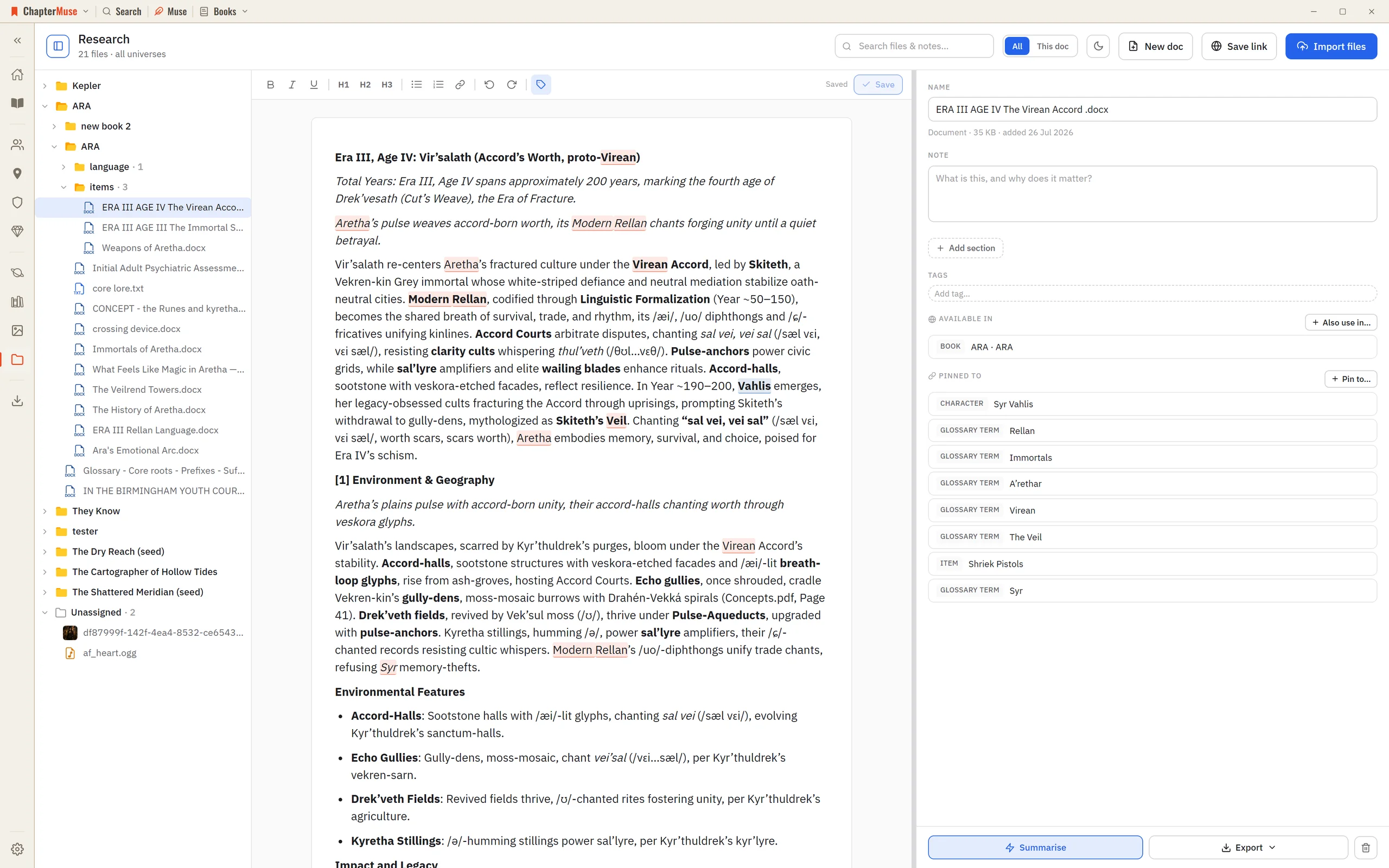
CMwww.chaptermuse.com › Help › Research

Organise Novel Research Beside Your Manuscript

Two things reach out from your device: Summarise and Transcribe send that one file's contents to the AI service, and Save link fetches the web page you entered (once) so it can build a preview and search its text.

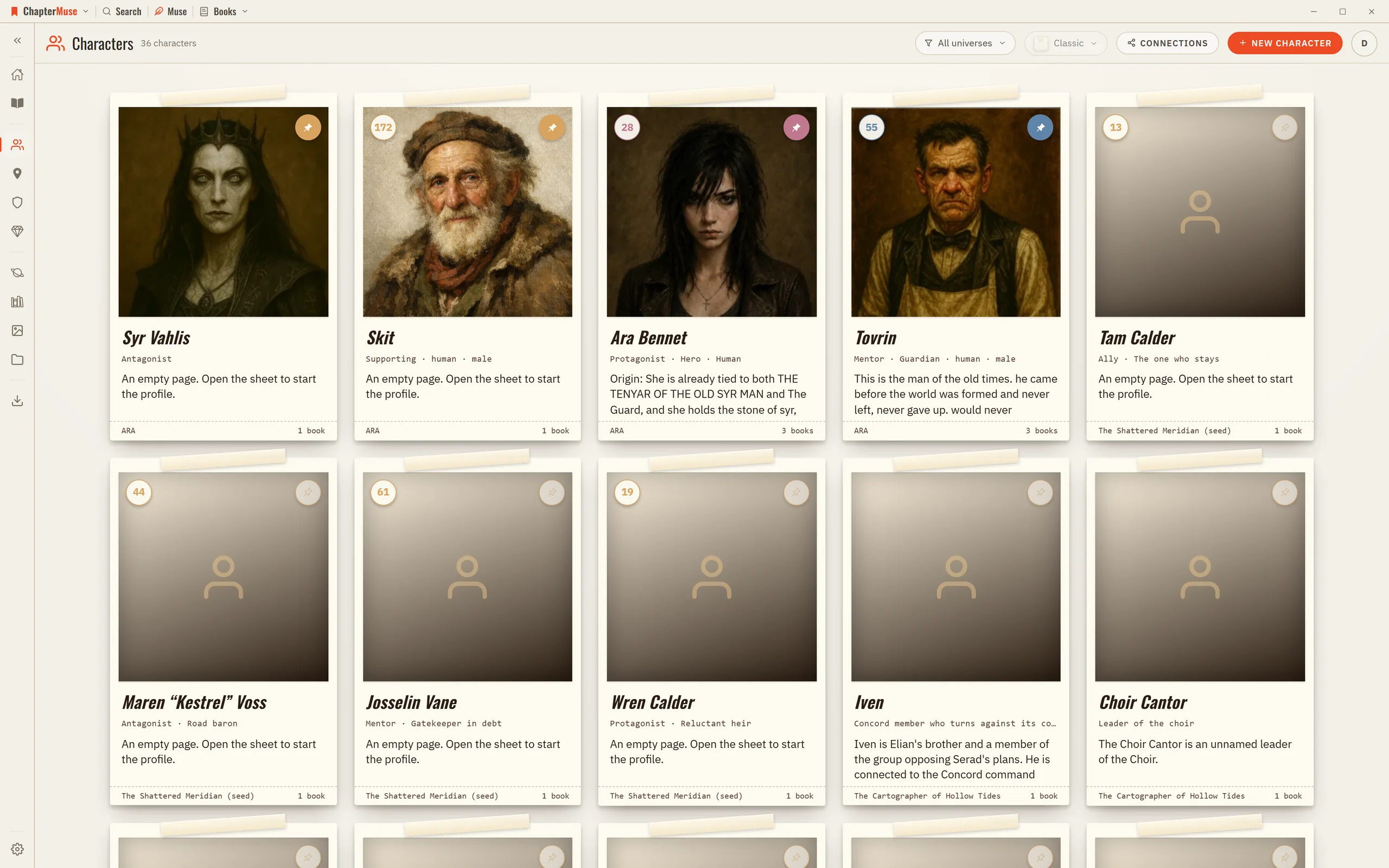
CMwww.chaptermuse.com › Help › Characters

Create Character Profiles for Your Novel

Updated 4 September 2026 Your Characters library is shared across every book in a universe, so a character you create for one novel is right there for the sequel.

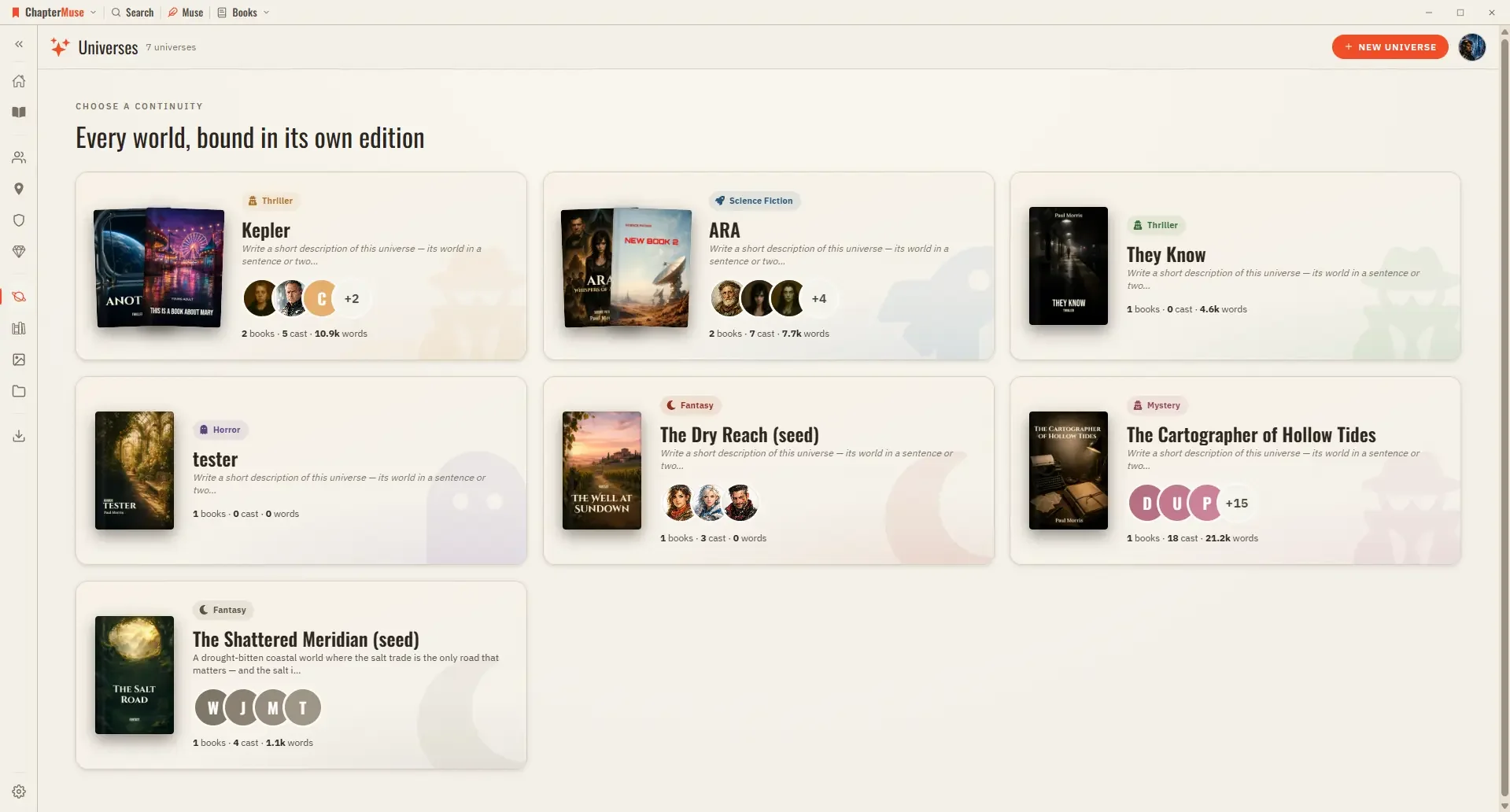
CMwww.chaptermuse.com › Help › Universes

Organise Book Series with Universes and Folios

Cast — your characters in reading order; pin the ones you reach for most, or open the relationship tapestry from the shelf header Places, Factions, Items — the rest of your world, each card opening its sheet Scenes — every scene…

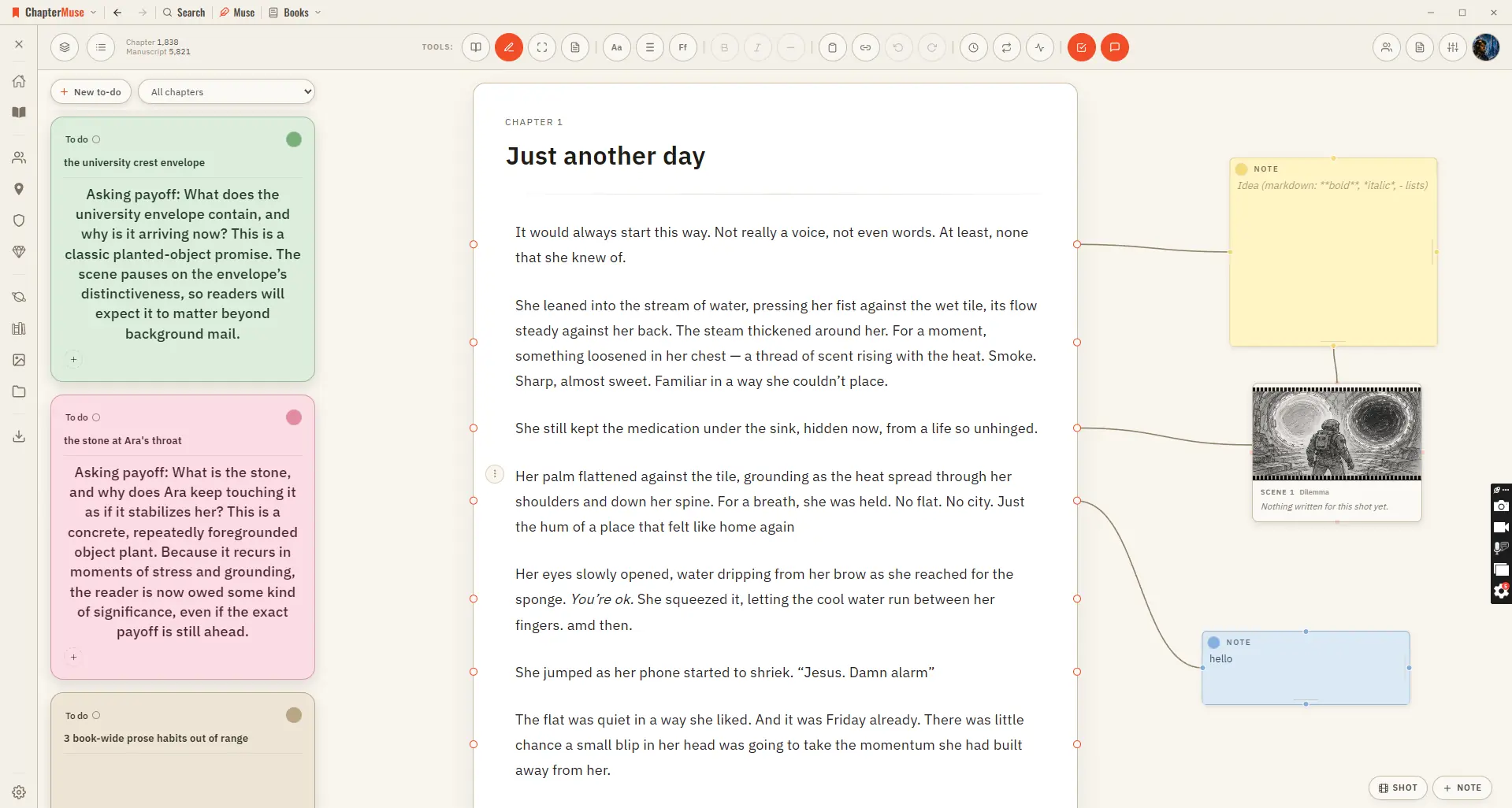
CMwww.chaptermuse.com › Help › Chapter notes

Attach Notes to Chapters and Paragraphs

In the whole writing studio See how outlines, grids, timelines, maps and scenes stay connected to the manuscript. See the complete planning workflow

CMwww.chaptermuse.com › Help › Shortcuts

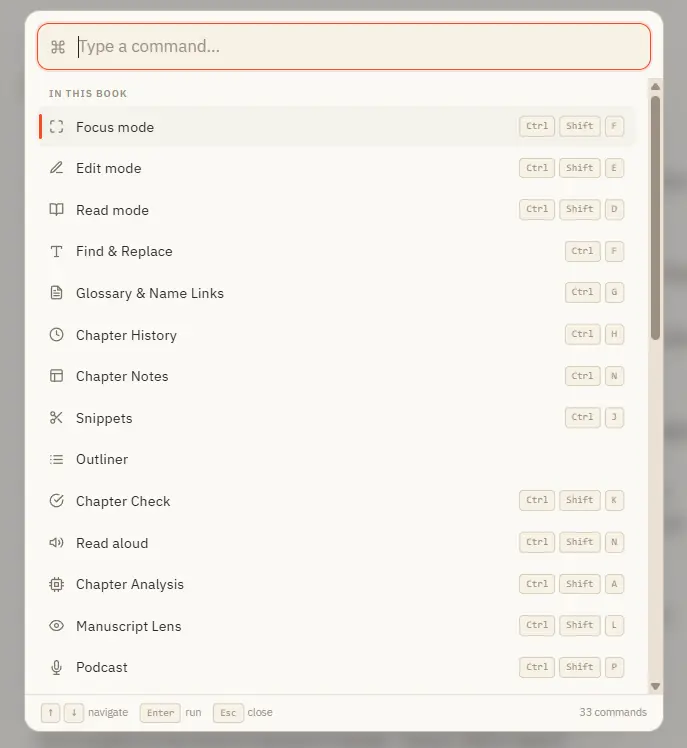
ChapterMuse Keyboard Shortcuts and Command…

Updated 4 September 2026 Once ChapterMuse feels like home, the keyboard is the fastest way around. The command palette (Ctrl K) lets you search for any action by name and run it with Enter — no hunting through menus.

CMwww.chaptermuse.com › Help › Search

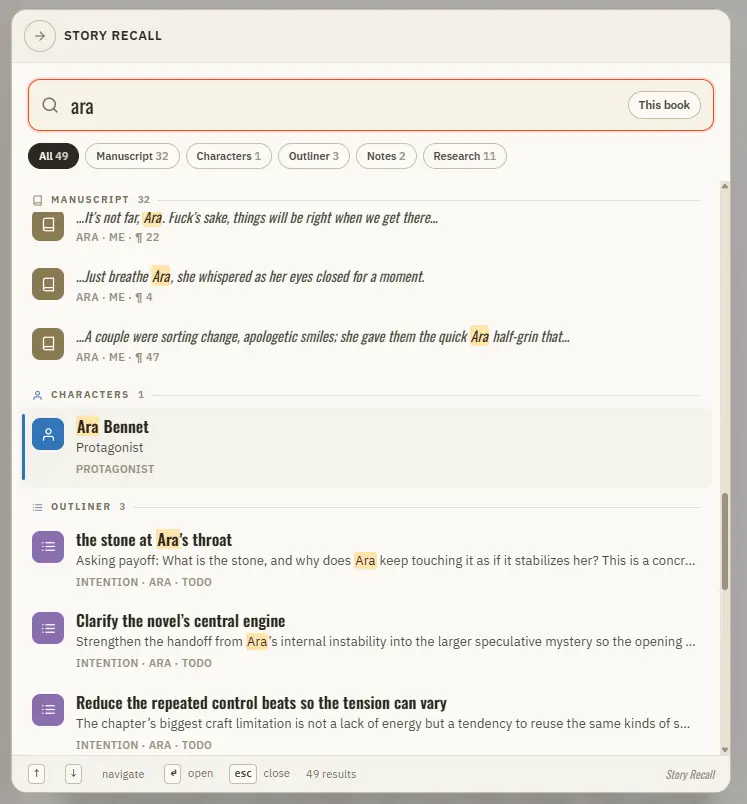
Search Your Manuscript and Story World

It reads your manuscript prose and your entire Story World at once, ranks the best matches, and takes you straight there.

CMwww.chaptermuse.com › Help › Find replace

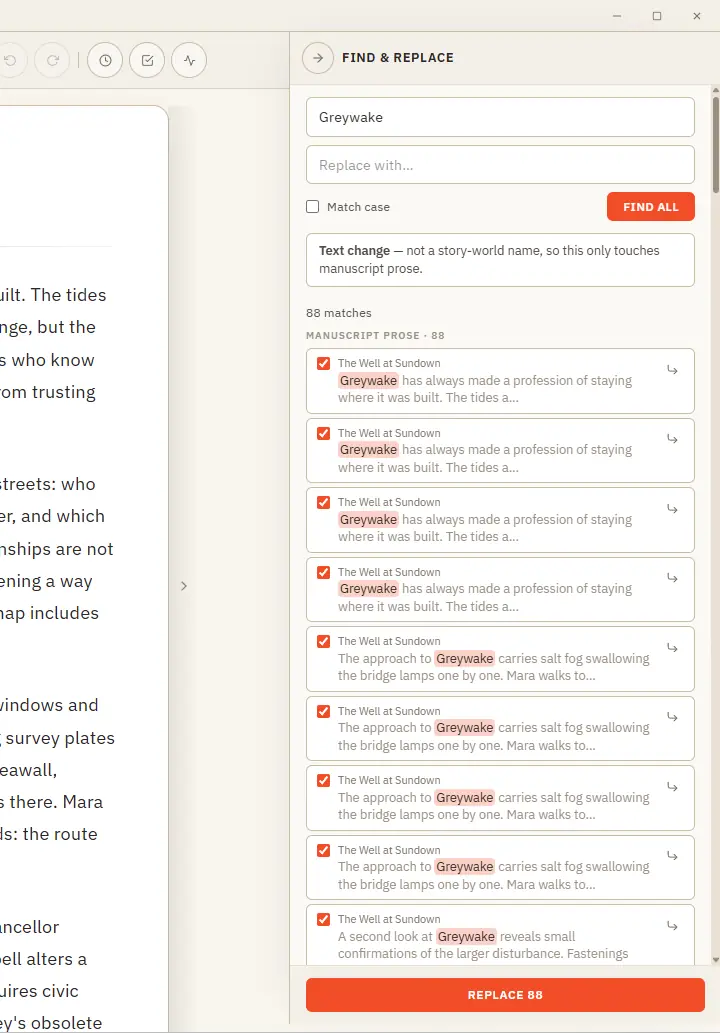
Find, Replace and Rename Story-World Entries

One clever panel that knows the difference between fixing a word and renaming someone in your story world. Updated 4 September 2026 Find & Replace does two jobs from one place, and it works out which you mean.

CMwww.chaptermuse.com › Help › Chapter history

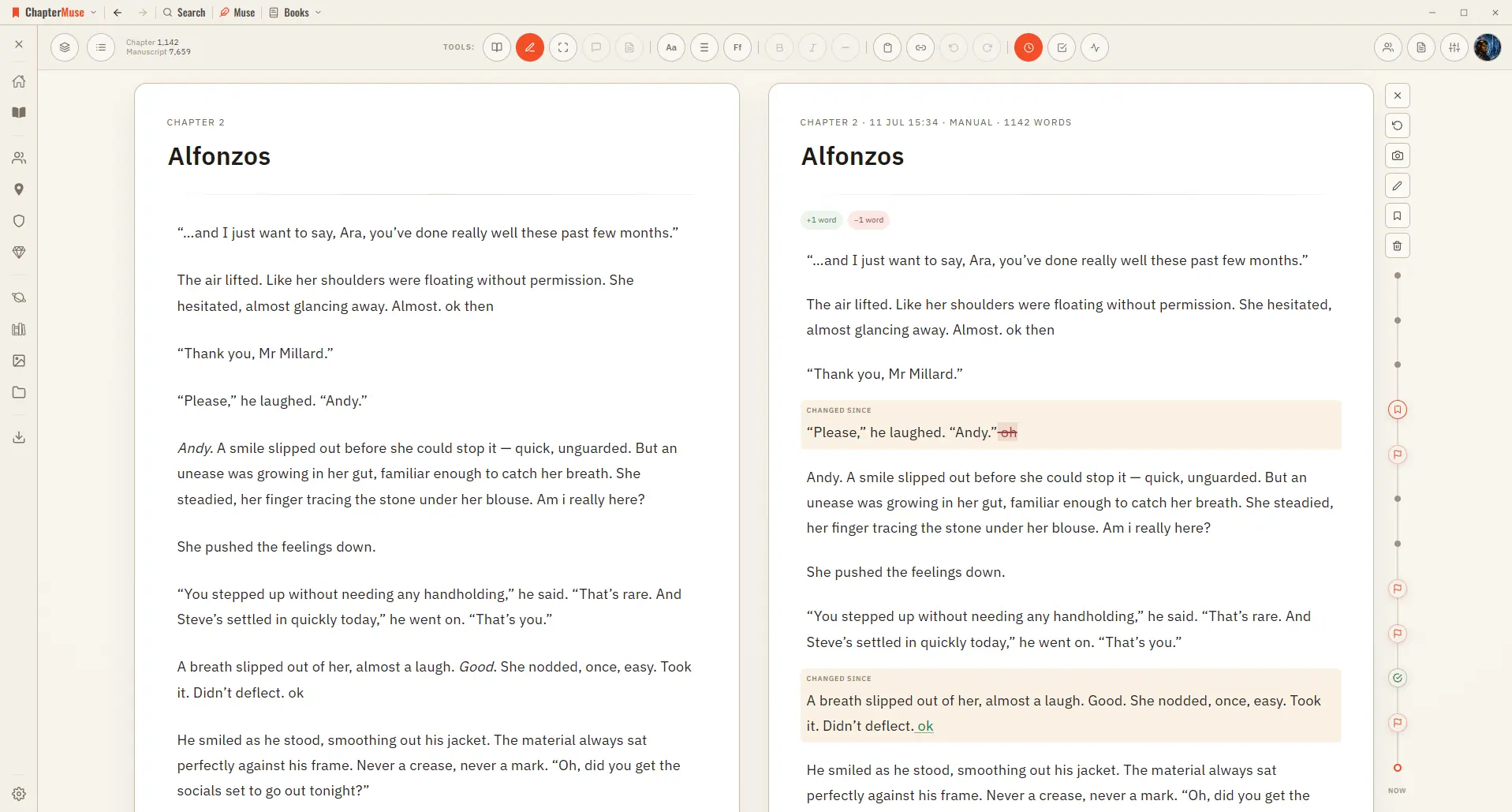
Restore Earlier Drafts with Chapter History

As you write, ChapterMuse takes quiet snapshots in the background — and you can take one yourself any time. Open Chapter History and your past versions appear on a timeline right beside your living page, so you can scrub back,…