ChapterMuse

Search results for structure

About 63 results (0.023 seconds)

CMwww.chaptermuse.com › Help › Items

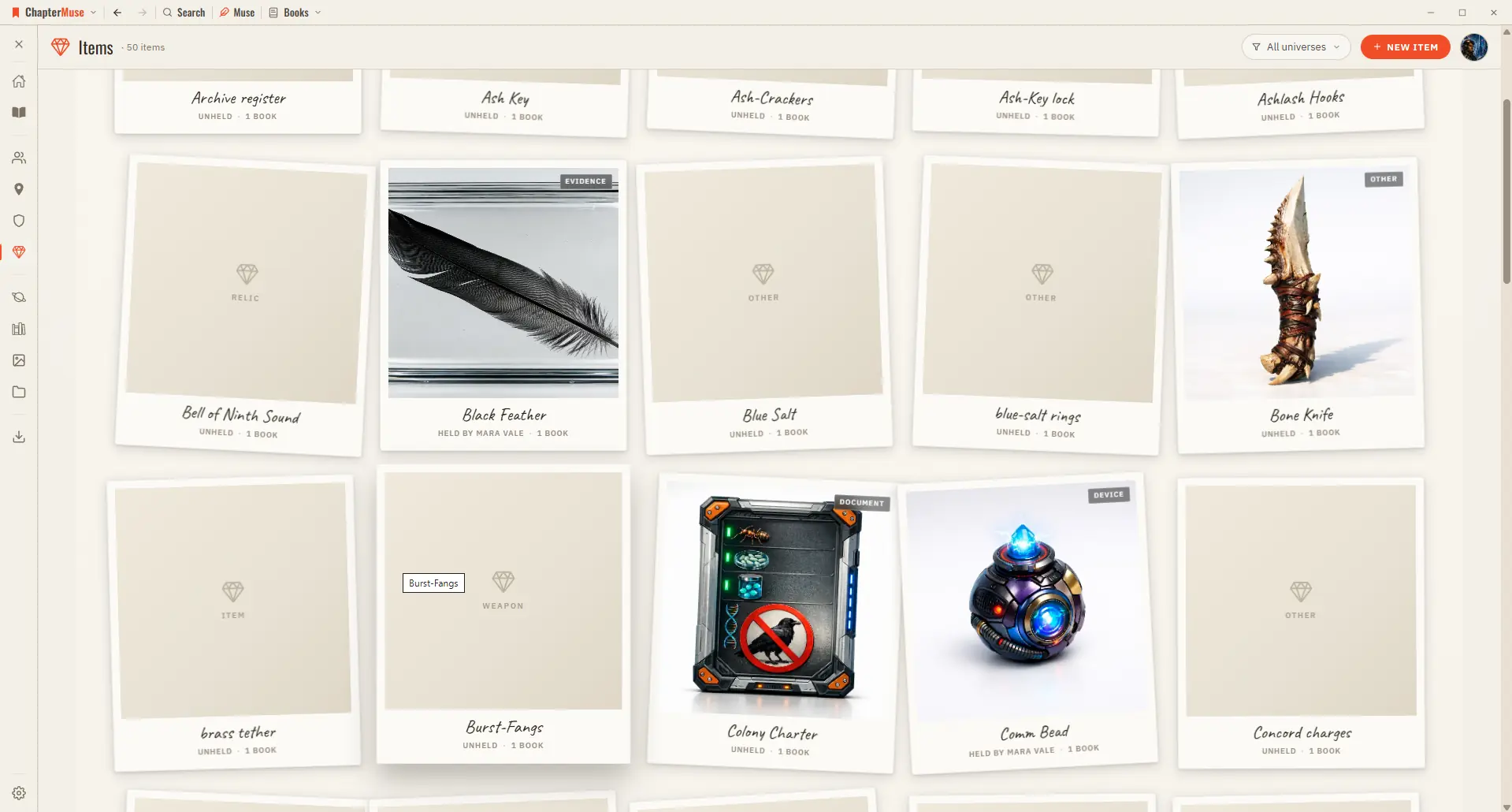
Track Story Items, Relics and Documents

The meaningful objects of your story — tracked with provenance, a current holder, and a gallery. Updated 4 September 2026 Some objects carry weight — a sword, a locket, a letter that changes everything.
CMwww.chaptermuse.com › Help › Glossary

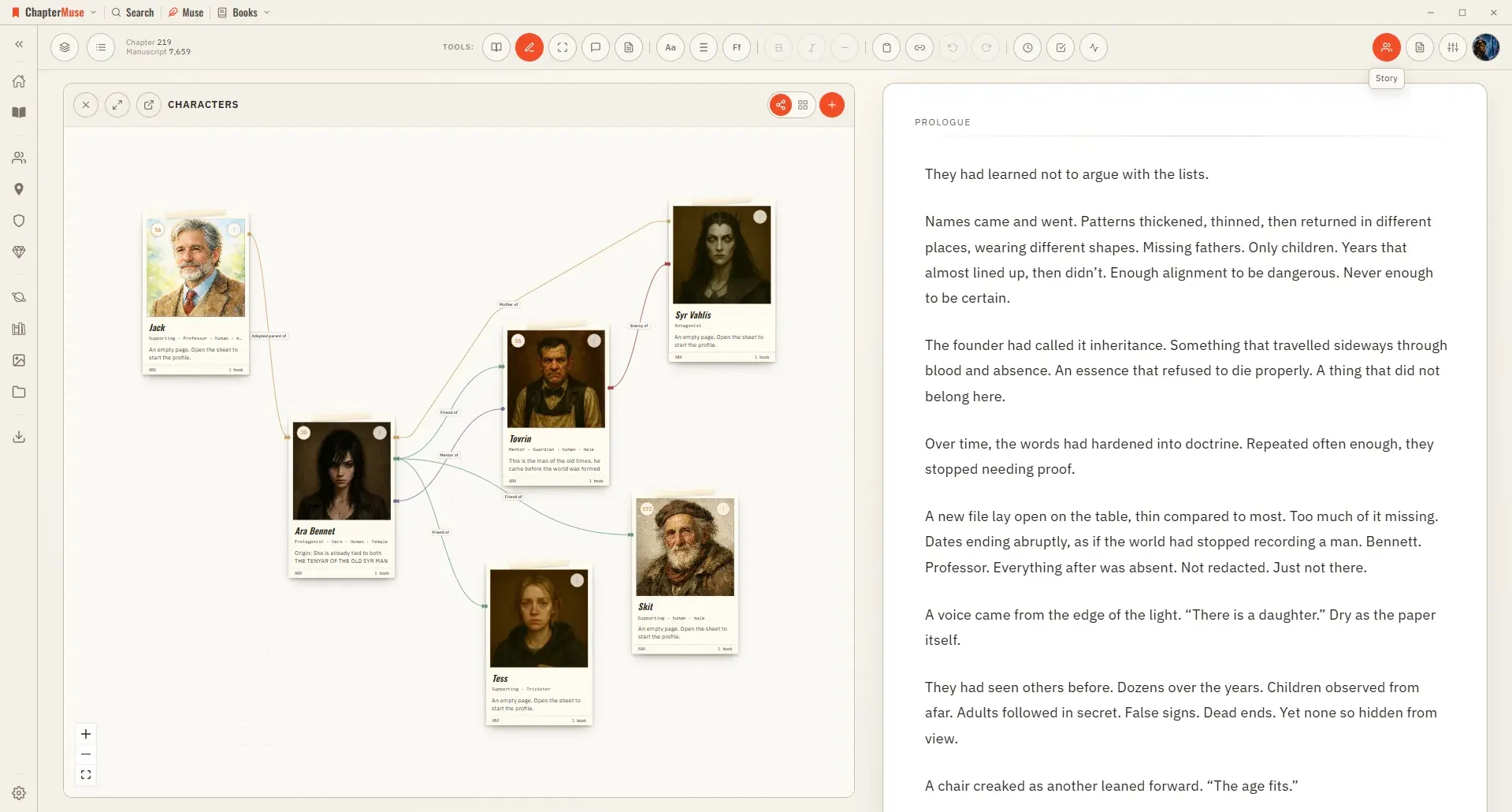
Link Character Names and Glossary Terms

Hover one for a quick preview, or jump straight to that entity's sheet — so a reader's question becomes a one-click answer.

CMwww.chaptermuse.com › Help › Pulse

Analyse Chapter Pacing with Chapter Pulse

Five signals scored per paragraph: tension, dialogue, action, interior, and exposition Layer any combination onto the curve to compare them Turn every curve off to see each paragraph as a bar coloured by its dominant signal Click…

CMwww.chaptermuse.com › Help › Gallery

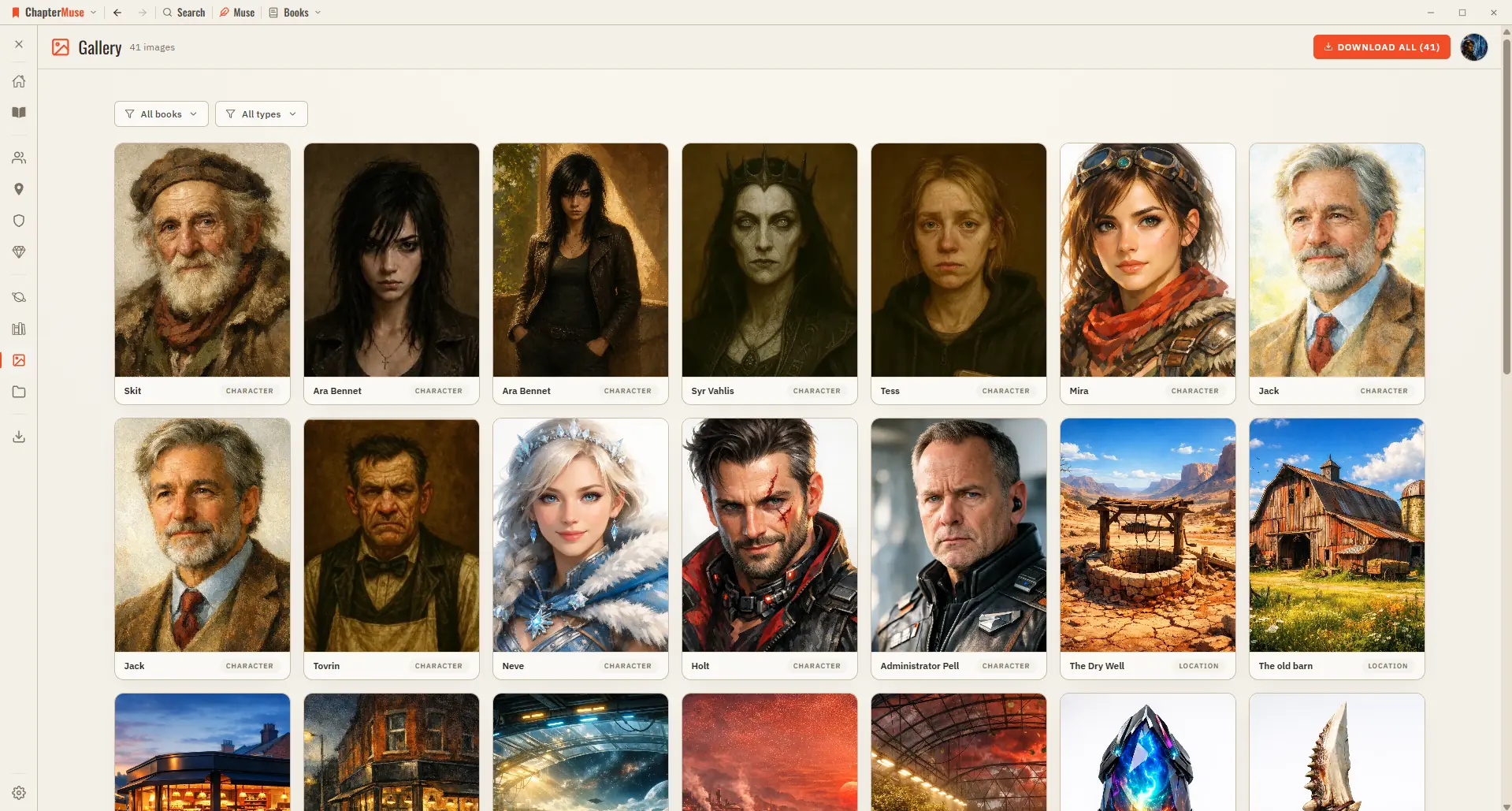
Manage Your Story-World Image Gallery

2Browse the grid — each card is labelled Character, Location, Item, Crest, or Cover. 3Click any image to open it full-screen; use the arrows or ← / → to move through them.

CMwww.chaptermuse.com › Help › Search

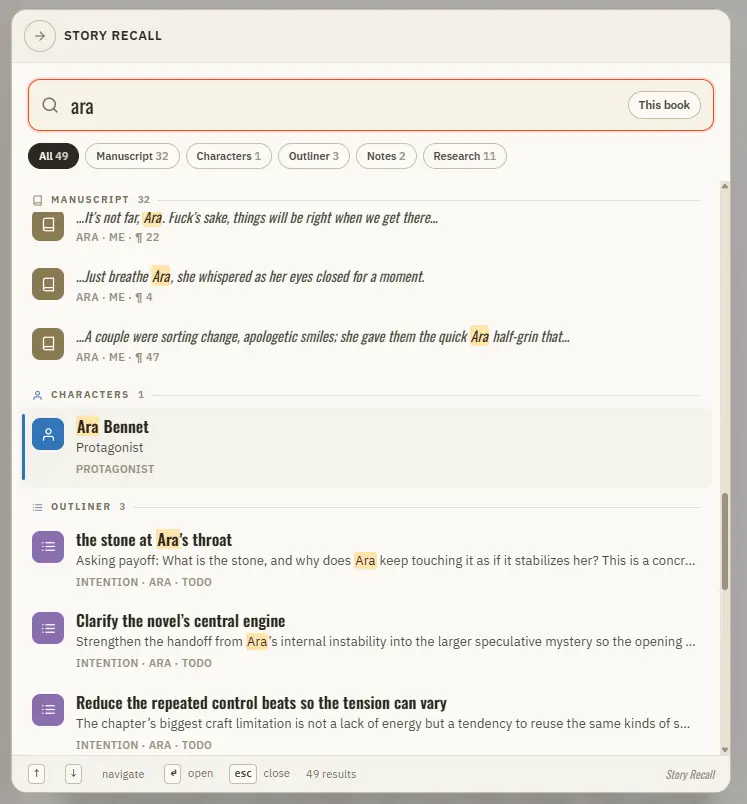
Search Your Manuscript and Story World

Updated 4 September 2026 When you half-remember a line, a character, or a place and just need to get to it, Story Recall is the answer.

CMwww.chaptermuse.com › Help › Research

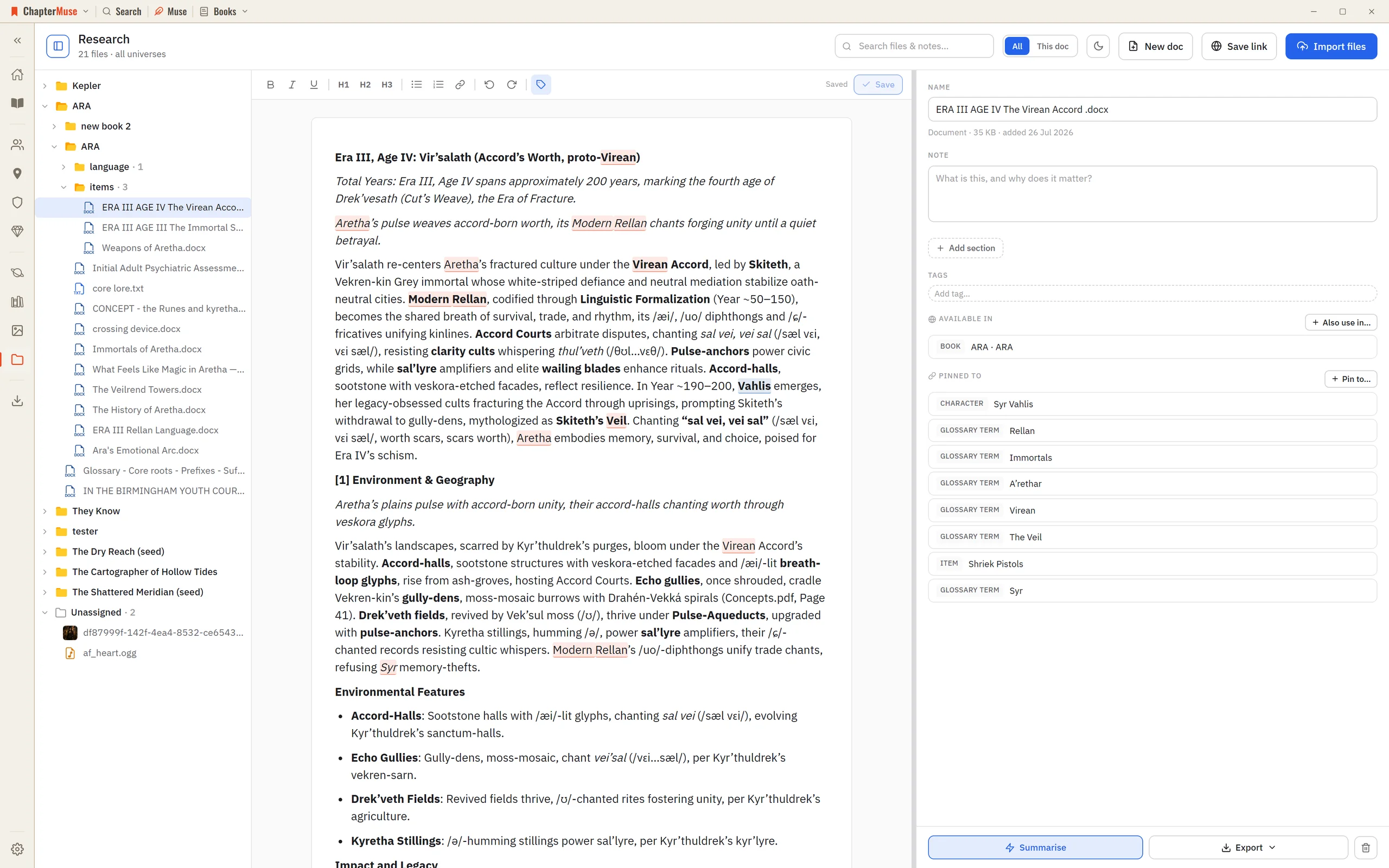
Organise Novel Research Beside Your Manuscript

The Research Center is a calm home for all of it: import files, preview them in place, and pin each one to the parts of your story world it relates to.

CMwww.chaptermuse.com › Help › Museiki

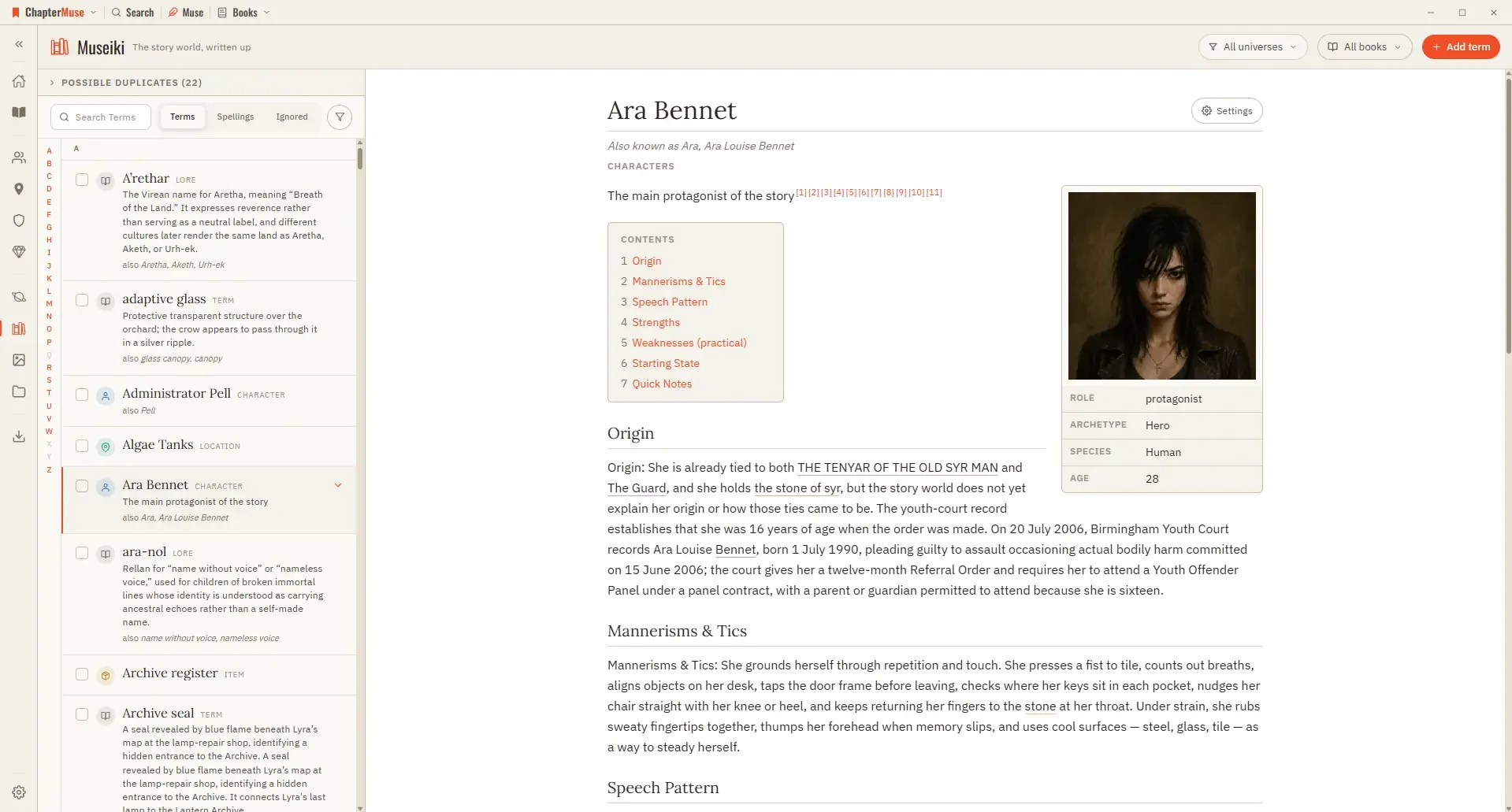
Turn Your Story World into an Encyclopedia

Updated 4 September 2026 Museiki reads your story world the way a reader would. It takes the cards and glossary entries you have already filled in and lays them out as encyclopedia articles — a title, a lead, the sections you…

CMwww.chaptermuse.com › Help › Mind map

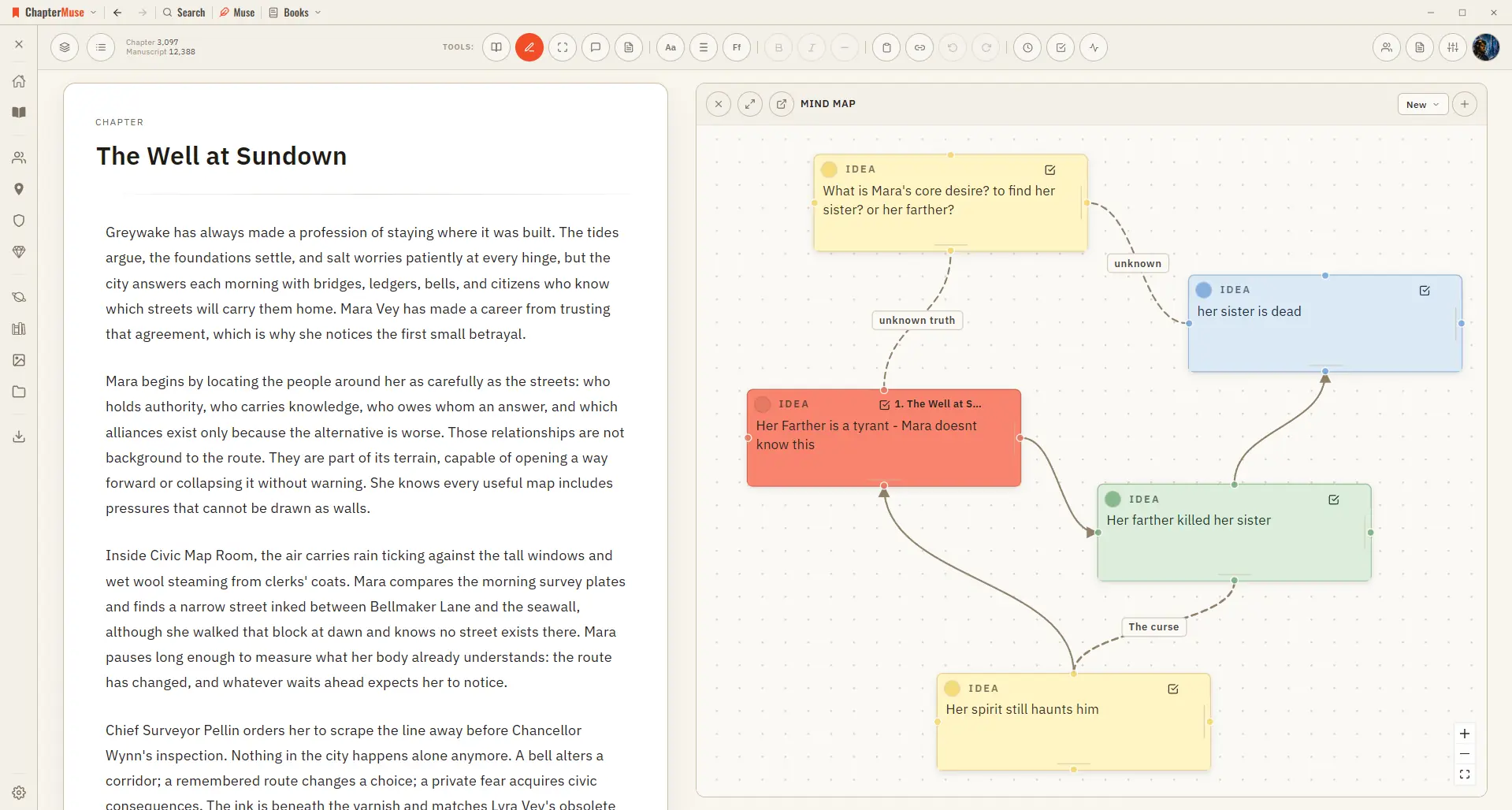
Brainstorm a Novel with the Mind Map

In the whole writing studio See how outlines, grids, timelines, maps and scenes stay connected to the manuscript. See the complete planning workflow

CMwww.chaptermuse.com › Help › Factions

Create Factions, Houses and Heraldic Crests

✦Quick start 1Open Factions from Story World and click New faction. 2Set a name, motto, and kind (house, guild, order, and so on).