CMwww.chaptermuse.com › Help › Gallery
Manage Your Story-World Image Gallery
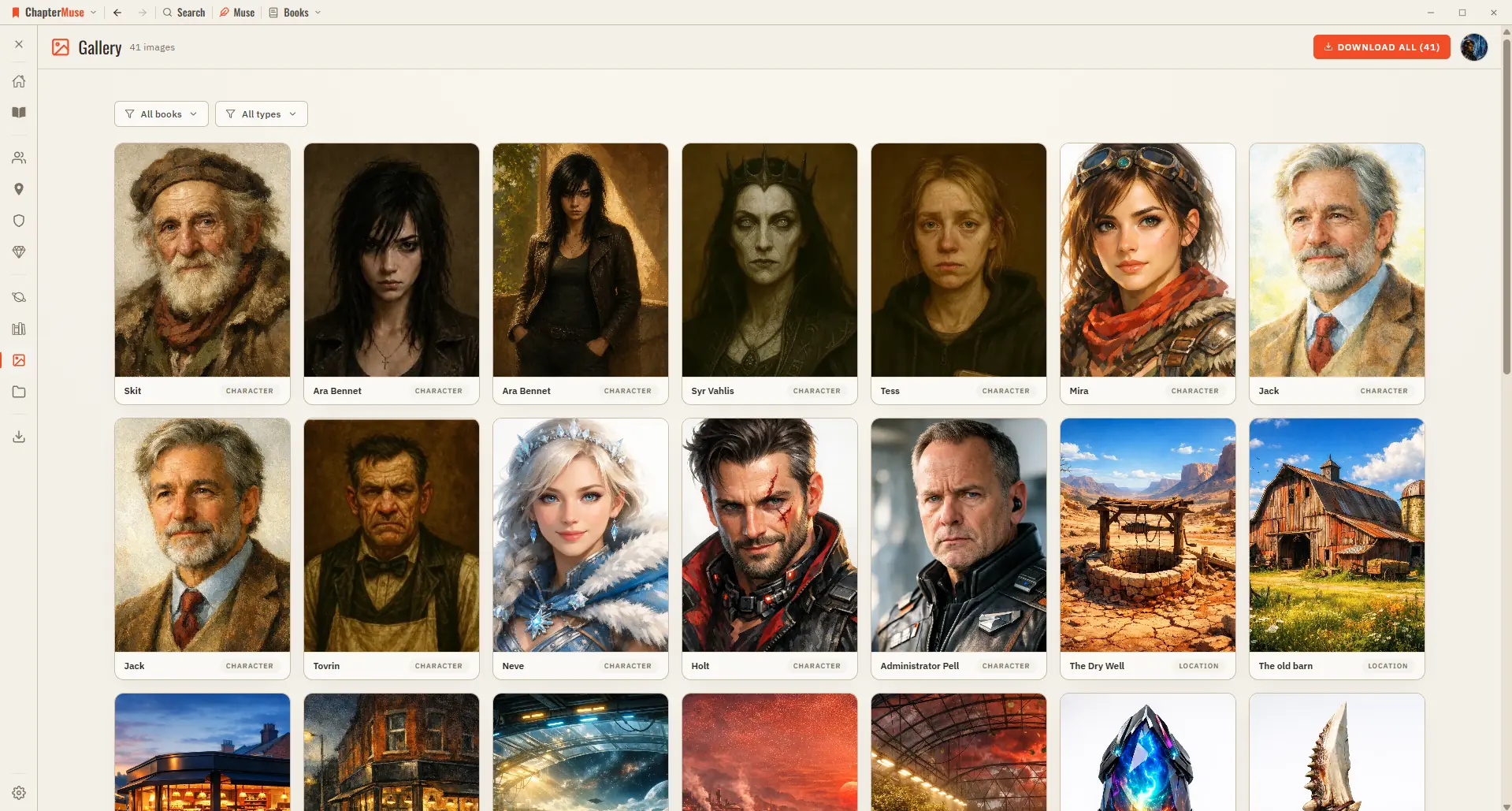
2Browse the grid — each card is labelled Character, Location, Item, Crest, or Cover. 3Click any image to open it full-screen; use the arrows or ← / → to move through them.
About 63 results (0.044 seconds)
CMwww.chaptermuse.com › Help › Gallery
2Browse the grid — each card is labelled Character, Location, Item, Crest, or Cover. 3Click any image to open it full-screen; use the arrows or ← / → to move through them.
CMwww.chaptermuse.com › Feature › Worldbuilding
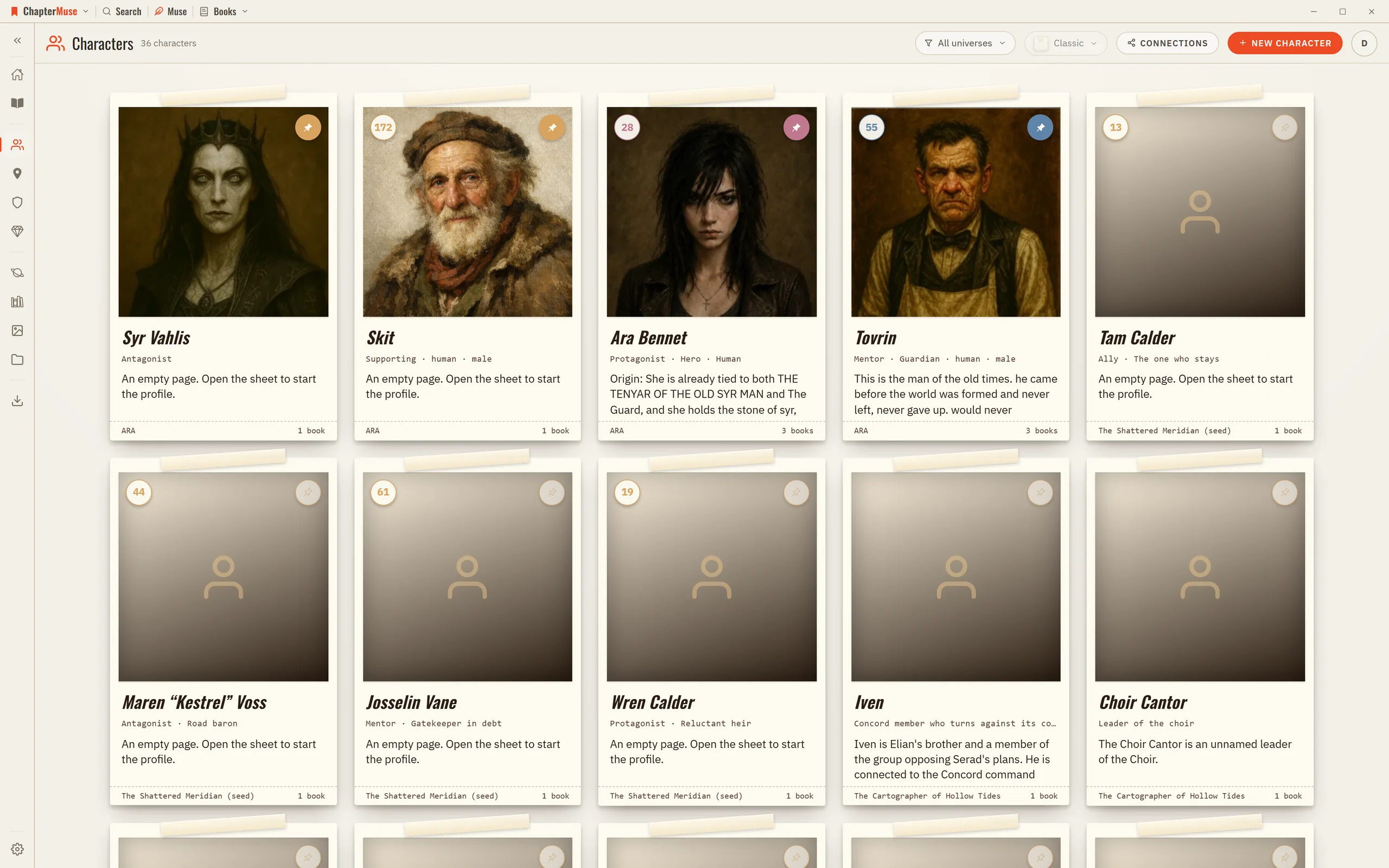
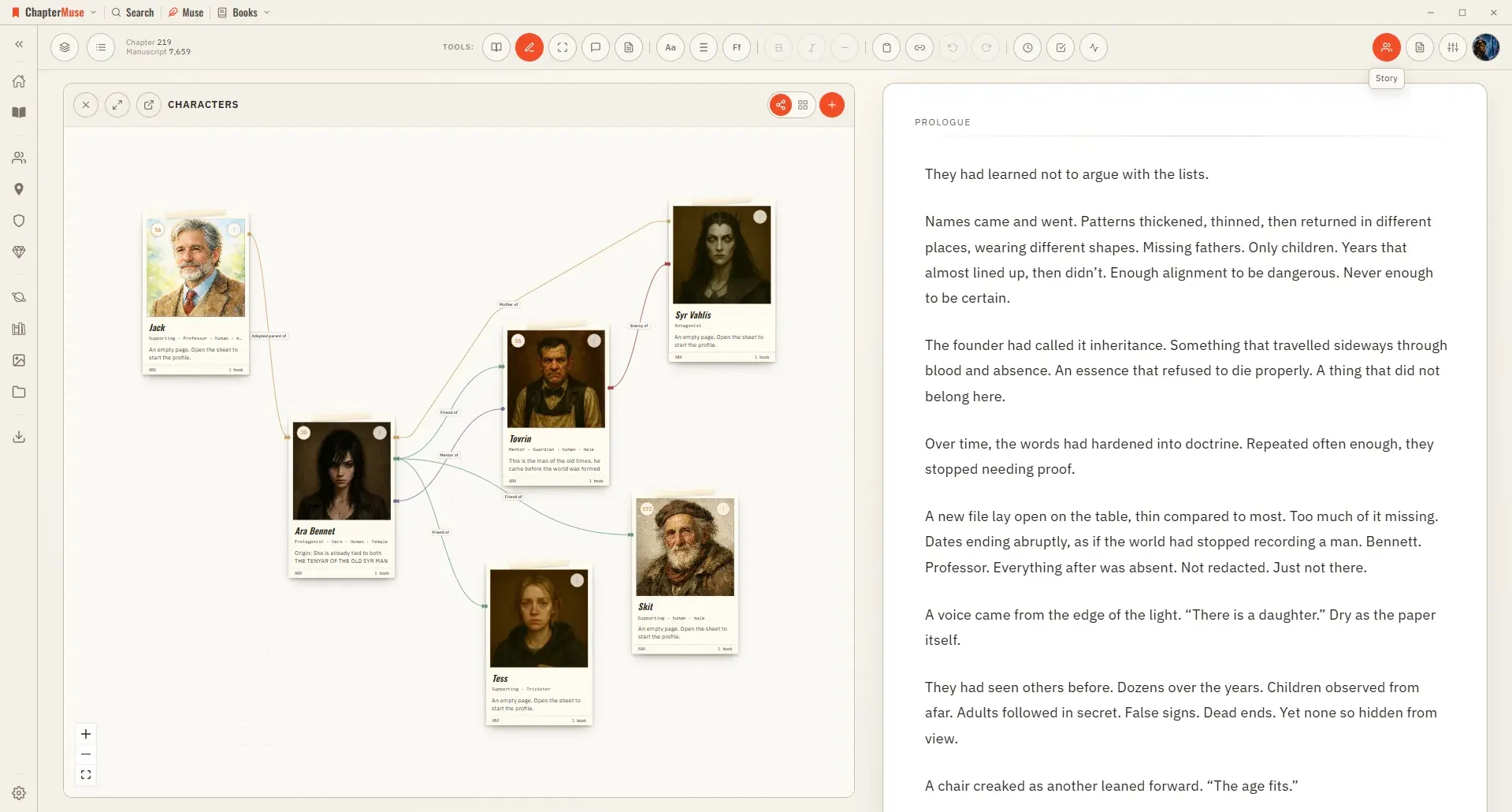
Connections make the social structure visible: who loves, mentors, rivals, owes or betrays whom. The ties you draw hold across every book in the universe.
CMwww.chaptermuse.com › Help › Search
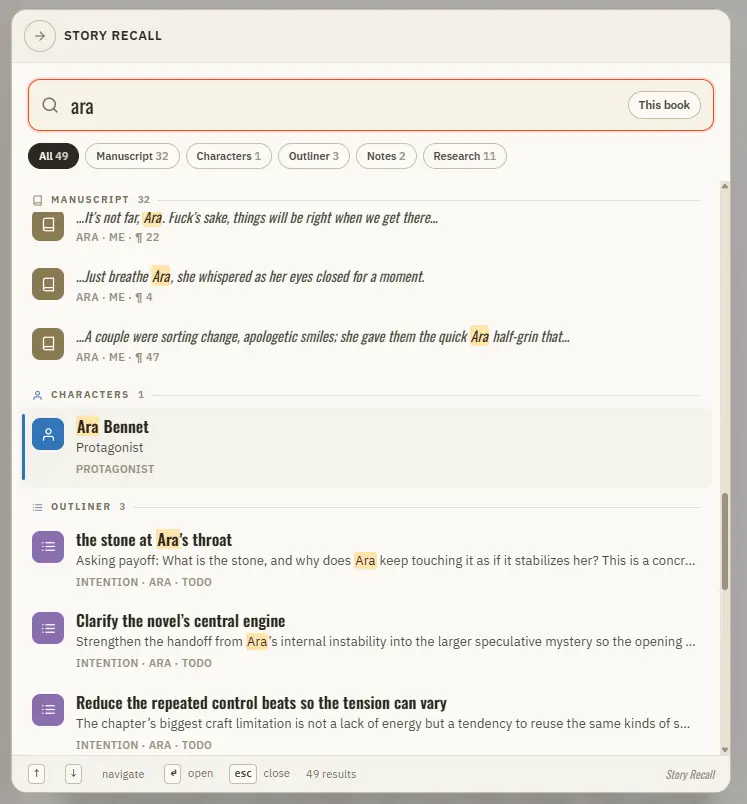
Updated 4 September 2026 When you half-remember a line, a character, or a place and just need to get to it, Story Recall is the answer.
CMwww.chaptermuse.com › Help › Research
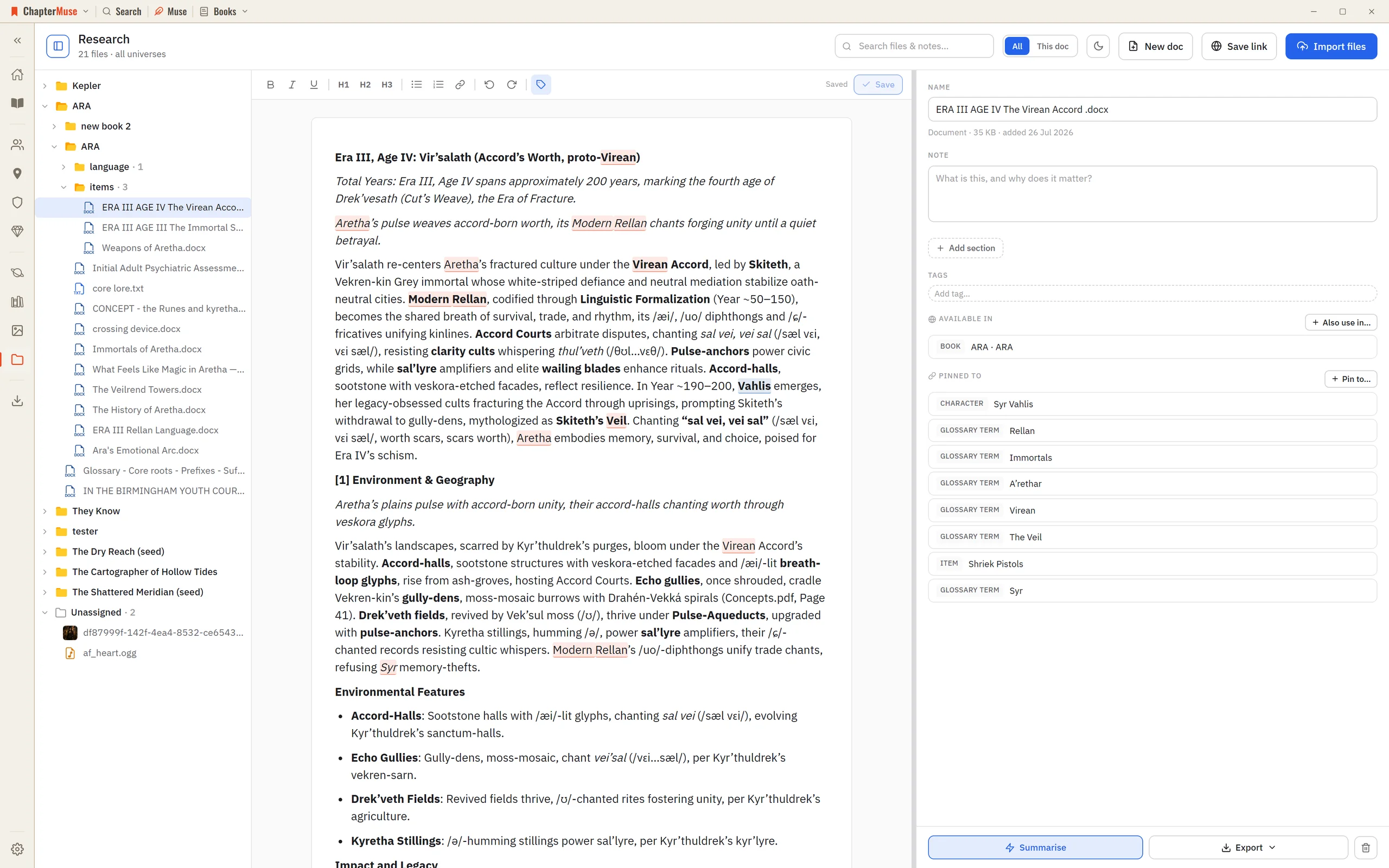
The Research Center is a calm home for all of it: import files, preview them in place, and pin each one to the parts of your story world it relates to.
CMwww.chaptermuse.com › Help › Museiki
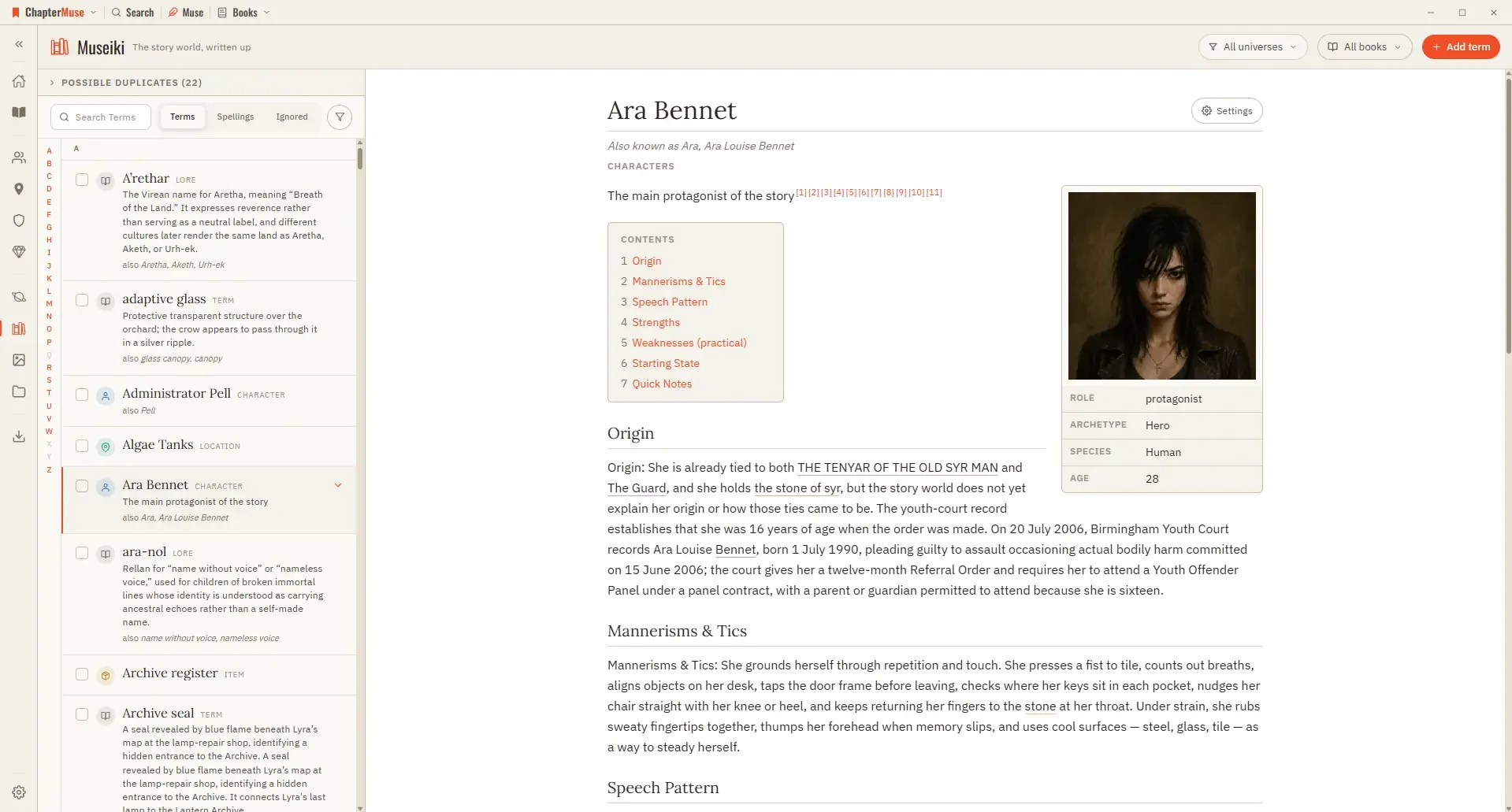
Updated 4 September 2026 Museiki reads your story world the way a reader would. It takes the cards and glossary entries you have already filled in and lays them out as encyclopedia articles — a title, a lead, the sections you…
CMwww.chaptermuse.com › Help › Connections
4Click a character node to open their sheet alongside the canvas.
CMwww.chaptermuse.com › Help › Mind map
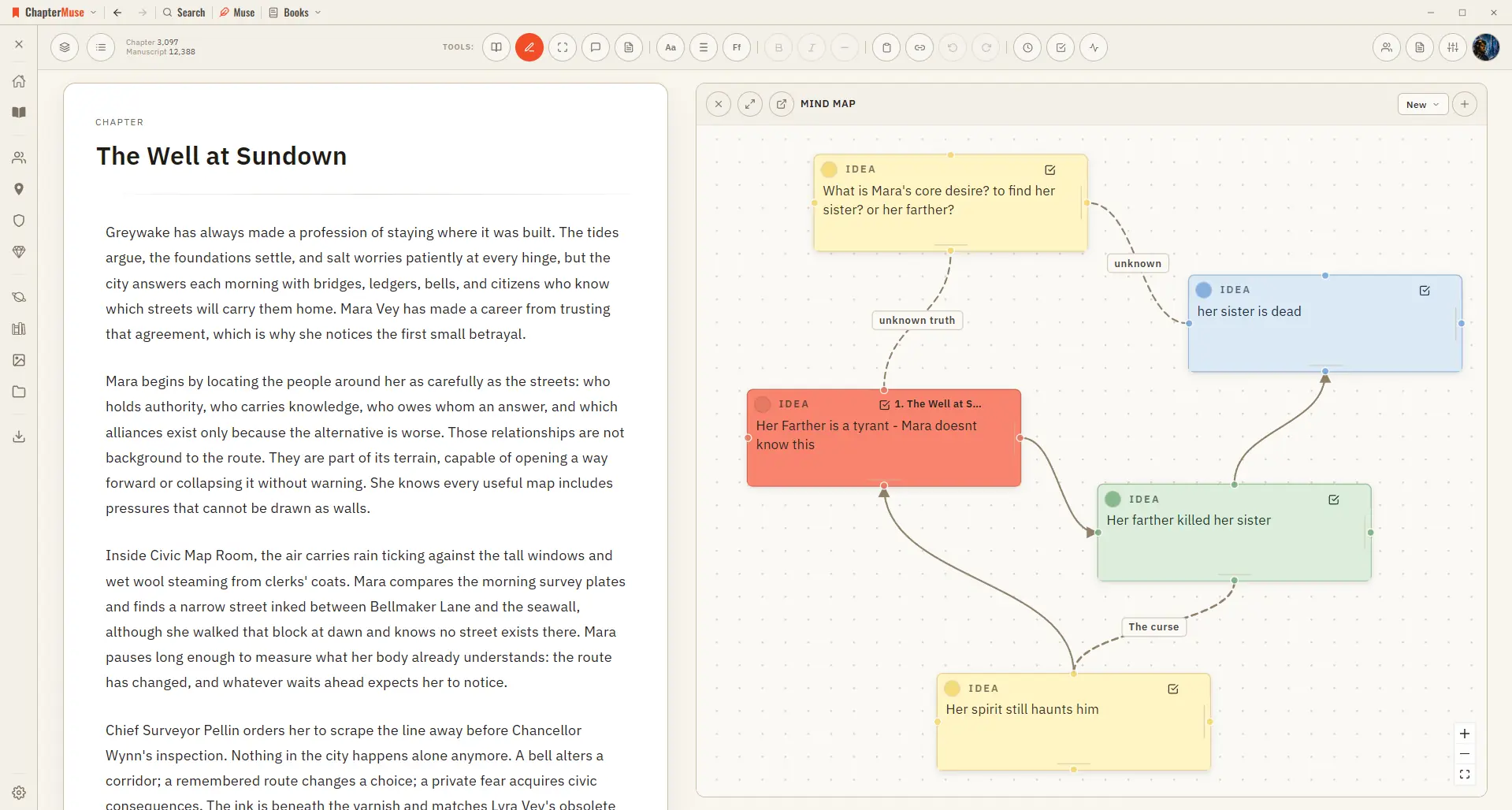
In the whole writing studio See how outlines, grids, timelines, maps and scenes stay connected to the manuscript. See the complete planning workflow
CMwww.chaptermuse.com › Help › Canvas
Updated 4 September 2026 Open a book and you arrive at the canvas: your chapter on a clean, page-like surface, floating above the workspace so your eye always knows where the story is.
CMwww.chaptermuse.com › Help › Factions
✦Quick start 1Open Factions from Story World and click New faction. 2Set a name, motto, and kind (house, guild, order, and so on).
CMwww.chaptermuse.com › Help › Storyboard
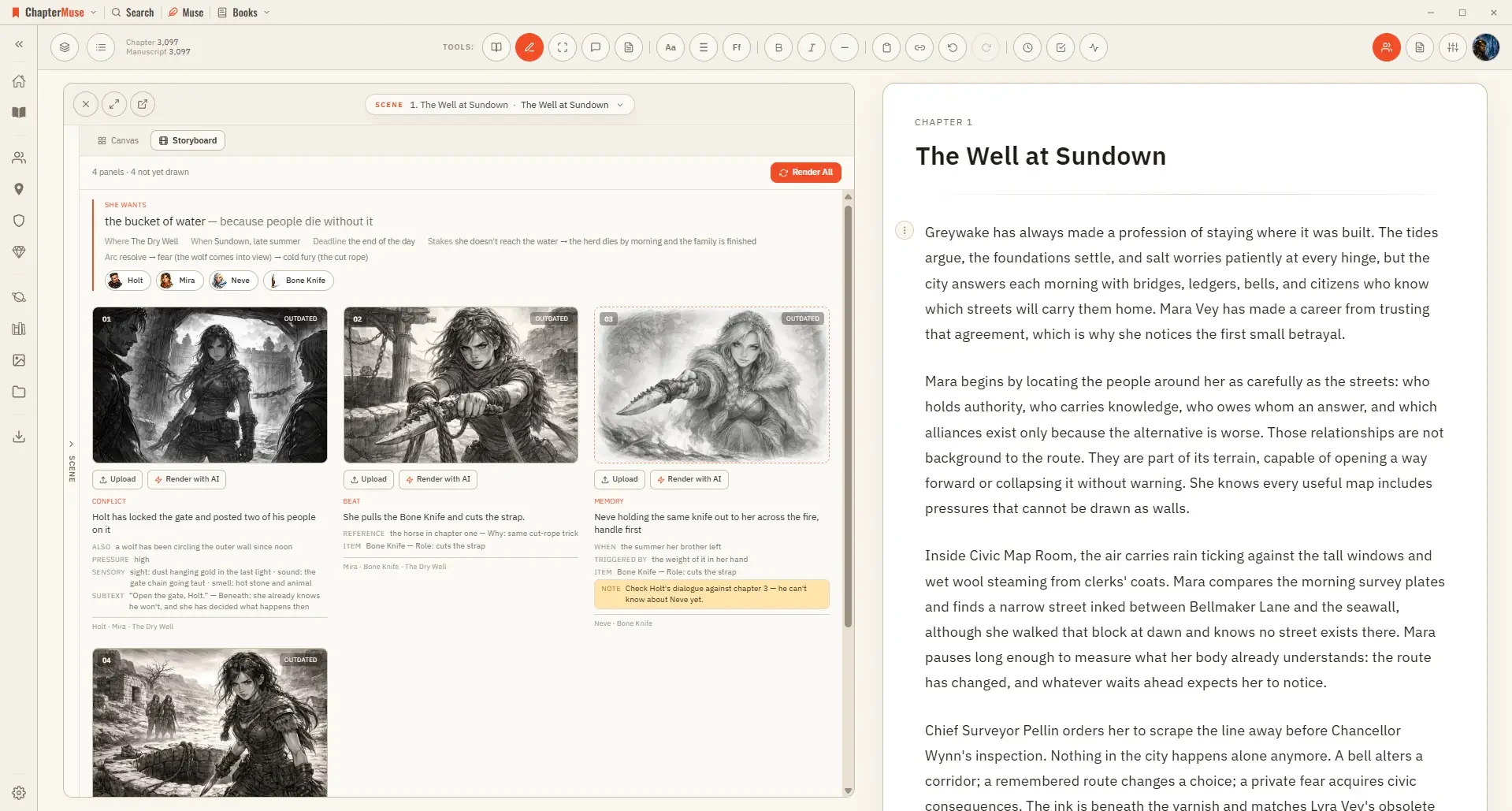
It is a planning aid rather than a finished artwork — a way to see whether a sequence actually stages, and where a beat is still missing its picture.