ChapterMuse

Search results for cast

About 50 results (0.018 seconds)

CMwww.chaptermuse.com › Help › Story world

ChapterMuse Story World: Workspace Overview

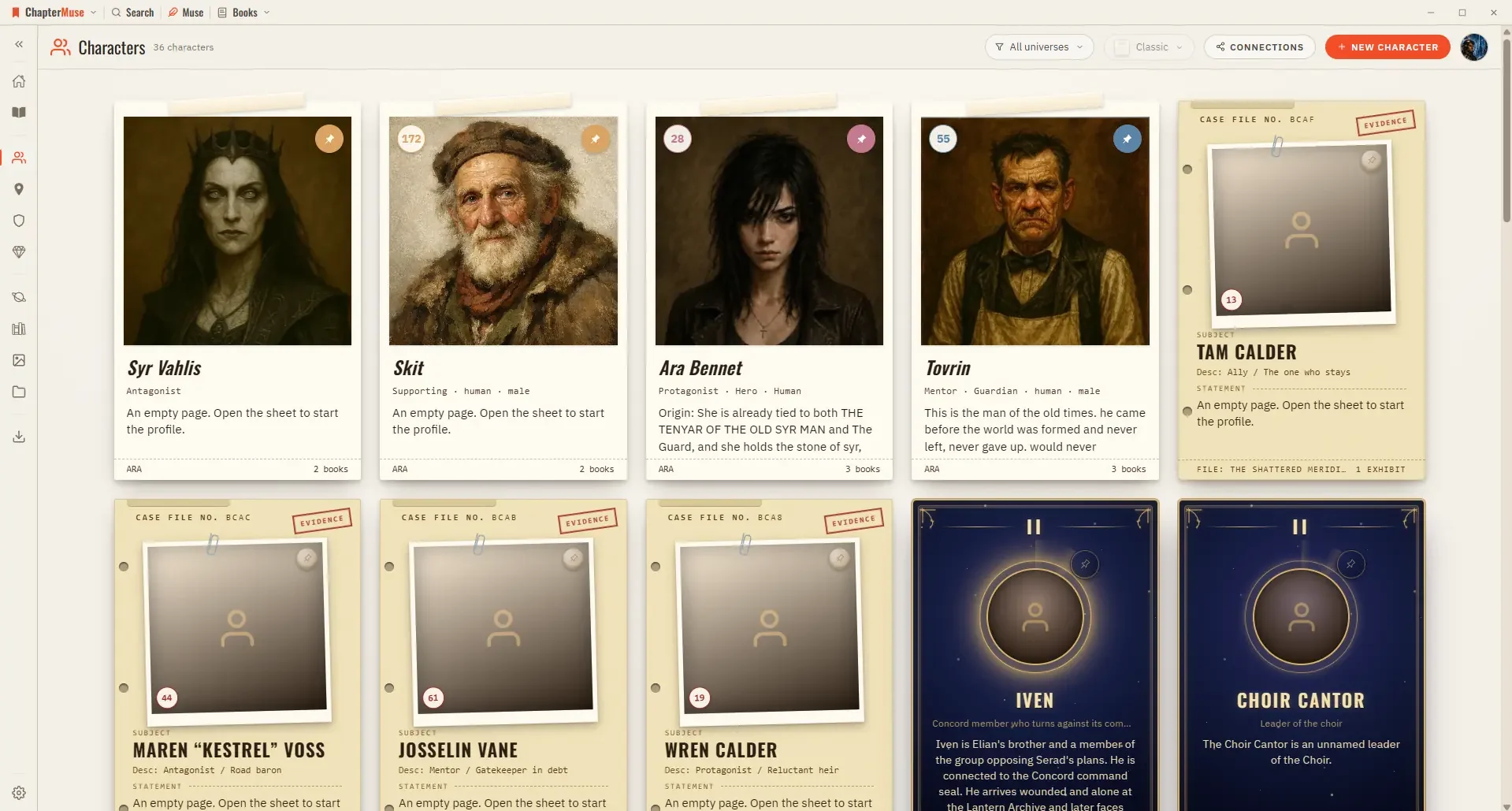
The screen you land on every time you open ChapterMuse — a calm hub linking your manuscripts, cast, places, and worlds. Updated 4 September 2026 Story World is the front door.
CMwww.chaptermuse.com › Help › Items

Track Story Items, Relics and Documents

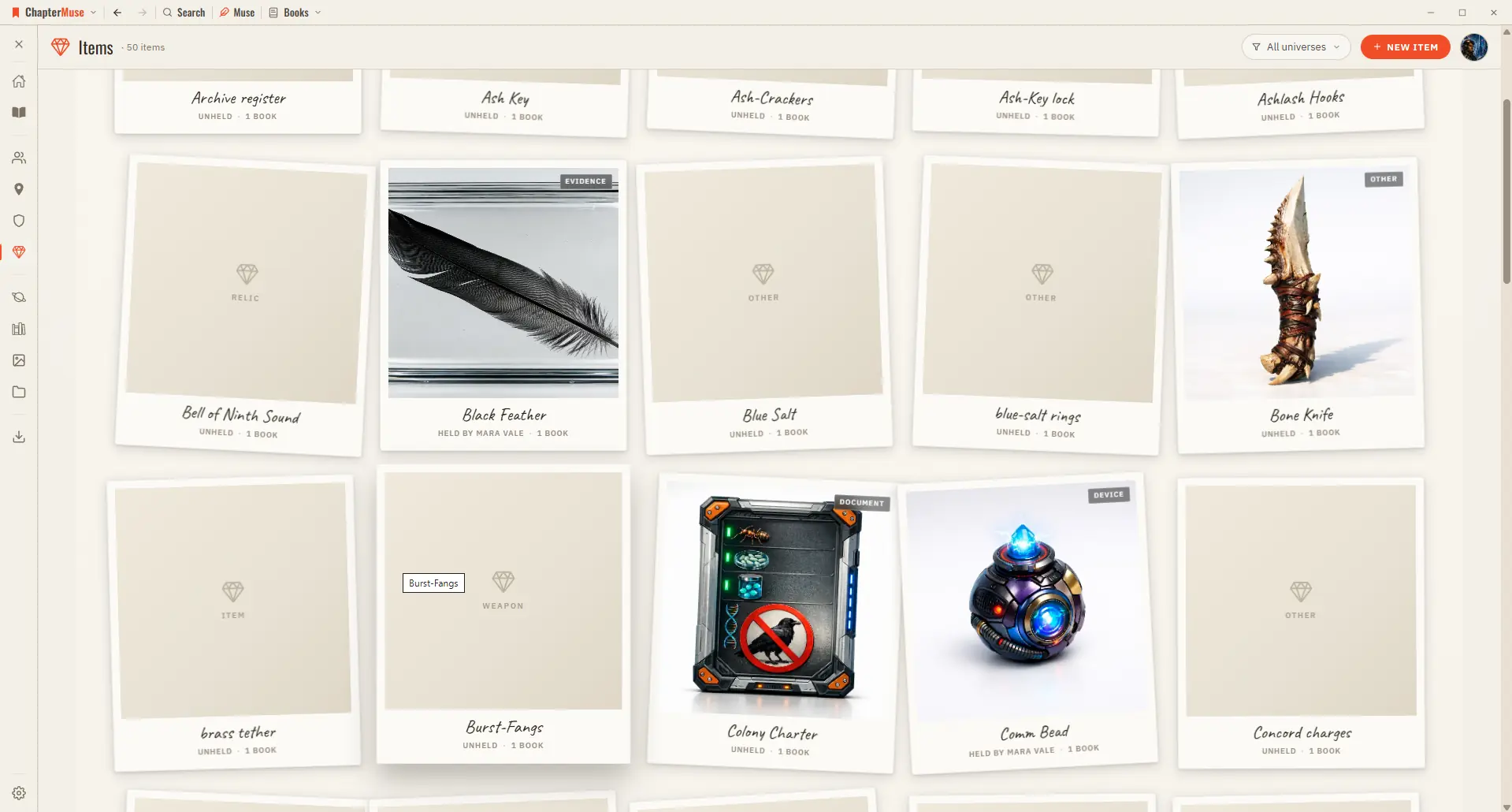
The Items library is your reliquary: each item has a kind, a one-line hook, a gallery of imagery, and a holder drawn from your cast, so you always know who has it now.

CMwww.chaptermuse.com › Help › Local first

How ChapterMuse Stores Writing Privately

Updated 4 September 2026 Your manuscripts, your cast, and your whole world live on your own computer — not on a server somewhere.

CMwww.chaptermuse.com › Help › Formatting

Format Novel Text in ChapterMuse

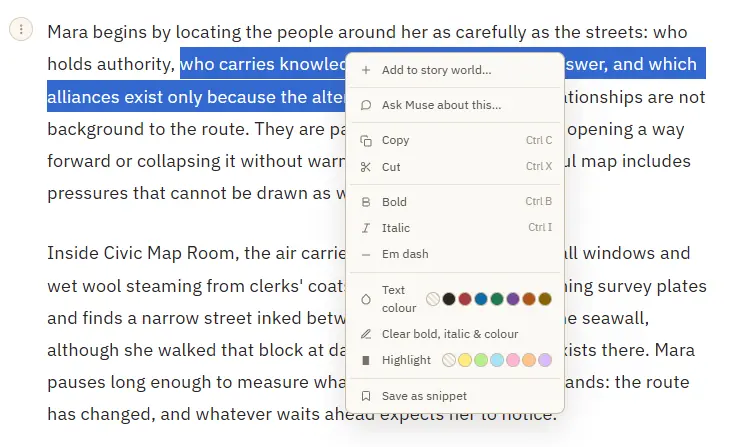
Add to story world — turn a selected name into a character, location, item, faction, or glossary term, and open its sheet Save as snippet — stash the selected passage, or the whole paragraph when nothing is selected Copy or cut a…

CMwww.chaptermuse.com › Help › Chronos

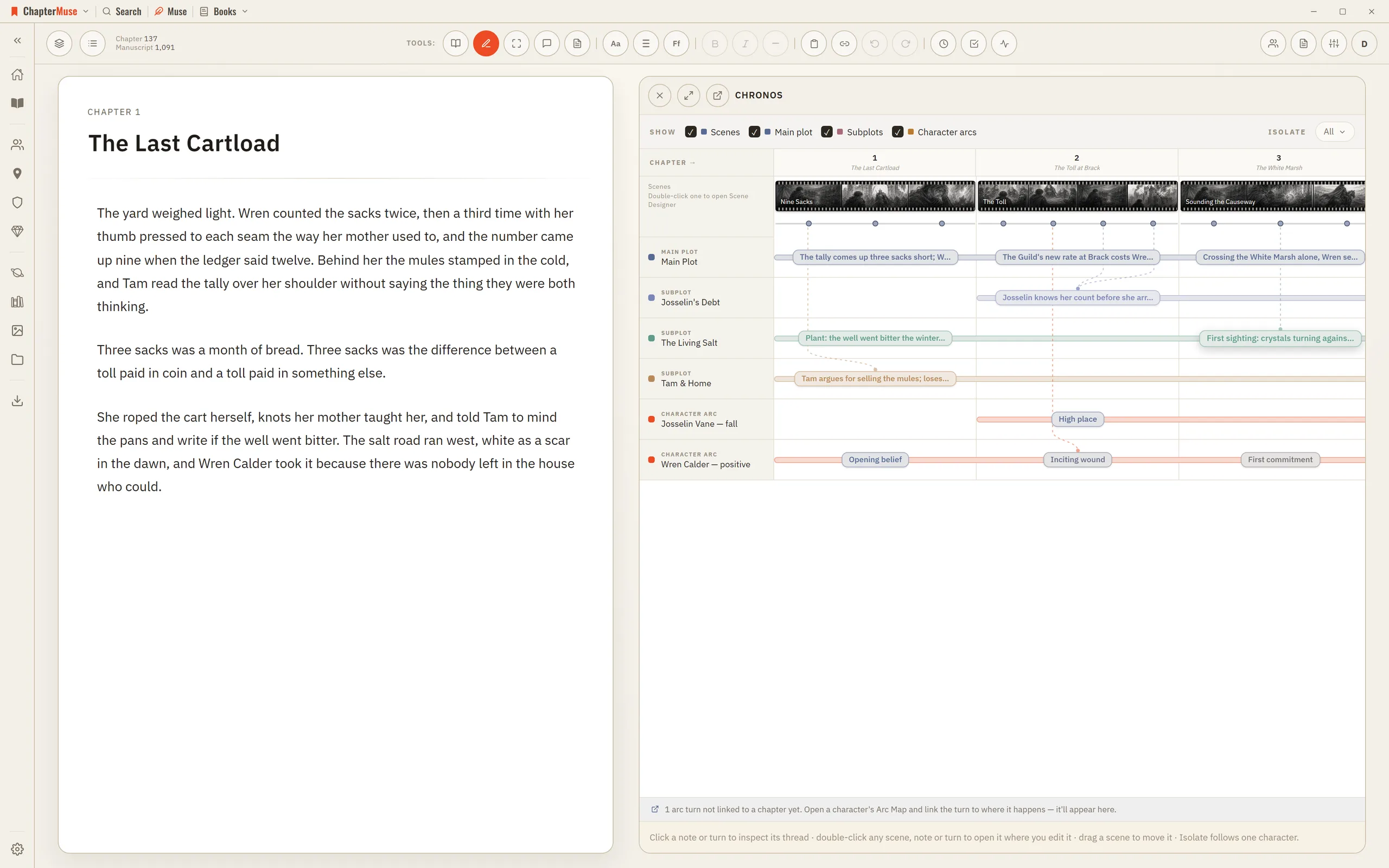
Build a Novel Timeline with Chronos

4Drag an arc beat onto a chapter — or onto a specific scene — to anchor where that turn happens. 5Use Isolate to show only what a single character touches.

CMwww.chaptermuse.com › Help › Muse

Use Muse, ChapterMuse's AI Fiction Companion

New entities — a character, location, faction, item, or glossary term, drawn from your chapters and research, as a full card you approve Enrichments — fill a thin card's profile from what your material actually says, adding only,…

CMwww.chaptermuse.com › Help › Locations

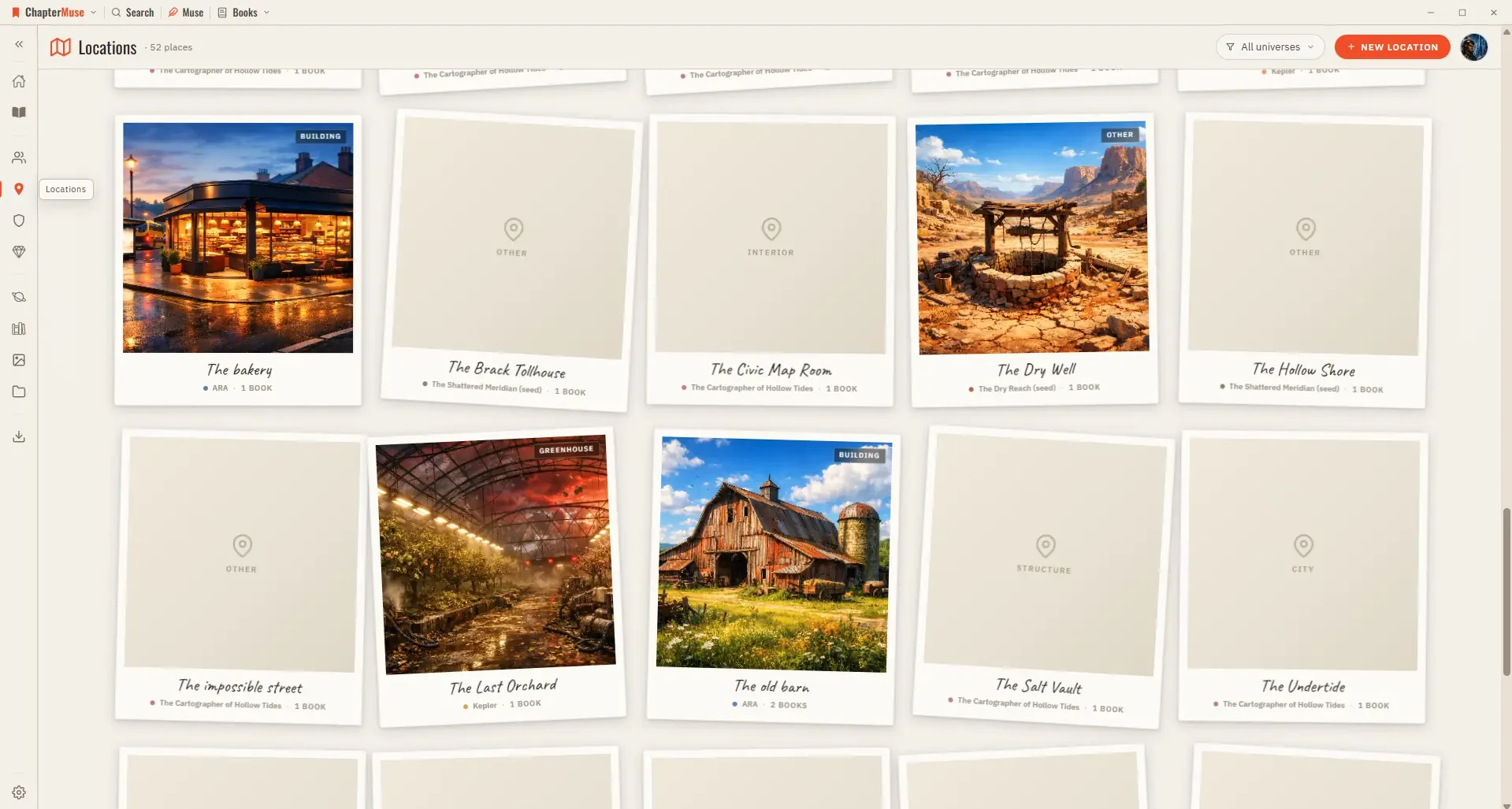
Build and Track Story Locations

Each place gets a card with cover imagery and a sheet where you capture how it looks, sounds, and feels. Because locations are shared across your books, a single entry gathers every scene that happens there, wherever it appears…

CMwww.chaptermuse.com › Help › Ai images

Generate Character and Story-World Images

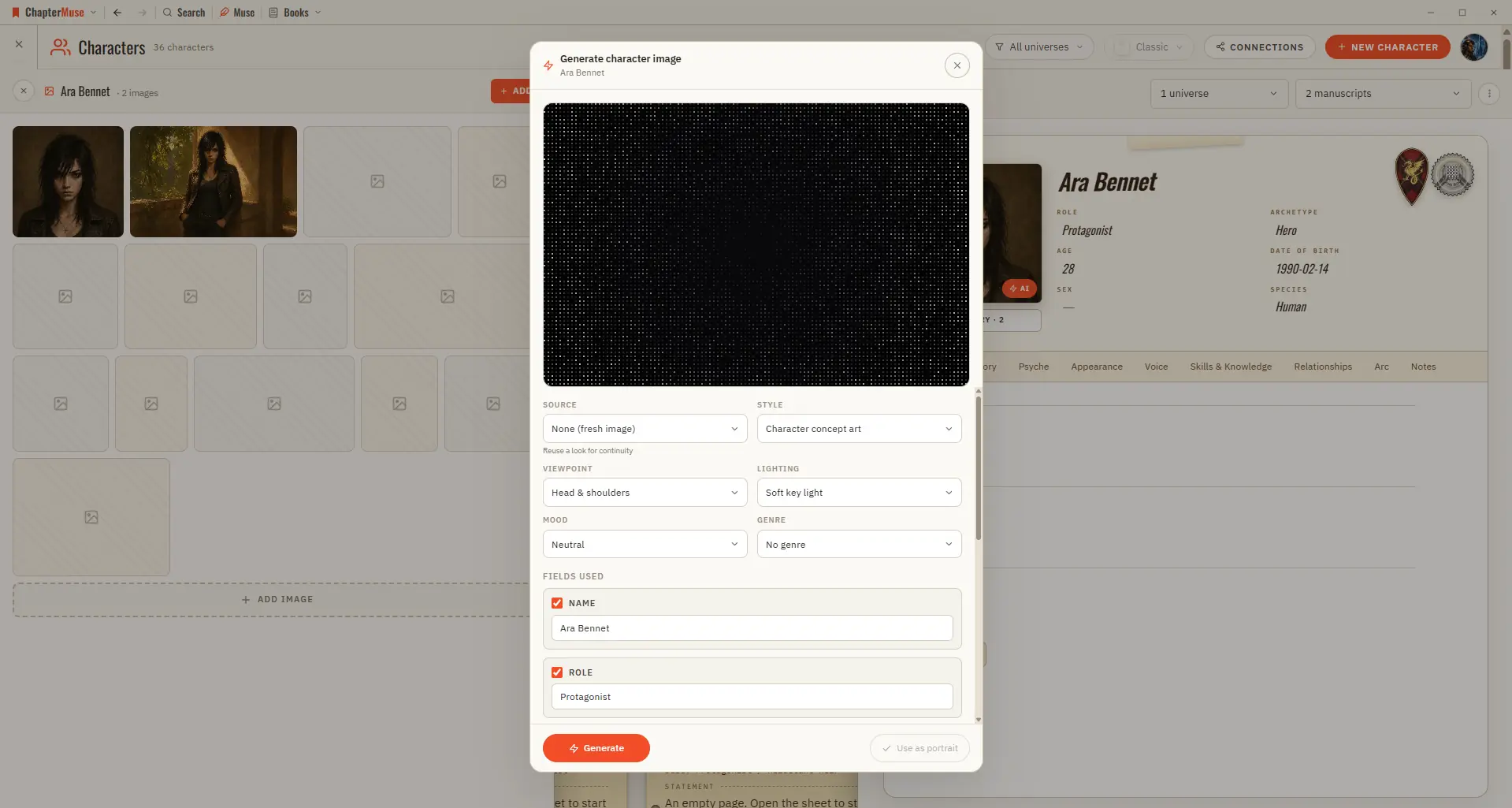
✦Quick start 1On a character, location, or item sheet, click the Generate (✨) button on the image area. 2Review the prompt — it's pre-filled from the profile; edit it if you like.

CMwww.chaptermuse.com › Help › Glossary

Link Character Names and Glossary Terms

With name highlighting on, mentions of your characters, locations, factions, and items are marked in the prose, colour-coded by type.